





Post more,
work less
Perfect for multiple accounts
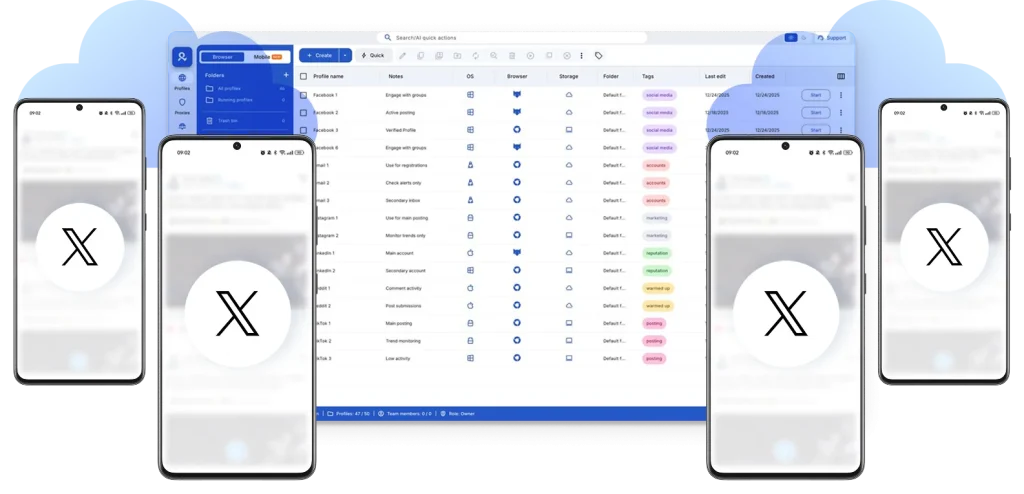
Unique cloud phones for each account
Publish everywhere
Reach more than 150 locations
Grow organically
Post from real devices
One platform, unlimited Twitter accounts
Run multiple Twitter accounts
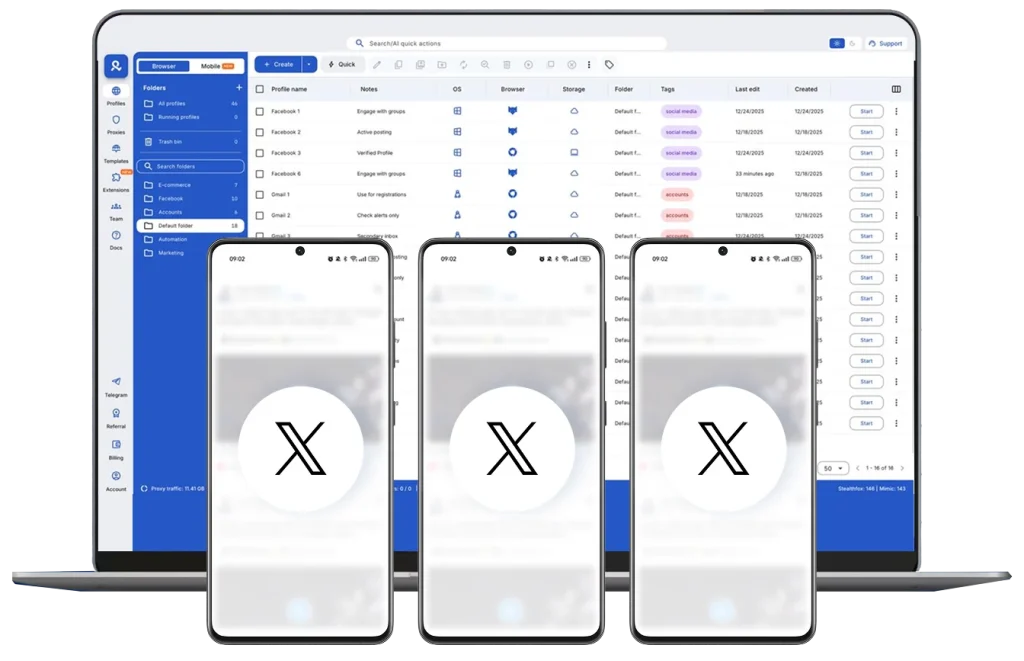
Manage multiple Twitter accounts from one workspace using dedicated Android cloud phones or browser profiles.
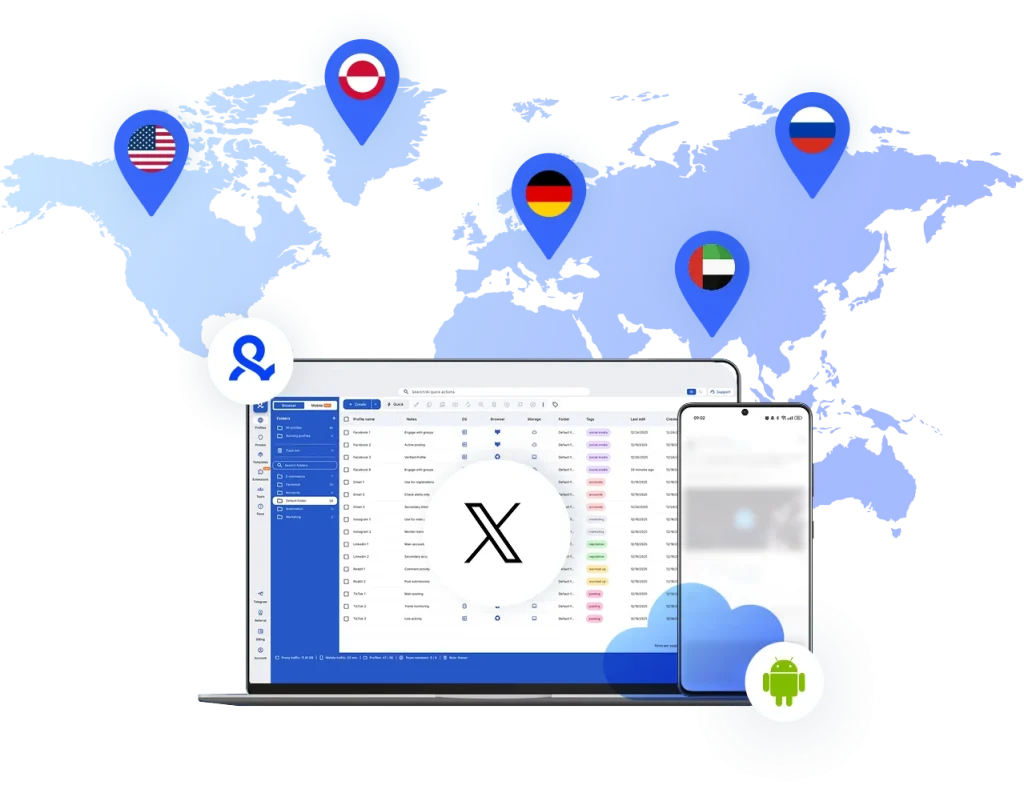
Create and manage Twitter accounts from any location
Choose a country or region for each Twitter account using built-in residential IPs from 30M+ addresses across 195+ countries.
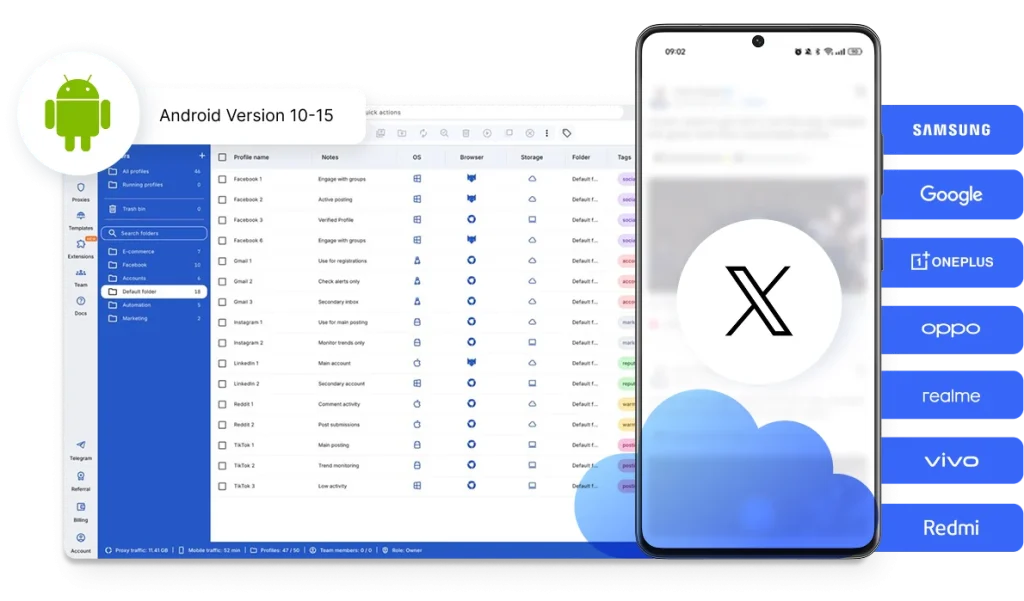
Run one cloud phone per Twitter account
Give each Twitter account its own Android cloud phone. Add a browser profile for desktop tools like X Analytics, Ads, and publishing.
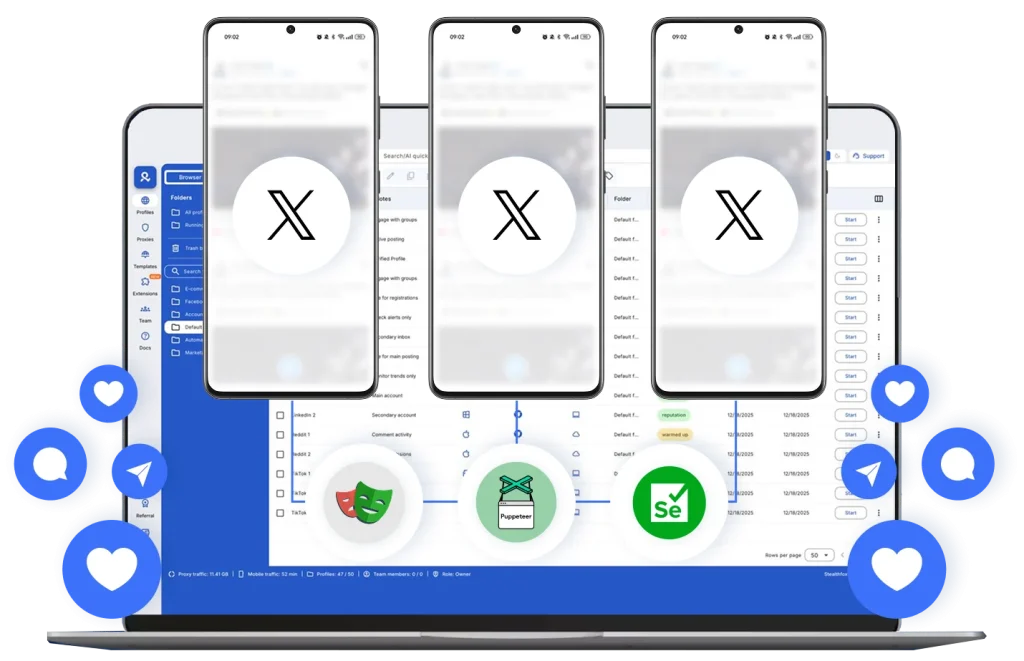
Automate Twitter actions
Create repeatable workflows for posting, monitoring, and research. Automate mobile and browser workflows with APIs, ADB, Selenium, Playwright, and Puppeteer.
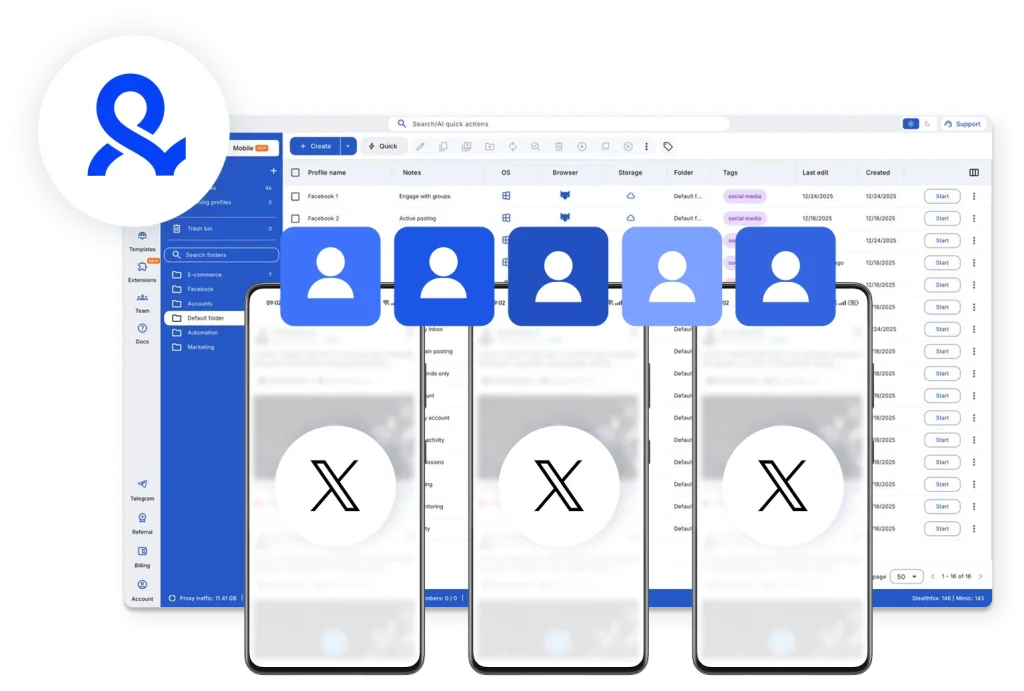
Collaborate with your team on Twitter
Assign accounts to team members. Organize profiles with folders, tags, notes, and permissions.
How to get started and grow your Twitter
Time is money. Start in minutes
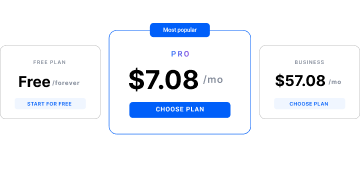
Sign up
Choose a plan and download the app
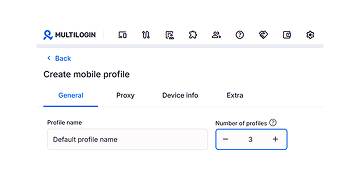
Create mobile profile
Customize the device model and choose location
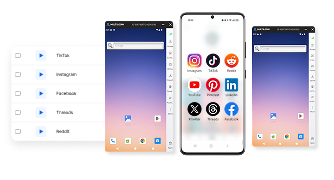
Run your accounts
Use separated browser profile to earn
Watch the Multilogin Demo
Learn how Multilogin can boost your business. Check the video below to see its full capabilities in a short demo video.
What is Multilogin?
Multilogin lets you manage multiple Twitter accounts from one beginner-friendly platform. You get a full set of features needed for both browser and mobile account management without any extra tools.
Trusted by thousands of creators, sellers & online earners
-

A Good Cloud Phone for Account Management
Running a small team means I need control over who can access what, and Multilogin handles that well. The team access controls let me manage permissions without giving everyone the keys to every account. On top of that, the cloud phones keep everything isolated so one account issue doesn’t put the rest at risk. Solid choice for agencies managing multiple clients or accounts.
-

The best service for great ideas and big minds!
Always here for their clients, always ready to help out. I am using the service for 3-4-5 months now and brought me lots of great things 🙂 Hope to grow it on a larger scale and continue using the service …
-

Cloud phones make it easy to manage multiple TikTok accounts with AI agents
I use Multilogin to manage a bunch of AI agents running TikTok accounts for different countries. Since each agent needs its own account, I wanted an easy way to keep everything organized. Cloud phones make it super easy. Every account has its own phone, so I don’t have to buy or manage a bunch of real devices. I can see everything in one dashboard while the AI agents handle posting and the rest of the daily work.
-

Ideal for Social Media Management
I mainly use Multilogin for client social media management, and the cloud phones have been the biggest advantage for me. I can keep different clients in separate environments, leave their sessions running, and jump between accounts without constantly switching physical devices. It feels much more practical than trying to manage everything from a pile of phones.
-

Perfect browser for work, worth the money!
My overall experience with Multilogin has been excellent. I really like its intuitive dashboard, reliable customer support, and competitive pricing. It has become an essential part of my e-commerce business, and I highly recommend it to anyone looking for a dependable solution.
-

Safer accounts using Cloud Phones for social profiles
Running social profiles on cloud phones feels safer, everything is properly separated instead of relying on browser fingerprint tricks alone. Been running mine for a couple months with zero linking issues.
-

Efficient Account Management and Outstanding Support with Multilogin
Multilogin has been an excellent tool for managing multiple accounts efficiently. The setup was quick, and I was able to start using it right away with no learning curve. The interface feels just like Chrome, making it easy to navigate and work without interruption. Performance has been smooth, and browsing feels natural and responsive.
Support 80+ platforms


Start managing your Twitter accounts today
Create, manage, and automate your Twitter workflows from one dashboard.
The award-winning platform for social media growth














Explore more multi-accounting solutions
- Create Airbnb multiple host accounts
- Create multiple AliExpress accounts
- Create multiple ASOS accounts
- Create multiple AttaPoll accounts
- Create multiple Binance accounts
- Create multiple Bing accounts
- Create multiple Bluesky accounts
- Create multiple CapCut accounts
- Create multiple Discord accounts
- Create multiple eBay accounts
- Create multiple Etsy accounts
- Create multiple Facebook Marketplace accounts
- Create multiple Fiverr accounts
- Create multiple Fortnite accounts
- Create multiple Gmail accounts
- Create multiple Google Accounts
- Create multiple Google Ads accounts
- Create multiple InShot accounts
- Create multiple Instagram accounts
- Create multiple Kwai accounts
- Multiple Kwork accounts
- Create multiple OnlyFans accounts
- Create multiple Outlook accounts
- Create multiple Pinterest accounts
- Create multiple Rakuten accounts
- Create multiple Reddit Ads accounts
- Create multiple Roblox accounts
- Create multiple SHEIN accounts
- Create multiple Shopee accounts
- Create multiple Shopify stores
- Create multiple Snapchat accounts
- Create multiple social media accounts
- Create multiple social media accounts
- Create multiple Steam accounts
- Create Multiple Temu Accounts
- Create multiple Threads accounts
- Create multiple Ticketmaster accounts
- Create multiple TikTok Shop seller accounts
- Create multiple Tinder accounts
- Create multiple Truth Social accounts
- Create multiple Twitch accounts
- Multiple Upwork accounts
- Create multiple Venmo accounts
- Create multiple Vinted accounts
- Create multiple WeChat accounts
- Manage multiple email accounts
- Manage multiple QQ accounts
- Manage Multiple Yelp Accounts Without Bans
- Manage TikTok accounts with cloud phones
- Multiple PayPal accounts
- Multiple Signal accounts
- Social media marketing
- Traffic arbitrage
- Multi‑account browser with cloud phones
- Multi-account management
- AIGC Management
- Create multiple Instagram accounts
- Create multiple Reddit accounts
- Create Multiple Facebook Accounts
- Create multiple WhatsApp accounts
- Create multiple YouTube accounts
- Create multiple LinkedIn accounts
- Create multiple Telegram accounts
FAQs about multiple Twitter accounts
Can you have multiple Twitter accounts?
Yes. X allows a person or organization to create or operate up to 10 accounts for different, non-duplicative purposes.
You can have separate accounts for personal use, businesses, brands, clients, locations, languages, projects, or hobbies. Each account must follow X rules and should not be used to manipulate conversations or artificially amplify another account.
How do you manage multiple Twitter accounts?
For a small number of accounts, you can add existing accounts to the official X app or desktop account switcher.
For larger workflows, assign each account its own profile, owner, purpose, and content plan. Multilogin lets you manage the X mobile app through Android cloud phones and X.com through browser profiles from one dashboard.
Read the complete guide to managing multiple Twitter accounts in 2026.
Can you create multiple Twitter accounts with the same email?
You cannot use the exact same email address for two active X accounts. One email address can be associated with only one X account at a time.
Use a separate email address for every account. Email-provider aliases may be treated as separate addresses, but their acceptance should not be considered guaranteed.
How many Twitter accounts can you have?
X allows users to create or operate up to 10 accounts for distinct purposes.
The 10-account rule does not permit duplicate account networks, mass registration, artificial engagement, duplicate posting, or attempts to avoid an earlier enforcement action.
How do you add multiple accounts on the X app?
On Android, open the navigation menu or tap your profile icon. Tap the downward arrow in the header, then select Create new account or Add existing account.
After adding an account, use the same arrow to move between accounts. Similar account-switching options are available on iOS and desktop.
What is the best app for managing multiple Twitter accounts?
The best option depends on the workflow.
The official X app works for switching between a few accounts. Scheduling platforms work well for approved publishing and reporting. Multilogin is suitable when a team needs dedicated Android cloud phones for the X app, browser profiles for X.com, persistent sessions, location settings, and profile organization from one dashboard.
Learn more about using a cloud phone for Twitter.
Can I log in to multiple Twitter accounts on a PC?
Yes. X allows you to add and switch between multiple accounts on desktop.
Multilogin also lets you assign each X account to a separate browser profile. This keeps cookies, login sessions, profile notes, and workspace access organized without repeatedly signing in and out.
See how multi-account management works across mobile and web platforms.
How can I reduce the risk of Twitter account suspension?
Give every account a legitimate and distinct purpose. Follow X rules, publish original content, avoid aggressive activity, and do not use several accounts to coordinate likes, replies, reposts, polls, or other artificial engagement.
Do not create new accounts to avoid an enforcement action. Only access accounts you own or have direct authorization to manage.
Account separation can improve workflow organization, but it does not override platform rules or guarantee that an account will not be reviewed. Read more about Twitter shadow bans and account visibility.
How does Multilogin help manage multiple Twitter accounts?
Multilogin helps you manage multiple Twitter or X accounts by giving each account its own dedicated cloud phone or browser profile.
Mobile workflows can run through the X app on Android cloud phones, while desktop workflows can run through isolated browser profiles. Each profile keeps its own login state, app data, cookies, settings, and connection.
All profiles are organized from one dashboard using folders, tags, notes, and team permissions. Learn more about managing multiple Twitter accounts with Multilogin.
Can I use Multilogin as an app for multiple Twitter accounts?
Yes. Multilogin can be used as a platform for accessing and organizing multiple Twitter accounts across mobile and desktop environments.
You can open the X mobile app inside an Android cloud phone or use X.com through a separate browser profile. This is useful for marketers, creators, agencies, and teams that manage accounts for different brands, clients, regions, or campaigns.
Multilogin does not replace X’s native publishing or scheduling features. It provides the dedicated environments used to access and manage each account.
Can I manage Twitter accounts with Multilogin for free?
Yes. Multilogin offers a Free plan with no time limit and no credit card required.
The Free plan includes five cloud mobile and browser profiles, a one-time allowance of 200 MB of built-in proxy traffic, and 30 cloud-phone minutes. This gives you a practical way to test both mobile and web Twitter account workflows before choosing a paid plan.
Free profiles may be deleted after seven days of inactivity.
Can teams manage multiple Twitter accounts with Multilogin?
Yes. Multilogin allows teams to organize, assign, and share Twitter account profiles from one workspace.
Each account can be assigned to the relevant team member without sharing an entire personal browser or moving physical phones between employees. Folders, tags, notes, and permission controls can be used to organize accounts by client, brand, market, language, or campaign.
This can reduce login confusion and make it clearer who is responsible for each account.
Can you create multiple Twitter accounts for free?
Yes. You can create multiple Twitter (X) accounts for free using the official X sign-up page or mobile app. Each account must follow X’s rules and have a distinct, non-duplicative purpose.
You can also manage your accounts using X’s free account switcher. If you need separate mobile or browser environments, Multilogin offers a Free plan to test these workflows.
Can you merge two Twitter accounts?
No. X does not allow users to merge two Twitter accounts or transfer posts, followers, or following lists between them.
You can manage both accounts separately using X’s built-in account switcher or a multi-account management platform such as Multilogin, but their account data remains separate.
See X’s official account management guide for more details.
How to create several Twitter accounts quickly?
You can create multiple Twitter (X) accounts for free using the official X app or X sign-up page. X allows up to 10 accounts for different, non-duplicative purposes under its Authenticity policy.
To manage these accounts in separate mobile environments, Multilogin offers a cloud phone for Twitter that runs the native X app on a dedicated Android device in the cloud. You can also use browser profiles for X.com.
Follow these steps:
- Choose a purpose for each account. For example, create separate accounts for personal updates, a business, a specific language, or a project.
- Create a new X account. On Android, open the X profile menu, tap the downward arrow, and select Create new account. On iOS, open the account menu and choose Create new account. On desktop, visit x.com/signup.
- Complete registration. Enter the required information and complete any verification requested by X. If registering with email, use a different email address for each account.
- Add your accounts to the switcher. Open the X account menu and choose Add an existing account to sign in to another account.
- Organize your accounts. Use X’s built-in switcher for basic management. For separate mobile sessions, you can use one of Multilogin’s Android cloud phones per X account. For web activity, create separate browser profiles.
X’s built-in features may be enough for managing a few accounts. If you regularly manage several accounts, Multilogin helps you keep app data, login sessions, and account settings separate without using multiple physical phones.
X multiple accounts policy in 2026
X allows users to create or operate up to 10 accounts for legitimate, non-duplicative purposes. Examples include personal, business, regional, language-specific, and project accounts.
However, X prohibits coordinated inauthentic activity, artificial engagement, duplicate posting across account groups, and attempts to evade account restrictions.
Using separate cloud phones, browser profiles, or proxies does not override X’s rules or guarantee that accounts will avoid restrictions.
Read the official X Authenticity policy for more details.
Can multiple Twitter accounts use the same email?
No. The same email address cannot be linked to two active X accounts at the same time. If you register multiple accounts using email, each account needs a different address.
You can also use a phone number for registration. According to X’s phone number guidelines, one phone number can be associated with up to 10 accounts.
If X requests SMS verification, you need access to a phone number that can receive the code. Multilogin cloud phones cannot receive SMS messages or calls, so verification must be completed using a separate supported number.
What is the best way to manage multiple Twitter accounts?
The best way to manage multiple Twitter accounts depends on whether you need basic account switching, content scheduling, or separate mobile and browser sessions.
- X app and website: Suitable for switching between a few accounts using X’s free account management features.
- X Pro and social media schedulers: X Pro, available with Premium+, supports monitoring multiple timelines. Social media schedulers can help plan and publish posts across accounts.
- Multilogin: Suitable for managing multiple X accounts in dedicated Android cloud phones and separate browser profiles, with built-in proxies and centralized profile management.
Multilogin runs the native X app on real Android devices hosted in the cloud. Each cloud phone keeps its own app data and login history between sessions. Built-in proxies and mobile minutes are included in the platform’s plans.
For web-based X workflows, Multilogin provides separate browser profiles with their own cookies, login sessions, and proxy settings. You can organize both mobile and browser profiles from one dashboard using folders, tags, and notes.
To create a cloud phone, go to Profiles, then Mobile, and finally Create, enter a profile name, select a proxy, review the device settings, and click Create. Start the phone and open the X app to sign in to your account.
For browser-based workflows, go to Profiles, then Browser and Create, configure the profile, and open X.com.
For detailed instructions, see how to create Android cloud phones and create browser profiles in Multilogin.