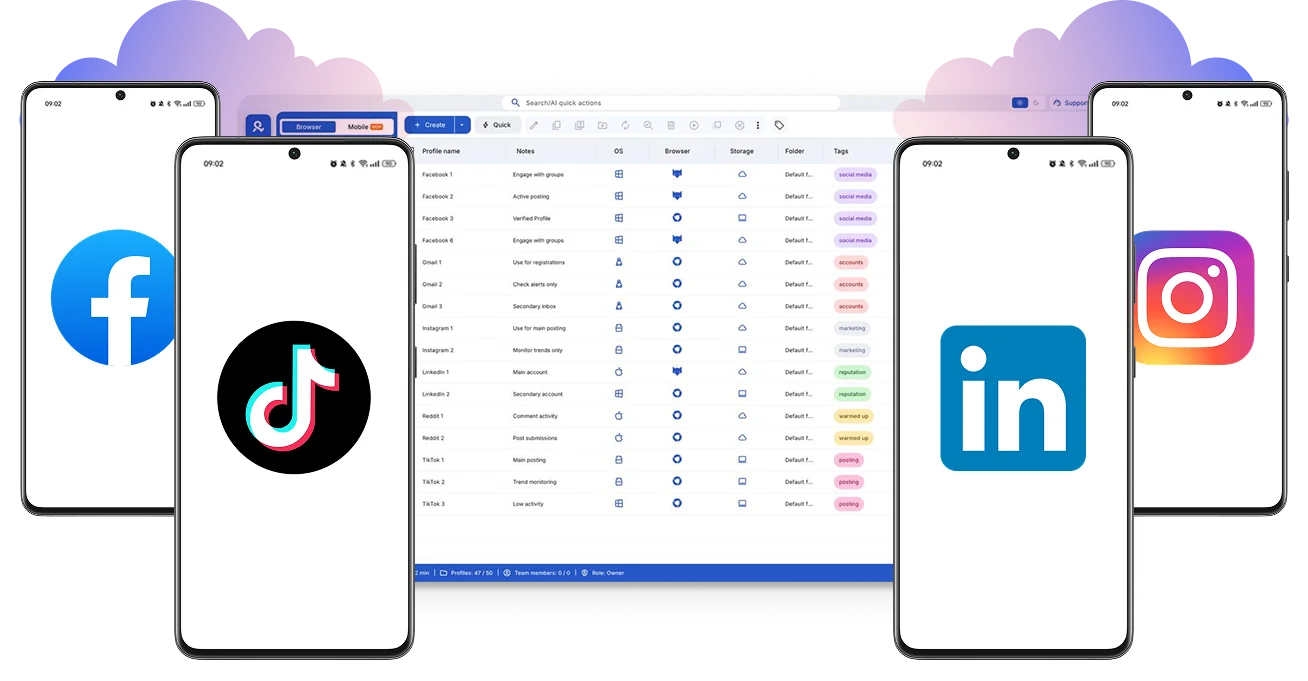
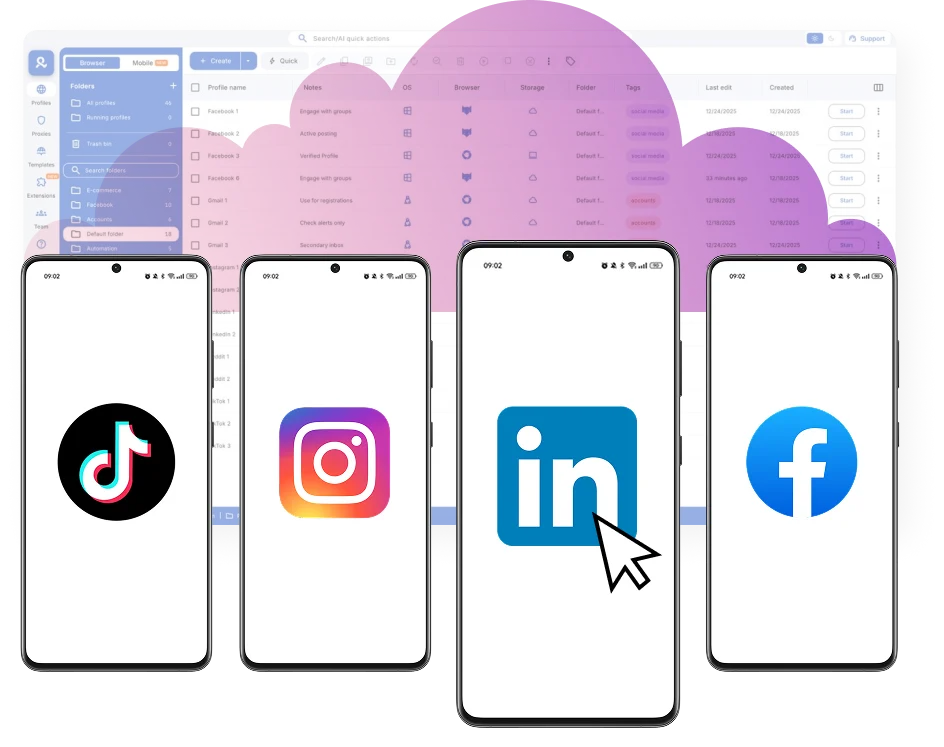
Log in to your accounts with Multilogin cloud phones. Manage multiple accounts for TikTok, Instagram, and Reddit without physical phones or extra tools.
Switch between cloud phones in seconds, keep sessions saved, and resume anytime. Create folders, use tags and notes, and organize with dynamic columns to boost efficiency when managing multiple accounts.
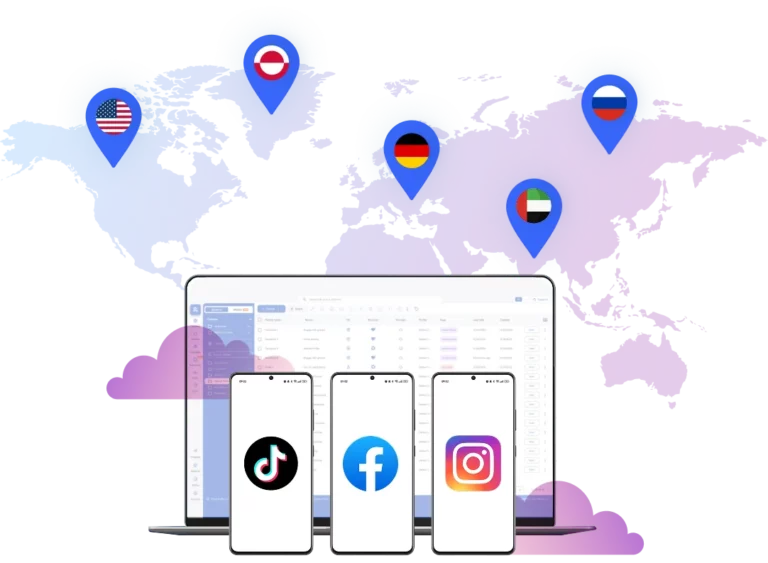
Log in to your accounts from any location in the world
Increase your accounts’ visibility and reach new audiences. Choose locations from over 190 countries for your cloud phones to target any audience you need.
Manage more social media accounts without buying physical phones
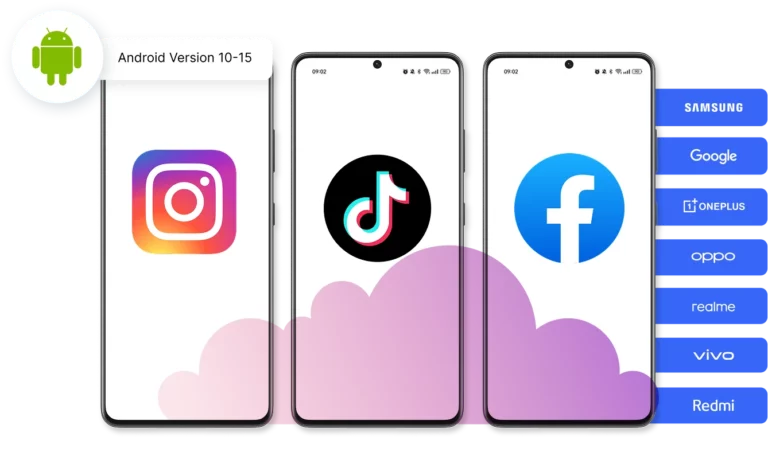
Customize your cloud phones to fit your needs. Choose real device brands (Samsung, Google, and more), install apps and manage everything from one dashboard: without physical devices.
Collaborate with your team to manage multiple social profiles from cloud phones. Share access, assign team members, and scale account activity without passing around physical devices.
Each cloud phone runs as its own Android environment in versions 10-16, keeping apps, data, and sessions clearly separated.
Centralized desktop control
Manage all cloud-based Android phones from a single desktop interface. Support for 12 real Android device brands with unique IMEI anddigital fingerprints.
Built-in Proxy Integration
ISP and mobile proxies are included by default. 150+ countries and 1,400+ cities with daily quality testing.
Clear access management
Organize profiles using folders, tags, and role-based access. Manage team workflows with ease.
Cross-Platform Coverage
Web browsers, mobile profiles, and cloud phones work together in one isolated ecosystem.
Support when you need it
Knowledgeable assistance available 24/7 in 5 languages: English, Russian, Vietnamese, Chinese and Portuguese.