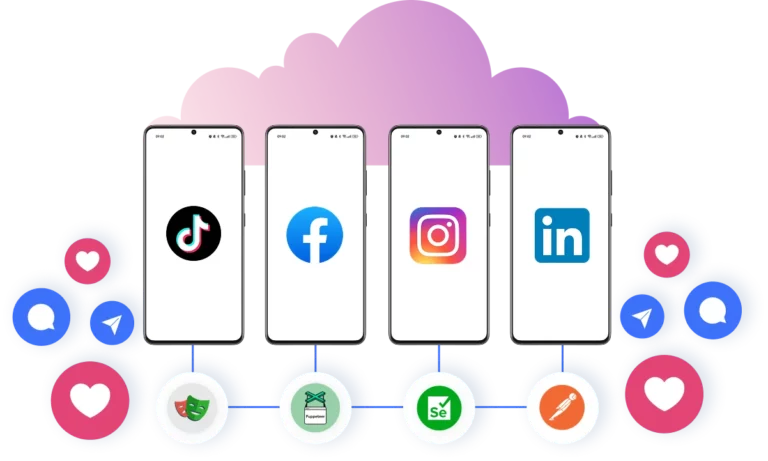









Grow multiple social profiles with Cloud Phones and browser profiles

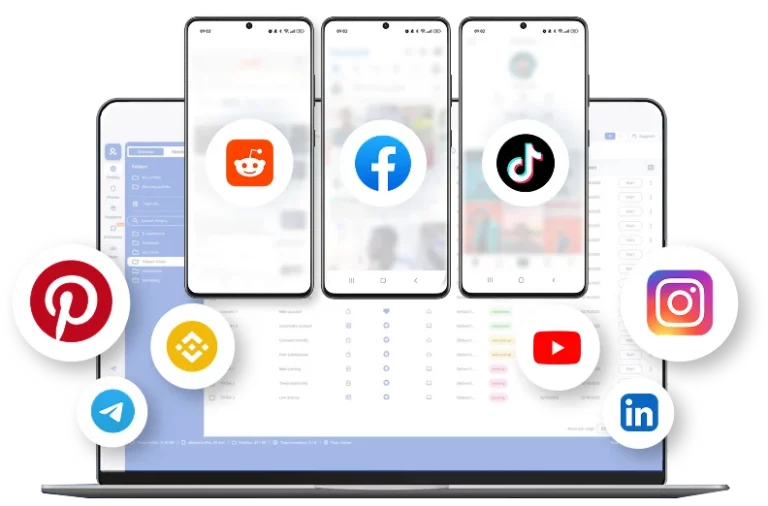
Run TikTok, Instagram, Facebook, Reddit, and YouTube using Android Cloud Phones and browser profiles.

Trusted for 10+ years by social managers and creators

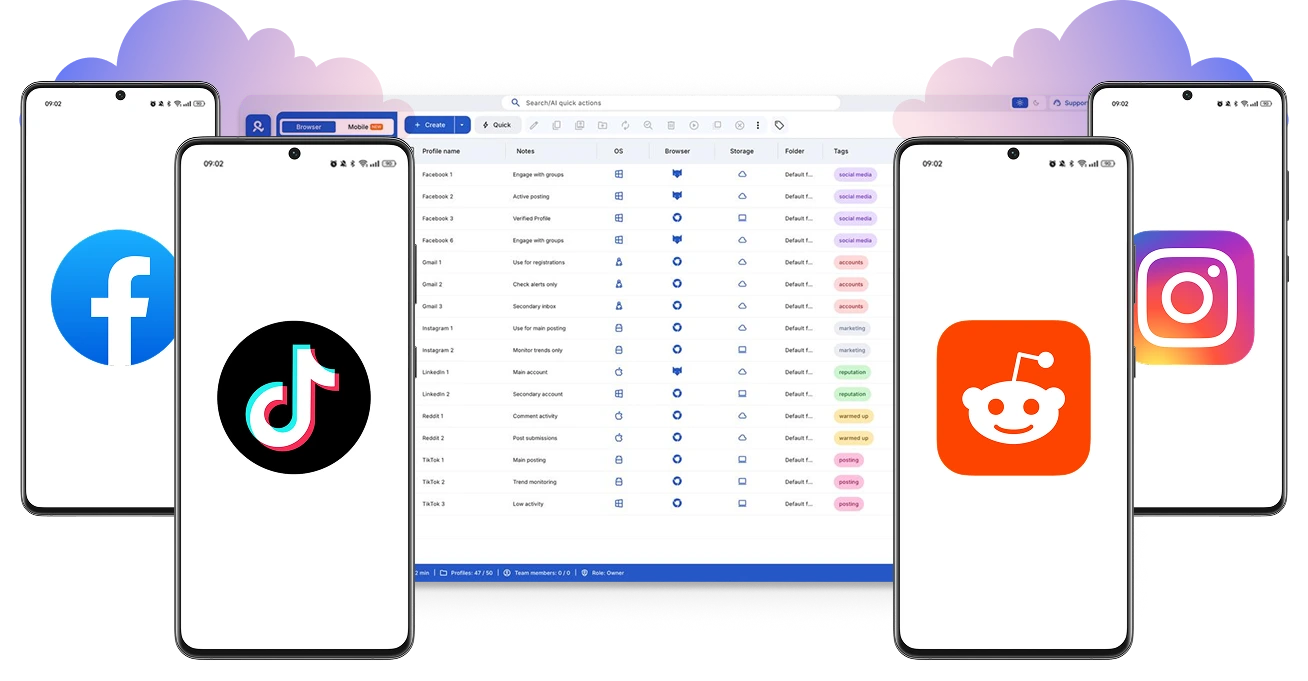
Manage multiple TikTok, Instagram, and Reddit accounts with Multilogin Cloud Phones
Control cloud phones from your computer with Multilogin.

Isolate every social profile in its own environment

Use cloud phones for mobile-first accounts and isolated browser profiles for web workflows. Keep every profile separate and organized.

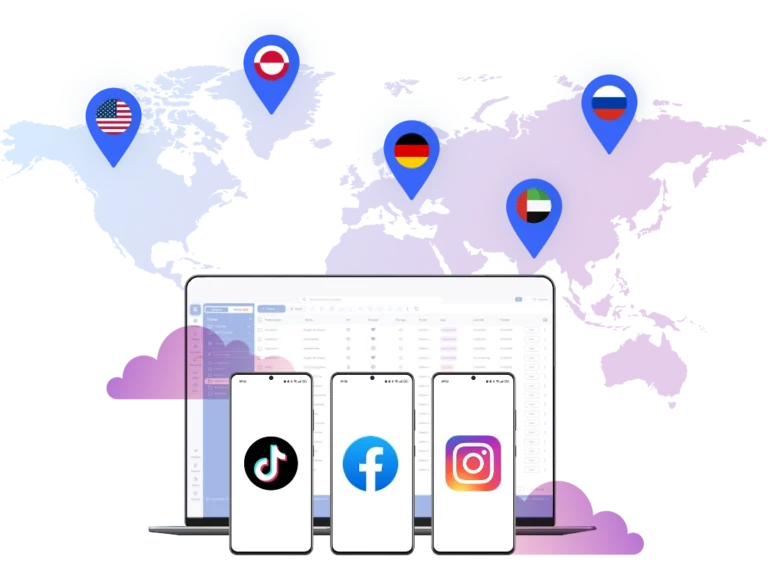
Target any market with Multilogin cloud phones.

Reach new markets with location-matched social profiles

Match each profile with the country and network location you need. Run regional campaigns without local devices or separate proxy tools.

Create a cloud phone for each client and ensure seamless social media management.

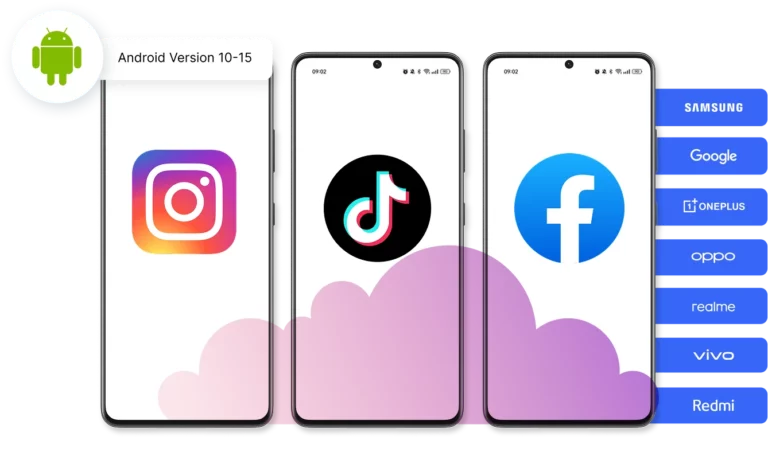
Replace physical phone farms with cloud phones

Run native android Apps like TikTok, Instagram, Facebook on dedicated cloud phones. Scale mobile profiles without buying, storing, or maintaining physical devices.

Scale with AI agents and automation

Connect AI agents and automation tools through ADB, API access, Selenium, Puppeteer, and Playwright. Manage more profiles and reduce repetitive manual work across cloud phones and browser profiles.


Stop switching between tools to manage social profiles

Multilogin gives you Android Cloud Phones and browser profiles in one platform.

What you need Scheduling tools Antidetect browsers Multilogin
Run native Android apps
Manage browser profiles Limited
Keep profiles in separate environments Browser only Mobile + browser
Use built-in proxies Usually extra Included
Manage everything from one dashboard Browser only

Start your complete social profile setup with Multilogin Free Plan

No time limit. No credit card. Paid plans from $7.08/month.

Start free

Grow social profiles across 50+ tested platforms

Start growing your social profile for FREE

Use cloud phones, browser profiles, built-in proxies, and mobile minutes from one platform.

How to start using Multilogin

Launch and manage real mobile environments in the cloud.

Step 1 of how to use Multilogin

Sign up

Register using a verified email address

Step 2 of how to use Multilogin

Choose your plan

Select from various subscription plans tailored to your business needs

Step 3 of how to use Multilogin

Download Multilogin ​

Install the Multilogin desktop app to manage web and mobile sessions securely.

Step 4 of how to use Multilogin

Access the Multilogin dashboard

Launch cloud phone, assign proxies, configure fingerprints, and manage mobile environments from one place.

Step 5 of how to use Multilogin

Manage multiple cloud phones and web browsers

Set up and manage multiple mobile and/or browser profiles in one dashboard. No annoying verifications. No chaos. Just one platform to scale.

Telegram
Thank you! We’ve received your request.
Please check your email for the results.
We’re checking this platform.
Please fill your email to see the result.

Multilogin works with amazon.com