


Crie várias contas do Google Ads
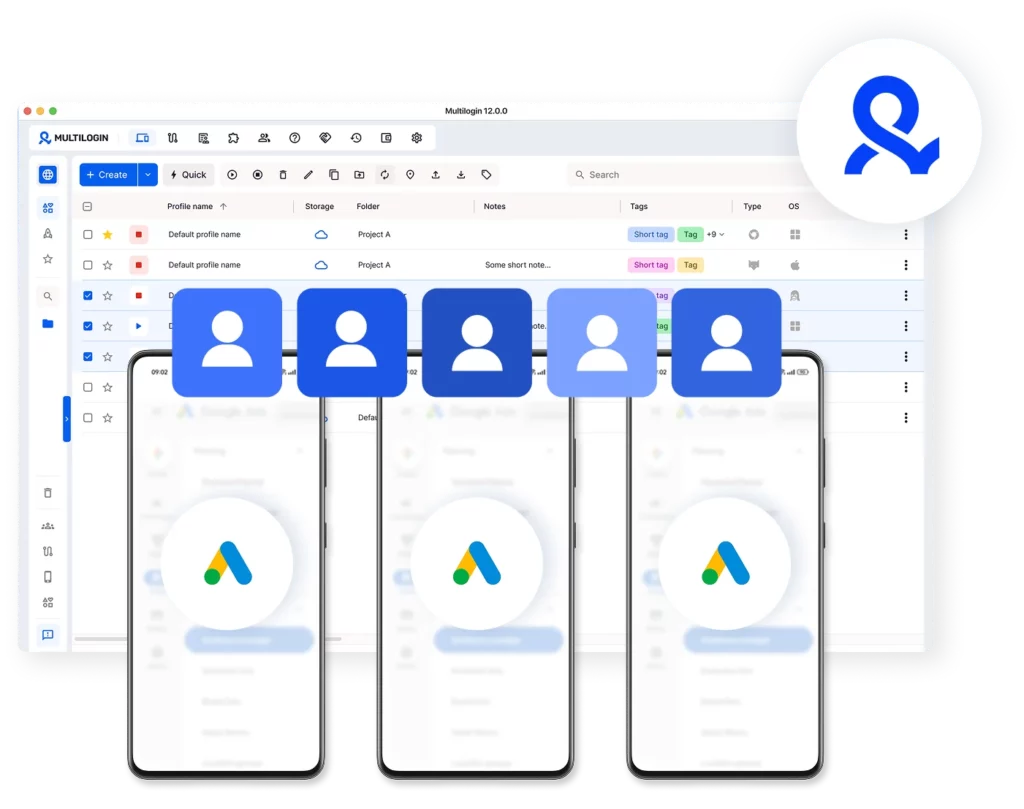
Configure e gerencie contas do Google Ads a partir de um único dispositivo. Cada conta é executada em seu próprio perfil de navegador isolado, garantindo que suas contas permaneçam distintas em vez de se misturarem em um padrão rastreável que o Google possa identificar.
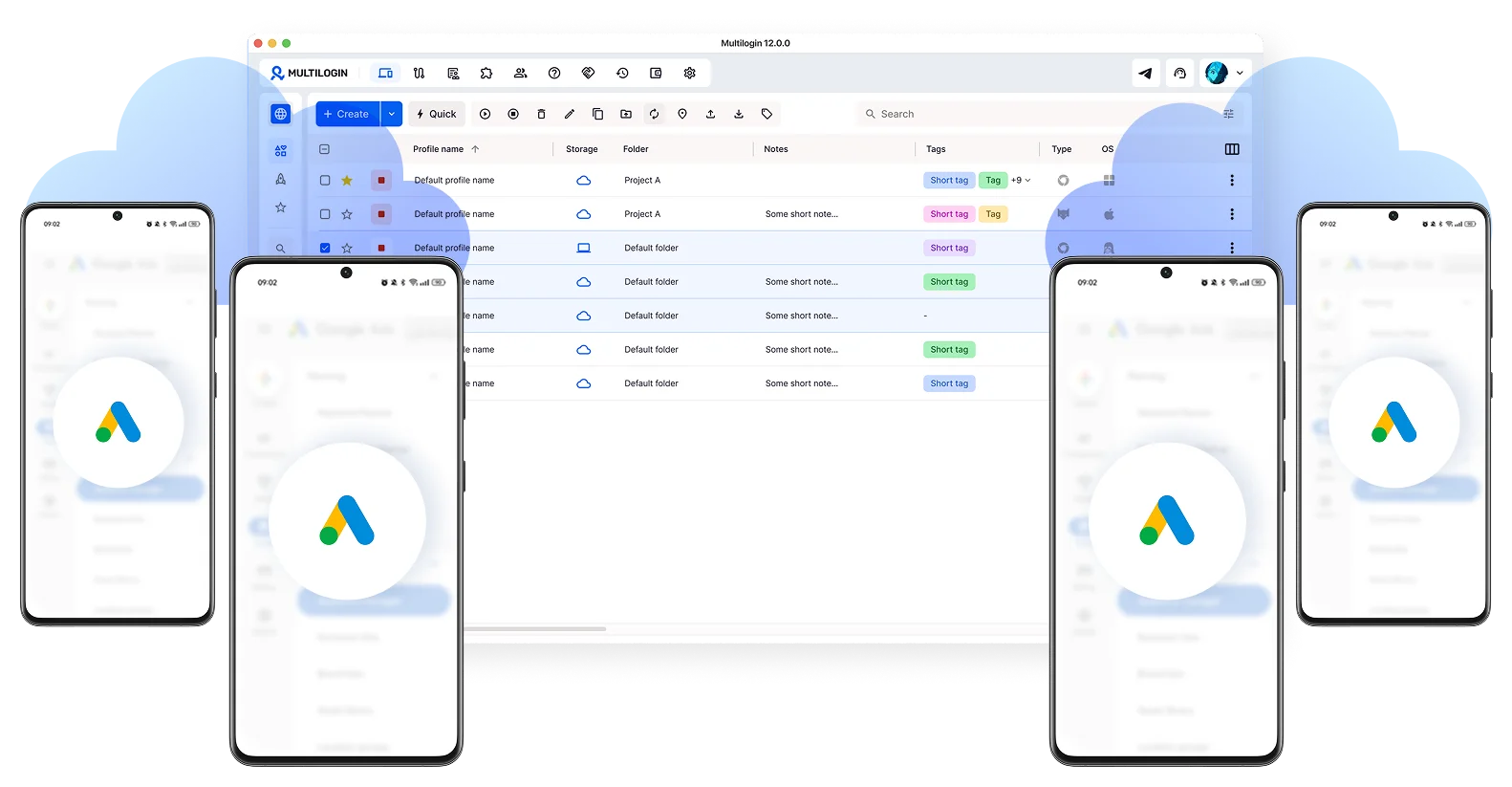

Perfeito para múltiplas contas
Celulares na nuvem exclusivos para cada conta

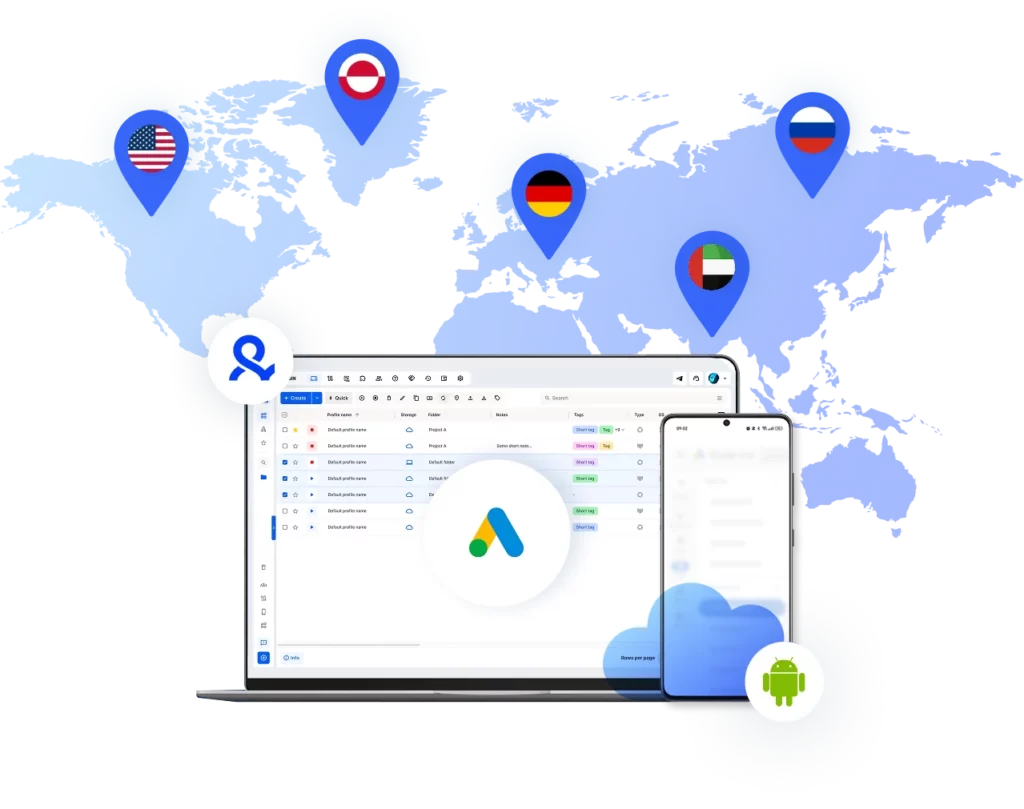
Publique em qualquer lugar
Alcance mais de 150 localidades

Cresça organicamente
Publicação feita a partir de dispositivos reais
Uma plataforma, contas SMM ilimitadas
Gerencie várias contas do Google Ads
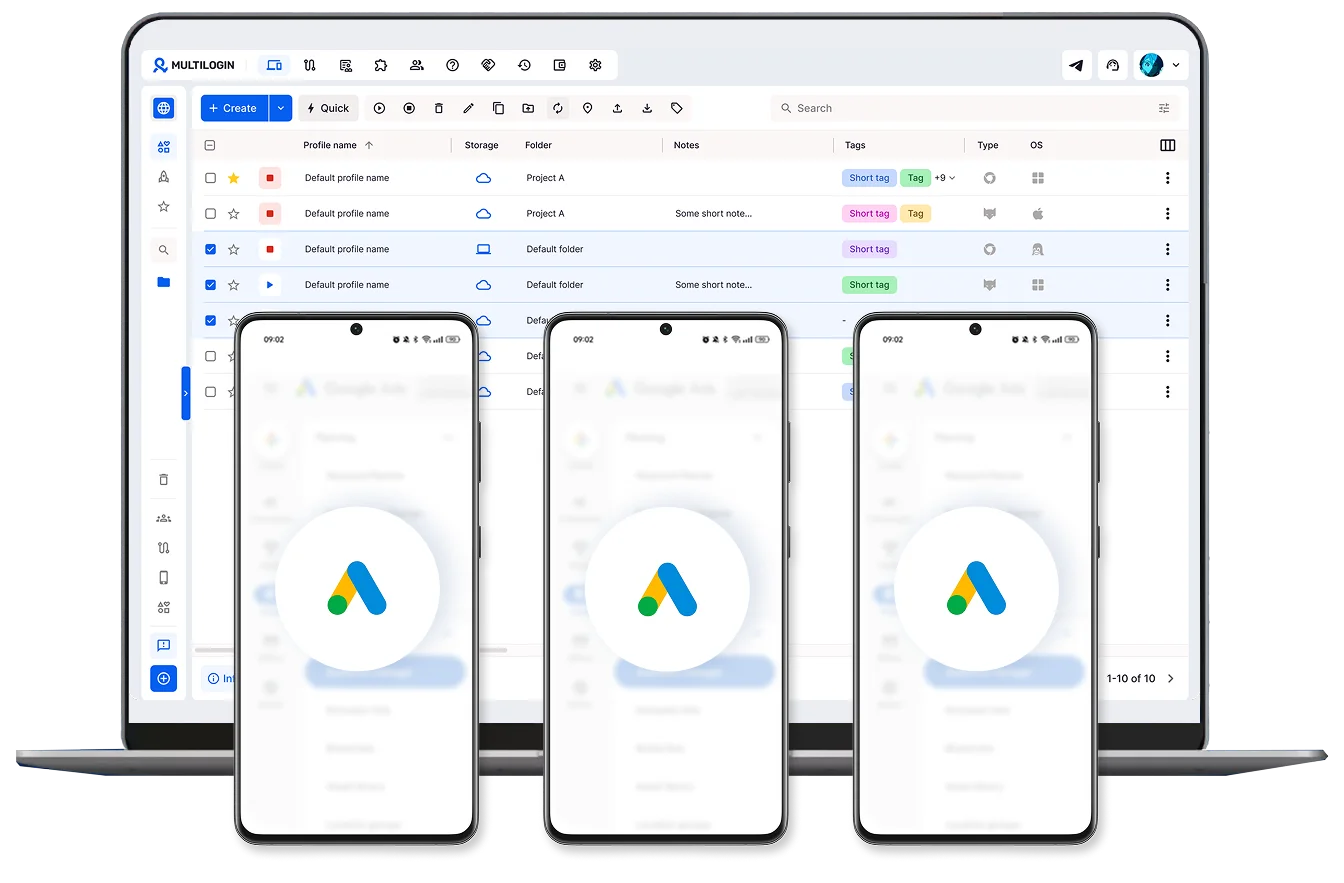
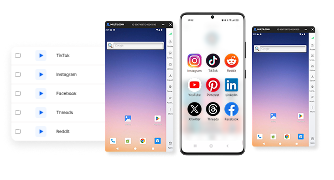
Publique Google Ads em qualquer dispositivo
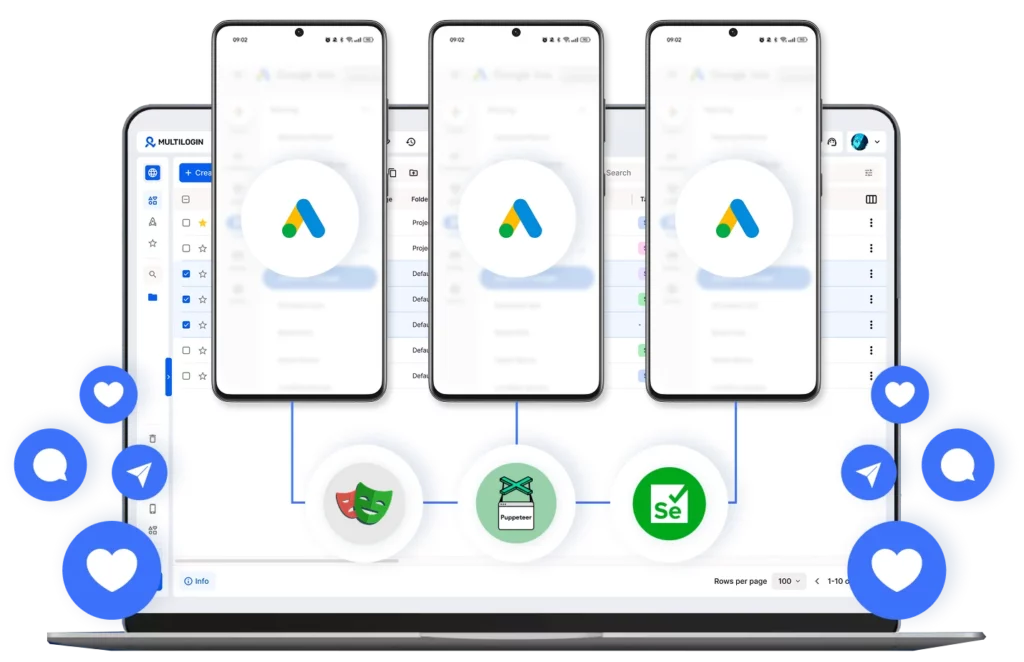
Evite o bloqueio da sua conta do Google Ads com proxies integrados
Colabore com sua equipe em contas do Google Ads
Como começar e expandir sua presença nas redes sociais
Tempo é dinheiro. Comece em minutos.

Inscreva-se
Escolha um plano e baixe o aplicativo

Crie um perfil móvel
Personalize o modelo do dispositivo e escolha a localização
Gerencie suas contas
Use um perfil de navegador separado para ganhar
Increva-se
Escolha um plano e baixe o aplicativo
Crie um perfil móvel
Personalize o modelo do dispositivo e escolha a localização
Gerencie suas contas
Use um perfil de navegador separado para ganhar
Assista a Demo do Multilogin
O que é Multilogin?
Confiado por milhares de criadores, vendedores e pessoas que ganham dinheiro online

Ha D.
Marketing de Varejo em Redes Sociais

Nino Latif

Stanislav K.
Gerente de Marketing

Elen S.
Gerente de Marketing

Hamza Arif
Gerente de E-commerce

Yasmin D.
Gerente de Redes Sociais

Nick Horvath
Agência de Marketing
Gerencie suas contas de Google Ads em um só lugar
Faça upload de conteúdo, automatize publicações e engajamento, tudo em um único painel unificado.
A mais premiada plataforma para expandir suas redes sociais















Explore mais soluções para qualquer plataforma que você precisar
Perguntas Frequentes
Sim. Agências e empresas costumam gerenciar diversas contas em diferentes clientes, regiões ou produtos. O Google permite isso, mas seus sistemas são rigorosos quanto à configuração e ao acesso a essas contas. O Multilogin facilita o gerenciamento, atribuindo a cada conta seu próprio perfil de navegador isolado, de modo que o Google não tenha base técnica para vinculá-las.
O maior ganho de eficiência vem de não precisar ficar entrando e saindo da conta constantemente. Com um perfil separado para cada conta, cada um com seu próprio IP e configurações de navegador, a troca entre contas não aciona verificações de segurança ou verificações repetidas, que é o que realmente atrasa a maioria das equipes.
É seguro desde que cada conta seja gerenciada como se pertencesse a uma pessoa completamente diferente. Os perfis de navegador e celulares na nuvem do Multilogin atribuem a cada conta sua própria impressão digital e endereço IP, o que impede o Google de sinalizar contas por serem muito semelhantes entre si.
Comece por analisar o motivo do banimento: violações das políticas, problemas de cobrança e atividades incomuns são as causas mais comuns, e apresente uma apelação se achar justificada. Enquanto isso, um novo perfil Multilogin com uma nova impressão digital e endereço IP permite que você configure uma nova conta completamente separada da conta banida.
Depende de como você acessa a conta. O Google Ads Manager funciona no navegador, então os perfis de navegador são a ferramenta ideal para o gerenciamento em computadores — cada um atribui à conta sua própria impressão digital e endereço IP. Se você também verifica ou gerencia contas pelo aplicativo móvel do Google Ads, a experiência é completamente diferente, já que o aplicativo roda em Android em vez de um navegador. Os celulares na nuvem cuidam disso: cada um é um ambiente Android isolado com seus próprios identificadores de dispositivo, portanto, a atividade da conta móvel recebe a mesma separação que os perfis de navegador oferecem em computadores
Isso elimina o ponto único de falha que surge ao executar várias contas em um navegador compartilhado. Cada perfil opera de forma independente, com sua própria identidade, portanto, gerenciar cinco contas apresenta o mesmo nível de risco que gerenciar uma.
Gerenciando várias contas do Google Ads em grande escala
O Google Ads se tornou a espinha dorsal da aquisição paga para empresas de todos os portes, e gerenciar uma única conta raramente abrange todas as necessidades de agências, afiliados e equipes de crescimento. No momento em que uma segunda ou terceira conta entra em cena, o desafio deixa de ser estratégico e passa a ser de infraestrutura.
O Google Ads Manager funciona principalmente através do navegador, e a detecção segue a mesma lógica de qualquer plataforma web: dados de impressão digital, consistência de IP, cookies e comportamento de login. Quando várias contas operam no mesmo ambiente de navegador, esses sinais começam a se sobrepor, e os sistemas do Google são projetados especificamente para detectar essa sobreposição.
Gerenciar várias contas do Google de forma eficiente é crucial para anunciantes — explore nossas dicas para otimizar seu fluxo de trabalho.
O que o Multilogin oferece para contas do Google Ads
Como o Google Ads Manager reside no navegador, os perfis de navegador são a ferramenta de isolamento ideal, e os perfis do Multilogin vão muito além do que o modo anônimo ou um navegador padrão podem oferecer. Cada perfil é um ambiente independente com sua própria impressão digital, histórico e identidade de rede.
O que isso significa na prática especificamente para o Google Ads:
- Isolamento ao nível da impressão digital — O Google Ads coleta sinais do dispositivo e do navegador muito além do endereço IP. Os perfis de login múltiplo configuram esses dados individualmente, de modo que cada conta pareça pertencer a um dispositivo genuinamente diferente.
- Sem rastros de dados entre contas — Cookies e armazenamento local permanecem isolados por perfil, eliminando uma das maneiras mais comuns pelas quais o Google vincula contas que nunca deveriam estar conectadas.
- IPs residenciais correspondentes — Emparelhar cada perfil com um proxy da região operacional real da conta mantém os sinais de localização consistentes, o que é importante tanto para a verificação de faturamento quanto para a verificação de políticas.
- Sessões persistentes — Depois de fazer login em uma conta dentro de um perfil, essa sessão permanece ativa por dias e semanas, sem a necessidade de solicitar a autenticação de dois fatores (2FA) repetidamente sempre que você alterna entre contas.
Celulares na Nuvem para o aplicativo móvel do Google Ads
Grande parte da gestão de contas — aprovação de campanhas, verificação de desempenho, resposta a notificações de políticas — é feita pelo aplicativo móvel do Google Ads, e não por um navegador. Esse aplicativo funciona em Android, portanto, precisa de isolamento no nível do dispositivo, em vez de um perfil de navegador.
Os celulares na nuvem proporcionam isso. Cada um é seu próprio ambiente Android com seus próprios identificadores de dispositivo e IP, portanto, uma agência que verifica várias contas de clientes em dispositivos móveis não fica alternando entre logins em um único telefone físico, exatamente a sobreposição que o monitoramento de aplicativos móveis do Google foi projetado para detectar.
Algumas coisas que importam na prática:
- Impressões digitais de dispositivos separadas por conta — Cada telefone na nuvem apresenta seu próprio perfil de hardware, de modo que o aplicativo móvel vê o que parece ser um telefone físico diferente para cada conta, e não um único dispositivo alternando entre logins.
- Disponibilidade 24 horas por dia, 7 dias por semana, sem ocupar um dispositivo físico — os telefones em nuvem permanecem acessíveis o tempo todo, portanto, verificar ou aprovar uma campanha pelo celular não depende de qual telefone físico esteja por perto.
- Consistência com a gestão de desktops — Os perfis de celulares e navegadores na nuvem são executados no mesmo painel Multilogin, de forma que a atividade móvel e a atividade em desktops de uma conta permaneçam sob o mesmo sistema organizado, em vez de ficarem em dois locais desconectados.
- Útil também para recuperação de conta — Ao configurar uma conta substituta para uma conta banida, um novo telefone na nuvem fornece à nova conta sua própria identidade móvel desde o primeiro dia, em vez de reutilizar um dispositivo que já está vinculado a outras contas.
Para quem gerencia contas em qualquer lugar, o que descreve a maioria das agências em algum momento, essas soluções preenchem uma lacuna que os perfis de navegador sozinhos não conseguem suprir.
Testes e escalonamento sem contaminação cruzada
Gerenciar várias contas não serve apenas para evitar banimentos, mas também para possibilitar testes limpos. O algoritmo de veiculação de anúncios do Google aprende com os dados de engajamento e, uma vez que uma campanha começa a ser otimizada, a introdução de novas variáveis durante o processo distorce os resultados. Contas isoladas permitem testar criativos, públicos-alvo e estratégias de lances sem que um experimento influencie silenciosamente o outro.
Isso se manifesta de algumas maneiras concretas:
- Testes criativos em escala — Execute o mesmo objetivo de campanha com diferentes textos de anúncios, páginas de destino ou elementos visuais em contas separadas, sem que dados de aprendizado compartilhados distorçam os resultados.
- Campanhas geolocalizadas — Gerencie contas dedicadas por mercado, cada uma com um IP regional e segmentação local relevante, sem sobreposição de orçamento ou público-alvo entre regiões.
- Separação de clientes e marcas — Mantenha a conta de cada cliente em seu próprio perfil . Se uma conta apresentar um problema, ele permanecerá isolado, em vez de colocar em risco as campanhas de todos os outros clientes.
Gerenciando contas de forma eficiente em equipe
Tanto para agências quanto para equipes internas, o verdadeiro gargalo geralmente é operacional: alternar entre sessões de navegador, controlar logins separados e coordenar quem tem acesso a quê. O Multilogin centraliza tudo isso em um único painel, onde as equipes podem acessar qualquer perfil instantaneamente, atribuir contas específicas a membros específicos da equipe e transferir o acesso sem interromper o ambiente subjacente.
Para agências que gerenciam contas de clientes, essa separação não é um mero luxo — é o que impede que a conta sinalizada de um cliente se transforme em um problema para todas as outras contas da carteira.
Conclusão
O Google Ads recompensa a consistência e penaliza atalhos. Agências e profissionais de marketing que escalam com sucesso são aqueles que operam em ambientes devidamente isolados, e não aqueles que esperam que uma VPN e o modo anônimo resistam a uma análise minuciosa. Os perfis de navegador do Multilogin, combinados com telefones na nuvem para gerenciamento móvel e proxies residenciais integrados, fornecem às contas do Google Ads a base necessária para crescer sem a fragilidade operacional que geralmente acompanha a escala.
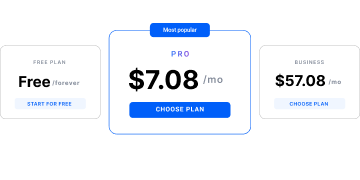
Experimente o plano gratuito Multilogin e comece a ver a diferença hoje mesmo!
