


Управляйте аккаунтами WhatsApp без ограничений
Запускайте каждый аккаунт WhatsApp на своём облачном Android-телефоне или веб-версию WhatsApp в браузерных профилях, создавайте множество аккаунтов и управляйте одновременно всеми из одного приложения.
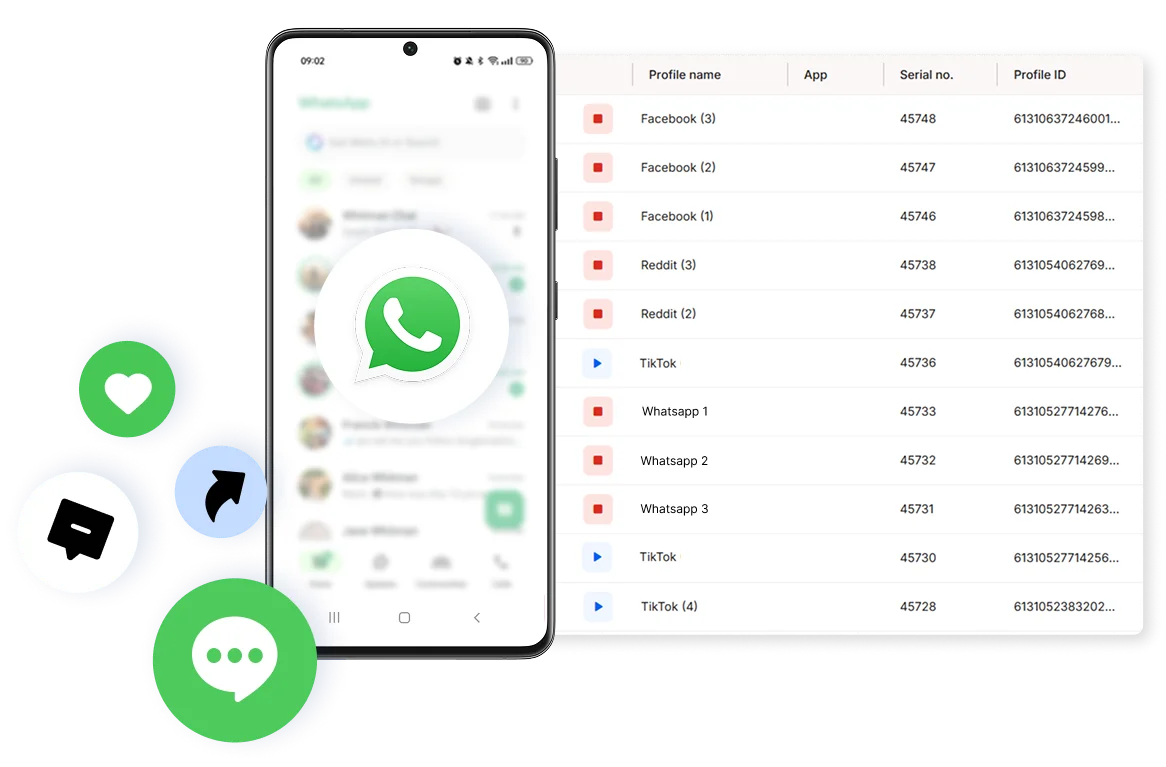

Идеально для мультиаккаунтинга
Уникальные облачные телефоны для каждого аккаунта

Доступ к любой геолокации
Благодаря встроенным прокси на выборе 150+ локаций

Растите органически
Ведите дела с реальных устройств, а не эмуляторов
Одна платформа, неограниченные аккаунты WhatsApp
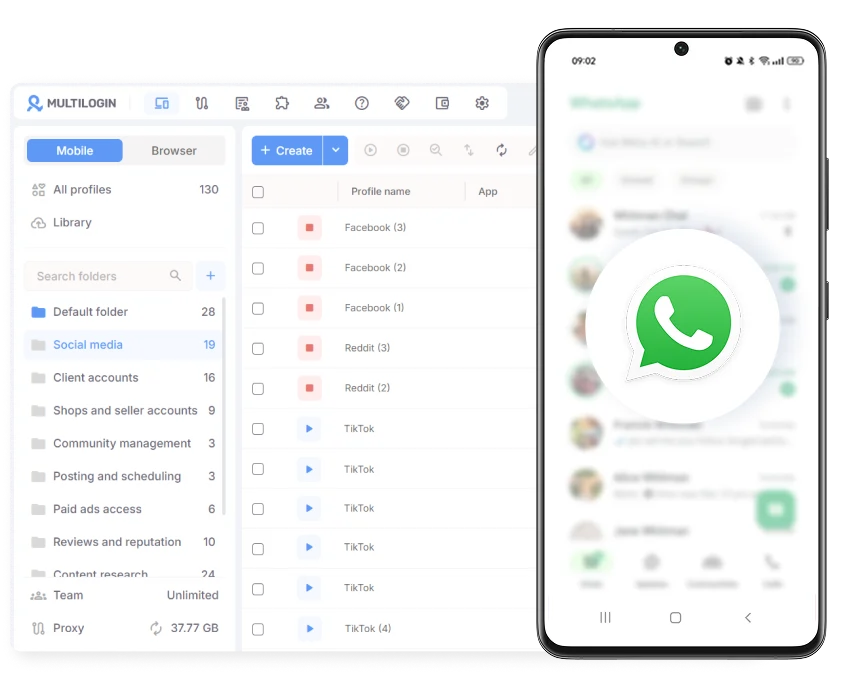
Управляйте аккаунтами WhatsApp в одном месте
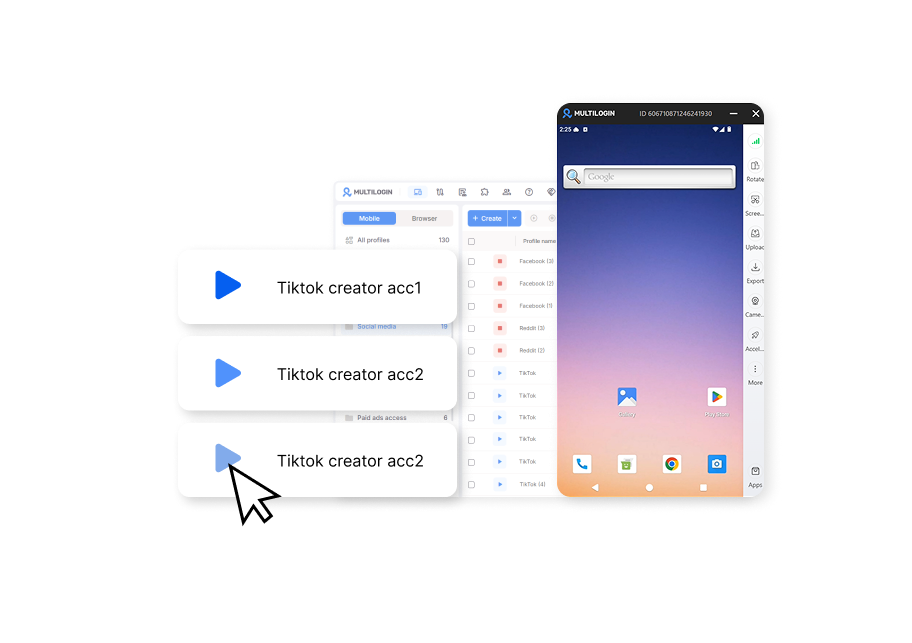
Работайте из той страны, которая вам нужна

Запускай любой аккаунт в один клик без релога
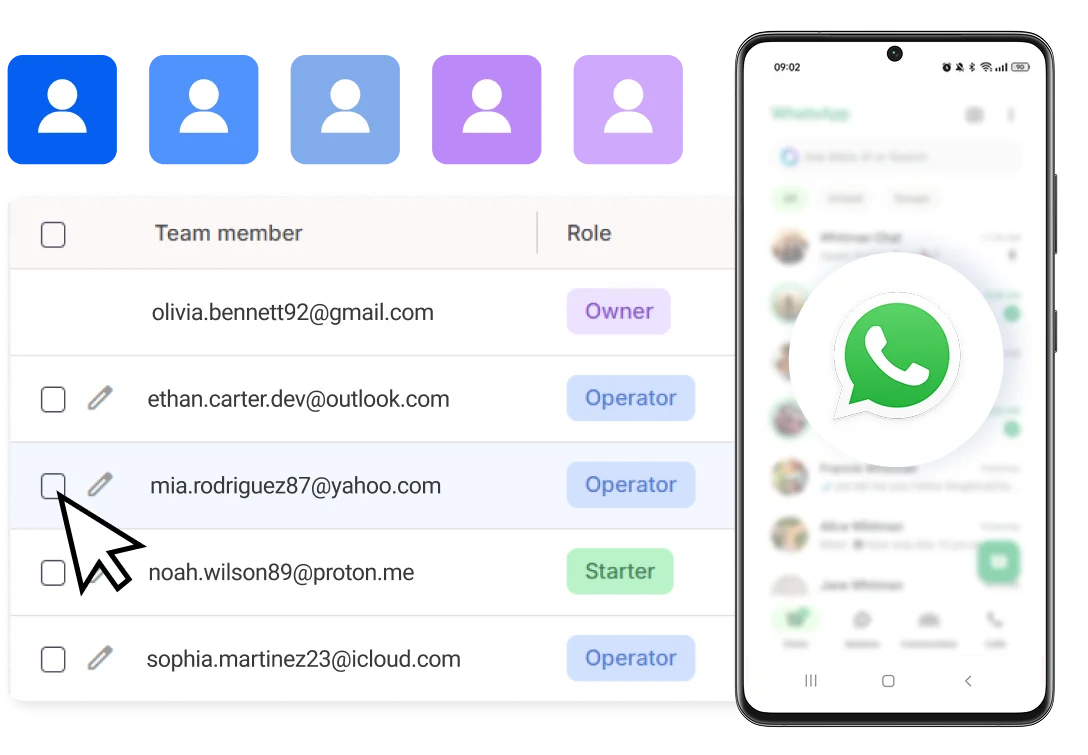
Работайте в команде и делитесь WhatsApp аккаунтами
Как начать вести множество WhatsApp аккаунтов
Время — деньги. Начните за считанные минуты
Зарегистрируйтесь
Выберите план и скачайте приложение

Создайте мобильный профиль
Настройте модель устройства и выберите локацию
Управляйте своими аккаунтами
Используйте отдельный профиль браузера для заработка
Sign up
Choose a plan and download the app
Create mobile profile
Customize the device model and choose location
Run your accounts
Use separated browser profile to earn
Смотреть демонстрацию Multilogin
Что такое Multilogin?
Доверие тысяч SMM-маркетологов, продавцов и профессионалов

Доминик


Джастин Б.


Джордж М.
Сооснователь компании, малый бизнес

Начните планировать свой проект сегодня
Загружайте контент, автоматизируйте публикации и взаимодействия: все в одной единой панели управления
Самая награждаемая платформа для управления аккаунтами















Изучите больше решений для любой платформы, которая вам нужна
Часто задаваемые вопросы
В официальном приложении нельзя: оно поддерживает только один активный аккаунт на устройстве. В Multilogin каждый аккаунт получает собственный облачный телефон. Это реальное Android-устройство в облаке, поэтому каждый номер работает в своей среде и не делит устройство с другими. Для регистрации каждого аккаунта понадобится номер, который принимает WhatsApp. Попробовать на первых аккаунтах можно на бесплатном тарифе Multilogin.
Помимо технической настройки, ведите аккаунты естественно: не перегружайте их автоматизацией и входите в них регулярно, без резких изменений.
Дайте каждому аккаунту свою среду: отдельный IP, свои cookies и собственную историю сессий. В Multilogin для этого есть облачные телефоны для приложения и браузерные профили для веб-версии WhatsApp. Аккаунты ничего не делят между собой.
Напрямую нельзя: iPhone не позволяет установить несколько копий одного приложения, а вкладки браузера не дают по-настоящему отдельной среды. Облачные телефоны Multilogin запускают WhatsApp на реальных Android-устройствах в облаке. Вы управляете ими с компьютера, без дополнительных телефонов.
Не используйте для разных аккаунтов общие IP, cookies и устройство. Облачные телефоны Multilogin дают каждому аккаунту WhatsApp своё Android-устройство с собственным резидентным IP, а браузерные профили делают то же для веб-версии. Отдельная среда закрывает техническую часть, но не поведение: резкий рост активности или одинаковые рассылки с разных номеров могут вызвать проблемы на любом устройстве.
Да. Каждому облачному телефону или браузерному профилю в Multilogin можно задать свою страну или регион, а встроенные резидентные прокси дадут ему подходящий IP. Это удобно онлайн-продавцам и агентствам, которые ведут номера для разных рынков.
Нет. Облачные телефоны Multilogin это реальные Android-устройства в облаке. Каждый аккаунт WhatsApp получает своё устройство, а покупать и обслуживать физические смартфоны не нужно. Всё управляется из одной панели. Номер телефона для регистрации аккаунта всё равно понадобится.
Закрепите каждый аккаунт за своим облачным телефоном или браузерным профилем в Multilogin: по магазинам, регионам или клиентам. Номера остаются независимыми, а управляете вы всеми из одной панели. Начните с бесплатного тарифа Multilogin: без ограничения по времени и без карты. Так можно проверить, подходит ли он вам, до перехода на платный тариф.
Как управлять несколькими аккаунтами WhatsApp
Когда у вас два аккаунта WhatsApp, переключаться между ними ещё несложно. Но что делать, если их уже 10, 20 или 50?
Обычные способы управления аккаунтами не всегда рассчитаны на такой масштаб. У каждого подхода свои ограничения:
Клонирование приложений. Возможности зависят от устройства и операционной системы. Количество доступных копий может быть ограничено, а управлять десятками установок становится неудобно.
Встроенное переключение аккаунтов. WhatsApp поддерживает несколько аккаунтов, это упрощает работу, но не превращает его в полноценную систему управления десятками рабочих учётных записей.
Связанные устройства и веб-версии. WhatsApp устанавливает собственные условия для связанных устройств. Перед масштабированием стоит проверить актуальные ограничения WhatsApp Web и связанных устройств, чтобы выбранная схема соответствовала возможностям сервиса.
Общая сетевая инфраструктура. Когда много аккаунтов используют одну сеть, у них может совпадать внешний IP-адрес. При этом один IP сам по себе не означает нарушение правил или автоматическую блокировку.
Отдельные сетевые настройки помогают организовать аккаунты раздельно, но не гарантируют отсутствие ограничений со стороны приложения.
Поэтому главный вопрос не в том, как открыть ещё одну копию WhatsApp. Важно выбрать способ управления множеством WhatsApp аккаунтов, который останется актуальным и рабочим на долгое время на любом объёме аккаунтов.
Для личного использования и нескольких проектов на компьютере
Если вам нужно одновременно держать открытыми 5–10 рабочих аккаунтов на ПК, начните с веб-версий.
Веб-версии в отдельных браузерных профилях
В Chrome или Яндекс.Браузере можно создать отдельные профили пользователей. В каждом профиле откройте WhatsApp Web и привяжите нужный аккаунт, если он соответствует требованиям WhatsApp.
Такой подход удобен, когда вы работаете преимущественно с компьютера и хотите разделить рабочие сессии, переписки и задачи по проектам. Но браузерные профили не отменяют ограничения WhatsApp на связанные устройства и не дают гарантии, что аккаунты никогда не столкнутся с проверками или ограничениями.
Браузерные профили Multilogin для WhatsApp Web
Если вам нужно больше контроля над рабочими веб-сессиями, Multilogin позволяет управлять изолированными браузерными профилями из одной панели.
У каждого профиля есть собственные данные сессии, cookies и настройки. Встроенные резидентные прокси помогают настроить отдельный IP-адрес и геолокацию для профиля. Это быстро и удобно.
Важно: браузерный профиль подходит для веб-версии сервиса. Он не заменяет отдельное Android-устройство, если для работы нужен именно мобильный вариант приложения.
Для коммерции, отделов продаж и командной работы
Когда речь идёт о 5, 10, 20, 50 или более аккаунтах, ручное переключение становится всё менее удобным.
Нужно понимать, какой аккаунт к какому проекту относится, где хранится его сессия и кто с ним работает.
Облачные Android-устройства Multilogin для нативного запуска WhatsApp
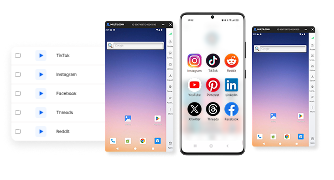
Каждый облачный телефон работает на реальном ARM-устройстве Android в облаке и сохраняет собственные данные приложения между сессиями. Вы можете использовать отдельное облачное Android-устройство для каждого аккаунта, которому требуется мобильное приложение, а управлять устройствами из единой панели Multilogin.
Встроенные резидентные и мобильные прокси, а также мобильные минуты входят в каждый тарифный план. Нет необходимости отдельно покупать или арендовать физический телефон для каждого аккаунта.
Такой подход может подойти:
- отделам продаж, которые распределяют рабочие аккаунты по направлениям;
- компаниям, которые ведут коммуникацию для нескольких брендов;
- командам, которым нужно разделить мобильные аккаунты и данные приложений;
- специалистам, которым требуется масштабировать рабочую инфраструктуру с нескольких аккаунтов до десятков и сотен.
При этом каждый аккаунт WhatsApp по-прежнему должен соответствовать требованиям самого WhatsApp, включая требования к номеру телефона. Облачные телефоны Multilogin не принимают SMS и звонки, поэтому для первоначальной проверки потребуется отдельный номер и способ получить код подтверждения.
Для команд, которым нужны и мобильные приложения, и веб-аккаунты
Не все рабочие задачи требуют облачного Android-устройства. Иногда достаточно отдельной браузерной сессии. В других случаях необходимо запускать именно Android-приложение.
Multilogin поддерживает оба подхода:
- Облачные Android-телефоны подходят для работы с мобильными приложениями в отдельных Android-средах.
- Изолированные браузерные профили подходят для веб-сервисов и аккаунтов, которыми вы управляете через браузер.
Вы можете выбрать подход в зависимости от конкретного сервиса и рабочего процесса. Это особенно полезно для команд, которые одновременно используют мобильные приложения и веб-инструменты для разных проектов.
А что насчёт массового маркетинга и автоматизации?
Если вы управляете десятками аккаунтов, важно не только открыть их, но и организовать работу так, чтобы команда понимала, какой аккаунт за что отвечает.
Multilogin предоставляет единую панель для управления облачными телефонами и браузерными профилями. Платформа также поддерживает API и инструменты автоматизации, включая Selenium, Puppeteer, Playwright и ADB. Конкретный сценарий автоматизации зависит от приложения, доступных интерфейсов и правил сервиса.
Не стоит воспринимать отдельные профили или прокси как гарантию от блокировок. Соблюдайте правила WhatsApp, учитывайте ограничения на связанные устройства и избегайте резкого увеличения активности. Разделение рабочих сред помогает организовать процессы, но не отменяет правила сторонних приложений.
Какой вариант выбрать?
- Несколько аккаунтов для личных задач: начните с доступных функций WhatsApp и отдельных браузерных профилей.
- От 5 до 10 веб-аккаунтов на компьютере: рассмотрите отдельные браузерные профили, в том числе профили Multilogin.
- Десятки аккаунтов, которым нужны мобильные приложения: рассмотрите облачные Android-телефоны Multilogin.
- Команда, работающая и с веб-сервисами, и с Android-приложениями: используйте браузерные профили и облачные телефоны в зависимости от требований каждого сервиса.
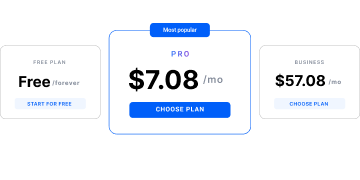
Начните с бесплатного тарифа Multilogin: без ограничения по времени и без банковской карты. Платные тарифы от $7.08 в месяц, прокси и мобильные минуты включены.
