


Create multiple WhatsApp accounts
Give every WhatsApp account its own cloud phone. Message, verify, and manage every number from one dashboard.
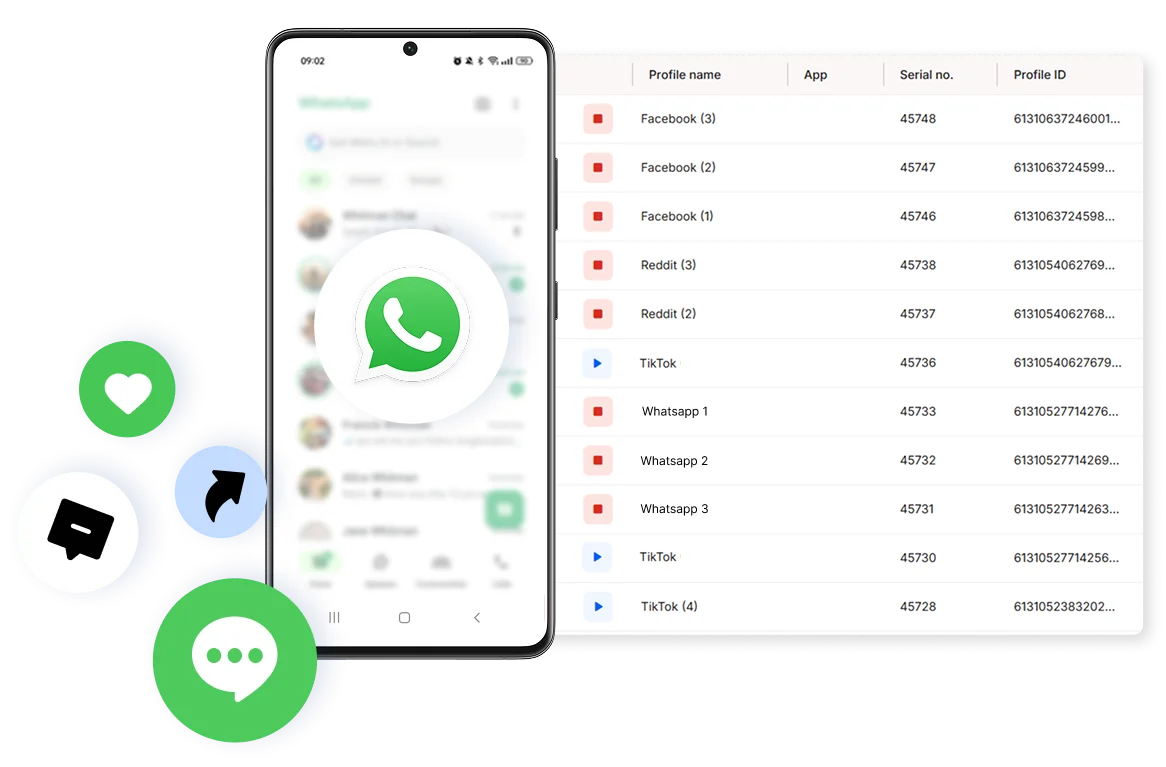

Perfect for multiple accounts
Unique cloud phones for each account

Publish everywhere
Reach more than 150 locations

Grow organically
Post from real devices
One platform, unlimited WhatsApp accounts
Manage WhatsApp accounts in one place
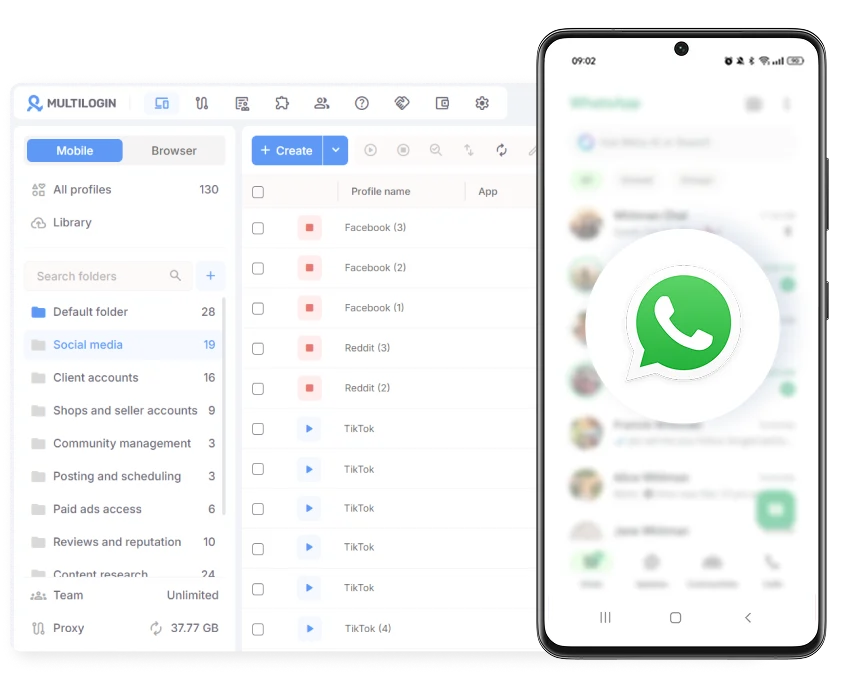
Automate your logins

Launch profiles in one click
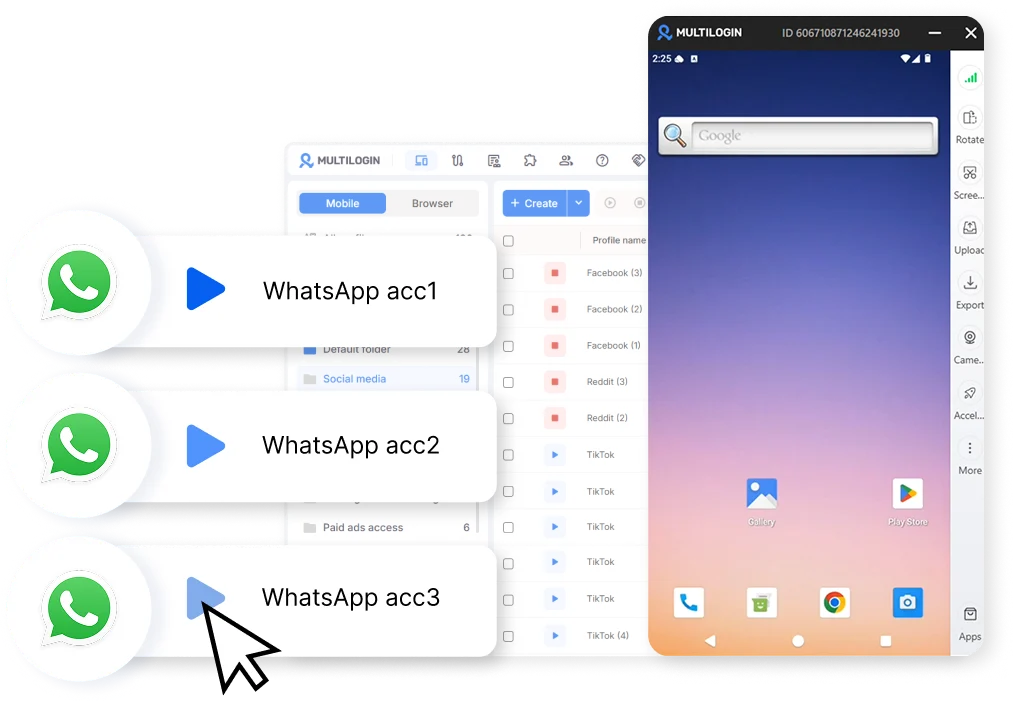
Share WhatsApp accounts with your team
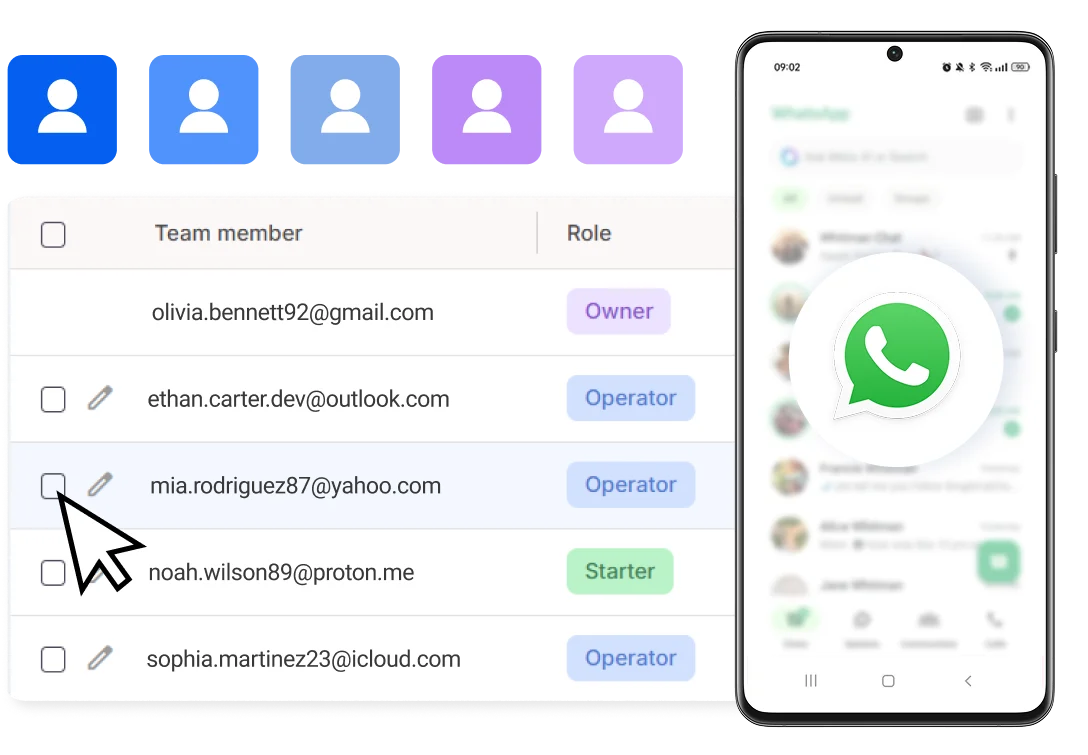
How to get started and grow your WhatsApp
Time is money. Start in minutes

Sign up
Choose a plan and download the app

Create mobile profile
Customize the device model and choose location
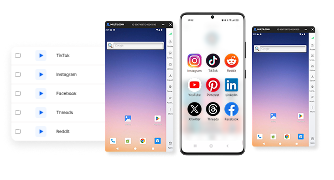
Run your accounts
Use separated browser profile to earn
Sign up
Choose a plan and download the app
Create mobile profile
Customize the device model and choose location
Run your accounts
Use separated browser profile to earn
Watch the Multilogin Demo
What is Multilogin?
Trusted by thousands of creators, sellers & online earners

Ha D.
Social Media Marketing Retail

Nino Latif

Stanislav K.
Marketing Manager

Elen S.
Marketing Manager

Hamza Arif
E-commerce Manager


Nick Horvath
Marketing agency
Start managing your WhatsApp accounts today
Run multiple accounts, automate replies, and stay logged in: all from one unified dashboard.
The most awarded multi accounting platform















Explore more solutions for any platform you need
FAQ
Not through WhatsApp’s native app, since it only supports one active account per device. Multilogin solves this by giving each account its own Cloud Phone, a real Android device hosted in the cloud, so every WhatsApp number runs in its own environment instead of competing for the same device. You can start with Multilogin’s free plan to test this with your first couple of accounts.
Beyond the technical setup, keep your activity natural. Don’t automate too aggressively, and maintain consistent login patterns over time.
Give each account its own device identity: a separate IP, its own cookies, and independent session history. Multilogin’s Cloud Phones and browser profiles handle this automatically, so accounts don’t share signals that could link them together.
Yes, as long as each client’s account is properly isolated. Multilogin gives every WhatsApp Business profile its own Cloud Phone or browser profile, its own IP, and its own login history, so agencies can run several client accounts side by side without one account’s activity affecting another.
Not directly, since iPhones don’t support multiple native app instances and browser workarounds don’t create a truly separate identity. Multilogin’s Cloud Phones run WhatsApp on real Android devices hosted in the cloud, so you can manage multiple accounts from your iPhone, laptop, or any device, without needing extra physical hardware.
Keep each account on its own device identity instead of sharing IPs, cookies, or device fingerprints across accounts. Multilogin’s Cloud Phones give each WhatsApp account a real Android environment with its own residential IP, and browser profiles do the same for WhatsApp Web, so accounts stay independent by default.
Yes. Each Cloud Phone or browser profile in Multilogin can be assigned its own location, so accounts can operate from different regions without looking like they’re all coming from the same place. This is especially useful for e-commerce sellers and agencies running region-specific numbers.
No. Multilogin’s Cloud Phones are real Android devices hosted in the cloud, so you get a separate device identity for each WhatsApp account without buying or maintaining physical phones. Everything is managed from one dashboard.
Assign each account, whether it’s per storefront, region, or client, to its own Cloud Phone or browser profile in Multilogin. This keeps every number independent while letting you manage all of them from a single dashboard. Start on Multilogin’s free plan, no time limit or credit card required, to see how it fits your setup before upgrading.
Managing multiple WhatsApp accounts without cross-contamination
Most people only start searching for ways to manage multiple accounts after their setup collapses. One moment the accounts work fine, and the next, WhatsApp starts pushing verification loops, disconnecting sessions, or freezing access. It feels unpredictable, but the cause is usually the same: several accounts are sharing the same digital identity.
WhatsApp connects every login to fingerprints, device traits, IP history, cookies, and behavior patterns. When those signals overlap, the system assumes all the accounts belong to one controller. That’s when problems begin, especially if you rely on WhatsApp for daily communication or business operations.
Managing multiple WhatsApp or WhatsApp Business accounts only works when each one stands on its own with a clean, isolated identity. Without that separation, stability becomes impossible
Why multiple WhatsApp accounts are a real business need
People who search for this topic usually aren’t looking for shortcuts. It’s usually because the work already runs through WhatsApp and one number isn’t enough. A brand might run separate numbers per product line. Agencies handle communication for several clients at once. E-commerce sellers manage accounts for different regions or storefronts. Support teams split conversations across multiple inboxes.
Once that workload grows past a couple of accounts, switching between them on a single device gets messy fast, apps crash, sessions log out, and numbers start affecting each other.
What causes WhatsApp accounts to get restricted
It comes down to shared signals. WhatsApp checks IP addresses, device traits, cookies, and how quickly you’re switching between accounts. When two accounts look too similar on those fronts, the app treats them as one and the same.
Common causes include logging into several accounts from the same device fingerprint, reusing the same browser session across accounts, sharing one IP across multiple profiles, or switching accounts too fast for the pattern to look natural.
Here’s a full breakdown of how to manage multiple WhatsApp accounts!
Running multiple WhatsApp accounts on iPhone or desktop
You can, but the default setup of any device creates natural overlap. iPhones don’t support multiple native app instances, and using browser tabs for separate accounts doesn’t solve the underlying problem, since the device fingerprint stays identical across every tab. Even private browsing doesn’t change the deeper signals WhatsApp reads. What actually matters is giving each account its own environment, not just a different login.
The real issue is identity.
Every account needs its own unique, believable environment. Without that, WhatsApp connects them even if the numbers are different.
How to keep WhatsApp accounts separate
Give each account its own device identity: a distinct fingerprint, its own IP, and cookies that don’t leak into other profiles. Multilogin’s Cloud Phones handle the mobile side directly, each one a real Android device with its own hardware signature, so WhatsApp reads it as a genuine separate phone.
For WhatsApp Web, isolated browser profiles do the same job on the desktop side, each with its own fingerprint, cookies, timezone, and session history.
How Multilogin supports multi-account WhatsApp workflows
Every WhatsApp account running through Multilogin gets its own Cloud Phone or browser profile, helping remove the repeated friction points that cause accounts to break. Instead of resetting devices or rotating browsers, you work with profiles that already behave the way WhatsApp expects.
A WhatsApp account inside a Multilogin profile has:
- A unique device fingerprint
- Its own residential IP from built-in proxy traffic
- Independent cookies and login history
- A stable session that lasts without random resets
- Android phones in the cloud for mobile-first workflows
That structure means support teams can work through several inboxes at once, sellers can manage regional accounts without them tangling together, and agencies can keep client communication properly separated.
What a stable WhatsApp setup lets you do
With proper isolation, daily operations feel natural again. You can respond to leads, coordinate projects, manage support conversations, or switch between markets without worrying that one step will affect the entire system.
A stable setup allows you to:
- Split communication across several brands
- Manage international customer bases
- Test workflows or automation safely
- Keep personal and business numbers apart, all from one computer, without one account’s activity spilling into another.
When each account remains independent, the communication flow becomes predictable.
Final thought
Managing multiple WhatsApp accounts only gets stressful when they’re sharing too much of the same setup. Give each one its own identity, on a Cloud Phone for genuine mobile presence or a browser profile for WhatsApp Web, and the whole workflow gets a lot calmer. Whether you’re running conversations for multiple brands, managing regional support, or just keeping work and personal separate, that’s the difference between a setup that holds up and one that keeps breaking.
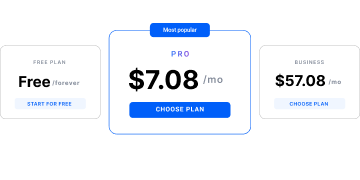
Start on Multilogin’s free plan today, with no time limit or credit card required. Paid plans start from $7.08 per month, with proxies and mobile minutes included.
