













Run Multiple Cloud Android Phones

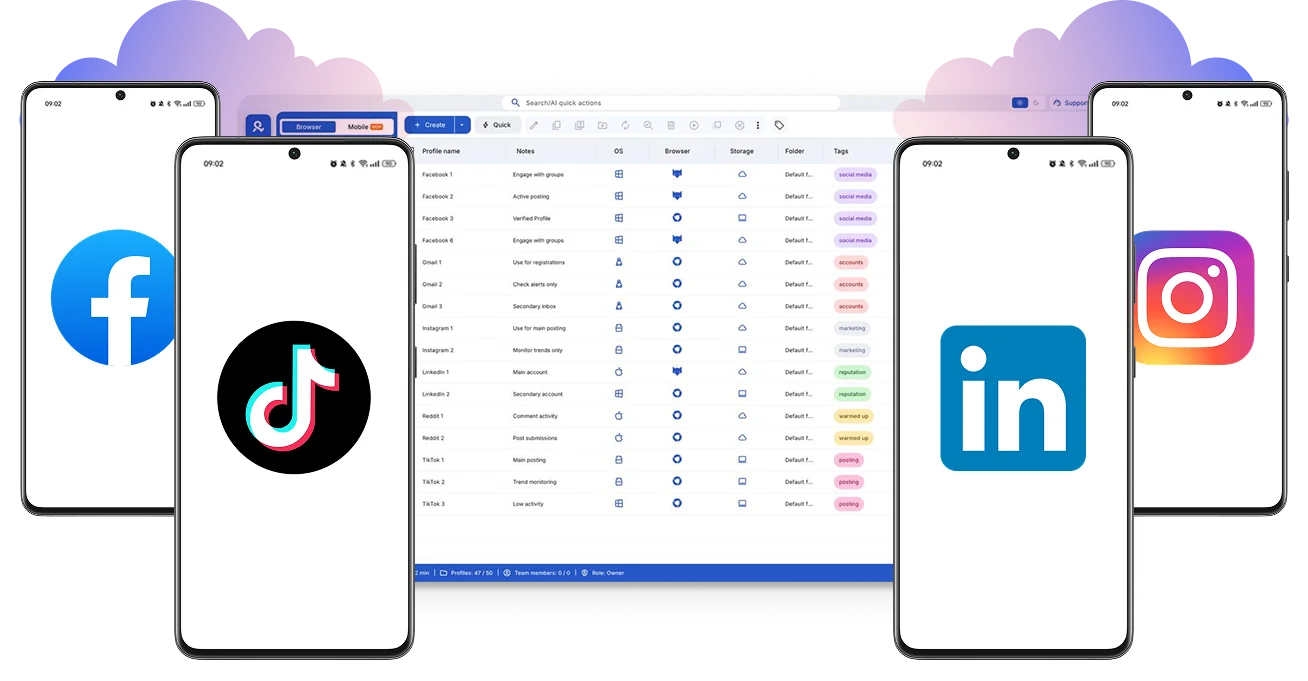
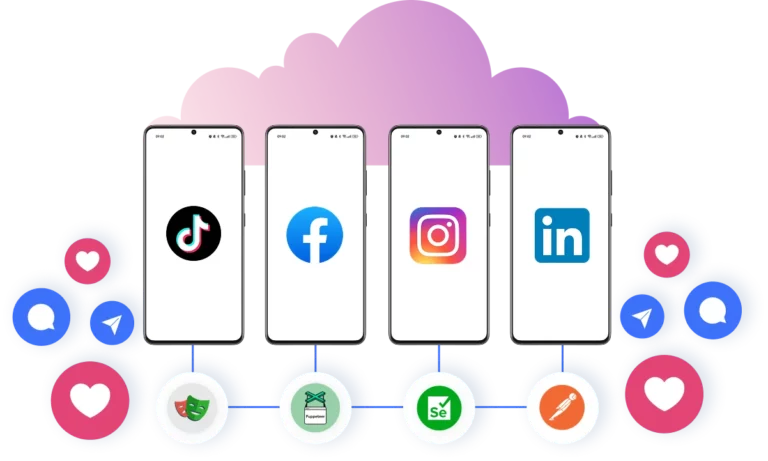
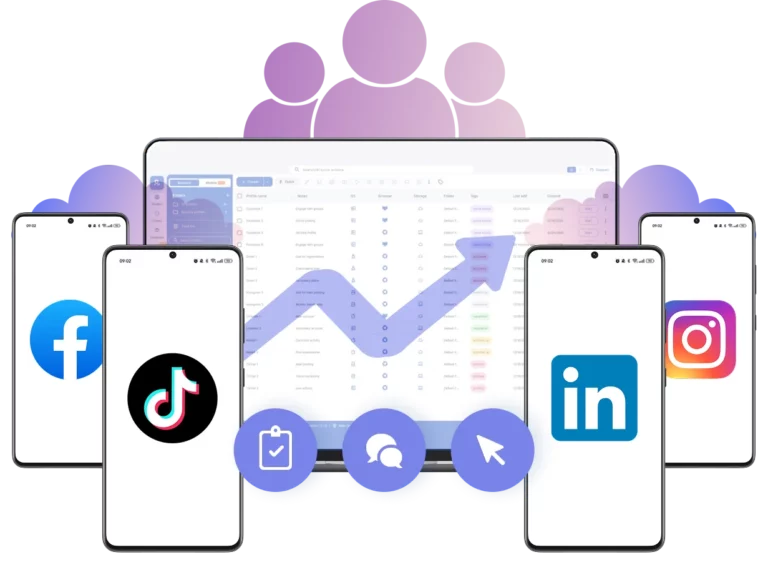
Create and manage multiple cloud phones from one desktop. Run real Android devices with unique fingerprints to scale social media, ads, and mobile workflows.

Run mobile browsers without detection

Scale mobile operations without limits

Operate Android phones in the cloud without physical devices or local infrastructure. Add, remove, or replace Android phones instantly as your workload changes.

Laptop screen displaying a fingerprint icon and the Multilogin logo, representing secure identity management with an anti-fingerprint browser.

Make every cloud phone look like a real device

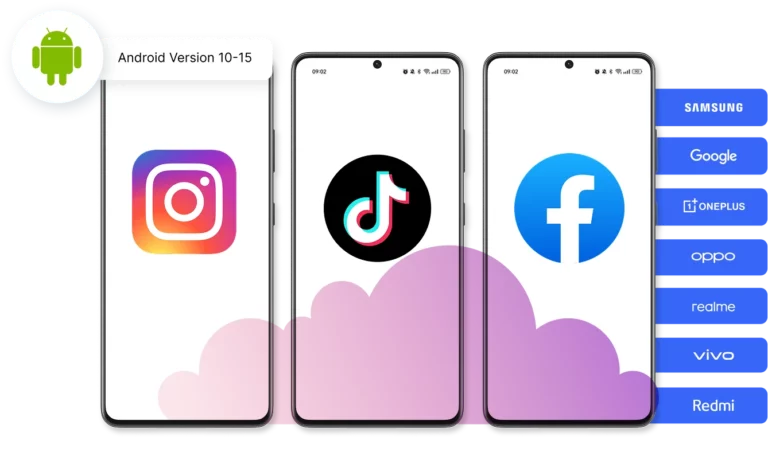
Use a unique device fingerprint so every action appears to come from a real Android phone.

Built-in residential proxies to control localization on cloud phones

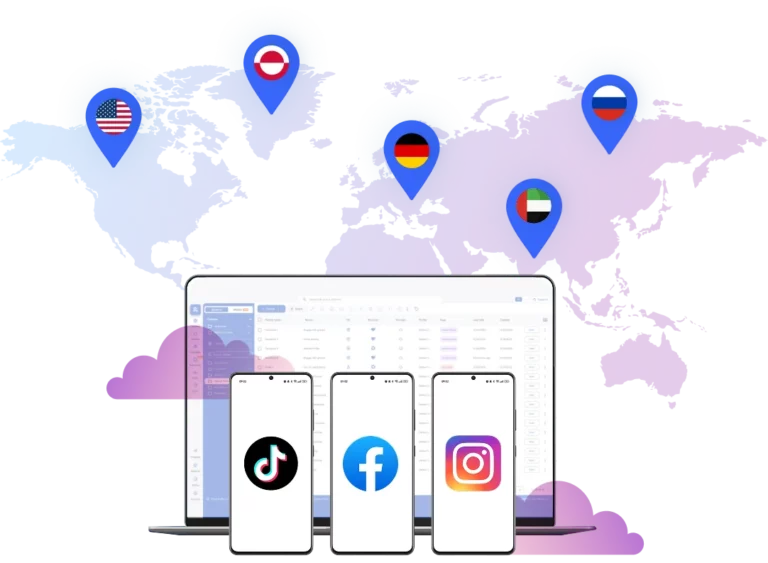
Run cloud phones from any country you need

Connect through 30M+ residential IPs across 195 countries — without managing external proxy providers.

Advanced antidetect browsing on cloud phones with Multilogin

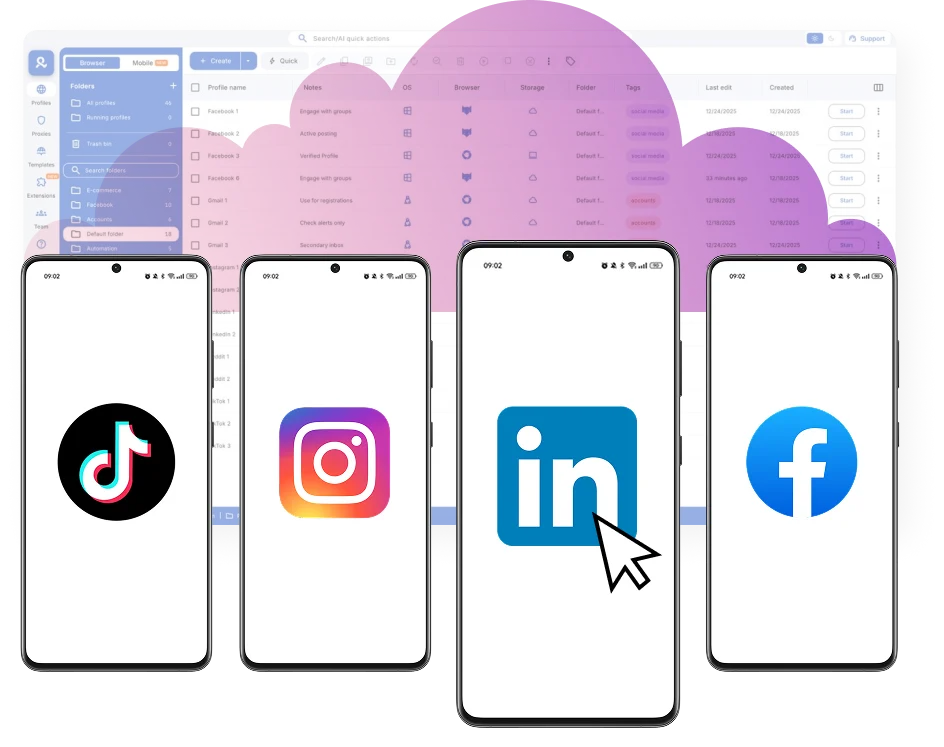
Run Android phones in parallel without conflicts

Run multiple Android phones side by side without overlap between environments.

Run Android cloud phones in minutes

Launch cloud phones instantly and manage apps without physical devices or local setup

Why choose Multilogin for cloud phone?

Independent Android environments

Each cloud phone runs as its own Android environment, keeping apps, data, and sessions clearly separated.

Centralized desktop control

Manage all cloud-based Android phones from a single desktop interface.

Built for scalable mobile work

Run and manage multiple mobile profiles without physical devices or hardware limits.

Clear access management

Control who can access cloud phones with simple role-based permissions.

Cross-Platform Coverage

Desktop browsers, mobile profiles, and cloud phones work together in one isolated ecosystem.

Support when you need it

Knowledgeable assistance available 24/7 in 5 languages.

Most Awarded Antidetect Browser

Kinza awards for Multilogin.
Conversion club badge for Multilogin.
Mask group badge for Multilogin
Startup 2019 awards badge for Multilogin
badge for Multilogin
Best Value Software 2022 badge for Multilogin
Best support
Momentum leader
High Performer
High Performer Small Business
SourceForge top performer 2023 badge
GetApp user reviews badge

How to start using Multilogin cloud phone

Launch and manage real mobile environments in the cloud.

Step 1 of how to use Multilogin

Sign up

Register using a verified email address. 

Step 2 of how to use Multilogin

Choose your plan

Select from various subscription plans tailored to your business needs.

Step 3 of how to use Multilogin

Download Multilogin X app

Install the Multilogin desktop app to manage mobile sessions securely.

Step 4 of how to use Multilogin

Access the Multilogin dashboard

Launch cloud phone, assign proxies, configure fingerprints, and manage mobile environments from one place.

Step 5 of how to use Multilogin

Manage multiple cloud phone profiles

Set up and manage multiple cloud phone profiles using separate browser profiles with consistent identities.

Thank you! We’ve received your request.
Please check your email for the results.
We’re checking this platform.
Please fill your email to see the result.

Multilogin works with amazon.com