


Phone farming without physical devices
Run phone farming using cloud Android profiles instead of physical devices. Manage mobile environments at scale, keep sessions intact, and remove hardware from your workflow.
Cloud-Based Android Profiles
Every cloud Android profile keeps persistent device parameters and mobile fingerprints for consistent sessions. Multilogin brings cloud phones, browser profiles, built-in proxies so teams can manage mobile and browser accounts from a single workspace.
Persistent mobile device identity
Every cloud Android profile keeps persistent device parameters and mobile fingerprints for consistent sessions. Multilogin combines cloud phones and browser profiles in one platform for easier account management.
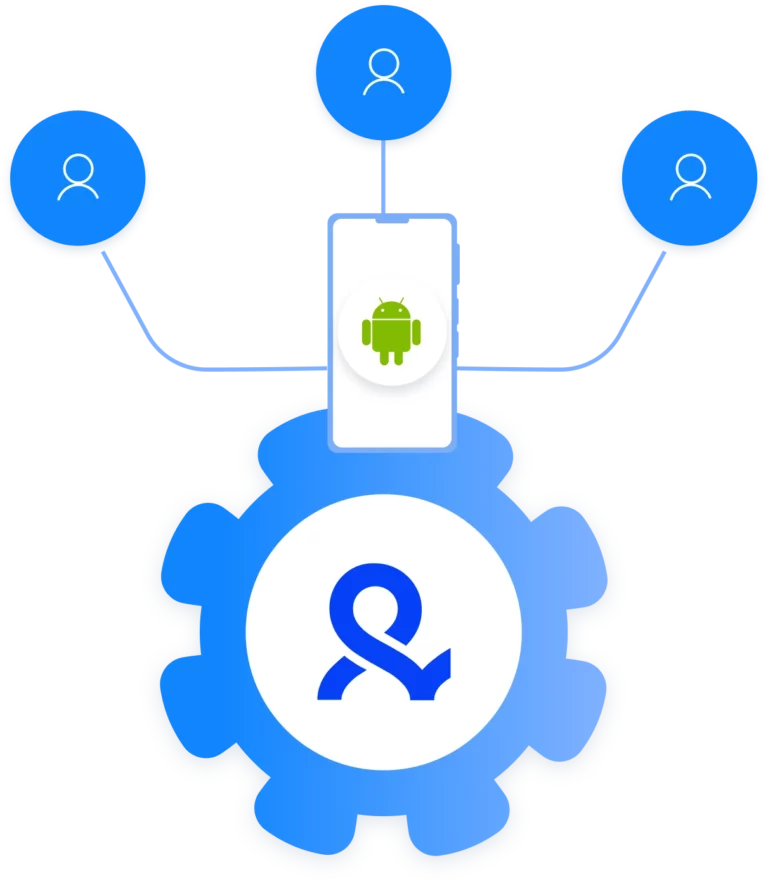
Centralized phone farm management
Manage all cloud Android profiles from one Multilogin dashboard. Create, launch, stop, and organize phone environments at scale without switching tools or using physical devices.
Profile-level network and location control
Assign proxies to each cloud Android profile using Multilogin’s built-in residential traffic or external HTTP(S), SOCKS5, and mobile proxies for flexible location and network control.
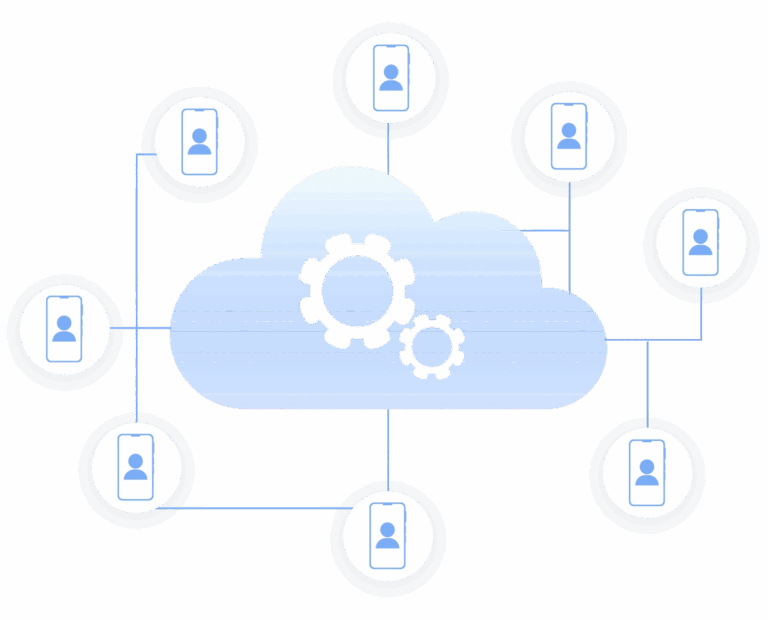
Scalable phone farm infrastructure
Grow your social media accounts with Multilogin cloud phones
-
Unlimited time
-
Mobile and browser profiles included
-
Free built-in proxies & mobile minutes
-
Unlimited time
-
Mobile and browser profiles included
-
Free built-in proxies & mobile minutes
What is a cloud phone?
A cloud phone is a virtual Android device hosted in the cloud. Each profile can keep its own device parameters, apps, sessions, and network settings, letting teams manage multiple mobile accounts without physical phones.
Why choose Multilogin for cloud mobile farming
Multilogin replaces physical phones with persistent cloud Android profiles built for long-term mobile farming. Each profile stays isolated and keeps its device identity over time, while teams manage both cloud phones and browser profiles from one platform.
Related solutions you might like
Phone farming: How modern phone farms actually work today
Phone farming has evolved from managing rows of physical Android devices to running cloud-based mobile environments at scale. For teams handling multiple social, ecommerce, or app accounts, the goal is no longer to maintain more hardware, but to give each account its own consistent mobile environment that can be accessed and managed remotely.
Traditional phone farms required physical devices, charging stations, storage space, and constant maintenance. Scaling meant buying more phones, replacing failed hardware, and manually coordinating access across team members.
Multilogin Cloud Phone replaces that hardware-heavy setup with persistent cloud Android profiles. Each cloud phone keeps its own device parameters, apps, sessions, and network settings over time, while teams can create, launch, stop, and organize profiles from one dashboard. With android mobile emulation, teams can scale mobile account workflows without purchasing, storing, or maintaining physical devices.
What a phone farm is used for
Modern phone farming is no longer about managing racks of physical devices. With Multilogin Cloud Phone, teams can run persistent Android environments in the cloud and manage them from one dashboard.
Each cloud phone keeps its own device parameters, apps, sessions, and network settings, helping teams maintain consistent mobile environments as they scale.
Teams use Multilogin Cloud Phone to:
- Manage multiple mobile accounts in separate cloud Android profiles
- Keep apps, sessions, and device identities persistent over time
- Assign built-in or external proxies to individual profiles
- Automate repeated mobile workflows with ADB and API tools
- Scale mobile operations without buying or maintaining physical phones
For teams managing multiple accounts, cloud phones provide a scalable way to keep mobile environments organized and consistent without the overhead of physical hardware.
Why physical phone farms fail under pressure
Physical phone farms break in predictable ways. Devices overheat, batteries wear out, updates interrupt workflows, and scaling means more hardware, maintenance, and cost.
They also create single points of failure, since accounts and workflows depend on specific physical devices.
Multilogin Cloud Phone replaces that hardware with persistent cloud Android profiles that keep their device parameters, apps, sessions, and network settings over time, making phone farms easier to manage and scale.
How cloud phone farming changes the workflow
- Launch and manage multiple cloud Android profiles
- Keep apps, logins, and sessions persistent
- Assign built-in or external proxies per profile
- Create, launch, stop, and organize environments from one dashboard
- Scale without buying or maintaining physical phones
What causes ban in phone farms
Multi-account mobile setups work best when each account runs in a separate, consistent environment.
Multilogin Cloud Phone gives each account its own persistent Android profile with separate device parameters, storage, sessions, and network settings, helping reduce unnecessary overlap between accounts.
That means:
- One cloud Android profile per account
- Persistent device identities and sessions
- Separate proxy and network settings per profile
- Centralized management from one Multilogin dashboard
This makes Multilogin Cloud Phone a more scalable way to manage mobile account environments without relying on physical devices.
Where Multilogin fits into phone farming
Multilogin approaches phone farming as a scalable mobile infrastructure, replacing physical devices with persistent cloud Android profiles.
With Multilogin Cloud Phone, each profile keeps its own device parameters, apps, sessions, and network settings over time, while teams manage everything from one dashboard.
In a phone farm setup, Multilogin lets teams:
- Create and manage multiple cloud Android profiles
- Keep apps, logins, and sessions persistent
- Assign built-in or external proxies per profile
- Run Android apps in cloud-based mobile environments
- Automate repetitive mobile workflows with ADB and API tools
- Scale without buying or maintaining physical devices
Instead of maintaining phones, teams maintain persistent cloud Android environments.
What you can do with a phone farm built this way
- Manage multiple mobile accounts in separate environments
- Run mobile-only apps and workflows
- Keep apps, logins, and sessions persistent
- Assign separate proxy and network settings per profile
- Automate repetitive mobile workflows with ADB and API tools
What a sustainable phone farm requires
- Isolated cloud Android profiles
- Persistent apps, sessions, and device data
- Built-in or external proxy support
- Centralized profile management
- Team access and mobile automation tools
Why choose Multilogin cloud phones
- Replace physical phone farms with cloud Android profiles
- Keep apps, logins, and sessions persistent
- Manage mobile accounts in separate environments
- Assign built-in or external proxies per profile
- Manage profiles and team workflows from one dashboard
- Scale without buying or maintaining physical phones
Phone farming without the hardware burden
Frequently asked questions
What is a phone farm?
A phone farm is a setup where multiple mobile environments are operated in parallel to run mobile-specific workflows at scale. In the past, this meant racks of physical Android phones connected to power and network hubs. Today, phone farms are increasingly built using cloud-based Android environments that behave like real devices but are managed remotely from a single dashboard.
The purpose of a phone farm is not volume alone, but consistency. Teams use phone farms to keep mobile sessions isolated, persistent, and repeatable when desktop environments are not enough.
What is phone farming used for today?
Modern phone farming is used to support mobile-first operations where platforms behave differently on mobile than on desktop. This includes managing mobile accounts, running repeated mobile workflows, testing mobile behavior, and monitoring mobile-only content or flows.
As platforms became stricter, phone farming shifted away from hardware-heavy setups toward controlled mobile environments that can be reused and managed over time instead of rebuilt after every issue.
Why do teams still use phone farms instead of desktop browsers?
Mobile platforms apply different rules to mobile traffic. Features appear only on mobile, moderation behaves differently, and session handling follows separate logic. Desktop browsers, even when configured to look mobile, often fail to reproduce this behavior consistently.
Phone farms exist because they provide stable mobile environments that desktop setups cannot fully replicate, especially when long-term sessions and multiple accounts are involved.
What Are the biggest problems with physical phone farms?
Physical phone farms are fragile and expensive to maintain. Devices overheat, batteries degrade, screens fail, and Android updates introduce behavior that breaks existing workflows. As the number of phones grows, managing charging, replacements, monitoring, and access becomes time-consuming and costly.
Once accounts become tied to specific hardware identifiers, recovering from a device failure is slow and often impossible, which is why many teams move away from physical devices entirely.
How is a cloud phone farm different from a traditional phone farm?
A cloud phone farm replaces physical devices with cloud-based Android environments. Each environment behaves like its own phone, with separate system data, storage, and mobile signals, but without the hardware overhead.
Instead of managing devices, teams manage mobile profiles. Sessions persist, environments can be reused, and scaling no longer depends on buying or maintaining phones.
Is phone farming legal?
Phone farming itself is not illegal. The legality depends on how it is used. Operating mobile environments for testing, account management, monitoring, or internal workflows is generally lawful when it complies with platform rules and local regulations.
Problems arise when phone farms are used to misrepresent activity, generate fake engagement, or violate platform policies. Responsible phone farming focuses on isolation, control, and operational stability rather than abuse.
Can phone farming be automated?
Yes. Phone farming often involves automation to reduce manual work across multiple mobile environments. Automation can include launching sessions, repeating workflows, managing profiles, or collecting data.
How does Multilogin support phone farm setups?
Multilogin helps teams run phone farms with persistent cloud Android profiles, each with its own session data, device parameters, and network settings.
This removes the need for physical devices while making it easier to keep environments separate, automate workflows, and share access across teams.
