


Web scraping
Run your scraping projects on isolated browser profiles with built-in residential proxies. Each profile keeps its own cookies, session, and IP, so your data collection stays consistent from the first request to the last. Set up in minutes, scale when you need to.
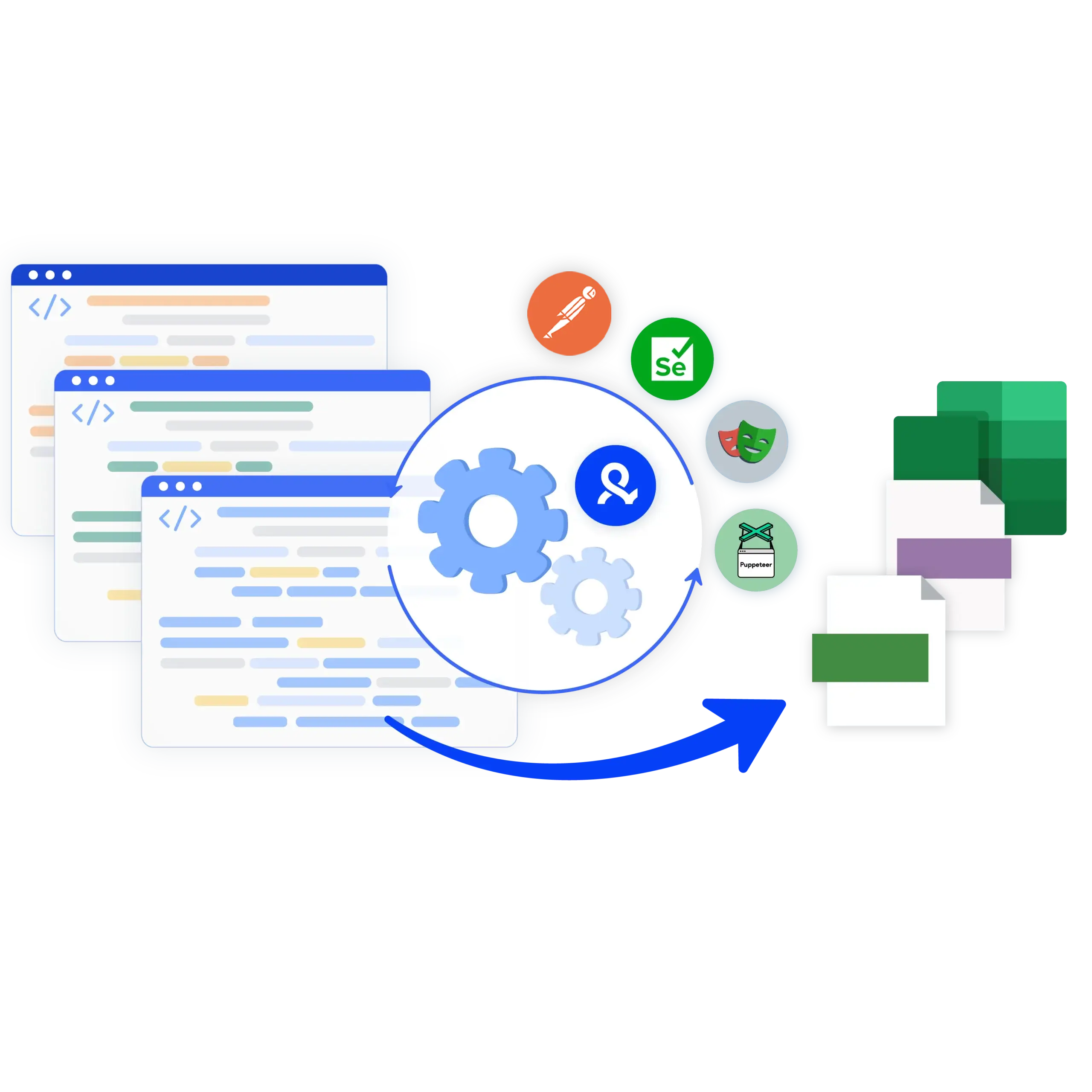

Stable sessions for every scraping project
Websites treat inconsistent traffic as noise and drop it. Multilogin gives each scraping task its own isolated browser profile with a consistent device identity and a matched residential IP. Your sessions look coherent because they are coherent: one profile, one identity, one location. Check listings, compare prices, or extract leads with fewer interruptions.

Built-in residential proxies, included in your plan
Every paid plan includes residential proxy traffic from a pool of 30M+ IPs. No separate proxy subscription, no juggling providers. Choose a region per profile and Multilogin matches the IP and geolocation automatically.

Collect regional data with location matching
Prices, listings, and search results change from country to country. Assign a region to each profile and Multilogin handles the connection: the IP, the geolocation, and the profile settings all point to the same place. Compare marketplaces across regions and keep your product data accurate for every location you care about.
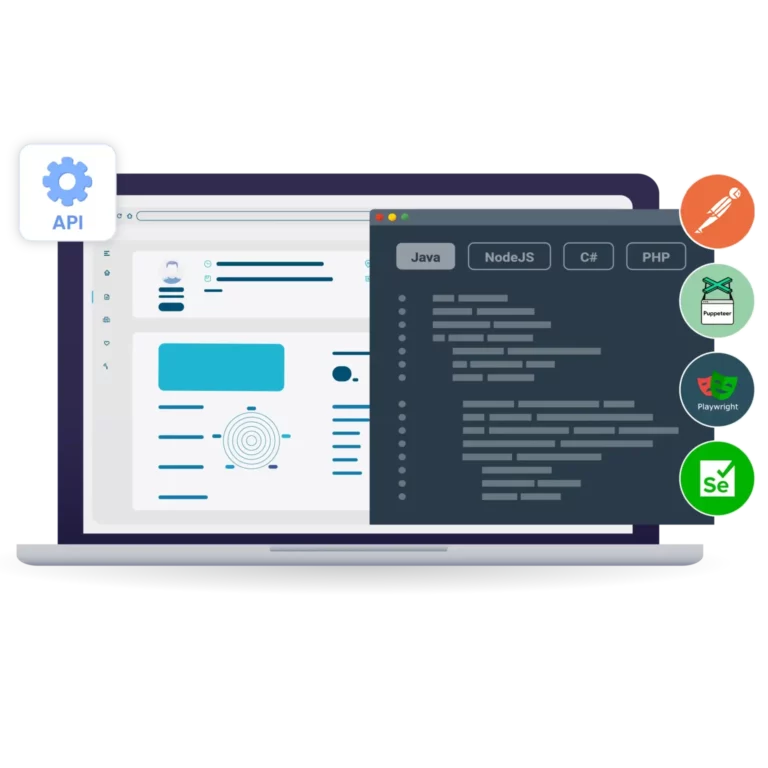
Launch scraping sessions through the API
Plug Multilogin into your automated workflows. The API works with Selenium, Puppeteer, Playwright, and Postman, so you can create profiles, launch sessions, and collect data straight from your scripts. API and automation access starts from the entry paid plan
Grow your social media accounts with Multilogin cloud phones
-
Unlimited time
-
Mobile and browser profiles included
-
Free built-in proxies & mobile minutes
-
Unlimited time
-
Mobile and browser profiles included
-
Free built-in proxies & mobile minutes
What is Multilogin's browser for?
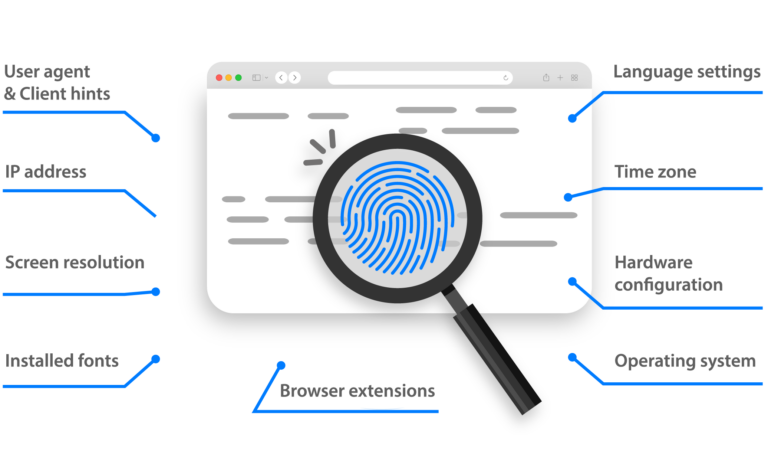
The browser hide your computer’s “digital fingerprint,” which includes things like browsing history, cookies, and hardware details.
You get real browser environments with unique fingerprints, built-in residential proxies to bypass bot protection, and full support for Puppeteer, Playwright, Postman, and Selenium.
Scraping mobile-first platforms? Meet cloud phones
Multilogin features for web scraping
Trusted by thousands of creators, sellers & online earners

Ha D.
Social Media Marketing Retail

Nino Latif

Stanislav K.
Marketing Manager

Elen S.
Marketing Manager

Hamza Arif
E-commerce Manager


Nick Horvath
Marketing agency
The most awarded multi accounting platform















Web scraping: definition, process, and use cases
Web scraping is the automated collection of data from websites. Instead of copying information from a page by hand, you use a script or a scraping tool to pull what you need: product prices, search results, user reviews, or public social media content.
At its core, a scraper sends a request to a web page, downloads the content (usually HTML), and extracts specific elements such as titles, prices, or descriptions. But scraping is not just about pulling data. It is about doing it efficiently, at scale, and with sessions that stay stable from the first request to the last.
Read our latest guide on the best browsers for web scraping.
Challenges of modern web scraping
Years ago, a basic Python script and a few requests per second did the job. Today, most websites run anti-bot systems that check for:
- Repeated IPs or location mismatches
- Headless browser signatures
- Automation patterns, such as no mouse movement or unnaturally fast clicks
- Unusual session behavior
- Duplicate or inconsistent browser identities
When a site classifies your traffic as suspicious, you hit roadblocks: CAPTCHAs, redirects, incomplete data, or dropped connections. Reliable scraping starts with sessions that look and behave consistently.
How Multilogin supports web scraping
Multilogin gives your scraping stack real browser infrastructure. Each task runs in its own isolated browser profile with separate cookies, storage, and timezone, plus a consistent device identity. Built-in residential proxies from a 30M+ IP pool match each profile’s location, so the IP, geolocation, and profile settings always tell the same story.
You automate the flows with Selenium, Playwright, Puppeteer, or Postman, and Multilogin manages the browser sessions in the background.
This setup gives you:
- One consistent identity per profile, stable across long-running jobs
- IP and geolocation matched to each profile’s region
- Persistent logins, because each profile keeps its session data between runs
- Full browser rendering for JavaScript-heavy pages
- Session isolation, so cookies and cache never leak between tasks
- API access to create profiles, launch sessions, and manage them straight from your scripts
Run multiple scraping projects from a single machine, each in its own environment, and manage everything from one dashboard.
Check our guide on how to use residential proxies.
Web scraping in Python
Python is one of the most popular languages for web scraping because of its simplicity and powerful libraries. Whether you use BeautifulSoup, Scrapy, or Requests, Python makes it easy to send requests, parse HTML, and export your data.
If you scrape dynamic sites (sites that load content with JavaScript), you need a browser automation tool. That is where Selenium web scraping comes in. With Selenium, you control a real browser: click buttons, fill out forms, and scroll pages the way a person would. This helps when the data only appears after user interaction.
Multilogin works well with Python scripts and automation libraries. Create separate browser profiles and let your Python code launch and manage them through the API. Your script can switch between profiles and IPs while it runs, with no manual work in between.
Key features of an effective web scraping tool
Not all scraping tools work the same way. A solid tool should help you:
- Handle JavaScript-heavy pages
- Manage IPs and locations per task
- Keep sessions isolated and stable
- Automate browsers reliably
- Integrate with your existing stack (Postman, APIs, automation frameworks)
Multilogin covers all of that. Use the built-in pool of residential IPs or connect your own HTTP, HTTPS, ISP, or SOCKS5 proxies. It works with your favorite automation drivers and helps you avoid common scraping issues like broken sessions and incomplete data.
For more details on why machines can’t pass CAPTCHA, see our guide.
Use cases for modern data scraping
Web scraping powers real business decisions. Here are a few examples of how teams use it every day:
- E-commerce: track product listings, reviews, prices, and stock levels across marketplaces
- SEO and marketing: monitor search rankings, competitor content, and paid ads
- Social media: gather public posts, comments, and trends
- Research and R&D: collect large datasets to train AI/ML models or monitor public opinion
- Finance: pull stock prices, news sentiment, or economic indicators from multiple sources
- Real estate: track listings, rental prices, and availability across regions
All of these need scraping at scale, with stable sessions and accurate data. The right setup, with isolated profiles and matched proxies, makes that possible.
Web scraping API
A web scraping API gives you a simple way to extract data from websites and handles the complicated parts for you. Multilogin’s API lets you create profiles, launch sessions, and plug reliable browser environments into any data pipeline.
JavaScript web scraping
JavaScript web scraping targets websites that load content dynamically through scripts rather than static HTML. These sites need more advanced setups, since standard tools often miss data hidden behind JavaScript rendering. Multilogin profiles run full browsers, so pages render completely and you can extract content that only appears after the scripts execute.
Watch the Multilogin Demo
FAQ
Data scraping is the process of extracting information from websites. Instead of copying text manually, you use a script or software to pull specific data—like product listings, reviews, prices, or emails—from web pages.
Most data scraping today is automated. Tools like Selenium or Python scripts handle the heavy lifting, and platforms like Multilogin help you avoid getting blocked while doing it.
It depends on what you’re scraping and how you’re doing it. Public data on the web is usually fair game, but scraping private content, copyrighted materials, or violating a site’s terms of service can lead to legal issues.
The safest approach is to scrape public, non-authenticated content responsibly. Multilogin helps you stay under the radar by simulating real browser activity, which lowers friction with anti-bot systems but doesn’t replace the need for legal due diligence.
Your best tool depends on your technical background and project needs:
Python users often go for BeautifulSoup, Scrapy, or Selenium.
For browser automation, Playwright and Puppeteer are strong options.
If you’re working with APIs, tools like Postman are useful for testing and automation.
Multilogin works alongside these tools to reduce detection. You can launch real browser profiles via API, use rotating proxies, and run scripts at scale without being flagged.
Sites block scrapers for unusual behavior—like too many requests, mismatched fingerprints, or known datacenter IPs. You might see CAPTCHAs, fake data, or full IP bans.
To avoid this:
Rotate IPs using residential proxies
Match browser fingerprints to IP location
Avoid headless detection by using real browser sessions
Multilogin handles all of this. It creates isolated browser profiles with clean IPs and human-like fingerprints, helping your scraper blend in like a real user.
Multilogin supports integration with scraping tools like Puppeteer, Playwright, and Selenium. You can launch real browser profiles via API, assign proxies, and manage sessions in the same workflow—saving time and improving success rates.
Yes. You can start with the Free plan at no cost and with no time limit. It includes up to 5 profiles, 200 MB of residential proxy traffic, and 30 mobile minutes as one-time allocations. No credit card needed, so you can test your scraping use case before upgrading. Paid plans start from $7.08/month.
