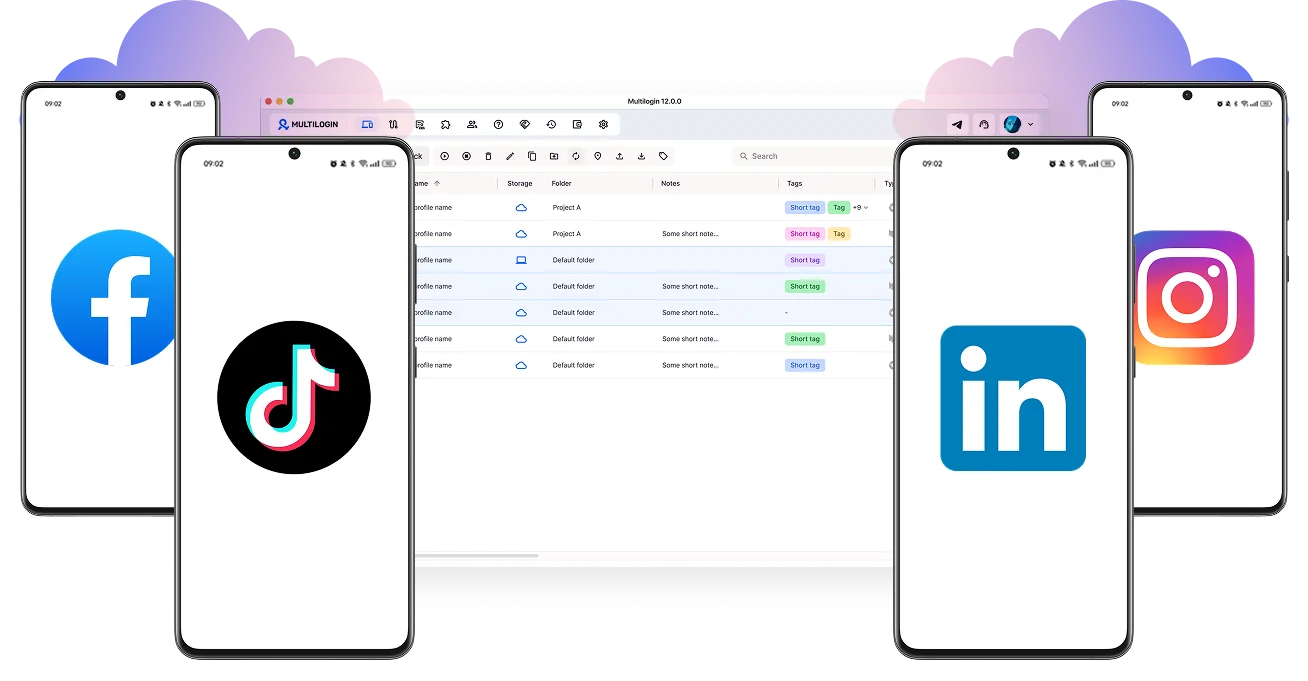
Run cloud phones without physical devices
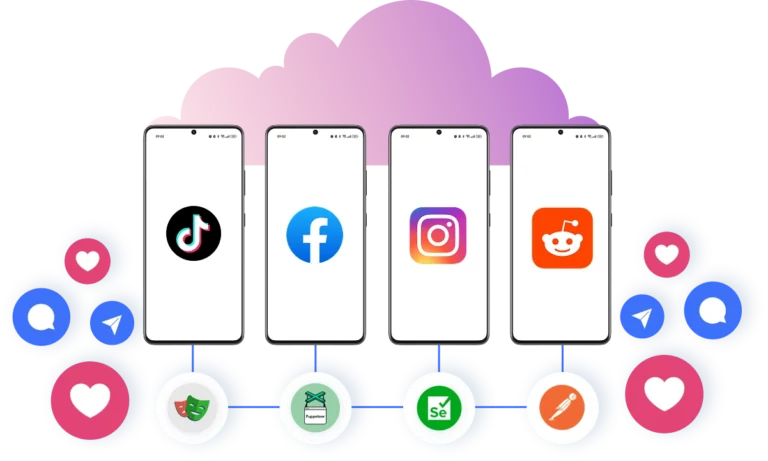
Log in to your accounts with Multilogin cloud phones. Manage multiple accounts for TikTok, Instagram, and Reddit without physical phones or extra tools.
Run multiple cloud phones
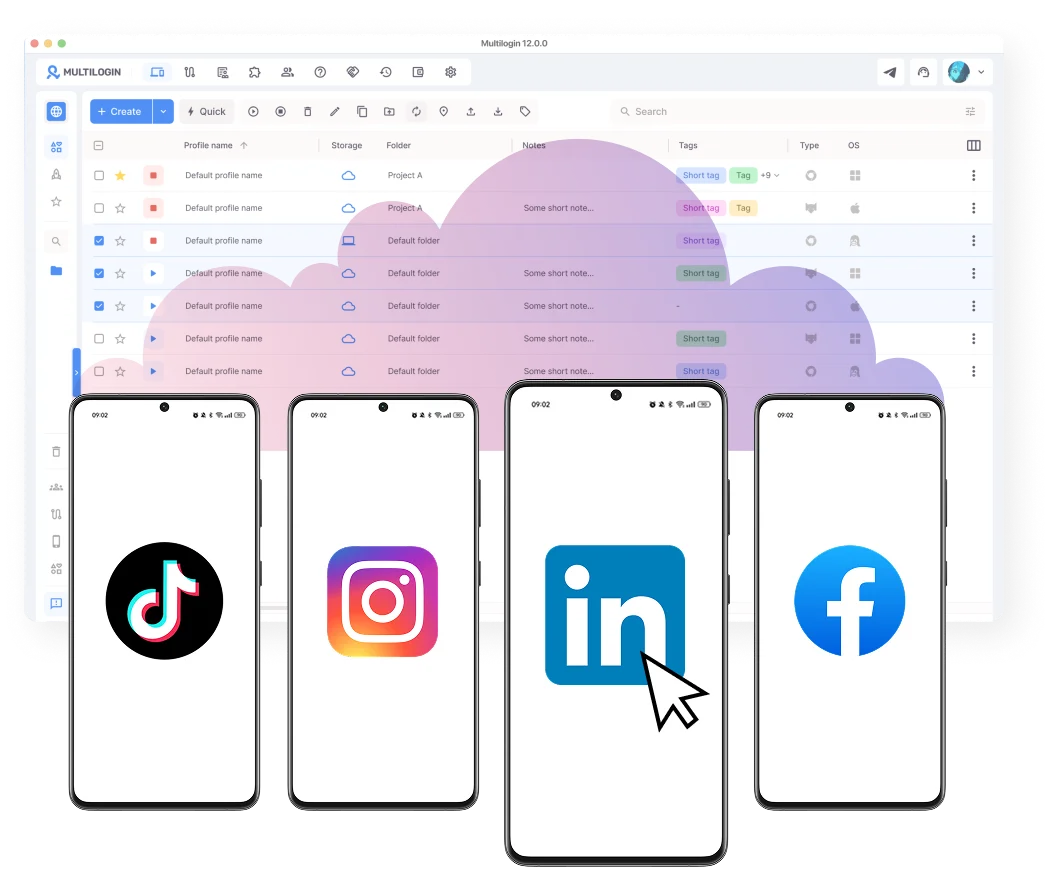
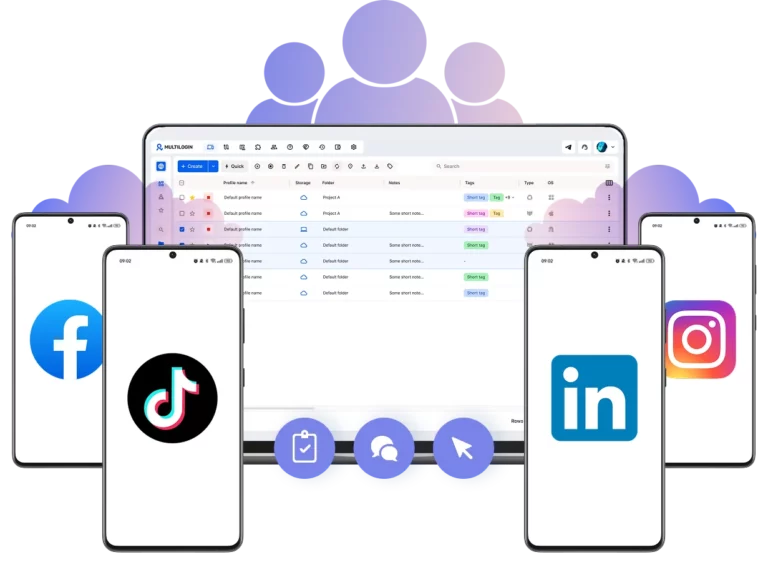
Switch between cloud phones in seconds, keep sessions saved, and resume anytime. Create folders, use tags and notes, and organize with dynamic columns to boost efficiency when managing multiple accounts.
Log in to your accounts from any location in the world
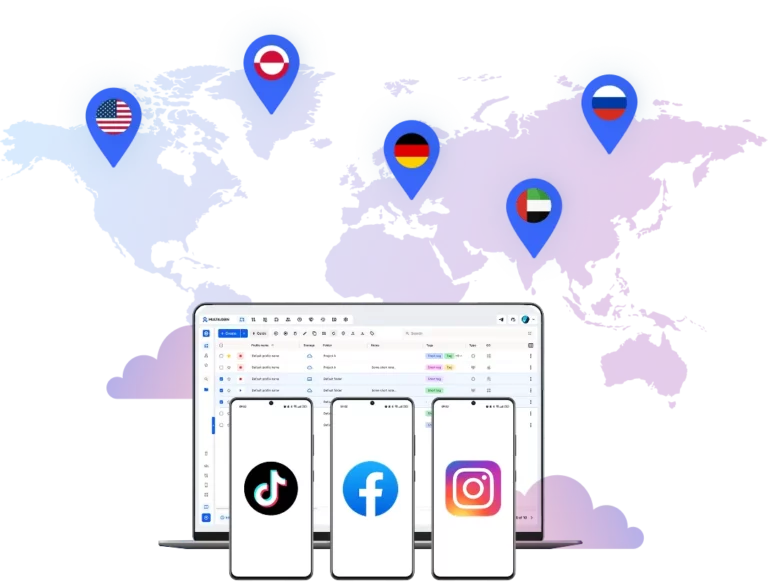
Increase your accounts’ visibility and reach new audiences. Choose from over 150 locations for your cloud phones to target any audience you need.
Pair a unique cloud phone with each account
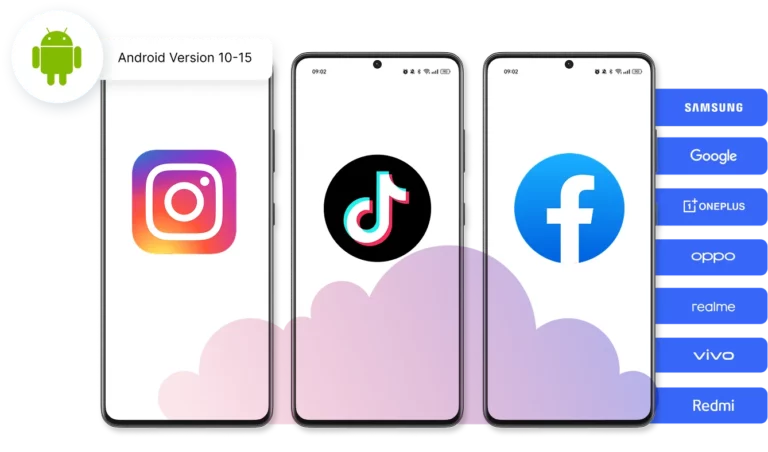
Customize your cloud phones to fit your needs. Choose from 12+ real device brands (Samsung, Google, and more) and automatically generate phone numbers for account verification.
Save time and effort with automation for cloud phones
Increase performance for your mobile-based accounts. Automate posts, likes, and comments, and streamline engagement using custom scripts with Puppeteer, Selenium, Playwright, or Postman.
Boost your marketing team results
Collaborate on cloud phones to manage multiple accounts. Share access, add team members, and work together to grow your accounts efficiently.
Manage Unlimited Mobile and & Web Accounts
-
3-day access to Multilogin
-
5 cloud or local profiles
-
200 MB proxy traffic included
-
3-day access to Multilogin
-
5 cloud or local profiles
-
200 MB proxy traffic included
What is a cloud phone?
A cloud phone is a real Android device hosted in the cloud. Each cloud phone runs as an independent device, with its own operating system, hardware parameters, storage, and network signals. It also allows you to install and run mobile apps just like on any physical Android device.
Why choose cloud phones in Multilogin?
Multilogin is a beginner-friendly platform with cloud Android phones, built specifically for social media marketing. Each cloud phone is unique, automatically generates a phone number, and connects to built-in proxies.
With Multilogin, you can create and manage your social media accounts from the start without any other tools or physical devices.
Multilogin features for Cloud Phone management
Multilogin 2-in-1
Browser profiles and Android cloud phones in one platform. One dashboard, full control over all your accounts. Built for multi-accounting at any scale.
Built-in proxy integration
Residential IPs included in every plan — no extra cost. Access 30M+ IPs across 150+ countries and 1,400+ cities, tested daily for quality and reliability.
Up-to-date Android versions
Stable Android versions 10–15, fully compatible with modern mobile apps.
Real brands and devices
Support for 12 real Android device brands with unique IMEI and system-level digital fingerprints.
App repository
Install TikTok, Instagram, Reddit, and other popular apps without Google Play. APK uploads are also supported.
Folders, tags and access control
Organize profiles using folders, tags, and role-based access. Manage team workflows with ease.
Enterprise-grade security
Profile encryption, 2FA, access control, and compliance-ready security for safe operations.
One-click Android cloud phone launch
Start cloud phones and install any apps without physical devices.
Multilogin competitive advantages
Fast and intuitive interface
Everything at your fingertips: drag-and-drop, hotkeys, and smooth multitasking without losing speed.
Browser built for multi-accounting
Advanced engine effectively avoids multi-account detection by creating unique browser fingerprints.
Created for team collaboration
Proxies included in every plan
24/7 support in 5 languages
Manage multiple accounts across 50+ platforms
How to start using Multilogin cloud phone
Launch and manage real mobile environments in the cloud.

Sign up
Register using a verified email address.

Choose your plan
Select from various subscription plans tailored to your business needs.

Download Multilogin
Install the Multilogin desktop app to manage mobile sessions securely.

Access the Multilogin dashboard
Launch cloud phone, assign proxies, configure fingerprints, and manage mobile environments from one place.

Manage multiple cloud phone profiles
Set up and manage multiple cloud phone profiles using separate browser profiles with consistent identities.
Why people love Multilogin

Nino Latif

Nick Horvath
Marketing agency

Sagar C.
Social Media Marketing

Hamza Arif
E-commerce Manager

Nathan Green
Digital Marketing Specialist

George M.
Co-Founder, Small-Business
Award winning multiple account management platform
Watch the Multilogin Demo
Cloud phones for multiple account management: A complete guide
Mobile platforms have changed how accounts and ads are evaluated. Many workflows only function properly inside real mobile environments, especially native Android apps, mobile-only features, and region-specific content.
At the same time, platforms look at far more than basic interactions. IP consistency, geolocation signals, hardware identifiers, and long-term session behavior all influence how mobile activity is classified.
When mobile workflows rely on shared devices, emulators, or unstable setups, results become inconsistent. Sessions break, identities overlap, and behavior stops reflecting how real users interact with apps. This makes operations harder to scale and outcomes harder to trust.
Multilogin lets teams run mobile workflows on Android cloud phones with independent device identities, fully controlled from the desktop.
Why mobile workflows need cloud phone environments
Traditional mobile setups usually fall into two categories: physical phone farms or Android emulators.
Physical phones are expensive, difficult to maintain, and limited by geography and hardware availability. Managing dozens of devices adds operational overhead that grows fast as teams scale.
Android emulators reduce hardware costs, but they often reuse system signals or fail to reproduce real mobile behavior. Apps detect these inconsistencies over time, leading to unstable sessions, limited functionality, or restricted actions.
A cloud phone solves this by acting as an independent mobile phone hosted entirely in the cloud. Each cloud phone runs its own Android OS, maintains persistent app data, and operates with a consistent device and network identity. Mobile workflows behave like real user activity, not like reused or synthetic environments.
Why choose Multilogin's cloud phone
Multilogin gives you a complete 2-in-1 platform: cloud phones and browser profiles in one dashboard, making it the leading solution for multi-account management. Instead of juggling separate tools, you run secure, scalable mobile and web workflows from one place.
Built-in high-quality proxies handle connections automatically. Every session stays fully isolated. And because cloud phones and browser profiles share the same dashboard, there’s no switching between tools or subscriptions.
Key benefits of Multilogin's cloud phone
The core benefit is identity consistency. Each cloud phone includes its own Android environment, hardware identifiers, storage, and proxy connection. Nothing is shared between phones unless you choose to configure it that way. This prevents session overlap and removes the issues that come with reused mobile environments.
Scalability is another key advantage. Because cloud phones run remotely, teams are no longer limited by physical devices or local machine resources. You can manage multiple accounts in parallel without affecting performance or stability.
Regional flexibility is also built in. Each cloud phone connects to HTTP(S), SOCKS5, or mobile proxies, with IP address, device settings, and session behavior all kept in sync. This creates stable mobile identities that hold up over time, across markets.
From an operational standpoint, cloud phones fit naturally into existing workflows. Install native Android apps, automate actions, and manage everything from one platform without changing how those apps are used.
Native apps and organic social media growth
Posting from native mobile apps makes a difference to how platforms evaluate your content. When activity comes from an Android cloud phone, it looks and behaves exactly like a regular user on their phone.
With Multilogin cloud phones, each account posts from its own dedicated Android device, the same way any real user would. This keeps activity looking natural and consistent over time.
What this means in practice:
- Posting from a cloud phone registers as organic mobile activity, which platforms treat the same as any regular user
- Each account runs on its own cloud phone, so behavior stays consistent and isolated across all your accounts
- App data, login states, and session history are saved between sessions, which supports natural account warm-up over time
- Works across Instagram, TikTok, Facebook, and any other platform where native app behavior matters for reach
The result is that your social media accounts grow in an environment that platforms recognize as genuine mobile activity, not automated tooling running in the background.
How teams use cloud phones in practice
For multi-account operations, each account runs inside its own cloud phone with persistent data and a unique device identity. This makes long-term account management more stable and reduces the risk of session conflicts.
When something needs troubleshooting, cloud phones make it straightforward. Teams return to the same environment with the same apps, settings, and device signals to reproduce behavior under identical conditions, without rebuilding setups from scratch.
For larger workflows, multiple cloud phones can run at the same time. Actions can be automated or synchronized where needed, while identities stay fully isolated. This matters especially on platforms that monitor behavior patterns over time.
As operations grow, cloud phones remove the hardware ceiling. Launch new phones on demand, operate from anywhere, and keep mobile behavior consistent without managing physical devices, storage, or space.
Cloud phones across regions
Many mobile workflows depend on location. Content visibility, app features, and user flows can vary significantly by region.
With Multilogin, each cloud phone connects to a dedicated proxy and matches geolocation signals at the device and session level. This lets cloud phones behave like real devices operating from a specific country or region, rather than relying on mismatched or rotating setups. Network signals, device settings, and session behavior all stay aligned, so cloud phones remain reliable even across multiple markets.
Conclusion
A cloud phone only delivers value when it behaves like a real mobile phone. If device identities are reused, signals don’t align, or sessions aren’t stable over time, mobile workflows quickly become unreliable.
Multilogin gives each cloud phone its own Android environment, device identity, and network configuration. This removes the limitations of physical phone farms and basic emulators, and keeps operations stable as they scale. Whether you’re managing a handful of accounts or hundreds, everything stays organized, isolated, and ready to grow.
FAQ
What is a cloud phone?
A cloud phone is a real Android device hosted in the cloud. It works just like a physical mobile phone. You can install apps, manage sessions, and run mobile workflows without owning any hardware.
Multilogin cloud phones each operate with their own Android OS, unique device identifiers, and persistent app data, so every phone behaves like a genuine, separate device every time you use it.
What is a cloud phone used for?
Cloud phones are used by social media managers and creators who need to run multiple accounts from native mobile apps. With Multilogin cloud phones, you can manage accounts on Instagram, TikTok, Facebook, Reddit, and other platforms directly from your desktop, without physical devices.
Common use cases include:
- Managing multiple social media accounts from one dashboard
- Posting and engaging from native apps for better organic reach
- Running mobile-first campaigns across different regions
- Verifying ads and content as they appear to real mobile users
- Warming up new accounts with consistent, long-term session behavior
Because each cloud phone runs independently with its own device identity, accounts stay isolated and stable over time.
How do I choose the best cloud phone service?
Look for a platform that covers the essentials:
- Real Android environments, not emulators or simulated devices
- Genuine hardware identifiers that stay consistent across sessions
- Persistent app data, logins, and cache saved between uses
- Built-in proxies with matched IP and geolocation for each phone
- A unified dashboard that makes managing multiple accounts practical
Multilogin covers all of this in one platform. You get around 30 real device types from major brands, built-in residential proxies, and a single dashboard where you can manage cloud phones and browser profiles together, without juggling separate tools.
Is a cloud phone different from a mobile emulator?
Yes, and the difference matters. Emulators simulate mobile hardware locally, but apps can detect the inconsistencies over time, which leads to unstable sessions or restricted functionality. A cloud phone runs a real Android environment in the cloud with genuine hardware identifiers and persistent session data. Platforms see it as a real device, because it behaves like one.
Can a cloud phone be automated?
Yes. Multilogin cloud phones support automation through Selenium, Puppeteer, Playwright, Postman, and the Multilogin API. You can automate simple actions, account creation, and bulk operations across multiple cloud phones while keeping every identity fully isolated. This makes it straightforward to scale workflows without managing each account manually.
Do Multilogin cloud phones support iOS?
Currently, cloud phones run on Android. iOS support is in development.
Multilogin offers around 30 real Android device types from brands including Samsung, Xiaomi, Google, OnePlus, and more, so you can choose the hardware setup that fits your workflow.
What is a cloud phone system for small business?
For small businesses and growing social media teams, a cloud phone system means being able to manage multiple mobile accounts without buying and maintaining physical devices. With Multilogin, each cloud phone comes with unique device identifiers, isolated app data, and stable sessions. Whether you’re managing a few accounts or dozens, everything runs from one dashboard with no device chaos and no complicated setup.
How do cloud phone services work?
Cloud phone services let you run Android devices remotely from your desktop, without any physical hardware. Multilogin’s cloud phones include real Android environments, built-in proxies, and location controls that match each phone’s IP and geolocation. You launch a cloud phone, install your apps, and start working just like you would on a physical device, but without the hardware limitations. Sessions persist between uses, so app data, logins, and cache are all saved and ready when you return.
What is a cloud phone number?
A cloud phone number is a virtual number assigned to an Android cloud phone, used for account registration and verification. Each Multilogin cloud phone can be set up with its own number, keeping every account separate and making verification straightforward. This is particularly useful for social media managers who need to register and verify multiple accounts across platforms like Instagram, TikTok, and Reddit without linking them together.

Can multiple team members use the same cloud phones?
Yes. Multilogin is built for teams. You can share cloud phones, assign them to specific team members, and set granular permission controls so everyone has access to what they need without compromising account security. Business plans include unlimited team seats, making it practical for agencies and growing teams to collaborate without friction.