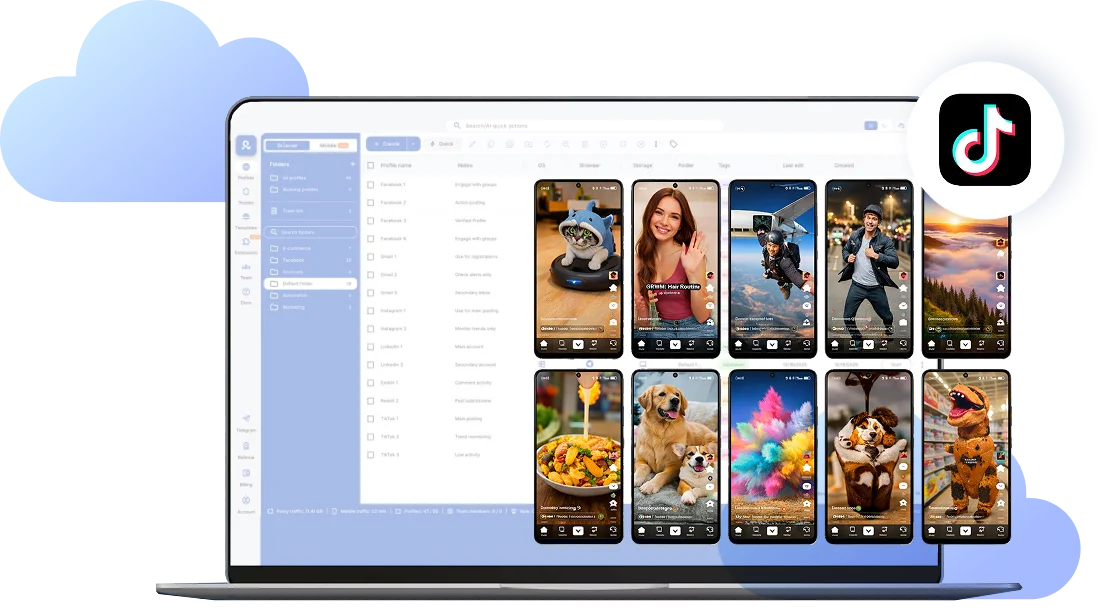
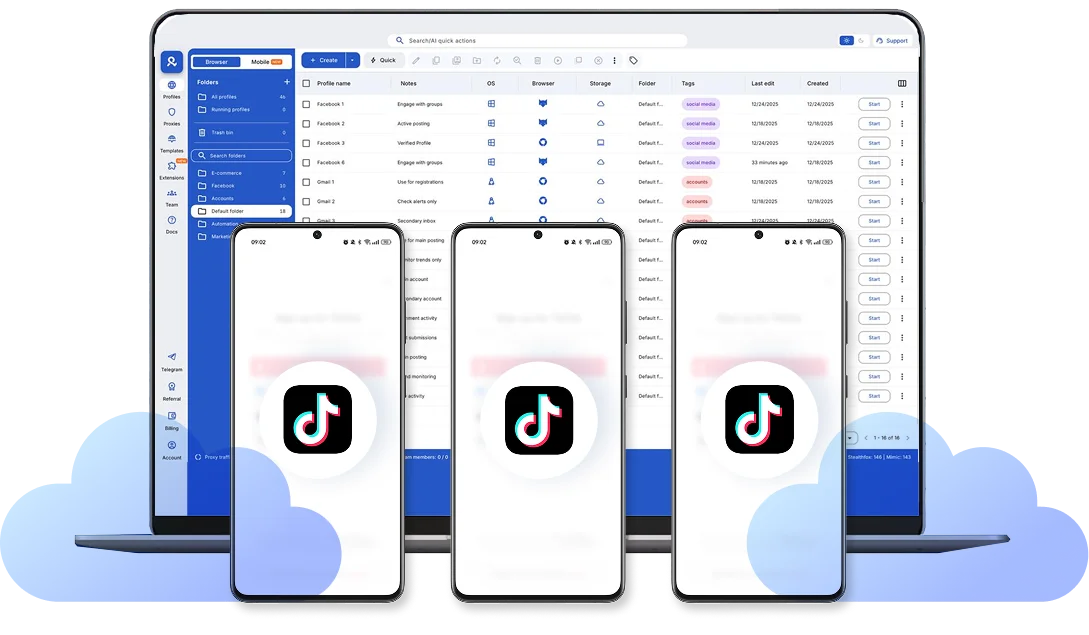
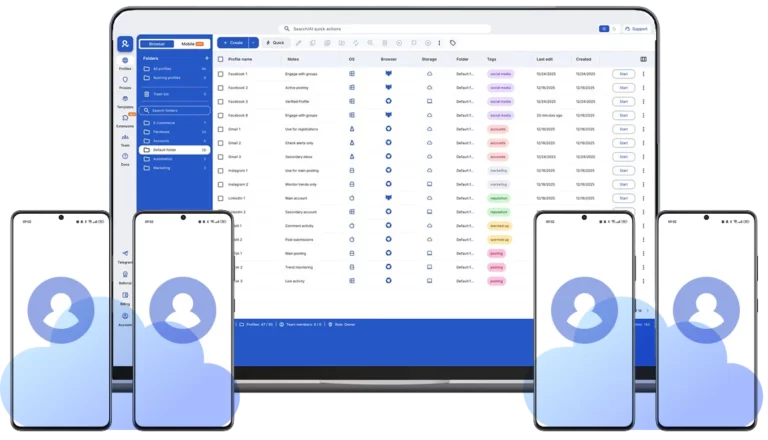
Share cloud phone profiles across your team, run bulk actions on dozens of accounts at once, and manage everything from anywhere with secure cloud storage.
Each cloud phone has real device identifiers (IMEI, Android ID, MAC address) and mobile-grade residential proxies with matched geolocation. TikTok sees genuine Android devices, not emulators or bots.
Each cloud phone looks exactly like a separate physical smartphone — not an emulator or virtual environment. This means you can manage multiple TikTok accounts without the platform detecting any connection between them, eliminating the risk of mass account bans.
Browser profiles and Android cloud phones in one platform. One dashboard, full control over all your accounts. Built for multi-accounting at any scale.
Built-in proxy integration
Residential IPs included in every plan — no extra cost. Access 30M+ IPs across 150+ countries and 1,400+ cities, tested daily for quality and reliability.
Up-to-date Android versions
Stable Android versions 10–15, fully compatible with modern mobile apps.
Real brands and devices
Support for 7 real Android device brands with unique IMEI and system-level digital fingerprints.
App repository
Install TikTok, Instagram, Reddit, and other popular apps without Google Play. APK uploads are also supported.
Folders, tags and access control
Organize profiles using folders, tags, and role-based access. Manage team workflows with ease.
Enterprise-grade security
Profile encryption, 2FA, access control, and compliance-ready security for safe operations.
Running a small team means I need control over who can access what, and Multilogin handles that well. The team access controls let me manage permissions without giving everyone the keys to every account. On top of that, the cloud phones keep everything isolated so one account issue doesn't put the rest at risk. Solid choice for agencies managing multiple clients or accounts.
Nino Latif
The best service for great ideas and big minds!
Always here for their clients, always ready to help out. I am using the service for 3-4-5 months now and brought me lots of great things 🙂 Hope to grow it on a larger scale and continue using the service ...
Stanislav K.
Marketing Manager
Cloud phones make it easy to manage multiple TikTok accounts with AI agents
I use Multilogin to manage a bunch of AI agents running TikTok accounts for different countries. Since each agent needs its own account, I wanted an easy way to keep everything organized.
Cloud phones make it super easy. Every account has its own phone, so I don't have to buy or manage a bunch of real devices. I can see everything in one dashboard while the AI agents handle posting and the rest of the daily work.
Elen S.
Marketing Manager
Ideal for Social Media Management
I mainly use Multilogin for client social media management, and the cloud phones have been the biggest advantage for me. I can keep different clients in separate environments, leave their sessions running, and jump between accounts without constantly switching physical devices. It feels much more practical than trying to manage everything from a pile of phones.
Hamza Arif
E-commerce Manager
Perfect browser for work, worth the money!
My overall experience with Multilogin has been excellent. I really like its intuitive dashboard, reliable customer support, and competitive pricing. It has become an essential part of my e-commerce business, and I highly recommend it to anyone looking for a dependable solution.
Yasmin D.
Social Media Manager
Safer accounts using Cloud Phones for social profiles
Running social profiles on cloud phones feels safer, everything is properly separated instead of relying on browser fingerprint tricks alone. Been running mine for a couple months with zero linking issues.
Nick Horvath
Marketing agency
Efficient Account Management and Outstanding Support with Multilogin
Multilogin has been an excellent tool for managing multiple accounts efficiently. The setup was quick, and I was able to start using it right away with no learning curve. The interface feels just like Chrome, making it easy to navigate and work without interruption. Performance has been smooth, and browsing feels natural and responsive.
Watch theMultilogin Demo
Learn how Multilogin can boost your business. Check the video below to see its full capabilities in a short demo video.
Award winningmultiple account management platform
Why Managing Multiple TikTok Accounts the Wrong Way Gets You Banned
TikTok tracks your device fingerprint — IMEI, Android ID, MAC address, and IP location. When you use TikTok’s built-in account switcher, the platform links all your accounts to the same device. One mistake, one policy violation, one suspicious behavior flag — and you risk losing every account at once in a mass ban.
Even if you’re running legitimate business accounts, TikTok’s algorithm sees multiple profiles on one device as potential spam or coordinated inauthentic behavior. Switching IPs frequently? Red flag. Changing device settings randomly? Red flag. Logging into five accounts from the same phone within an hour? You’re asking for a shadowban.
How Cloud Phones Protect You from Account Linking
Each cloud phone creates an isolated Android environment with unique hardware identifiers — real IMEI, Android ID, and system parameters that TikTok recognizes as a separate physical device. Add a dedicated residential IP matched to your account’s region, and you’ve got perfect isolation.
To TikTok, your tenth cloud phone looks nothing like your first. No shared fingerprints, no connection patterns, no account linking. If one account faces issues, the others stay completely safe.
What Happens If You Skip Account Warm-Up
Opening a fresh TikTok account and immediately posting ten videos? That’s bot behavior. TikTok will throttle your reach or flag the account before you even start.
New accounts need 7-14 days of warm-up — watching videos, liking content, leaving genuine comments, and following accounts in your niche. This builds trust with the algorithm and establishes your profile as a real user. Skip this step, and you’re setting yourself up for zero views and early restrictions. Keep your setup consistent. Once you assign a cloud phone to a region with a specific IP, don’t change it. TikTok rewards stability and punishes accounts that jump between countries or suddenly switch device parameters.
Conclusion
Managing multiple TikTok accounts isn’t about cutting corners. It’s about creating independent, authentic profiles that follow TikTok’s rules while giving you the operational efficiency to scale. Cloud phones let you do both — each account stays isolated and safe, while you control everything from one organized dashboard.
FAQ
What is a cloud phone for TikTok?
A cloud phone is a real Android device hosted in the cloud that you control from your desktop. Unlike emulators that simulate Android, Multilogin Cloud Phones run on genuine Android hardware (versions 10-15) with authentic device identifiers like IMEI, Android ID, and MAC address. When you install TikTok on a cloud phone, the platform sees it as a real physical device, not a virtual environment.
Why can't I just use Android emulators for TikTok?
TikTok easily detects emulators because they lack genuine hardware identifiers and run in simulated environments. Emulators trigger TikTok’s anti-fraud systems, leading to account restrictions or bans. Cloud phones use real Android hardware parameters, making them indistinguishable from physical devices to TikTok’s detection algorithms.
Is it safe to use TikTok's built-in account switcher?
No. When you switch between accounts using TikTok’s “Add Account” feature, all accounts share the same device fingerprint. TikTok links them together. If one account gets flagged for suspicious behavior, all connected accounts risk being banned simultaneously. This is especially dangerous for business users managing multiple brand accounts.
How do cloud phones prevent TikTok account bans?
Each cloud phone creates a completely isolated environment with unique hardware identifiers and a dedicated residential IP address. To TikTok, your 10 cloud phones look like 10 different people using 10 separate physical devices in different locations. There’s no shared fingerprint, no connection pattern — just complete account isolation that protects you from mass bans.
Do I need to warm up new TikTok accounts?
Yes. Fresh TikTok accounts that immediately start posting content look like bots. You need 7-14 days of warm-up activity — watching videos, liking content, leaving genuine comments, and following accounts in your niche. This builds trust with TikTok’s algorithm and establishes your profile as a real user. Cloud phones let you automate this warm-up process across multiple accounts simultaneously.
Which Android versions are available?
Multilogin Cloud Phones support Android versions 10 through 15, covering all major TikTok-compatible releases. You can choose from ~30 popular device models including Samsung, OPPO, vivo, Google Pixel, Redmi, and OnePlus.
How much does it cost to manage TikTok accounts with cloud phones?
Multilogin pricing starts at €5.85/month (annual billing) for the Pro 10 plan, which includes 10 browser profiles, 1GB residential proxy traffic, and 60 mobile minutes monthly. Cloud phone usage beyond included minutes costs €0.009/minute. Start with a 3-day trial for €1.99 (5 profiles + 200MB proxy traffic) to test the platform.
Can TikTok detect that I'm using cloud phones?
No. Multilogin Cloud Phones use real Android hardware with genuine device identifiers and mobile-grade residential proxies. Every technical parameter — from IMEI to GPS coordinates to network data — matches what TikTok expects from a real mobile device. The platform has no way to distinguish cloud phones from physical ones.
Can I upload videos to multiple TikTok accounts at once?
Yes. You can drag and drop videos and photos from your desktop directly into TikTok on each cloud phone. Launch multiple cloud phones side-by-side, customize captions and hashtags for each account, and upload content across dozens of profiles simultaneously — all without USB cables or file transfers.
Can I livestream to TikTok from my desktop?
Yes. With cloud phones, you can stream live to TikTok directly from your desktop setup through the native TikTok app running in your cloud phone. You can also upload pre-recorded streams as video files. This gives you better production quality than mobile-only streaming while maintaining the authentic mobile app environment TikTok requires.