






Instagram proxy & cloud phone bundle
Run multiple Instagram accounts without sudden bans or verification loops. Multilogin keeps each profile isolated with its own residential proxy, letting you manage campaigns, content, and growth from one place using over 30 million residential IPs worldwide.
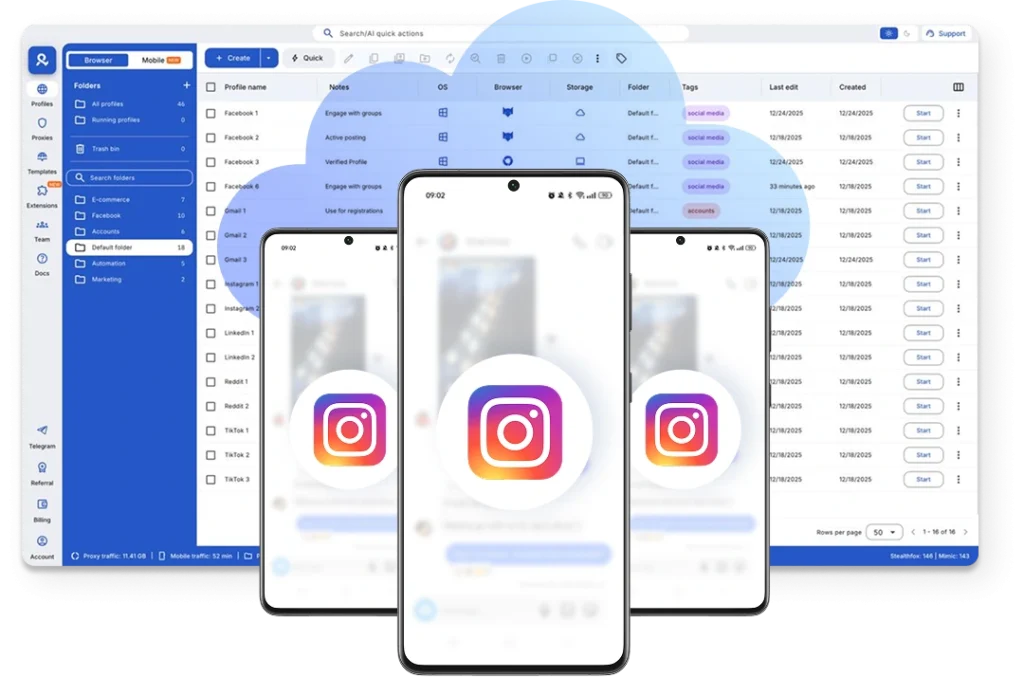
Cloud phones with
built-in proxies
Residential and mobile proxies
Included in every plan, no separate proxy bill
One IP per account
Each cloud phone gets its own IP and matched location
Cellular or Wi-Fi
Pair the right proxy with the right connection
Run multiple accounts with Instagram proxy
Manage Instagram accounts without random logouts or sudden reviews. Each account runs in its own isolated environment with a dedicated Instagram proxy, 24-hour lasting sticky sessions and 99.99% proxy stability uptime.
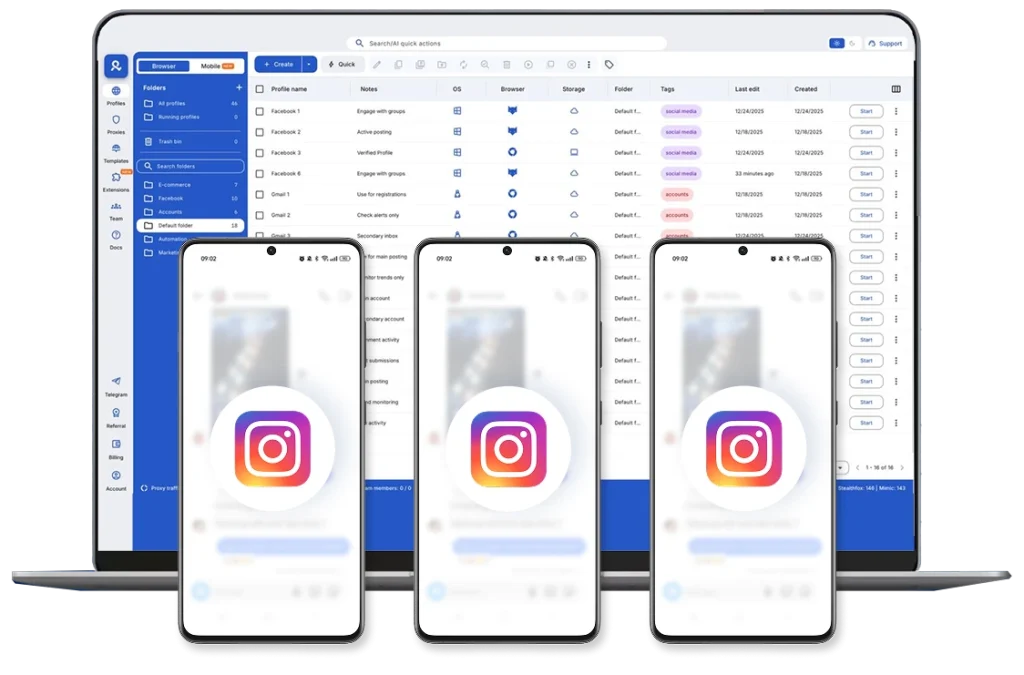
Scrape safely using Multilogin’s Instagram proxy
Automatically collect posts, profiles, comments, and engagement data without manual work. Using an Instagram proxy keeps your data collection running smoothly, so you can analyze competitors, track trends, and spot winning content without hassle.
Instagram proxies with pre-existing session signals
New logins don’t have to look empty. Profiles open with pre-farmed cookies, ensuring session data and reducing early security checks, so accounts settle faster before you scale activity.
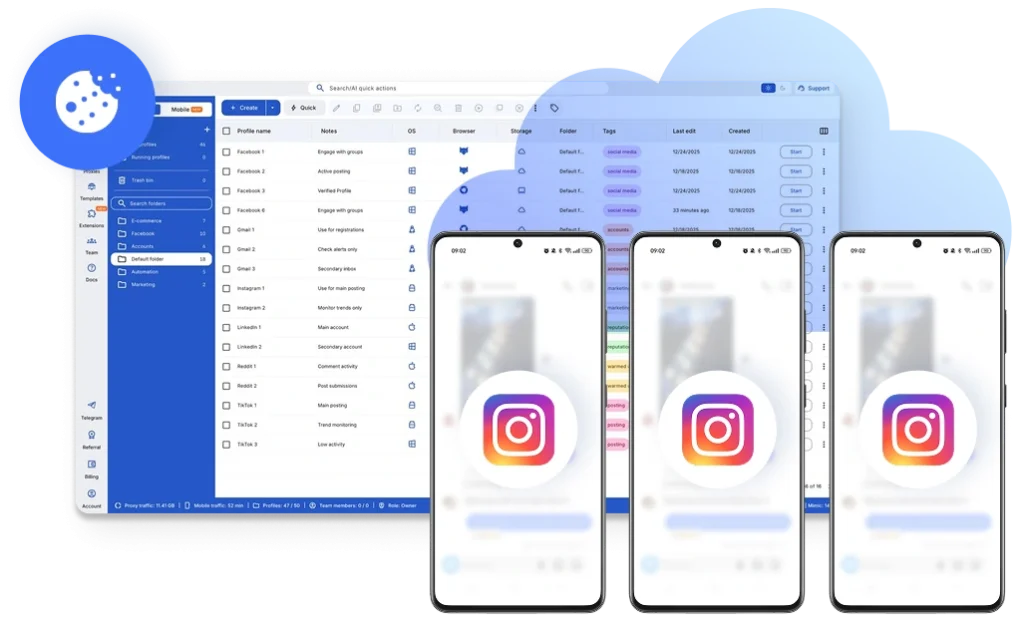
Work from anywhere with Instagram proxies
Access Instagram accounts from any location without breaking sessions. Each cloud phone or browser profile keeps its own Instagram proxy, device signals, and saved logins, so teams can work remotely without triggering account reviews.
Use Instagram Ads smoothly with Instagram proxy
Run Instagram Ads Manager with fewer interruptions by assigning a stable Instagram proxy to each ad account. This helps avoid location mismatches, account linking, and unexpected access limits while managing multiple campaigns.
Use your existing Instagram proxy setup
Already have Instagram proxies? Import them into Multilogin and manage them alongside built-in proxy options. Manage everything from one dashboard and continue working without changing your current workflow.
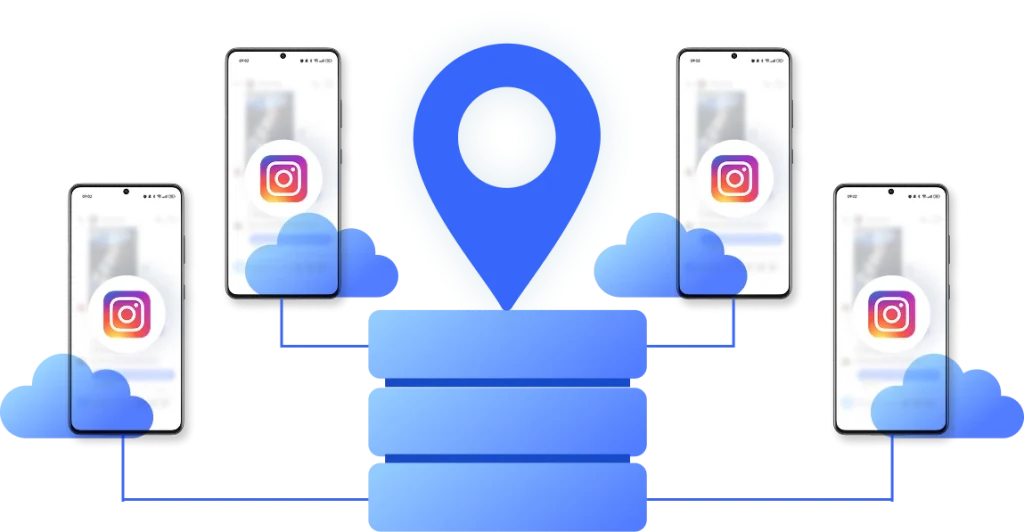
Grow your social media accounts with Multilogin cloud phones
Build account trust, reach any location, and boost your engagement
- Unlimited time
- Mobile and browser profiles included
- Free built-in proxies & mobile minutes
What are cloud phones?
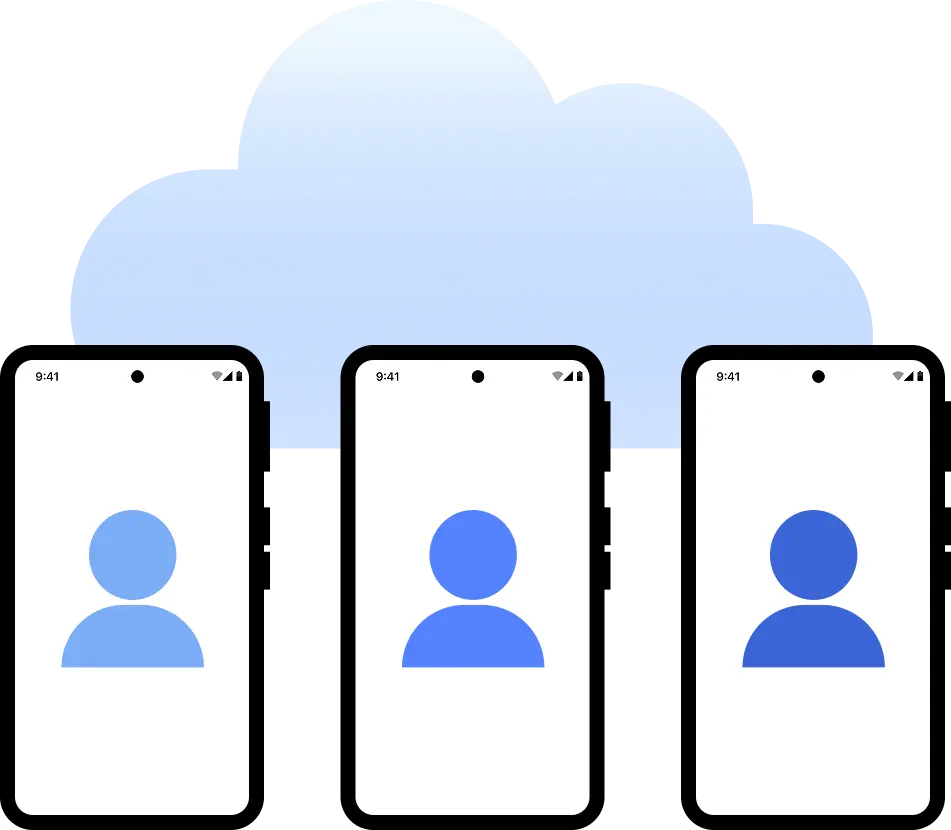
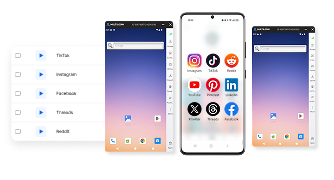
Cloud Phones are Android devices in the cloud, giving each account a persistent mobile environment with genuine device IDs, isolated app data, and stable sessions, so you can easily manage Instagram, TikTok, Reddit, and other social media accounts.
Why choose cloud phones in Multilogin for Instagram?
Manage multiple social media profiles with a beginner-friendly platform that combines Android cloud phones, isolated browser profiles, and built-in residential proxies. Keep each profile in its own dedicated environment and control everything through one stable desktop app and dashboard.

What Multilogin offers that other cloud phones don’t
Find proxies for other platforms and locations
- Ad spy proxies & antidetect browser
- Affiliate marketing proxies, web browser & cloud phones
- Amazon proxy
- Antidetect browser & proxies for Ad verification
- Argentina proxy
- Australia proxy
- Austria proxy
- Reddit proxy
- Brazil proxy
- Canada proxy
- Chicago proxy
- Chile proxy
- China proxy
- Czech proxy
- Denmark proxy
- Discord proxy
- eBay proxy
- Ecommerce proxy
- Egypt proxy
- Europe Proxy
- France proxy
- Germany proxy
- Gmail proxy
- Google proxy
- Greece proxy
- Hong Kong proxy
- Hungarian proxy
- Indonesia proxy
- Iran proxy
- Irish proxy
- ISP proxies
- Israel proxy
- Italy proxy
- Japan proxy
- Korea proxy
- LinkedIn proxy
- London proxy
- Los Angeles proxy
- Make Money Online
- France proxy
- India proxy
- Mexico proxy
- Netherlands proxy
- New York Proxy
- New Zealand proxy
- Oman proxy
- Online reputation management
- Online shopping proxies & cloud phone
- OnlyFans proxy
- Pakistan proxy
- Pinterest proxy
- Poland Proxy
- Portugal proxy
- Proxies for market research & cloud phone
- Proxies for price monitoring & cloud phone
- Proxies for Retrodrops
- Proxy browser with cloud phones
- Proxy Romania
- Rank tracker proxies & cloud phone
- Residential proxies
- Saudi Arabia proxy
- SEO proxies & antidetect browser
- SERP analysis with proxies & antidetect
- Shopee Proxy
- Singapore proxy
- Sneaker proxies & antidetect browser
- SOCKS5 proxy & multi-account browser
- Spain proxy
- Sweden proxy
- Switzerland proxy
- Taobao proxy
- Telegram proxy
- Thailand proxy
- Ticketmaster proxy
- Tinder proxy & antidetect bundle
- Tinder proxy
- Turkey Proxy & Multi-Account Browser in One Platform
- Twitter proxy
- France proxy
- UK proxy
- Ukraine proxy
- USA proxy
- Web Scraping Proxies & Multi-Account Browser
- Tiktok proxy
- WhatsApp proxy & cloud phone bundle
- Multilogin proxy
- Dropshipping and ecommerce
- Mobile proxy
- Reddit proxy
- Tiktok proxy
- Facebook proxy
- YouTube proxy
The award-winning platform for social media growth













How to start using Multilogin’s Instagram proxies
Launch and manage real mobile environments in the cloud with Instagram Proxies.
Sign up
Register using a verified email address.
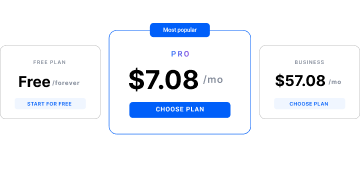
Choose your plan
Select from various subscription plans tailored to your business needs.
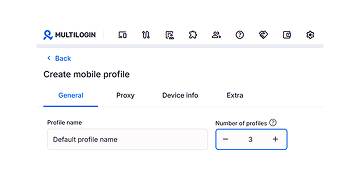
Manage multiple cloud phones using Instagram Proxies
Set up and manage multiple cloud phones using separate browser profiles with consistent identities.
Watch the Multilogin Demo
Learn how Multilogin can boost your business. Check the video below to see its full capabilities in a short demo video.
What is an Instagram proxy and why it matters in 2026
Managing several Instagram accounts often means logging in from one office, one laptop or one Wi-Fi network. An Instagram proxy controls one part of that picture: the IP address and location Instagram sees for each account.
A proxy on its own only changes the network. Cookies, app data and device settings still need to stay separate for each account. That’s why most multi-account workflows combine proxies with isolated environments such as Android cloud phones and browser profiles.
What is an Instagram proxy?
An Instagram proxy is a server that routes your connection to Instagram through a different IP address, so Instagram sees the proxy’s location instead of your own network. Teams use one to keep each account tied to a consistent location, especially when several accounts are managed from the same place.
Most Instagram proxies use residential or mobile IPs, which come from internet service providers and mobile carriers rather than data centers. Assigned one per account, they stop several accounts from sharing a single IP address.
How do Instagram proxies work?
A proxy sits between your device and Instagram’s servers. Every request goes to the proxy first and then on to Instagram, which sees the proxy’s IP and location. That helps when:
- Several accounts are managed from one office or network.
- An account should stay tied to one city or country.
- A team works remotely, but each account should keep a consistent location.
Multilogin’s built-in residential and mobile proxies cover more than 150 countries and 1,400 cities and are included in every plan, so there’s no separate proxy bill.
Why people use multiple Instagram accounts
Running more than one account is common, and Instagram supports it. Instagram’s Help Center explains that you can add up to 5 accounts in the app and switch between them without logging out.
Teams go beyond that built-in switcher when their work depends on it:
- Agencies managing client and brand accounts.
- E-commerce sellers running separate stores by brand or market.
- Creators running separate niche or language pages.
- Companies with regional accounts for different countries.
Problems tend to start when all of those accounts share the same browser, phone or network, so activity from one account blends into another.
Why Instagram accounts get restricted
Restrictions usually follow patterns that repeat over time rather than a single event. Common triggers include:
- Logging into many accounts from the same IP address.
- Reusing one browser or phone across unrelated accounts.
- Sudden location changes between sessions.
- Automated or bulk activity.
- Low-quality, shared or open proxies with a history of abuse.
- Sessions that keep resetting, so the account looks different every time it logs in.
Some activity breaks Instagram’s rules no matter what setup you use. Instagram’s Terms of Use don’t allow creating accounts or collecting information in an automated way without Instagram’s permission, and a proxy doesn’t change that.
Restrictions on one account can also affect accounts Instagram considers connected. That’s why it pays to separate legitimate accounts from the start instead of after a problem appears.
Where Multilogin changes the setup
Proxies control where traffic comes from. Multilogin controls the environment each account runs in. Each Instagram account gets its own Android cloud phone or browser profile, with separate cookies, local storage, app data and proxy settings.
- One cloud phone or browser profile per Instagram account.
- A dedicated residential or mobile proxy per account.
- Persistent sessions that keep apps and logins in place between launches.
- Location, language and time zone matched to the proxy.
Cloud phones run the Instagram app for posting, Reels, Stories and DMs. Browser profiles cover web work such as Meta Business Suite, Ads Manager and analytics. Both are managed from one dashboard, with team seats and folder access on paid plans, so teammates can work on the accounts they’re responsible for without sharing passwords.
Using Instagram proxies with cloud phones
Instagram is mobile-first, so most daily work happens in the app. A proxy alone can’t give an account a stable mobile environment; a cloud phone can.
An Android cloud phone is a cloud-based Android environment you control from your computer. Each one keeps its own app data and saved logins, runs Android versions 10 to 16, and stays logged in between sessions.
Assigning one cloud phone and one proxy to each account means the account is always opened from the same environment and location. Teams stop swapping physical phones, logging in and out of one device, or relying on emulators, and anyone with access can pick up an account from the dashboard.
For a step-by-step walkthrough, see our guide to managing multiple Instagram accounts with cloud phones.
Best practices for using Instagram proxies in 2026
- Use one proxy per account rather than a shared pool.
- Choose residential or mobile IPs from a provider you trust, and avoid open or free proxies.
- Keep each account in one location instead of switching often.
- Run each account in its own cloud phone or browser profile.
- Follow Instagram’s rules on automation and account creation for every account you manage.
Most problems build up slowly, so a consistent setup matters more than any single setting.
Final thoughts
Proxies separate where each account connects from. Cloud phones and browser profiles separate the environment each account runs in. Together, they let legitimate accounts work independently instead of sharing one device, browser or network. Neither replaces following Instagram’s rules.
Multilogin has a Free plan with no time limit and no credit card required, and paid plans start at $7.67 per month with proxy traffic and mobile minutes included. Compare Multilogin plans and start with one account before moving the rest.
Instagram Proxies FAQ
What are Instagram proxies?
Instagram proxies are specialized IP addresses that allow you to manage Instagram accounts by routing your connection through a different location.
In 2026, high-quality residential or mobile Instagram proxies are more important than ever due to Instagram’s advanced detection systems. With Multilogin, these proxies are used together with cloud phones and browser profiles, ensuring each account runs in its own isolated environment with a stable IP and device identity — not just a masked connection.
Why does my Instagram account get banned, and can Multilogin Instagram proxies help?
Accounts get restricted for many reasons: logging into several accounts from the same IP, low-quality or recycled IPs, sudden location changes, automated activity or breaking Instagram’s rules. Multilogin reduces the technical overlap between accounts by giving each one its own proxy, cloud phone or browser profile, and persistent session. It can’t fix policy violations or prevent Instagram from enforcing its rules.
Why would I need an Instagram proxy?
You need one if you manage several accounts from the same network, run pages for different regions, or work in a remote team where each account should keep a consistent location. Without separate proxies, accounts managed from one place share the same IP address.
Will proxies stop my Instagram account from ever getting banned?
No. No tool can guarantee an account won’t be restricted. A good proxy and an isolated environment lower the risk of accounts being linked through your setup, but content, activity and Instagram’s rules still decide what happens to an account.
Can Instagram detect proxies?
Instagram can recognize many low-quality, shared or open proxies. Residential or mobile proxies assigned one per account, used from a consistent environment, look like ordinary connections and avoid the overlap that shared proxies create.
How does a Instagram proxy server work?
An Instagram proxy server forwards your traffic to Instagram from its own IP address, so Instagram sees the proxy’s location instead of yours. Giving each account its own proxy keeps accounts from sharing one IP and lets each one stay tied to a consistent location.
How to use proxies in Multilogin?
Create a cloud phone or browser profile: click “Create New” in Multilogin and choose the environment that fits your workflow.
Assign a proxy: select a built-in residential or mobile proxy, or enter your own proxy details.
Launch and manage: start the cloud phone or profile and work in your Instagram account.
For larger setups, Multilogin supports bulk proxy assignment across many cloud phones and profiles.
What is an open proxy, and should I use one for Instagram?
An open proxy is a public proxy that anyone can use. Avoid them for Instagram: they’re shared by many people, often have a history of abuse, and are easy for Instagram to recognize. Multilogin’s built-in residential proxies are a more reliable option for managing accounts.
Can Instagram flag my account when using an open proxy?
Yes. Accounts using open or low-quality proxies are frequently flagged, restricted, or permanently banned. These proxies lack consistency and often carry a history of abuse, and it could lead to account restrictions or a permanent ban.
What are the best Instagram proxies to use with Multilogin?
Residential and mobile proxies, because they come from internet service providers and mobile carriers rather than data centers. Multilogin includes built-in residential and mobile proxies, so you don’t need a separate proxy provider.
Can I use automation on Instagram with proxies?
Proxies don’t change Instagram’s rules on automation. Instagram’s Terms of Use don’t allow creating accounts or collecting information in an automated way without its permission. Paid Multilogin plans include API access for automating your own workflows, such as launching and organizing profiles; make sure any automated activity on Instagram itself stays within Instagram’s rules.
What are residential proxies for Instagram?
Residential proxies are IP addresses assigned by internet service providers to homes. Because they look like ordinary home connections, they’re a better fit for account management than datacenter IPs. Paired with cloud phones and browser profiles, they give each account a consistent connection and environment.
How do residential proxies help with automation on Instagram?
Residential proxies help with automation on Instagram by performing tasks like posting and following without triggering Instagram’s security systems. Multilogin allows you to set up automation for your account activities with minimal risk of detection.
How do I choose the best Instagram proxy for my needs?
Residential or mobile IPs: they behave like ordinary connections, unlike datacenter IPs.
Location control: choose a provider that lets you pick the country or city each account should use.
Consistency: look for sessions that keep the same IP for an account, rather than constant rotation.
Speed and reliability: slow or unstable proxies interrupt work and break sessions.
Multilogin’s built-in proxies cover these requirements and work directly with cloud phones and browser profiles.
Can Multilogin help manage Instagram accounts with proxies?
Yes. Multilogin makes managing multiple Instagram accounts with proxies simple by combining cloud phones, browser profiles, and residential proxies into one platform.
Each account stays isolated; sessions remain stable, and teams can scale safely without juggling multiple tools or risking account bans.