Share Multilogin, earn rewards
Turn your recommendations into real savings.
What is the Multilogin referral program?
Multilogin referral program lets you earn rewards by inviting others to join.
How to get started with your referral program in Multilogin

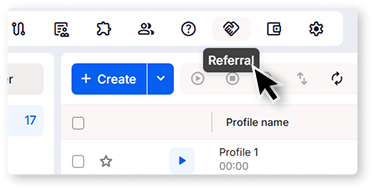
Open referral screen
Log in to your account, open the Referral page, and copy your unique link or code.
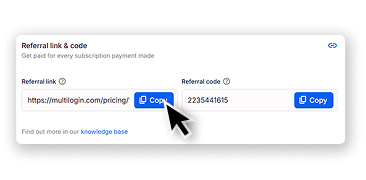
Copy link and share
When someone subscribes using your link or code, you earn 15% of their payment as Referral Balance.
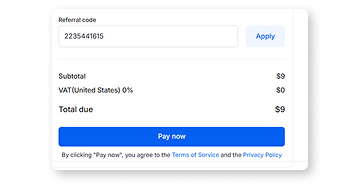
Spend at checkout
Apply your Referral Balance toward plan purchases, renewals, mobile minutes, or proxy traffic.
Sign up
Choose a plan and download the app
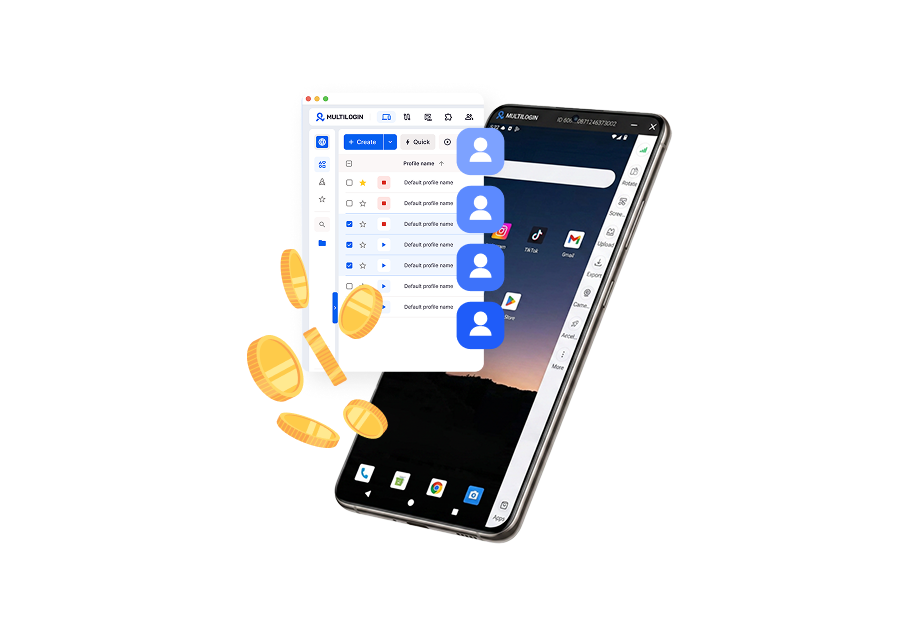
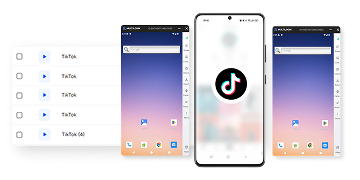
Create mobile profile
Customize the device model and choose location

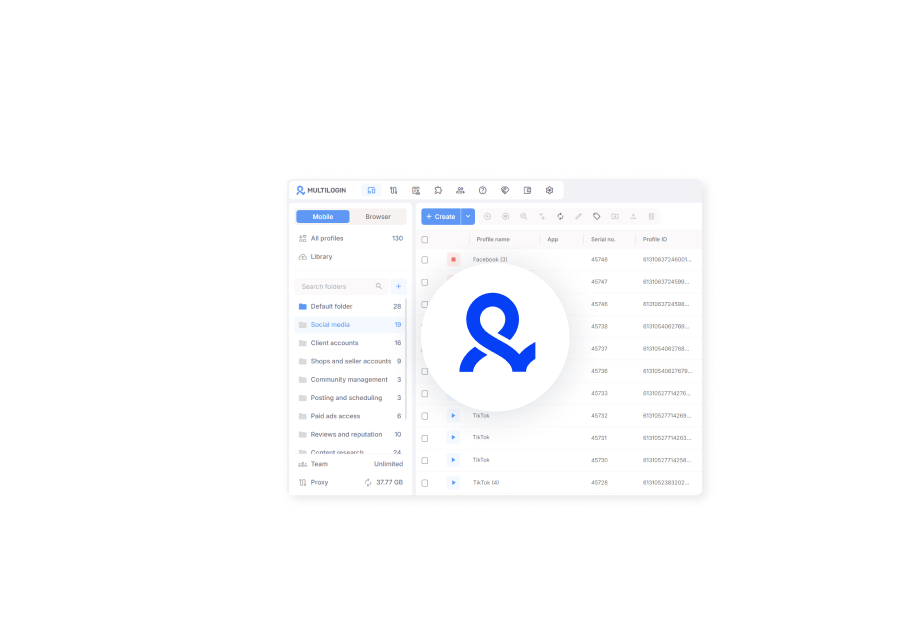
Run your accounts
Use separated browser profile to earn
Watch the Multilogin Demo
Earn on every payment
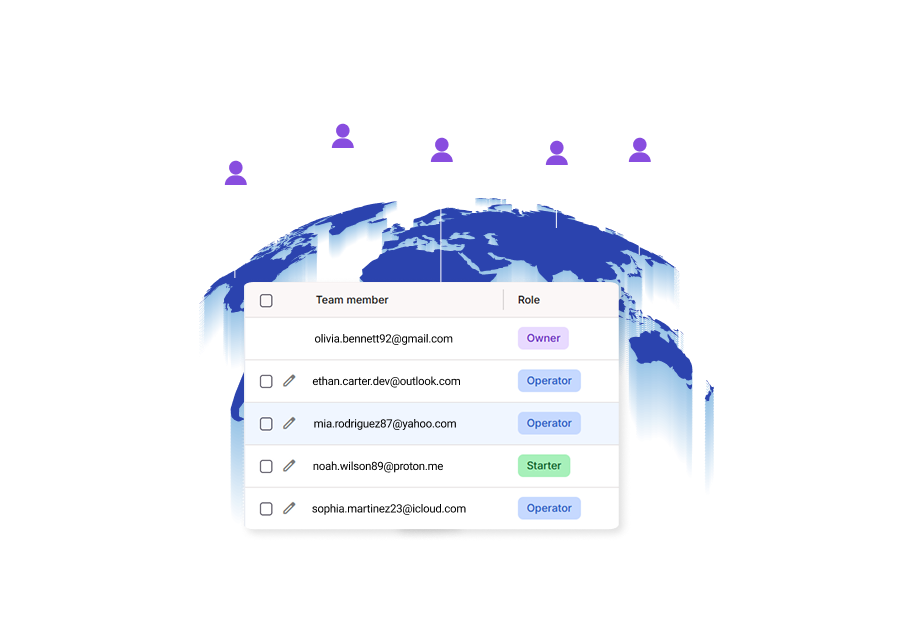
Share everywhere with your colleagues and friends
Get rewarded without limits
Choose your benefits
Trusted by thousands of creators, sellers & online earners

Nino Latif

Nick Horvath
Marketing agency

Sagar C.
Social Media Marketing

Hamza Arif
E-commerce Manager

Nathan Green
Digital Marketing Specialist

George M.
Co-Founder, Small-Business
Recommend Multilogin now
Get access to yoiur link and share it today
The award-winning platform for social media growth
FAQ
To join, you need an active paid subscription. Every account is automatically issued a referral code, but the code and referral tools only become active while your subscription is paid and in good standing. Free plan users don’t have access to the referral program.
Once you have an active paid subscription, your referral link and referral code are both ready in the Referral Program section of your dashboard. They’re shown as two separate fields, each with its own copy button, so you can share the link or the raw code depending on what you need.
Any Referral Balance that has already unlocked (moved from Frozen to Available) stays in your wallet. Cancellation only affects future commissions: since commission is earned on every renewal for the lifetime of your referral’s subscription, no further commissions are created once they cancel. If a commission is still in the Frozen state when the cancellation happens, it may be voided rather than unlocking.
Yes. You earn a commission on the invitee’s initial payment and on every successful renewal, for as long as their subscription stays active. Each renewal commission goes through its own 45-day freeze period before becoming available.
Yes. Referral Balance can currently be spent on plan purchases and renewals, mobile minutes packages, and proxy traffic packages. Redemption is optional and off by default: you choose how much to apply at checkout, up to your available balance.
Referral Balance is not applied automatically. At checkout, you’ll see your order total, your available balance, and an input field where you choose how much to apply (any amount up to your available balance, not just all-or-nothing). Click Apply, and the remaining balance is charged to your regular payment method.
Referral Balance is the internal wallet balance you earn through the referral program: 15% of what each person you refer pays, credited after a 45-day freeze period. Referral Balance is non-withdrawable as cash and can be spent on plan purchases/renewals, mobile minutes, or proxy traffic.
The referral program section only appears once you have an active paid subscription. If you’re on an eligible plan and still don’t see it, contact Support so they can check your account status.