


Social media marketing without device limits
Take your social media marketing further with Multilogin. Run hundreds of mobile and web accounts from a single dashboard.
Share accounts with your team, automate the routine work, and keep every account separate so one block never drags the rest down.


Run dozens of accounts from one computer
Open as many accounts as you need on a single machine without looking like one user. Each profile gets its own unique fingerprint, so platforms stop tagging you for multi-accounting.

Run any social media app on a real Android phone
Run native apps for social media, e-commerce, gaming, and rewards, from TikTok, Instagram, and Reddit to anything you install from the store or upload as an APK.
Each mobile account runs on its own cloud Android device with genuine hardware IDs, so platforms see a separate phone, not an emulator.
Proxies built in, no separate bill
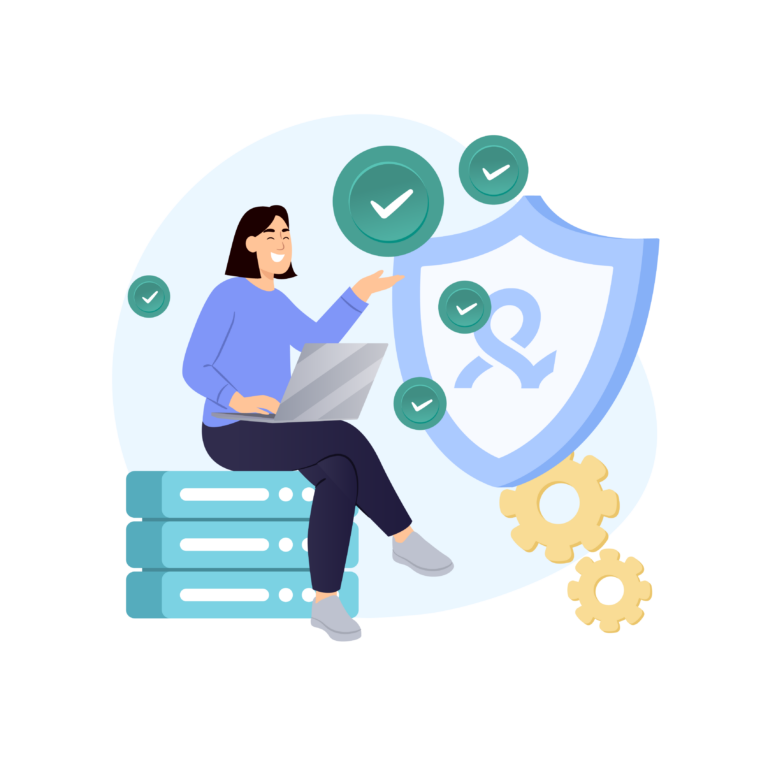
Forget buying proxies from a separate provider. Residential proxy traffic comes built into every plan, and you view, top up, and apply it from the same dashboard. Unused traffic rolls over while your subscription stays active.

Run each account from the country it needs
Access over 30 million IPs across 150+ countries with Multilogin.
Look local everywhere. Manage US accounts from the US, EU accounts from the EU, with IP, network, and GPS all lined up for each one.
Automate the repetitive work
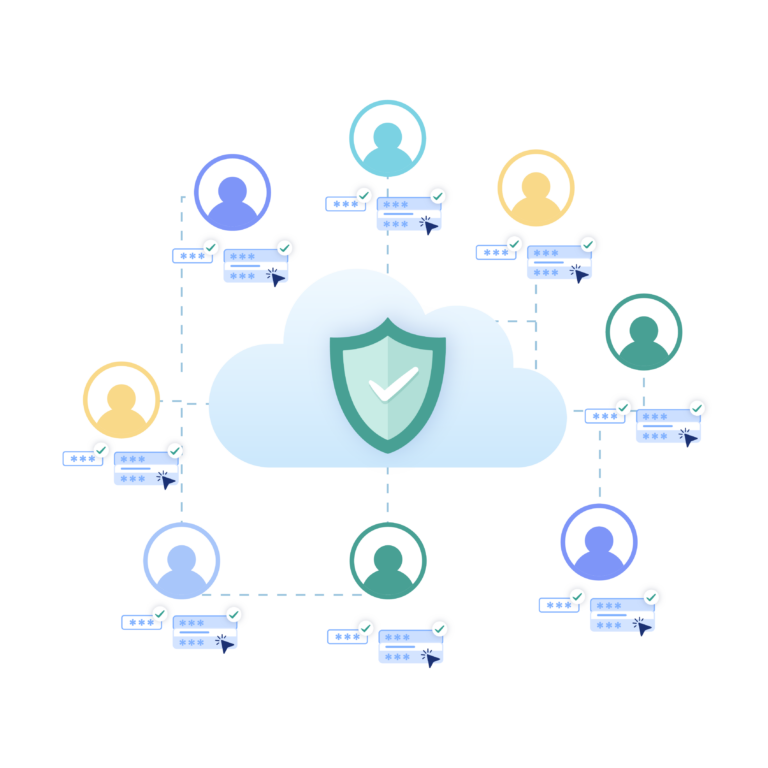
Connect Selenium, Puppeteer, Playwright, and Postman, or build your own flows with the Multilogin API. Automate posting, account creation, and bulk actions across many accounts at once.

Built for agencies and teams
Share accounts to teammate. Business plans include unlimited team seats, so whether you run 10 accounts or 1,000, the workflow stays the same.
Grow your social media accounts with Multilogin cloud phones
-
Unlimited time
-
Mobile and browser profiles included
-
Free built-in proxies & mobile minutes
-
Unlimited time
-
Mobile and browser profiles included
-
Free built-in proxies & mobile minutes
What are cloud phones and browser profiles?
Cloud phones are real Android devices hosted in the cloud. You install apps, stay logged in, and keep app data between sessions.
Browser profiles handle your web accounts. Each one is an isolated browser with its own unique fingerprint.

Why choose Multilogin for managing social media accounts?
Multilogin lets you manage multiple social media accounts from one unified dashboard. Use Android cloud phones for mobile access and isolated browser profiles for web workflows, keeping every account organized without juggling devices or extra tools.
Related solutions you might like
Multilogin features for social media management
Multilogin 2-in-1
Browser profiles and Android cloud phones in one platform. One dashboard, full control over all your accounts. Built for multi-accounting at any scale.
Built-in proxy integration
Residential IPs included in every plan — no extra cost. Access 30M+ IPs across 150+ countries and 1,400+ cities, tested daily for quality and reliability.
Up-to-date Android versions
Stable Android versions 10–15, fully compatible with modern mobile apps.
Real brands and devices
Support for 7 real Android device brands with unique IMEI and system-level digital fingerprints.
App repository
Install TikTok, Instagram, Reddit, and other popular apps without Google Play. APK uploads are also supported.
Folders, tags and access control
Organize profiles using folders, tags, and role-based access. Manage team workflows with ease.
Enterprise-grade security
Profile encryption, 2FA, access control, and compliance-ready security for safe operations.
Run multiple social media accounts without facing account blocks
Start using Multilogin today
Why Multilogin wins for creators and agencies
Fast and intuitive interface
Everything at your fingertips: drag-and-drop, hotkeys, and smooth multitasking without losing speed.
Browser built for multi-accounting
Advanced engine effectively avoids multi-account detection by creating unique browser fingerprints.
Created for team collaboration
Proxies included in every plan
24/7 support in 5 languages
Manage multiple accounts across 50+ platforms

























Why people love Multilogin

Ha D.
Social Media Marketing Retail

Nino Latif

Stanislav K.
Marketing Manager

Elen S.
Marketing Manager

Hamza Arif
E-commerce Manager


Nick Horvath
Marketing agency
Watch the Multilogin Demo
The most awarded multi accounting platform















Why social media managers run their accounts on Multilogin
Social media marketing today means running many accounts across many platforms, often for many clients. The catch is that platforms watch your device, your browser fingerprint, and your IP. The moment two accounts look like the same person, the platform links them. One flag, and the rest go down too.
Our users live this. An Etsy shop banned for no reason. A Google Business Profile suspended. One seller lost sixty accounts in a single quarter. The cause was always the same: everything ran from one computer, one IP, one fingerprint. VPNs and incognito windows did not help, because the identity underneath never changed.
The fix: a real, separate identity for every account
Multilogin gives each account its own isolated environment, so platforms have nothing to link.
- Web accounts run in their own browser profile with a unique fingerprint. Open dozens on one computer, and each looks like a different real visitor.
- Mobile accounts run on their own cloud Android phone with genuine hardware IDs (IMEI, Android ID, MAC). TikTok, Instagram, and Reddit see a real device, not an emulator.
One block never spreads to the others. That single idea turns a risky setup into a calm, repeatable workflow.
Proxies and locations, handled
The IP matters as much as the fingerprint. Every plan includes residential proxy traffic, and cloud phones use mobile-grade proxies, all matched to each account’s location. Pick a country, and Multilogin lines up the IP, network, and GPS in the background. No separate provider, no extra bill.
Built for teams and scale
Share accounts without handing over passwords. Assign profiles, set permissions, and run everything from one dashboard, with unlimited seats on Business plans. Automate the busywork through Selenium, Puppeteer, Playwright, Postman, or the Multilogin API, and run bulk actions across many accounts at once.
Try Multilogin now
Many accounts, each looking like a separate real person, managed from one place. That is the whole job, and Multilogin does it for you.
Start your trial today and run your first batch of accounts the safe way.
FAQ
How to manage multiple social media accounts?
To handle various social media profiles effectively you have to find a tool that helps you establish distinct accounts and avoids detection by platforms while keeping separate login processes. This avoids problems such as bans or limitations that frequently happen when you handle numerous accounts from the same device or IP.
For this purpose, Multilogin offers a great answer. Each browser profile you build features its own IP and fingerprint configuration. Your accounts remain separate from one another which lowers detection risks and simplifies social media operation.
What types of browsers for social media help marketers?
The key is to make every wallet look and act like a real user. Effective strategies include using antidetect browsers to create separate profiles with unique fingerprints, rotating IP addresses with residential or mobile proxies, and tracking activity in spreadsheets or tools to prevent duplicate patterns.
How to manage multiple social media accounts effectively?
To oversee numerous social media profiles effectively, you need a tool that lets you manage multiple logins without detection and secures your information across platforms. Achieving this means creating separate browsing environments for each account to avoid detection.
Multilogin helps you by letting you create separate browser profiles for each account. Each profile has its own unique digital identity, which keeps your activities private and anonymous. With Multilogin, you can manage multiple accounts safely, reducing the risk of facing account bans on different social media platforms.
Is there a way to manage multiple social media accounts without risking account bans?
Yes, it is possible to manage several social media accounts without risking bans, and the key is to use tools that keep platforms from realizing that the same person is behind multiple accounts. This means making sure each account has a unique digital fingerprint, IP address, and browsing setup.
Multilogin turns out to be essential here. Multilogin enables the establishment of separate browser profiles for every one of your accounts and hides that information from each other. You are able to manage several social media accounts securely and greatly lower the risk of detection and account bans.
How to browse anonymously while managing social media accounts?
To browse anonymously while managing social media accounts, you need a solution that hides your IP address and digital fingerprint. Keeping each account separate is essential to avoid detection.
With Multilogin you can build distinct browser profiles for each account. Different user settings hold separate identities that guarantee the privacy of your engagement. Multilogin lets you control different accounts confidently and reduces the risk of social sites flagging your accounts.
What should I do if I face a social media ban?
If you face a social media ban, the first step is to avoid using the same IP address or device for creating new accounts. Social media platforms track digital fingerprints, cookies, and IPs to enforce bans, so you’ll need to ensure that your new accounts appear as completely different users.
Multilogin can help you recover from a ban by letting you create new browser profiles with unique IP addresses. This makes it difficult for platforms to link your new accounts to the previously banned ones, allowing you to bypass restrictions and keep managing your social media.
How to set up your new accounts fast without getting banned?
To set up new social media accounts quickly and avoid bans, it’s important to stick to best practices that align with platform rules. Here are some helpful tips:
Use unique IP addresses: Create accounts from distinct IP addresses each time. It stops the platforms from connecting your accounts.
Create distinct browser profiles: Create different browser profiles for each account by using Multilogin. Every account needs its unique settings and digital identity to keep privacy.
- Warm up your accounts slowly: Begin with small engagement. Increase likes, comments, and shares over time. This process increases trust on the platform and minimizes the chances of being detected.
- Automate wisely: Employ automation tools to simplify the process of creating accounts. By using Multilogin effectively you can automate forms filling and post engagement while following natural behavior patterns to prevent bot detection.
- Monitor account activity: Keep track of how each account works. If you see any warnings or flags from the platform, adjust your strategy.
By taking these steps by using Multilogin, you can effectively create and manage new accounts and decrease the possibility of detection.
What is the process of warming up social media profiles and why is it important?
Building a relationship with social media platforms means slowly increasing your activity to build trust. Start by browsing, liking content, commenting, and following others regularly. Resist taking a dive into heavy participation or placing ads at once. Delaying your actions reduces the risk of platforms identifying your activities and minimizes the likelihood of them marking your accounts, especially if they are newly created or managed by multiple users.
To warm up your profiles on social media with Multilogin is easy. Through automation using Multilogin you can carry out profile development and repetitive actions unnoticed by artificial intelligence. By automating actions across various accounts you ensure safety and impact while keeping to platform rules for your profile activities.
How to overcome social media ad platform limitations and restrictions
To bypass the restrictions imposed by social media ad platforms, it’s crucial to steer clear of detection methods like IP tracking and browser fingerprinting. These platforms frequently flag or limit accounts that show suspicious behavior, such as operating multiple accounts from the same device or IP address.
Multilogin helps with this. It allows you to create separate browser profiles. Each profile has a unique digital identity, IP address, and fingerprint. This keeps your ad accounts independent. As a result, you can bypass restrictions, prevent account bans, and manage several ad campaigns without worrying about detection.
