Automate social profiles with cloud phones
Scale automation across mass accounts
Bulk create browser and mobile profiles with a single click. Cut down CAPTCHA friction and keep sessions running without interruption.
Manage multiple accounts from one dashboard
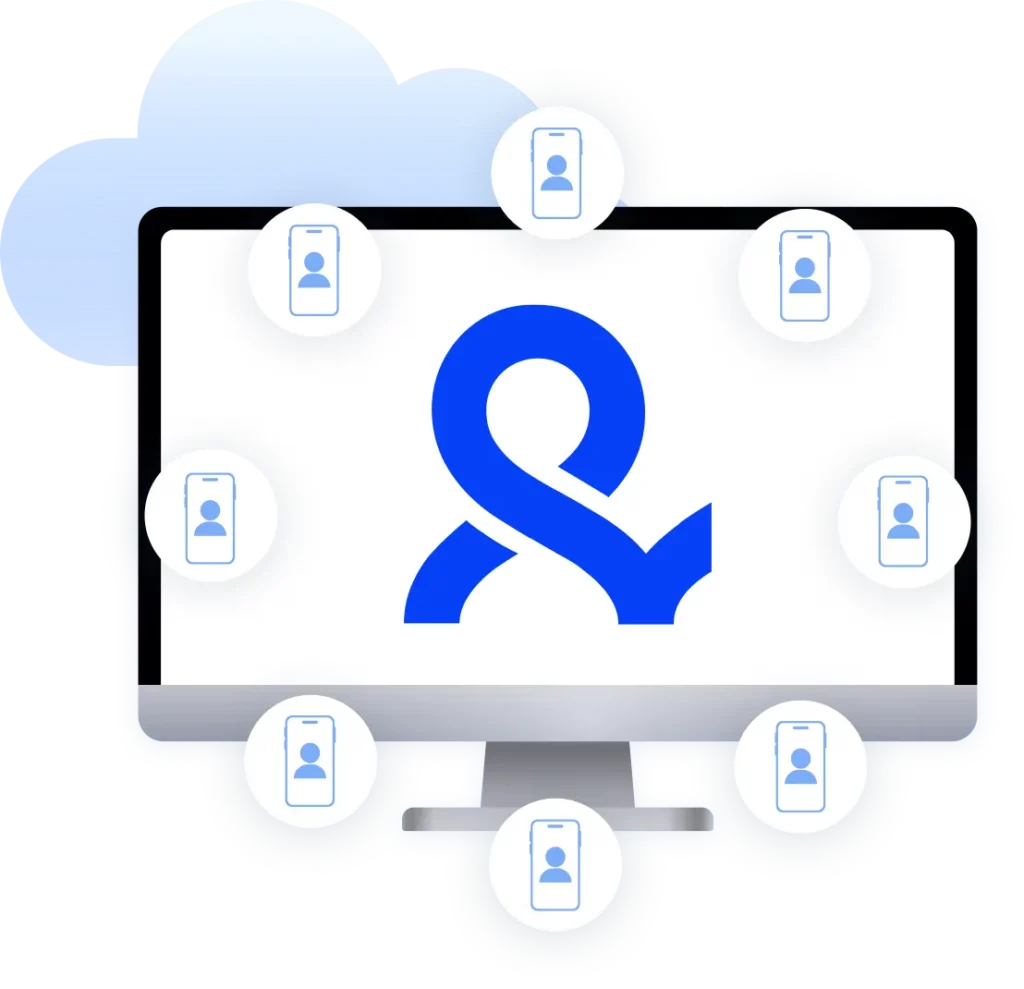
Manage any number of profiles you need from a single dashboard. Use unique devices and customize Android version, phone brand, and device model.
Reduce manual work for social media management
Automate posting, DMs, and keep multiple accounts active across TikTok, Instagram, and Facebook.
Streamline team collaboration
Share mobile profiles with your team. Add members, assign roles, and work in sync without sharing passwords.
Grow your social media accounts with Multilogin cloud phones
-
Unlimited time
-
Mobile and browser profiles included
-
Free built-in proxies & mobile minutes
-
Unlimited time
-
Mobile and browser profiles included
-
Free built-in proxies & mobile minutes
What is a cloud phone?
A cloud phone is a real Android device hosted in the cloud. It runs as its own independent device, with its own OS, hardware, storage, and network signals, and can install and run apps like any physical phone.
Why choose cloud phones in Multilogin?
Multilogin is a beginner-friendly cloud phone platform built for social media marketing. Use unique devices that come with a built-in app marketplace, and connect to proxies, all without extra tools or physical devices.
Multilogin features for multi-account management
Multilogin 2-in-1
Android cloud phones and Browser profiles in one platform. One dashboard, full control over all your accounts. Built for multi-accounting at any scale.
Built-in proxy integration
Residential IPs included in every plan — no extra cost. Access 30M+ IPs across 150+ countries and 1,400+ cities, tested daily for quality and reliability.
Up-to-date Android versions
Stable Android versions 10–16, fully compatible with modern mobile apps.
Real brands and devices
Support for 12 real Android device brands with unique IMEI and system-level digital fingerprints.
App repository
Install TikTok, Instagram, Reddit, and other popular apps without Google Play. APK uploads are also supported.
Folders, tags and access control
Organize profiles using folders, tags, and role-based access. Manage team workflows with ease.
Enterprise-grade security
Profile encryption, 2FA, access control, and compliance-ready security for safe operations.
Multilogin competitive advantages
Fast and intuitive interface
Everything at your fingertips: drag-and-drop, hotkeys, and smooth multitasking without losing speed.
Browser built for multi-accounting
Advanced engine effectively avoids multi-account detection by creating unique browser fingerprints.
Created for team collaboration
Proxies included in every plan
24/7 support in 5 languages
Manage multiple accounts across 50+ platforms
Award winning multiple account management platform
How to Start Using Multilogin
Start collecting data easily with the industry leading multi-account platform.

Sign Up
Register using a verified email address.

Choose Your Plan
Select from various subscription plans tailored to your business needs.

Download Multilogin
Install Multilogin and sign in to your account

Access the Multilogin Dashboard
Launch browser profiles and cloud phone, assign proxies,, and manage profiles from one place.

Auatomate your actions
Run Puppeteer, Selenium, and Playwright scripts to automate multi-account management
Watch the Multilogin Demo
Web automation: how to automate more with fewer clicks
Web automation lets software handle the clicking, typing, and form-filling for you. For most social media work today, that automation runs through a phone app rather than a browser tab, since TikTok, Instagram, and Facebook increasingly check activity at the app level. Instead of managing accounts by hand, you run automated actions on real cloud phones that behave like genuine devices.
If your day involves managing multiple social accounts, posting on a schedule, or warming up new profiles, automating those actions saves real hours. The goal is simple: get the work done without any of it getting blocked along the way.
What web automation covers on mobile
Web automation means using code or tools to carry out repeated actions: logging in, posting, messaging, warming up an account. On mobile, that means running these actions on a cloud phone, a real Android device hosted in the cloud with its own operating system, storage, and network signals.
Some automation still happens through a browser, for tasks like scraping public data or managing web dashboards, and Multilogin supports that with browser profiles too. But for social media specifically, mobile is where most of the daily activity, and most of the detection risk, actually happens.
Cloud phone automation vs browser automation
A cloud phone automates actions inside a real Android environment, while browser automation only covers what happens in a desktop browser tab. This matters because Instagram, TikTok, and Facebook now check device signals sent from the app itself, not just the browser, so a script that only manages browser fingerprints misses the mobile side of detection entirely. Running both together, mobile activity through cloud phones and any web-based tasks through browser profiles, keeps an account’s behavior consistent across every surface a platform checks.
Why mobile automation gets accounts flagged
Platforms don’t just watch what you do, they watch how you do it. Automation on mobile tends to break down when the same device details get reused across accounts, the IP doesn’t match the phone’s other settings, or actions happen faster than a real person would ever move.
Common failure points include:
- Running many accounts from one physical phone, the core problem with phone farming
- No CAPTCHA solving strategy in place
- Reusing the same IP or device fingerprint across sessions
The result is predictable: blocked logins, CAPTCHA loops, banned accounts, and posting flows that stop working halfway through.
Can I automate logins and actions on a cloud phone
Each cloud phone runs as its own independent Android device, so automating a login, a post, or a message doesn’t share device details with any other account. You can customize the Android version, phone brand, and device model per profile, then pair it with a clean residential IP so the network signal matches the device.
This setup lets you automate account warm-up, scheduled posting, and routine engagement without one flagged account putting the rest of your batch at risk.
Automating browser-based tasks alongside mobile
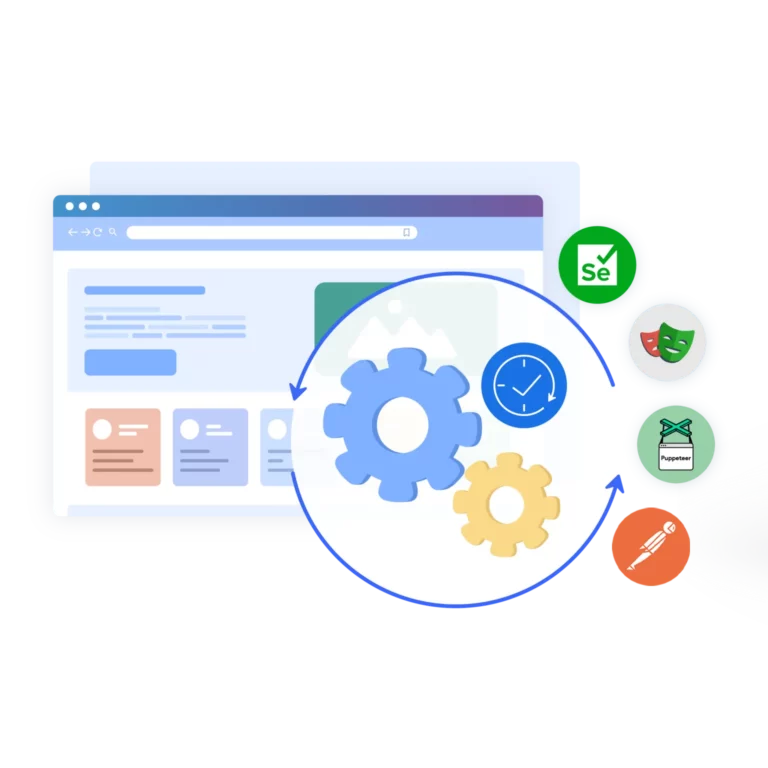
For the smaller share of work that still runs through a browser, such as filling out forms or checking a dashboard, tools like Playwright, Postman, Puppeteer, and Selenium can automate the same way: target input fields, simulate keystrokes, and submit. Pairing each session with its own fingerprint and IP keeps it from getting flagged, the same way turning off saved fingerprint prompts in Chrome keeps browser profiles from leaking settings between accounts.
What makes a mobile automation setup reliable
Most tools can post or log in once under ideal conditions. Fewer hold up once a platform’s detection systems start checking device signals at scale. Look for a setup that:
- Runs each account on its own real Android device, not a shared emulator
- Supports residential, mobile, and ISP proxy integration
- Lets you customize device model, brand, and Android version per profile
- Works alongside browser profiles for any web-based tasks
- Scales cleanly across a team without sharing passwords
Automating social media management at scale
Teams managing multiple social media accounts usually automate three things on mobile: account warm-up, scheduled posting, and routine engagement. Pairing that with a content calendar keeps scheduled posts organized across accounts instead of running from memory or scattered spreadsheets.
Multilogin cloud phones are also built to work with AI agents handling social media tasks, not just human operators. An AI agent posting or messaging on behalf of an account needs the same isolated device and clean IP as a human-run session, since platforms don’t distinguish between the two when flagging suspicious activity.
Keep automation consistent across every account
Platforms are built to notice when automated activity doesn’t read as genuine, and their detection systems usually catch the difference. Holding up over time means running each account on its own cloud phone, matching the IP to the device, and using browser profiles only where the work is actually browser-based, so every account behaves like it’s run by a different person.
FAQ
What is web automation?
Web automation uses software to carry out repeated actions instead of doing them by hand: logging in, posting, filling forms, or messaging.
For social media specifically, most of that activity now runs through a cloud phone, a real Android device hosted in the cloud, rather than a desktop browser tab. Scripts or tools trigger the same actions a person would, just faster and on a schedule.
Is web automation illegal?
Web automation itself isn’t illegal. It can violate a platform’s terms of service or the law if it bypasses security protections, abuses access, or mishandles personal data.
What matters is staying within each platform’s rules and applicable regulations, not the automation itself. This isn’t legal advice, so check the specific terms for any platform before automating it.
What is the most user-friendly framework for beginners?
For beginners, Cypress is often considered the most user-friendly framework due to its interactive interface and real-time debugging. It’s perfect for learning browser automation concepts quickly.
However, for those who plan to scale operations, especially involving multiple profiles, web scraping, or marketing automation, Playwright with Multilogin provides a better balance of simplicity, flexibility, and anti-detection features.
Multilogin eliminates the need for complex setup, offering a ready environment where beginners can safely test scripts, manage proxies, and automate browsers without worrying about bans or technical fingerprinting issues.
Cloud phone automation vs browser automation: what's the difference?
A cloud phone automates actions inside a real Android device, while browser automation only covers what happens in a desktop browser tab. Instagram, TikTok, and Facebook now check device signals sent from the app itself, so browser-only automation misses that layer of detection entirely.
Matching each cloud phone to its own residential IP keeps mobile activity looking like a separate real device.
Is automating Instagram or TikTok against platform rules?
Most platforms don’t ban automation outright, but they do ban activity that looks coordinated or fake, such as running several accounts from one physical phone.
That pattern, often called phone farming, is what typically triggers bans, not automation on its own. Running each account on its own isolated device and IP reduces that risk significantly.


What's the best way to automate social media accounts for an agency or team?
Agencies managing accounts for multiple clients get the most reliable results by giving each account its own isolated device and IP, then coordinating work through one shared dashboard.
This is the same approach covered in managing multiple social media accounts at scale, where team members work from a single system without passing around passwords. Assigning roles instead of shared logins keeps client accounts from mixing together.
Can AI agents automate social media accounts?
Yes. An AI agent posting or messaging on behalf of an account needs the same isolated device and clean IP as a human-run session, since platforms don’t distinguish between the two when flagging suspicious activity.
Multilogin supports AI agents for social media tasks alongside human operators, so both can run through the same cloud phone infrastructure.
Can I automate Facebook or LinkedIn with Multilogin?
Yes. Multilogin lets you manage multiple accounts on Facebook or LinkedIn without triggering bans.
Each account runs on its own browser profile or cloud phone with its own device signals and IP, so accounts never overlap or share settings.
What are the best tools for web automation?
The most common tools are Selenium, Puppeteer, and Playwright for browser-based tasks like web scraping and form filling, plus Postman for automating API calls.
Multilogin adds the layer these tools are missing: unique fingerprints, IPs, and cloud phones, so accounts running through them don’t get linked together. Which tool fits best depends on how much of the work happens on mobile versus in a browser.
How do I get started with web automation?
Start by picking what you’re automating: account warm-up, scheduled posting, or engagement, since each needs a slightly different setup.
Set up an isolated cloud phone or browser profile per account, match it to a proxy, then automate the actions through your chosen tool. Planning posts with a content calendar keeps everything organized instead of scattered across spreadsheets.
Is web scraping considered automation?
Yes. Web scraping is one type of web automation, focused specifically on extracting data from a page rather than acting on it. It can be as simple as a scheduled request or as complex as a full login-and-navigate flow.
Running scraping sessions through isolated profiles avoids the CAPTCHA loops that come from reusing the same IP too often.
Does Multilogin offer a free trial?
Yes. Multilogin offers a 3-day trial for $2, which includes 5 profiles, 200 MB of residential proxy traffic, and full access to core features.
It’s enough to test a real automation workflow before committing to a paid plan.
How to scrape data automatically?
Pick a tool (requests/BS4, Playwright/Puppeteer, Scrapy), define selectors, schedule runs, and store results (CSV/DB). Add retries, backoff, and monitoring so it doesn’t break on layout changes.
How Multilogin helps: Run headful browser profiles with realistic fingerprints and fixed residential proxies to reduce blocks. Automate via CLI/API, or drive profiles with Playwright/Puppeteer/Selenium.
Tips
- Start small; handle errors/timeouts
- Cache results; don’t re-scrape unchanged pages
- Rotate profiles/IPs where allowed
Does Google allow scraping?
Google generally disallows scraping many of its properties (e.g., SERPs) in its ToS. It provides official APIs (Custom Search, YouTube, Maps, etc.) with quotas and pricing. Use those whenever possible.
How Multilogin helps: For allowed/internal properties (e.g., your own accounts, testing), Multilogin gives isolated profiles and fixed IP/geo for stable sessions. For Google results/data, use the official APIs.
Is AI scraping illegal?
“AI scraping” (using ML/AI to extract data) isn’t automatically illegal. Legality depends on what you scrape (copyright/personal data), where you scrape (jurisdiction), and terms of the site. Always check ToS, robots.txt, local laws (privacy/IP), and get consent when needed. This is not legal advice.
How Multilogin helps: If your use case is compliant, Multilogin keeps sessions separate and stable (unique fingerprints + IPs), which reduces false positives while you follow rules and rate limits.
Tips
- Prefer official APIs
- Respect robots.txt and rate limits
- Avoid personal data or obtain consent