


Browser profile settings: Extra section
 ~1 minWritten by Yelena V
The “Extra” section lets you prepare a Multilogin browser profile with saved extensions and pre-made cookies before you use it. Extensions are added from the extension manager, while pre-made cookies let you start with existing cookie data instead of collecting it manually.
➡️ Go to “Profiles” → “Browser” → create or edit a profile → “Extra”.
Use this when you want browser profiles to start with the same tools or cookie setup already in place.
Working with mobile apps?
This guide is for browser profiles only. For mobile app workflows, use Android cloud phones.
Who can use this feature?
- 👨💻 Account owner, manager, and operator
- 💰 Available on all plans
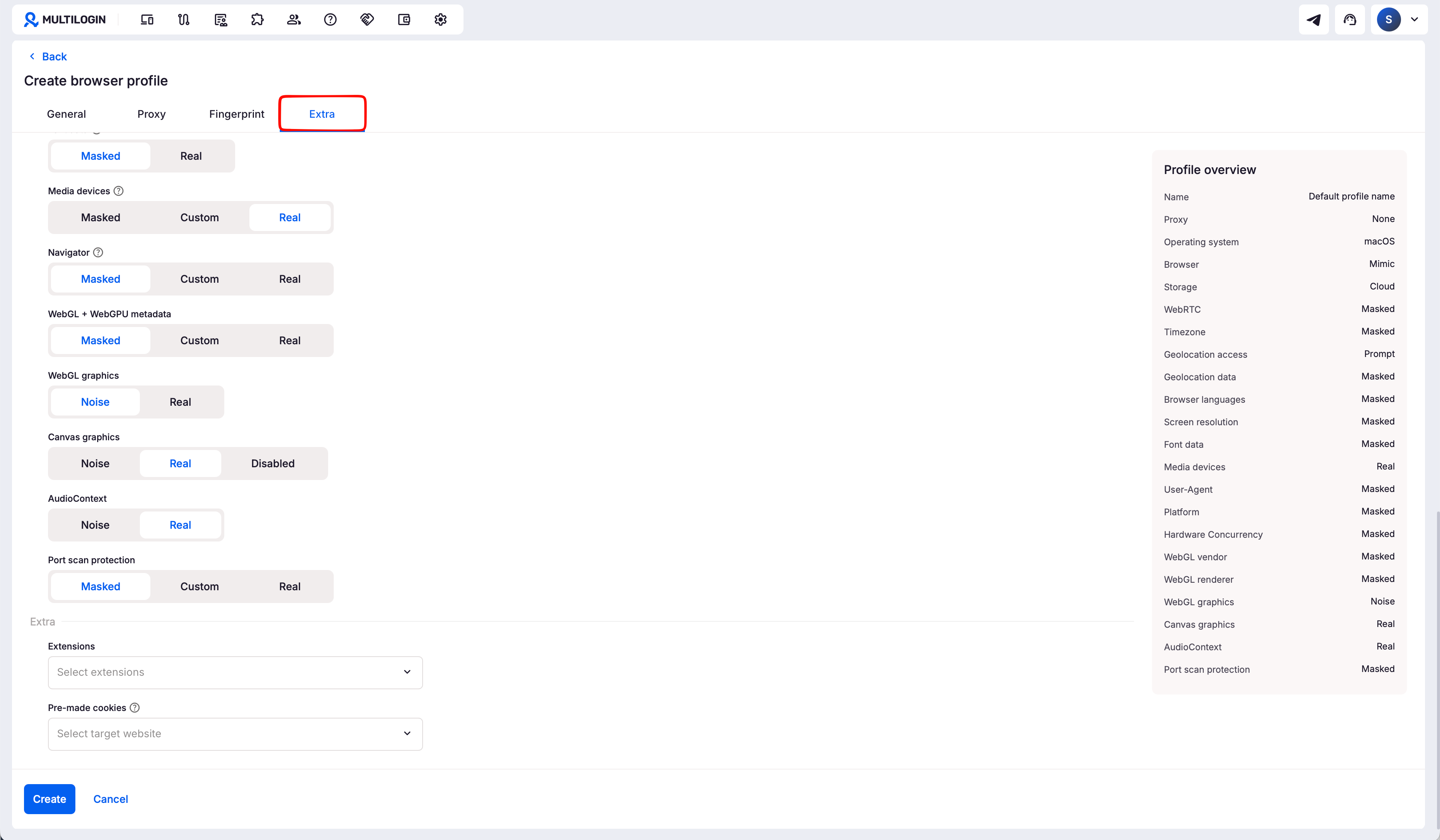
Extensions
Use extensions in your profiles just like in a regular browser. Pick the ones you already added to the extension manager, and Multilogin will install them automatically in the profile.
Why use extensions?
- Get your favorite tools ready faster
- Skip manual setup every time

Pre-made cookies
Use this setting to make a profile look more natural from the start. Pre-made cookies help profiles appear like they have already been used, without collecting cookies manually.
This is especially useful when you manage multiple accounts or run automations and want to save time on setup.
Why use pre-made cookies?
- Make profiles look more warmed up
- Skip manual cookie collection



