


Create multiple LinkedIn accounts
Manage and grow multiple LinkedIn profiles from one dashboard with real Android cloud phones and isolated browser profiles – built for people and AI agents.
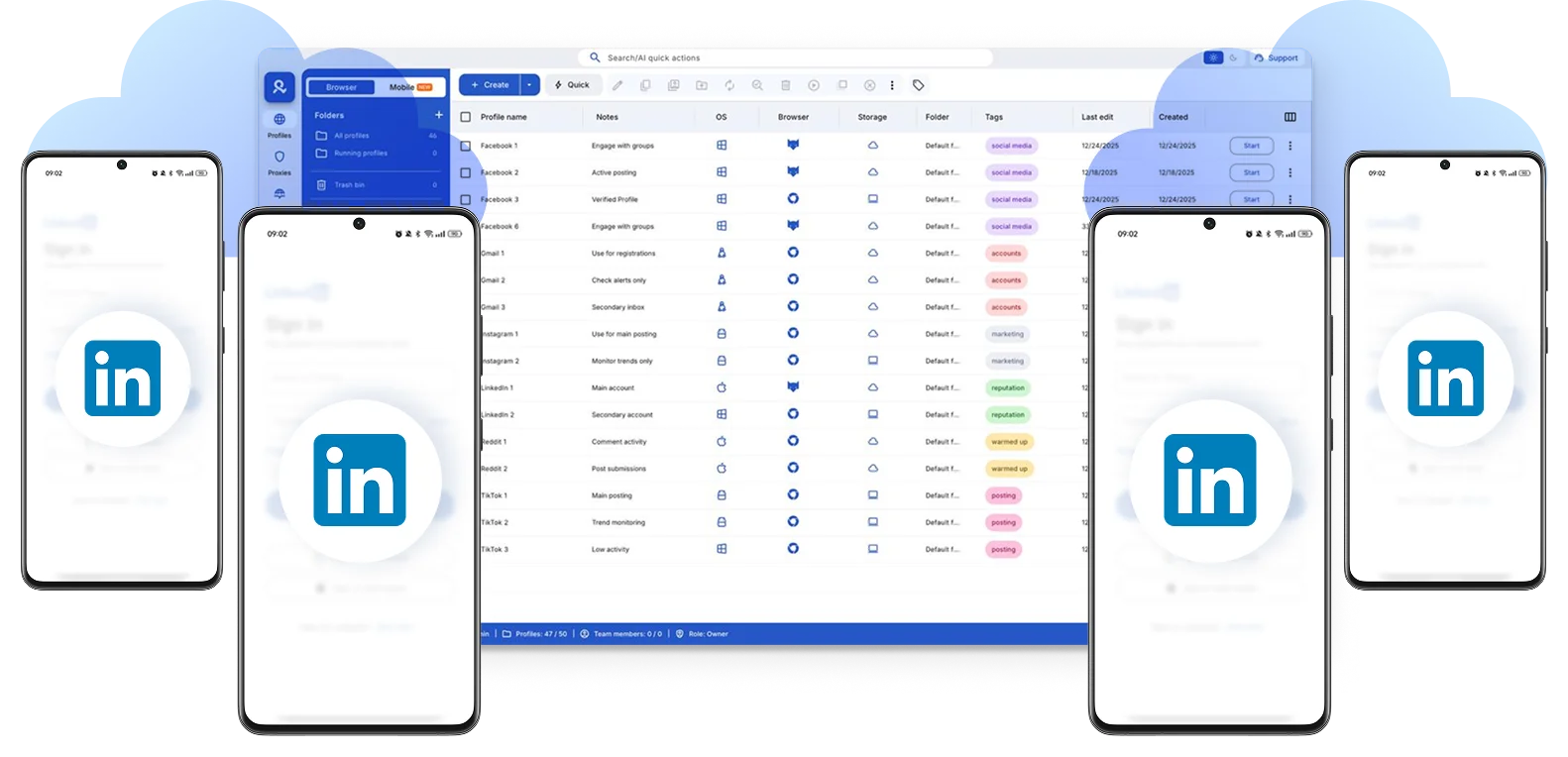

Perfect for multiple accounts
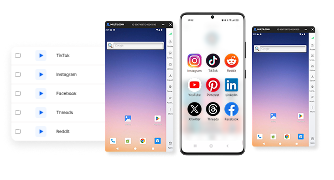
Unique cloud phones for each account

Publish everywhere
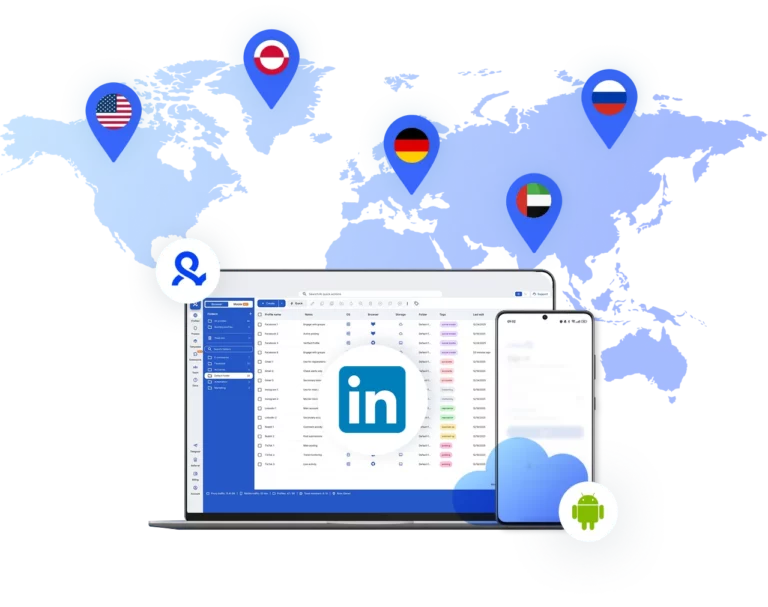
Reach more than 150 locations

Grow organically
Post from real devices
One platform, unlimited LinkedIn accounts
Run multiple LinkedIn accounts
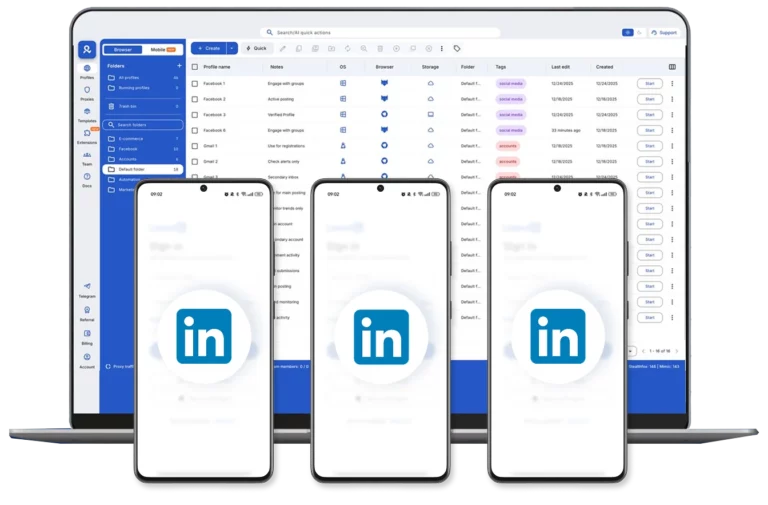
Automate LinkedIn actions
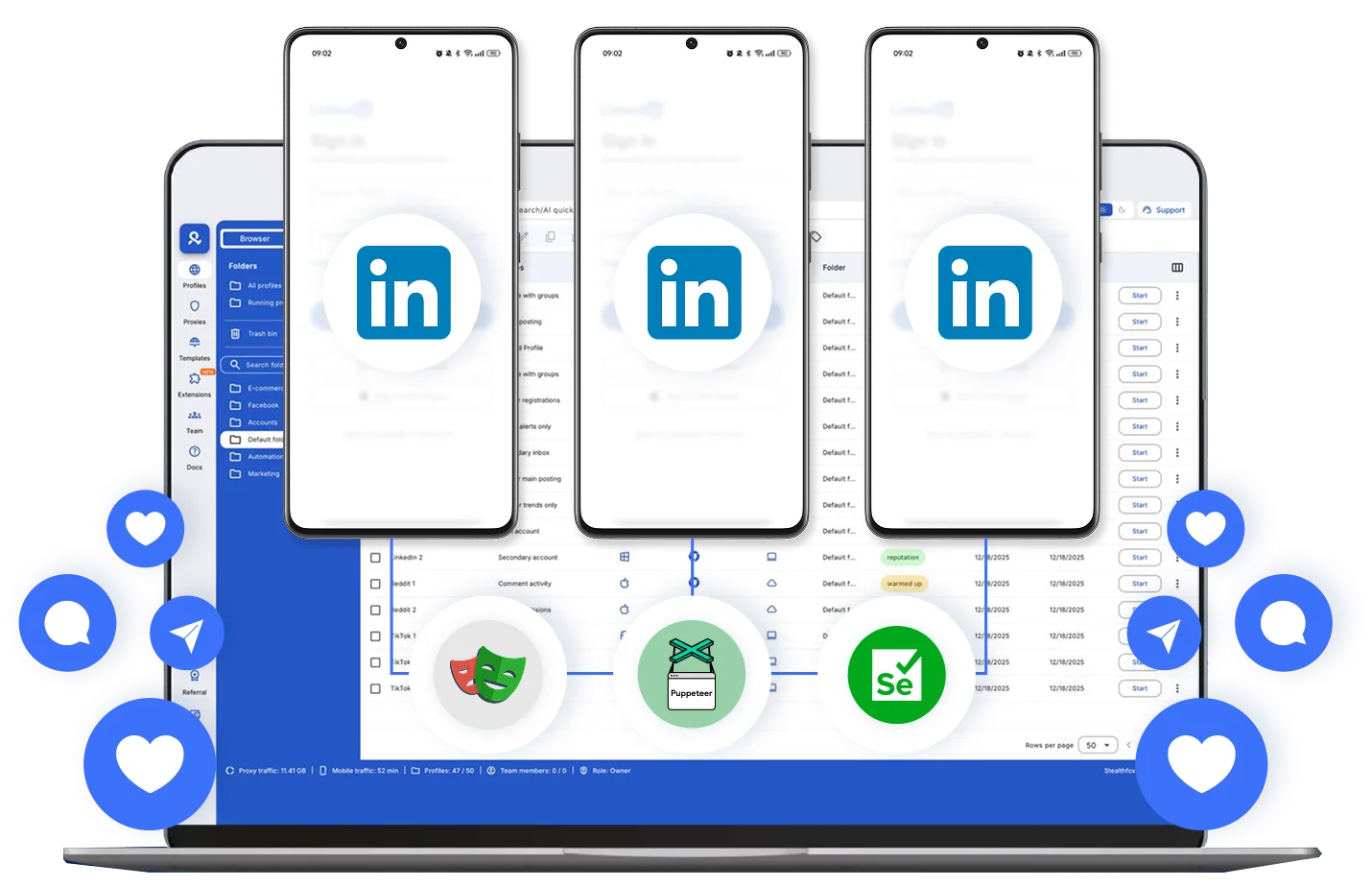
Dedicated cloud phone for every LinkedIn profile
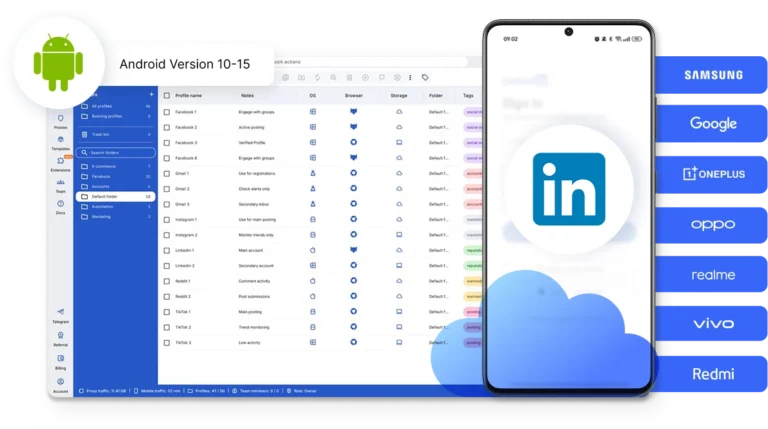
Choose the location for each LinkedIn profile
How to get started and grow your LinkedIn
Time is money. Start in minutes

Sign up
Choose a plan and download the app

Create mobile profile
Customize the device model and choose location
Run your accounts
Use separated browser profile to earn
Sign up
Choose a plan and download the app
Create mobile profile
Customize the device model and choose location
Run your accounts
Use separated browser profile to earn
Watch the Multilogin Demo
What is Multilogin?
Trusted by thousands of creators, sellers & online earners

Ha D.
Social Media Marketing Retail

Nino Latif

Stanislav K.
Marketing Manager

Elen S.
Marketing Manager

Hamza Arif
E-commerce Manager


Nick Horvath
Marketing agency
Start planning your project today
Upload content, automate posts and engagements: all in one unified dashboard
The most awarded multi accounting platform















Explore more solutions for any platform you need
FAQ
A well-configured cloud phone gives each account a distinct IP and device fingerprint, which reduces the obvious signals that link accounts together. No setup makes an account undetectable, but consistency and isolation go a long way toward reducing risk.
Ideally yes. Sharing one IP across several accounts is one of the fastest ways to get them linked together by LinkedIn’s detection systems, especially if logins happen close together in time.
LinkedIn’s user agreement generally expects one personal profile per person, though many legitimate business setups (agencies, company pages, sales teams) operate multiple profiles for different roles. It’s worth reading LinkedIn’s own terms for your specific situation, since policy details shift over time.
There’s no official number. What matters far more than quantity is whether each account has its own isolated environment and IP, and whether its activity looks like a real, individual user rather than a batch operation.
Managing multiple LinkedIn accounts safely usually comes down to three tools working together: a cloud phone for mobile access, an anti-detect browser for desktop, and a proxy or dedicated IP tying each account’s environment together.
Not always, but if any of the accounts use LinkedIn Premium or Sales Navigator, managing multiple LinkedIn accounts gets simpler when each subscription is billed separately, since shared billing details can sometimes become another link between profiles.
A quick weekly check is usually enough when managing multiple LinkedIn accounts, just to confirm each profile’s IP, device fingerprint, and login pattern haven’t accidentally started overlapping with another account.
An emulator runs locally on your own machine and typically shares your real IP unless you add a proxy separately. A cloud phone runs remotely with its own IP and device profile built in, which makes it easier to scale across several accounts without extra configuration.
Create multiple LinkedIn accounts: A structured way to manage mobile and web workflows
Managing multiple LinkedIn accounts is common for recruiters, agencies, founders, and growth teams running personal branding, client outreach, regional campaigns, or hiring projects. In this guide, you’ll learn how to structure account access, separate sessions, coordinate team workflows, and reduce the operational friction that appears as your account portfolio grows.
The main challenge is not creating more profiles. It is keeping each account’s device environment, login session, proxy, and team access consistent over time. Reusing the same browser or physical phone across multiple accounts can quickly make workflows harder to organize and control.
Multilogin addresses this with a unified multi-account management platform that combines isolated browser profiles with real Android cloud phones. Each LinkedIn account can operate in its own persistent desktop or mobile environment, while teams manage profiles, sessions, and access from one dashboard. This makes it easier to scale LinkedIn workflows without juggling multiple physical devices or disconnected tools.
Start your Multilogin free plan and manage multiple LinkedIn accounts from one structured workspace.
Manage different LinkedIn profiles for different business goals
Most people who end up managing several LinkedIn profiles didn’t set out to break any rules. They just have more than one professional identity to represent.
Think about a social media agency handling ten client accounts at once, each one needing its own voice, its own connections, its own posting schedule. Or a B2B sales rep who keeps a company account active while also building a personal thought-leadership presence on the side. Add recruiters covering multiple markets, career coaches managing student profiles, and small business owners who simply can’t afford a full-time social media hire, and you’ve got a huge, mostly legitimate crowd of multi-account users.
None of these use cases are inherently shady. What gets messy is the execution: logging into five accounts from the same browser tab, on the same IP address, using the same device fingerprint every single day.
Reduce risks when managing multiple LinkedIn accounts
LinkedIn’s detection systems don’t check your intentions, they check your patterns. Shared IPs, matching browser fingerprints, and identical login rhythms across accounts are exactly what gets flagged, restricted, or suspended.
Under the hood, LinkedIn (like most large platforms) leans on a mix of signals: your IP address, your device fingerprint, your browser configuration, your typing and scrolling behavior, even the time zone your device reports. When two or three “different” accounts show the same fingerprint or hop onto the platform from the same IP within minutes of each other, the system doesn’t see coincidence. It sees a pattern, and patterns are exactly what automated risk engines are built to catch.
This is where a lot of well-meaning users trip up. They’ll switch accounts within the same browser, clear cookies, maybe even use incognito mode, and assume that’s enough. It rarely is. Incognito hides your browsing history from other people using your device, not your fingerprint from LinkedIn’s servers.
Keep LinkedIn sessions stable as your workflow scales
At the beginning, logging in and out of LinkedIn profiles feels manageable. As activity grows, small issues start to appear: repeated login prompts, unexpected session resets, verification requests, overlapping browser data, and devices being shared between team members.
LinkedIn monitors behavior patterns across devices, browsers, and locations. When multiple accounts operate from the same environment, sessions can interfere with each other and create long-term workflow friction. Clear separation between accounts reduces confusion and keeps operations organized as you scale.
Check out our step‑by‑step guide on creating and managing multiple LinkedIn accounts.
What Is a cloud phone for LinkedIn?
A cloud phone is an Android cloud phone hosted remotely instead of on a physical device. It works like a real smartphone: you can install the LinkedIn mobile app, stay logged in, and keep app data between sessions.
Instead of using multiple physical phones, each LinkedIn account can run inside its own dedicated Android cloud phone. The device environment remains consistent over time, including:
Persistent app storage
Saved login state
Stable device parameters
Location-aligned network connection
This makes cloud phones useful for long-term LinkedIn account management rather than temporary access.
Learn more about how to create a second LinkedIn account!
Manage LinkedIn mobile and web workflows together
LinkedIn workflows usually require both mobile and desktop access, and each environment serves a different purpose. The mobile app is commonly used for day-to-day actions like direct messaging, outreach, quick profile edits, and responding to notifications. The web interface is typically preferred for tools such as LinkedIn Recruiter, Sales Navigator, analytics review, and structured content publishing.
When mobile and desktop sessions run inside the same environment, tracking activity becomes messy and sessions can overlap. A structured setup keeps them separate:
LinkedIn mobile app runs on a dedicated Android cloud phone
LinkedIn web runs inside isolated browser profiles
Platforms like Multilogin bring both environments into one unified dashboard, so you can manage cloud phones and browser profiles from the same workspace while keeping sessions clearly separated and organized.
Choose the right location for each LinkedIn profile
Location consistency matters when managing LinkedIn accounts across different regions.
Android cloud phones can run with built-in residential proxies aligned to a chosen country. Multilogin provides access to residential IP coverage across 150+ countries and 30M+ IP addresses, allowing you to select the region that matches each LinkedIn profile’s intended market.
This is especially useful for:
Agencies handling regional clients
Recruiters targeting specific job markets
Sales teams operating internationally
Final thoughts
Managing multiple LinkedIn accounts becomes easier when each profile has its own dedicated mobile or web environment. Multilogin brings Android cloud phones, isolated browser profiles, built-in residential proxies, and team access into one platform, helping you keep sessions organized and workflows easier to manage.
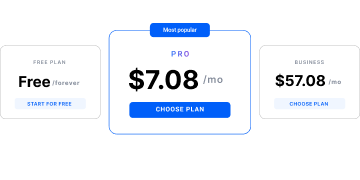
You can start with Multilogin’s Free plan, which has no time limit and requires no credit card. It includes up to five profiles, cloud phones, browser profiles, 200 MB of proxy traffic, and 30 mobile minutes, so you can test the full workflow before upgrading.
Start free and manage your LinkedIn profiles from one dashboard.
