


Create multiple Facebook accounts
with cloud phones
Manage Facebook accounts with cloud phones and browser profiles. Reach audiences on Facebook without any limits or physical devices.
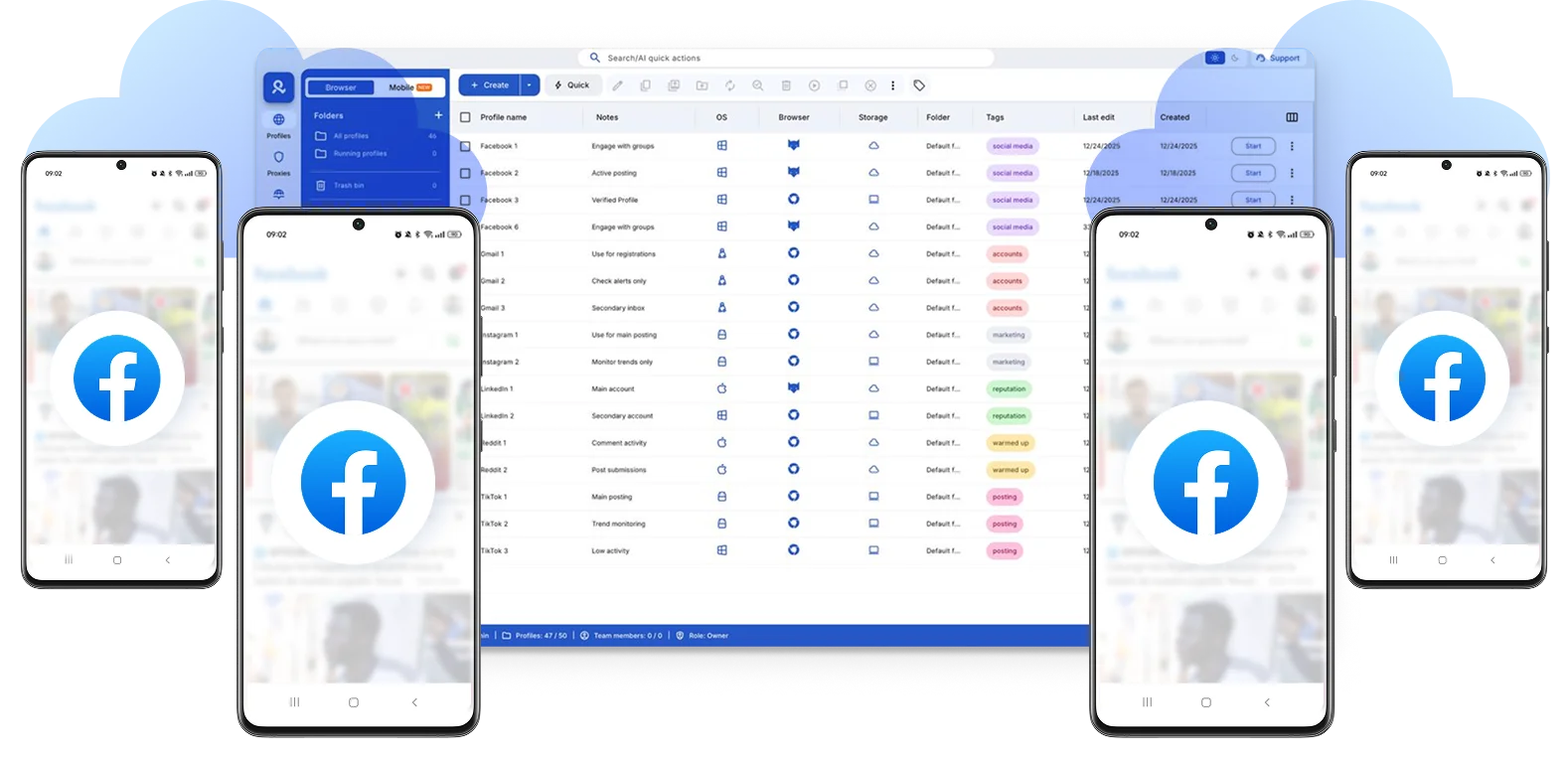

Perfect for multiple accounts
Unique cloud phones for each account

Publish everywhere
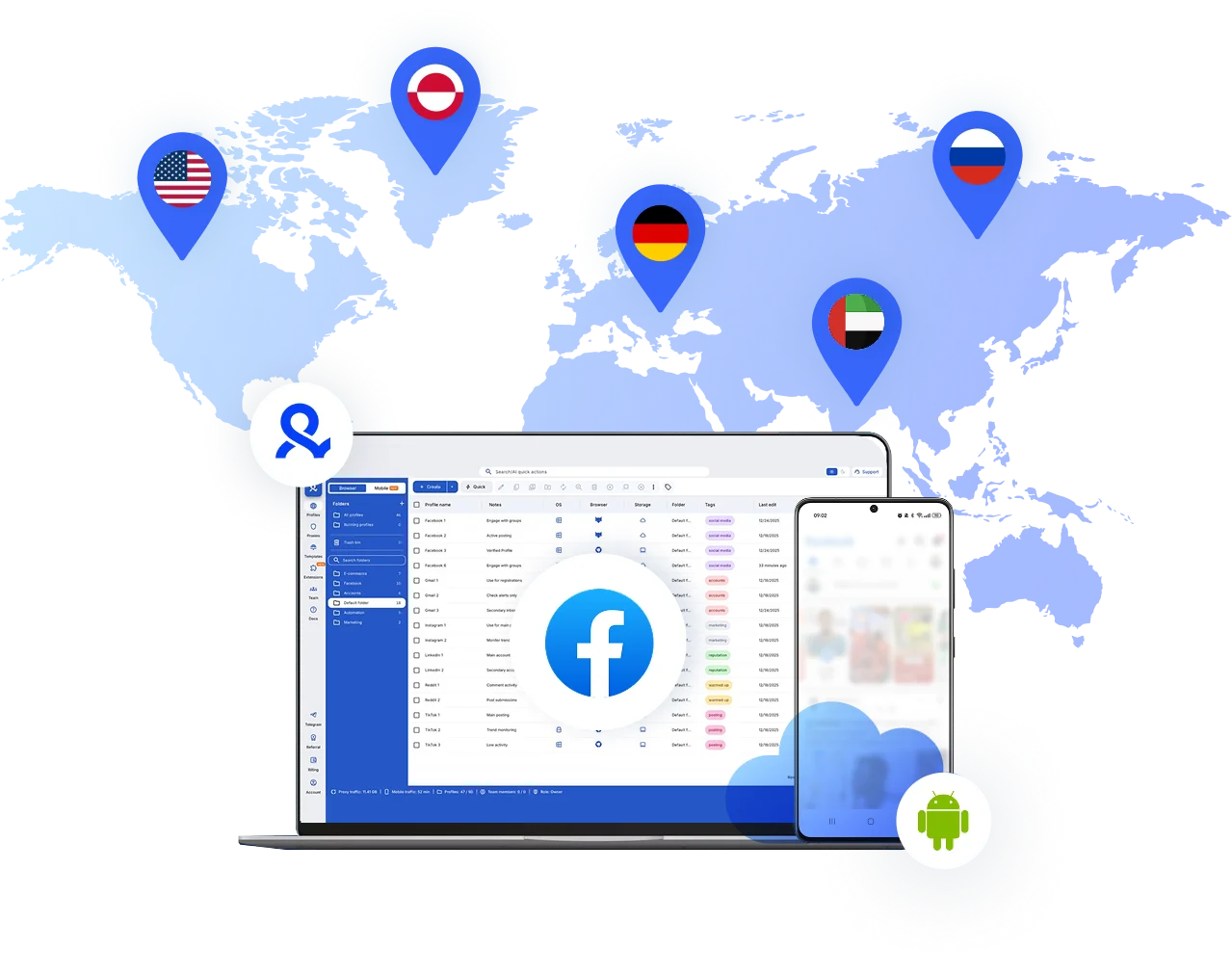
Reach more than 150 locations

Grow organically
Post from real devices
One platform, unlimited Facebook accounts
Run as hundreds of Facebook accounts with cloud phones
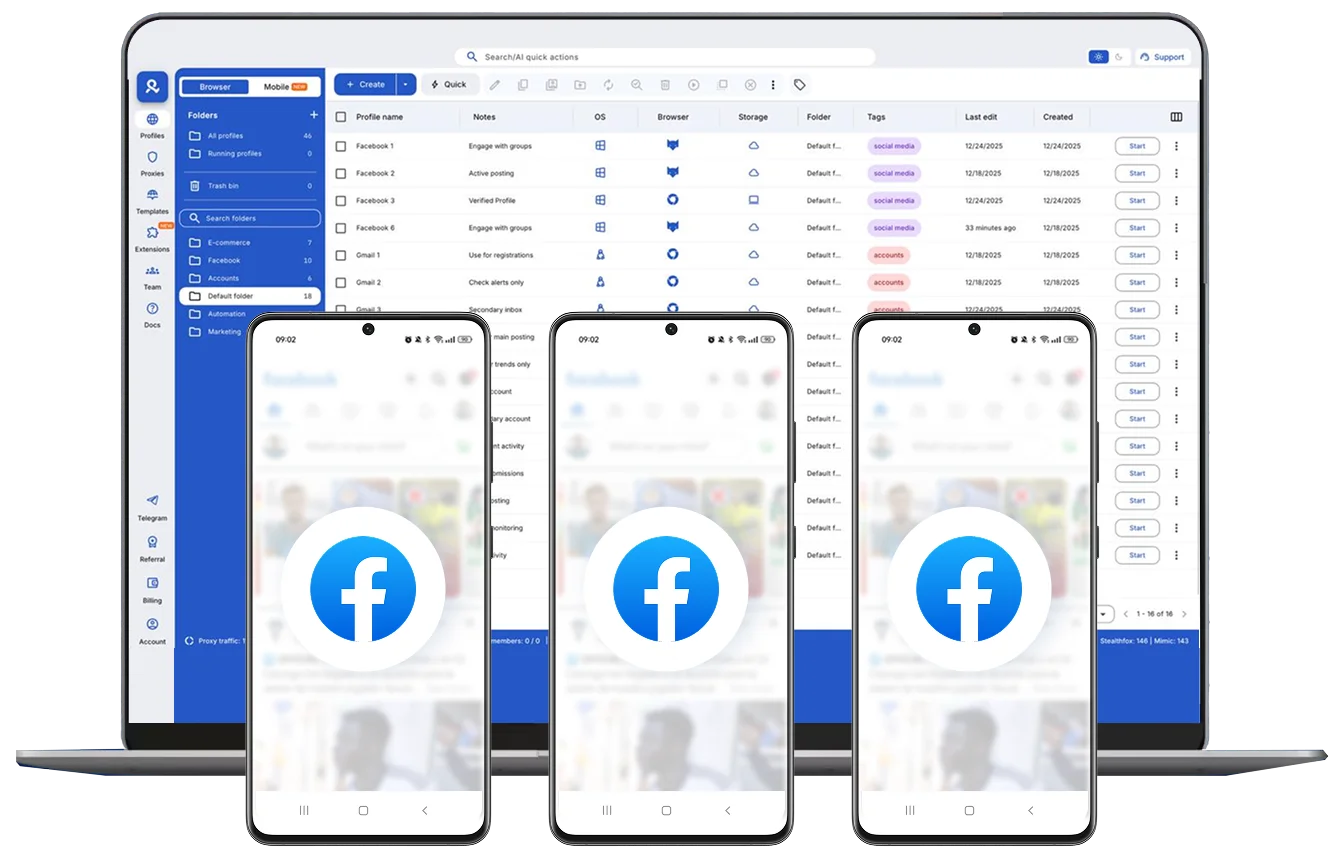
Automate your Facebook accounts
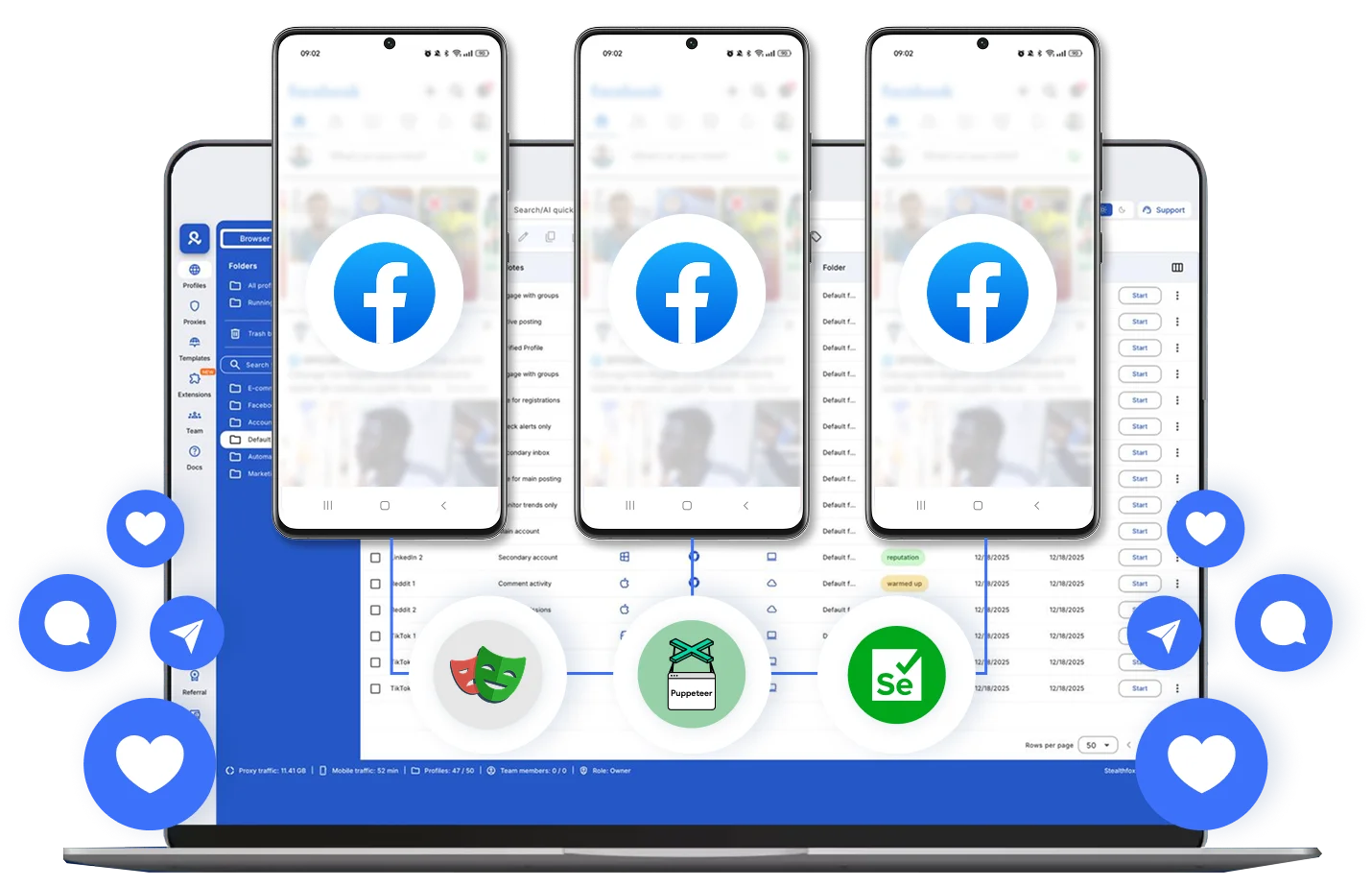
Assign one cloud phone per Facebook account
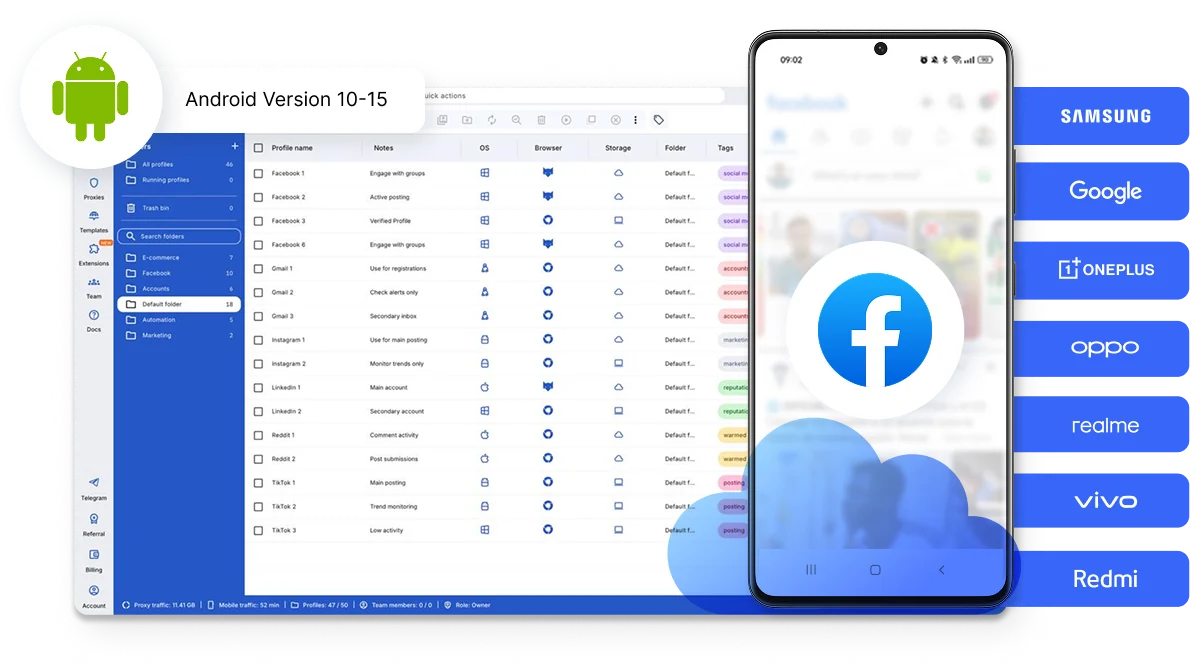
Get global reach with Facebook accounts anywhere
How to get started and grow your Facebook
Time is money. Start in minutes

Sign up
Choose a plan and download the app

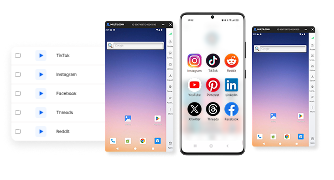
Create mobile profile
Customize the device model and choose location
Run your accounts
Use separated browser profile to earn
Sign up
Choose a plan and download the app
Create mobile profile
Customize the device model and choose location
Run your accounts
Use separated browser profile to earn
Watch the Multilogin Demo
What is Multilogin?
Trusted by thousands of creators, sellers & online earners

Ha D.
Social Media Marketing Retail

Nino Latif

Stanislav K.
Marketing Manager

Elen S.
Marketing Manager

Hamza Arif
E-commerce Manager


Nick Horvath
Marketing agency
Scale your Facebook today
Upload content, automate posts and engagements: all in one unified dashboard
The most awarded multi accounting platform















Explore more solutions for any platform you need
FAQ
Not unless you tell them. Facebook does not show users if someone has multiple accounts. However, if you log in to all of them from the same device, IP, or browser, the system will likely connect them. This can lead to restrictions. Multilogin сloud зhones prevent this by providing real Android hardware details like IMEI, Android ID, and MAC addresses for each account. This ensures that each profile is seen as a completely separate and real mobile device.
You can manage hundreds of Facebook accounts without getting flagged using Multilogin. Our platform lets you launch real cloud-hosted Android devices for mobile apps and advanced browser profiles for web tasks. Each account stays in its own isolated environment with a unique fingerprint and built-in proxy. This allows you to scale from your first account to your thousandth with ease.
Facebook typically bans users who manage multiple accounts from the same device, IP, or browser fingerprint. Multilogin solves this problem by providing real mobile identities through Android Cloud Phones. Instead of using emulators, you run native mobile apps on genuine hardware environments. This helps you bypass advanced detection systems.
Every account is completely isolated with Multilogin. If one account is disabled, your other accounts remain safe and unaffected. Since each cloud phone has its own persistent app data, cache, and login states, you can simply delete the flagged profile and set up a new one in minutes. For detailed steps, check out our guide on recovering a banned Facebook account.
Multilogin uses real mobile device fingerprinting and isolated browser environments. Every Cloud Phone includes genuine hardware IDs and built-in mobile-grade residential proxies. This ensures that your IP and location perfectly match your device identity. This prevents platforms from seeing any connection between your accounts.
Yes, Multilogin is built for teamwork. Our Business plans include unlimited team seats and detailed permission controls. You can securely share specific cloud phones or browser profiles with your team. This allows them to manage accounts without sharing passwords or risking account linking.
Yes, you can have multiple Facebook accounts, but staying undetected requires more than just a VPN. Multilogin allows you to bypass modern detection systems by using real Android Cloud Phones. This bundle of Cloud Phones and an antidetect browser gives you the most secure way to manage multiple accounts without the risk of bans.
The safest approach is to follow Facebook’s account policies and use its official structure such as Pages, Business Suite, and assigned business access, whenever they fit the use case.
For legitimate workflows involving different clients, employees, markets, or authorised accounts, keep each environment organised and consistent. Avoid mixing login sessions, use accurate account information, protect access credentials, and separate native-app workflows from browser-based work.
Multilogin supports this setup by combining Android cloud phones, browser profiles, proxy traffic, and account-organisation tools in one dashboard. However, no tool can guarantee that an account will never be reviewed or restricted.
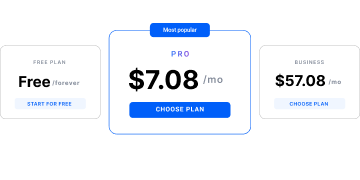
Yes. Multilogin has a free plan with no time limit and no credit card requirement. It includes five cloud mobile and browser profiles, a one-time allowance of 200 MB of premium proxy traffic, and one cloud mobile profile with 30 minutes of use.
This allows users to test a small Facebook workflow through the native Android app or browser before upgrading to a paid plan.
Manage multiple Facebook accounts without physical phones
Managing several Facebook accounts now requires more structure than simply switching logins in one browser. Today, Facebook looks far beyond usernames and passwords. It watches how you browse, how long sessions last, where you log in from, and whether your setup makes sense over time.
When those signals overlap, accounts can get linked. If you are managing multiple accounts from one device, Facebook might connect them, which can lead to restrictions.
For agencies, creators, and marketers, consistent account access nowadays directly affects daily operations.
How Facebook links accounts
Every time you log in, Facebook builds a picture of the person behind the account. This picture includes browser data, device details, IP behavior, session history, and usage patterns. When two accounts start to look alike, Facebook assumes they belong to the same operator.
Restrictions can result from repeated overlaps in:
- Using the same browser environment for different accounts
- Logging in from IPs that rotate too often or jump locations
- Reusing cookies or sessions without realizing it
- Running automation on unstable setups
Facebook may evaluate these signals together rather than relying on a single indicator.
Results of linked accounts
Facebook rarely shuts everything down at once. Restrictions usually build over time, which is what makes them risky. It starts quietly, with more security checks and small interruptions that feel manageable. This leads people to keep logging in, switching setups, or testing accounts. Those repeated changes strengthen the signals Facebook is already watching, and what began as friction often turns into full account escalation.
- More frequent security checks and login challenges
- Ad accounts entering review without clear reasons
- Pages losing reach or delivery dropping suddenly
- Ad accounts getting disabled
- Business Managers losing access
- Other connected accounts reviewed or restricted
- Appeals becoming slow, unclear, or ineffective
A better way to manage multiple Facebook accounts
Stable device, network, and session data together make authorized multi-account access easier to manage. Each account needs its own isolated environment, like a browser profile or a mobile app, where digital fingerprints do not overlap and sessions do not reset unexpectedly. IP behavior must match location and usage patterns instead of rotating randomly. Cookies, app data, and login data must persist so Facebook sees continuity instead of constant re-authentication.
This is exactly where Multilogin can help by providing separate environments for these web and mobile sessions. With Multilogin Cloud Phones, you no longer need physical devices to manage your mobile accounts.
Multilogin creates fully isolated browser profiles and real cloud phones where each account runs in its own environment. For web accounts, each profile has its own fingerprint, cookies, and session history. For mobile accounts, each runs on its own virtual phone with a unique digital identity. Profiles do not leak data into each other, even when managed from the same dashboard.
The importance of a stable connection
Many Facebook account issues are not caused by actions inside the platform, but by unstable connections underneath them.
When IPs rotate too often, do not match the browser setup, or come from reused infrastructure, Facebook flags the session long before any real activity happens. This is why mixing third-party proxies with separate browsers often leads to inconsistent behavior.
Multilogin includes 150 locations with mobile IPs, giving each profile access to a large, reliable pool of real residential IPs. For cloud phones, it provides mobile IPs with matched IP and geolocation. Sessions stay sticky for extended periods, which keeps Facebook behavior predictable instead of erratic.
The main benefit is consistency between the account’s device, location, IP, and session data.
Managing Facebook accounts with a team without breaking them
When several team members access the same account from different devices and locations, risks come right after the collaboration. Password sharing, multiple devices, and “quick logins” from different locations are some of the fastest ways to trigger Facebook security checks.
Instead of sharing credentials, Multilogin allows teams to share browser profiles. Each team member opens the same Facebook account in the same isolated environment, with the same fingerprint and saved session data. From Facebook’s perspective, nothing changes, even though multiple people are working behind the scenes.
Access can be controlled by role, so responsibility stays clear and mistakes don’t spread across accounts.
Best practices for creating multiple Facebook accounts
Keeping multiple Facebook accounts secure requires a strategic approach. Some best practices include:
- Use Multilogin: isolated browser profiles with unique fingerprints and Android cloud phones, preventing account linkage. You will not need physical devices.
- Use proxies from 150 locations – Assign each account a distinct IP address that matches its geolocation to simulate real users.
- Avoid shared devices and networks – Facebook tracks device fingerprints, making separate browser profiles and authentic mobile identities essential.
- Use unique account details – Different email addresses, phone numbers, and profile information for each account help prevent linkage.
- Minimize simultaneous logins – Accessing multiple accounts on the same device or network increases detection risks.
- Gradually increase activity – New accounts should avoid excessive actions to prevent triggering security checks.
- Enable two-factor authentication (2FA) – Adds an extra layer of security and makes accounts appear more legitimate.
- Keep your sessions active – Ensure app data and cookies are saved between sessions to support natural account warm-up.
The ultimate solution for managing multiple Facebook accounts
Operating multiple Facebook accounts requires clear separation between sessions, devices, and network settings. Multilogin is a multi-account management platform that combines Android cloud phones and isolated browser profiles in one dashboard. This allows businesses, marketers, and creators to organise Facebook workflows without maintaining a separate physical device for every account.
Users can start with Multilogin’s free plan, which has no time limit or credit card requirement. It includes up to five cloud mobile and browser profiles, 200 MB of one-time premium proxy traffic, and one Android cloud phone with 30 minutes of use. This provides a practical way to test Facebook workflows before moving to a paid plan.
As account volumes grow, Multilogin provides a scalable setup for managing Facebook through both the native Android app and the web platform. Cloud phones maintain their own app data, login state, device identity, and persistent sessions, while browser profiles keep web sessions, cookies, storage, and proxy settings separate.
Both products are managed from the same workspace, making it easier to organise accounts, locations, sessions, and team access without combining several separate tools.
Multilogin does not replace responsible account management or Facebook’s platform rules. The safest approach combines properly separated environments with authentic account activity, original content, genuine engagement, and policy-compliant use.
Final thoughts
The key to managing multiple Facebook accounts is about removing the signals that cause Facebook to doubt you in the first place.
When browser identity, IP behavior, and session history stay consistent, accounts stay alive. When they do not, accounts can be linked and restrictions may follow. With Multilogin, it is much easier to manage multiple accounts and scale in a sustainable way.
