


Multilogin proxy
Use residential, mobile, and ISP proxies ready for any platform without extra tools or complex setup.
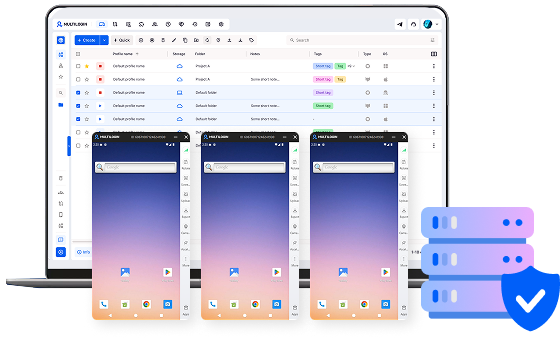

Perfect for multiple accounts
Unique cloud phones for each account

Publish everywhere
Reach more than 150 locations

Grow organically
Post from real devices
One platform, unlimited locations
Get Multilogin proxies from the start
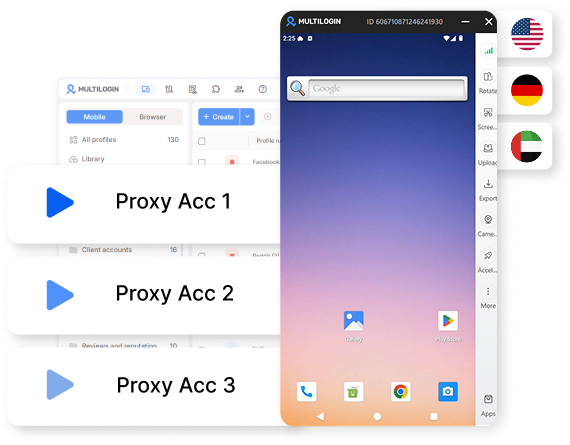
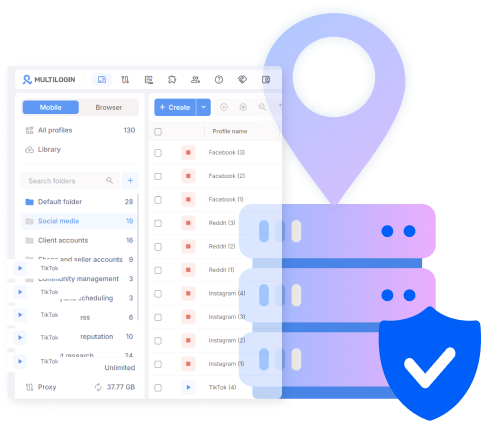
Build trust with residential proxies
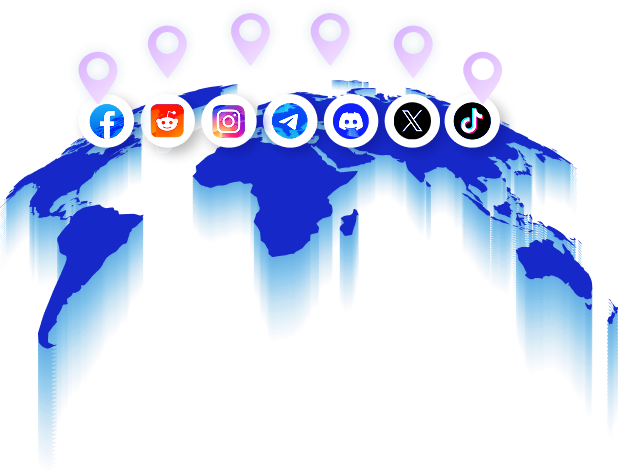
Run native apps with mobile proxies
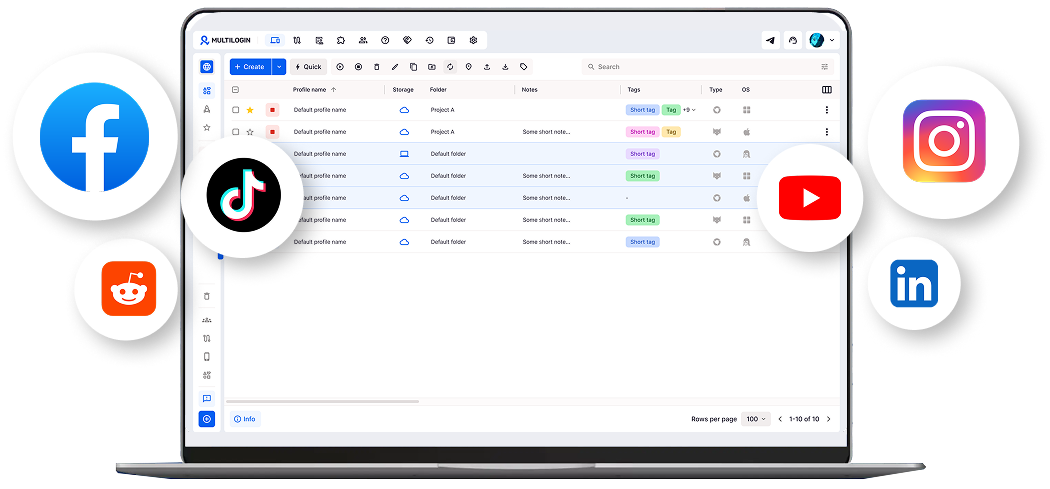
Keep marketplace accounts stable with ISP proxies
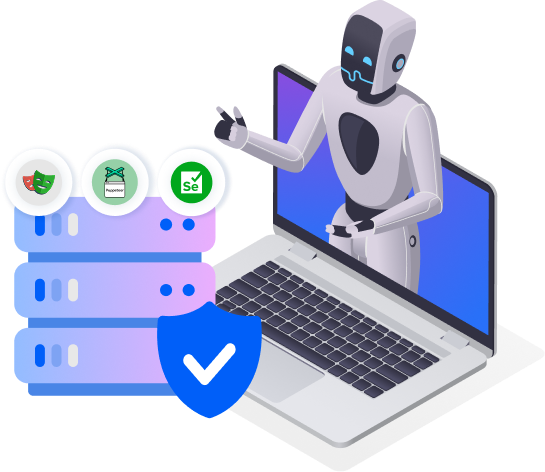
Automate every proxy type with AI agents
How to get started with Multilogin proxy
Time is money. Start in minutes

Sign up
Choose a plan and download the app

Create mobile profile
Customize the device model and choose location
Run your accounts
Use separated browser profile to earn
Sign up
Choose a plan and download the app
Create mobile profile
Customize the device model and choose location
Run your accounts
Use separated browser profile to earn
Watch the Multilogin Demo
What is Multilogin?
Trusted by thousands of creators, sellers & online earners

Ha D.
Social Media Marketing Retail

Nino Latif

Stanislav K.
Marketing Manager

Elen S.
Marketing Manager

Hamza Arif
E-commerce Manager


Nick Horvath
Marketing agency
Connect Multilogin proxy today
Get residential, mobile, and ISP proxies built into every cloud phone and browser profile, ready from the start.
The most awarded multi accounting platform















Explore more solutions for any platform you need
FAQ
A Multilogin proxy consists of three built-in proxy types, residential, mobile, or ISP, each assigned to a profile the moment it’s created. There’s no separate proxy account to set up; the type is chosen on the same screen used to create the profile itself. Multilogin provides everything needed for multi-account management out of the box: cloud phones, browser profiles, and the proxies behind them.
No. Multilogin includes residential, mobile, and ISP proxies as part of every plan, assigned directly during profile creation, so there’s no separate vendor dashboard or bill to manage alongside it.
Extra proxy traffic costs $3.50 per GB, purchased as a top-up rather than requiring a plan upgrade. Unused traffic from a plan’s included allowance rolls over rather than resetting each month.
Mobile proxies fit TikTok better, since the platform runs as a native app on Multilogin’s cloud phones and mobile proxies route through the same kind of carrier connection a phone actually uses. Residential proxies suit browser-based platforms like Reddit or YouTube instead.
Residential proxies use IP addresses tied to real home internet connections, prioritizing a consistent, ordinary-looking session over raw speed. ISP proxies use IP addresses registered to an internet service provider on data-center infrastructure, prioritizing speed and reliability, which suits marketplace account management and ad verification more than platforms that weigh long-term login consistency.
Yes. Whichever proxy is assigned to a profile carries over automatically through Multilogin’s ADB access and API, whether a script uses Selenium, Puppeteer, Playwright or Postman.
Yes. An AI agent driving a profile directly inherits the same proxy already assigned to it, with no separate configuration needed.
Multilogin proxy guide: residential, mobile, and ISP
Multilogin proxy comes in three types — residential, mobile, and ISP each assigned right on the profile-creation screen. Works the same way whether your profile runs on a real Android cloud phone or an isolated browser profile.
This guide covers which type fits which platform, how setup works, and how much extra proxy GB costs once your plan’s allowance runs out
The three types of Multilogin proxies
- Residential proxies route traffic through IP addresses tied to real home internet connections, useful anywhere a platform checks for a consistent, ordinary-looking connection over time.
- Mobile proxies route traffic through carrier networks, matching the kind of connection a phone actually uses on cellular data.
- ISP proxies combine data-center speed with an IP address registered to an internet service provider, landing between the other two on both cost and behavior.
None of these get auto-matched to a platform. A team picks the proxy type during profile creation based on what the account needs, and that choice stays attached to the profile going forward.
Residential proxies for Reddit, YouTube, and other browser platforms
Residential proxies fit Reddit, YouTube, LinkedIn, and X best. These platforms run through isolated browser profiles rather than a cloud phone, and they weigh account history and login consistency over time. A Reddit account that logs in from the same residential-style IP session after session reads as a normal user, not a fresh device appearing out of nowhere. This breakdown of Reddit IP bans covers why IP behavior gets an account flagged in the first place.
The same logic applies to YouTube channel management, where consistent login patterns matter for account standing well before a channel starts publishing regularly. Anyone building a channel from scratch can pair that setup with this guide on promoting a YouTube channel.
Mobile proxies for TikTok, Instagram, and other native apps
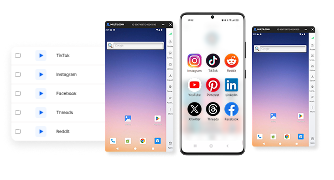
Mobile proxies fit TikTok, Instagram, Facebook, and WhatsApp best. These platforms run as native mobile apps, and Multilogin runs them on real Android cloud phones instead of emulating a device. Mobile proxies match that setup: they route through the same kind of carrier network a phone actually uses, so the connection type lines up with the device type.
This matters most on TikTok, where account behavior gets scrutinized closely and a mismatched connection stands out. Anyone managing multiple TikTok accounts benefits from understanding how the platform evaluates activity, covered in this breakdown of the TikTok algorithm.
ISP proxies for marketplace and ad-verification accounts
ISP proxies fit marketplace and ad-verification work best, since speed and reliability matter more here than blending in with home internet traffic:
- Marketplace and e-commerce accounts (Amazon, eBay, Etsy) need fast, stable connections across many storefronts, rather than the slower, more variable behavior residential IPs produce.
- Ad verification work, checking how an ad renders across regions, calls for a reliable connection more than a residential-style one.
ISP proxies are available across 150+ countries, covering most of the regional targeting a marketplace or ad-verification workflow needs without requiring a separate vendor per region.
How does Multilogin proxy setup work?
Multilogin proxy setup follows the same three steps regardless of proxy type:
- Create a new profile and choose the platform it will run, mobile app or browser.
- Select a proxy type: residential, mobile, or ISP.
- Choose a region, then save the profile. The proxy stays attached to that profile going forward.
The process stays identical whether the account in question is a first Instagram profile or the fiftieth. This walkthrough on generating leads on Instagram with cloud phones shows the proxy and profile working together on a real workflow.
Managing proxies across many profiles
Managing proxies at scale is about keeping dozens or hundreds of them organized, not optimizing any single proxy on its own:
- Teams producing AI-generated content across many accounts need each profile’s proxy to stay consistent over time. This AIGC management resource covers how that kind of multi-account operation stays organized.
- Teams with an account approval process tend to also track which proxy type sits behind each account, so a residential proxy doesn’t get swapped for a mobile proxy by accident during a handoff. This social media approval checklist covers what that kind of review typically includes.
Connecting Multilogin proxies to automation and AI agents
Multilogin proxies carry over automatically to whatever script or agent drives a profile, through the same ADB access and API that connect Selenium, Puppeteer, Playwright, and Postman. An AI agent posting through that API doesn’t need separate proxy configuration; it inherits whatever proxy the profile was already assigned.
This matters directly for AI-driven content workflows. An AI influencer account built on a cloud phone keeps the same mobile proxy across every session an automated script or agent triggers. The same applies on X, where this guide on AI agent automation on Twitter shows an agent operating a profile end to end without reconfiguring the proxy.
How much does it cost to buy more proxy GB on Multilogin?
Extra proxy GB on Multilogin costs $3.50 per GB, purchased as a straightforward top-up once a plan’s allowance runs out:
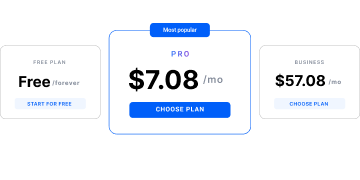
- Free plan: proxy traffic included at no cost, no time limit, no credit card.
- Pro: from $7.08/month, with a proxy traffic allowance included.
- Business: from $57.08/month, with a larger proxy traffic allowance included.
- Extra proxy traffic: $3.50/GB, no plan upgrade required.
- Mobile minutes beyond a plan’s allowance: $0.011/minute.
Both proxy traffic and mobile minutes roll over unused, so a lighter month doesn’t reset the balance a team already paid for.
