


How to use legacy Android profiles
 ~2 minWritten by Yelena V
Android profiles are deprecated — switch to mobile cloud phones!
We are phasing out support for Android profiles and moving to mobile cloud phones. It’s a faster and more convenient way to work with Android devices.
What you get:
- Work with real mobile devices
- Install apps in one click
- Use built-in proxies and SMS numbers
The feature is already included in your subscription. Learn more in the article How to create mobile profiles.
Mobile Android profiles in Multilogin let you mimic the behavior of an Android browser. Instead of looking like a desktop user, you appear as someone browsing from a smartphone. This is key when you need to interact with mobile-optimized sites or apps.
- Blend in like a mobile user: great for sites that serve different content on mobile
- Manage accounts safely: stay under the radar on platforms like Reddit, Instagram, or TikTok
- Test mobile experiences: see exactly how a page looks and behaves on Android
What are the limitations
- You can’t convert a desktop profile to Android – mobile profiles must be created from scratch
- You can’t install apps – these aren’t full Android devices, just mobile-style browser environments
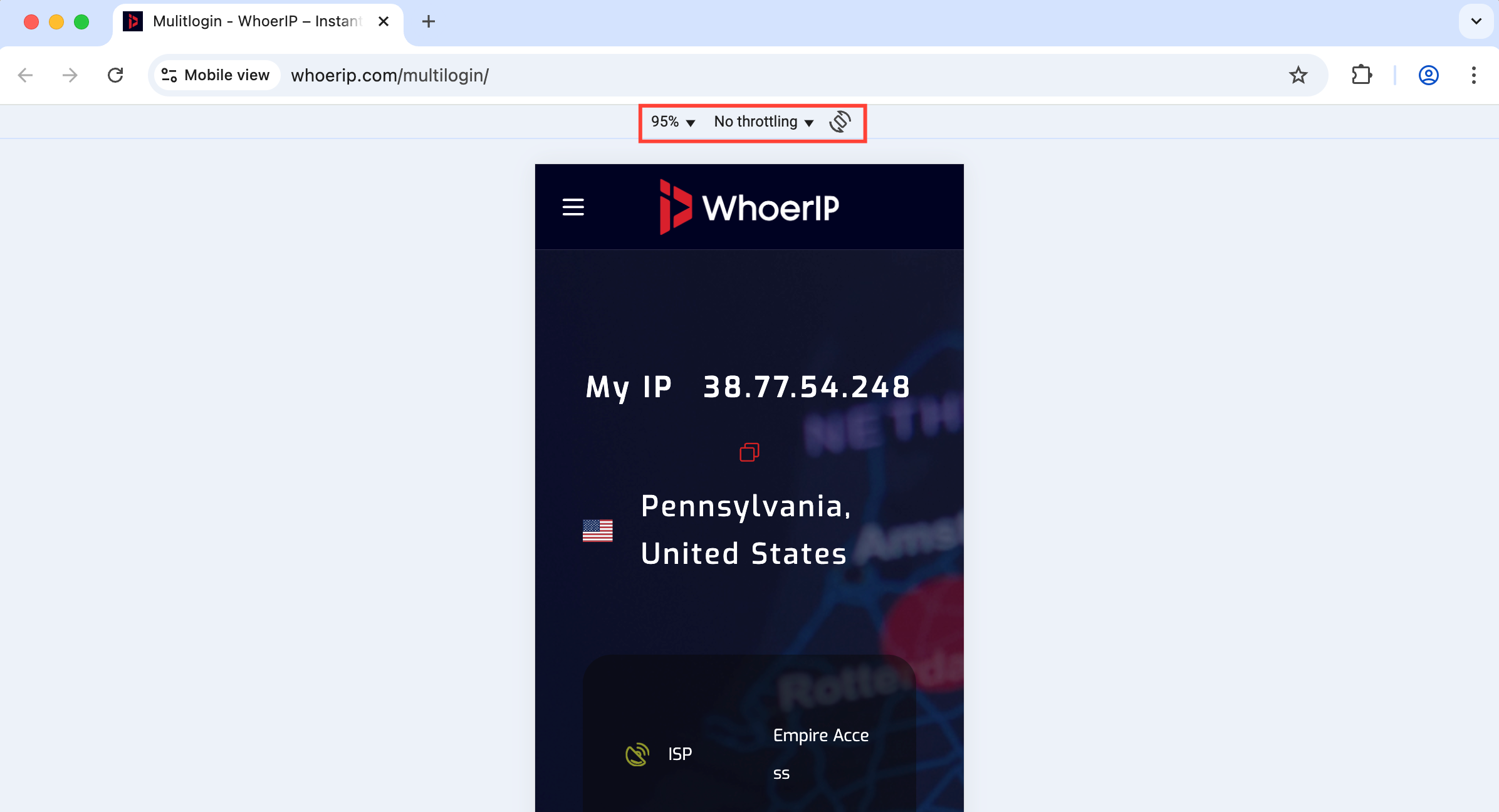
How Android profiles work
- Android OS emulation: emulate key mobile traits – touch inputs, screen size, and network behavior
- Custom User-Agent & screen size: adjust User-Agents, viewports, and resolutions to match real Android devices
- Fingerprint masking: automatically apply Android-style fingerprints to keep you under the radar
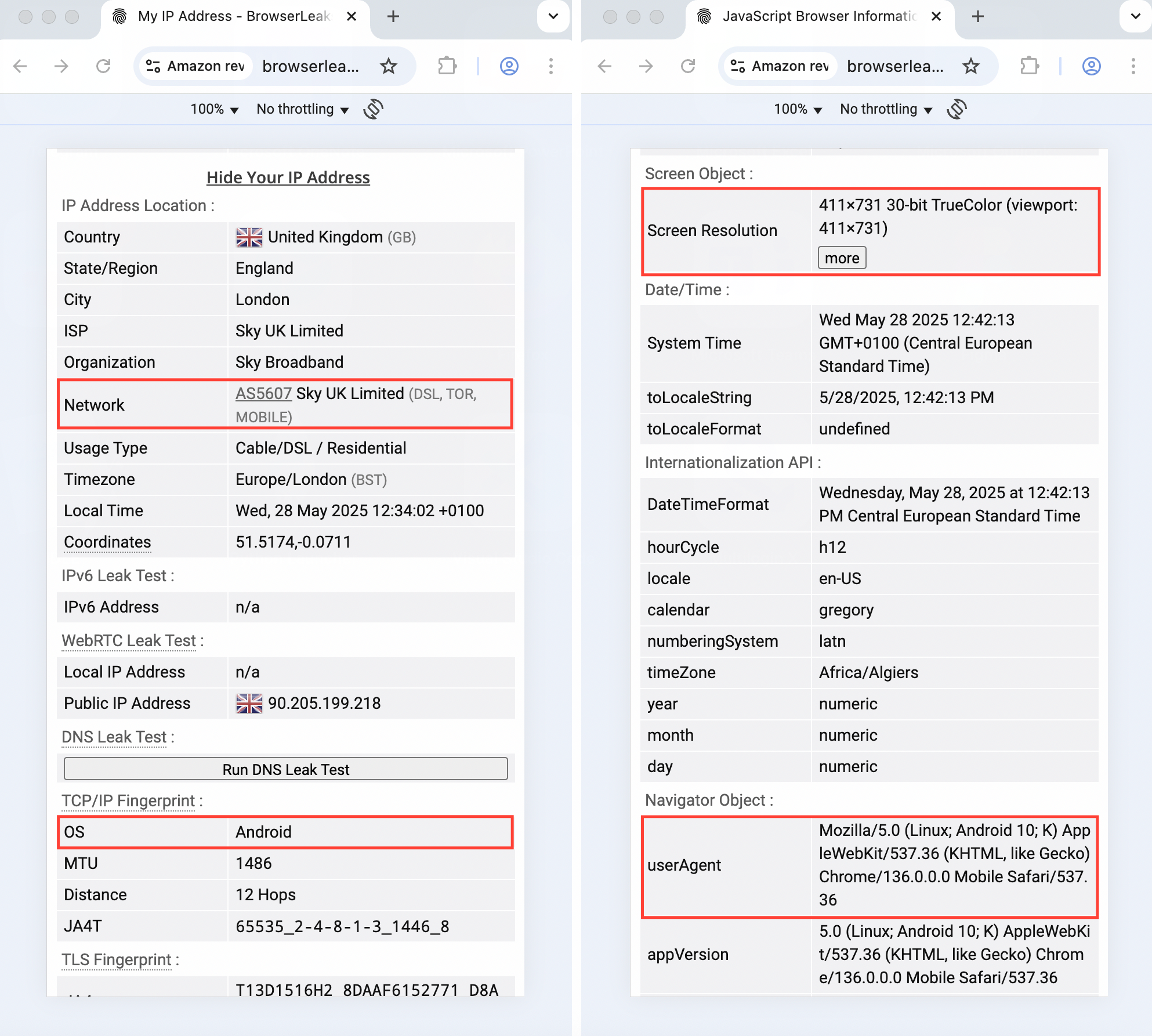
How to use Android profiles
- Go to the “Profiles” section in the top menu
- Select “Browser” in the left-side menu
- Click “Create” or “Quick” in the main dashboard
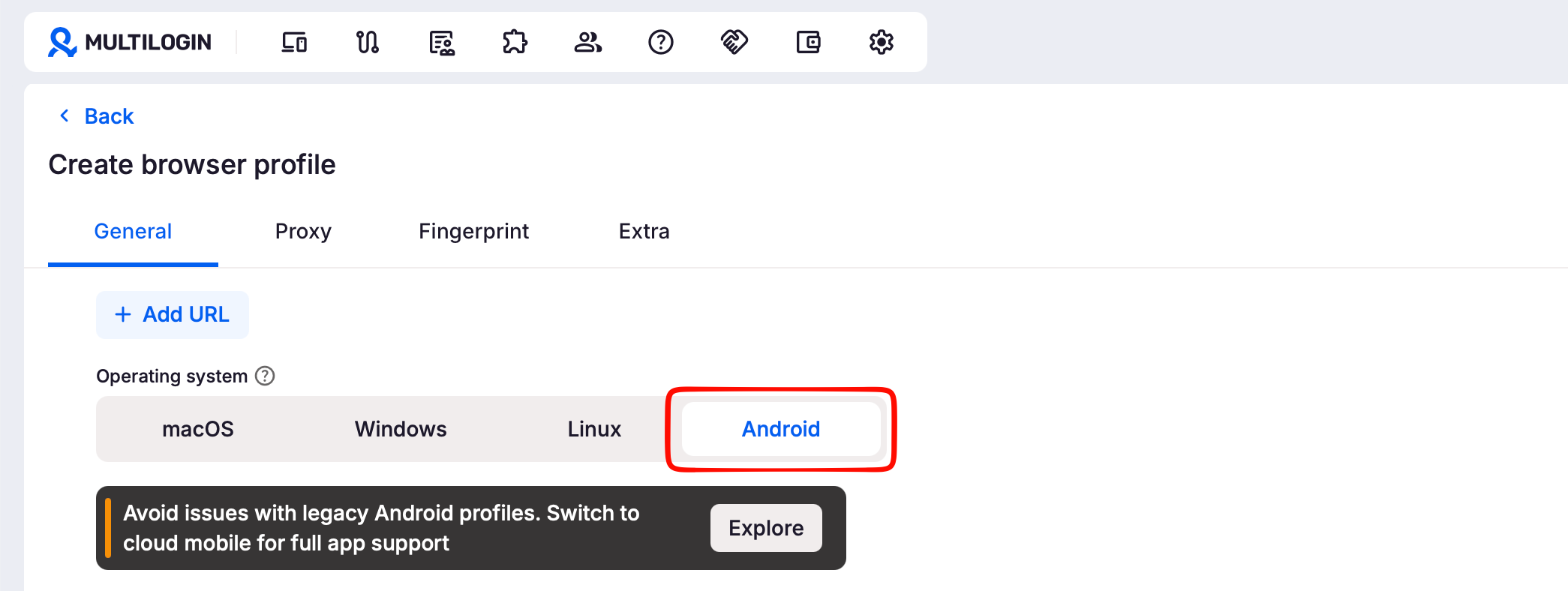
- In “General” section, set the OS to Android
Recommended settings for Android profiles
Some settings are restricted to keep mobile profiles stable. These can’t be set to “Real” and should follow these best-practice values. These defaults help ensure reliability and low detectability for mobile workflows.
| Parameter | Recommended value |
| Screen resolution | Masked |
| Media devices | Masked |
| WebGL + WebGPU metadata | Masked |
| WebGL graphics | Noise |
| Canvas graphics | Real |
| AudioContext | Noise |
| Font data | Masked |
FAQs
Can I run apps in Android profiles?
Nope – these are browser-based only, not full mobile emulators.
Can I convert my desktop profile into an Android one?
No, you’ll need to create a brand-new profile and set the OS to Android.
Do mobile profiles affect performance?
They’re lightweight and fast, especially when following the recommended settings.


