


How to choose between a cloud phone and a browser profile
 ~3 minWritten by Yelena V
In Multilogin, use a cloud phone for work inside native Android apps and a browser profile for websites or web dashboards. Both are managed from the same platform, but they run different kinds of tasks.
➡️ Go to “Profiles” → “Mobile” → “Create” for a cloud phone, or “Profiles” → “Browser” → “Create” for a browser profile.
Use this guide when you know what account task you need to run but aren’t sure which profile type fits it.
Compare the two options
Section titled “Compare the two options”Choose a Multilogin cloud phone when the task needs a native Android app. Each account uses its own cloud phone with separate app data, location, and IP.
- Runs native Android apps
- Keeps app data and login state between sessions
- Uses mobile minutes while running
- Can’t receive SMS or calls, so verification needs a separate accepted number
- Needs a reliable internet connection
Choose a browser profile when the task happens on a website, seller dashboard, or other web tool. Each profile has its own cookies, session, and IP.
- Runs browser-first workflows
- Keeps browser cookies and sessions separate
- Doesn’t use mobile minutes
- Supports web-based account and back-office tasks
See the decision in context
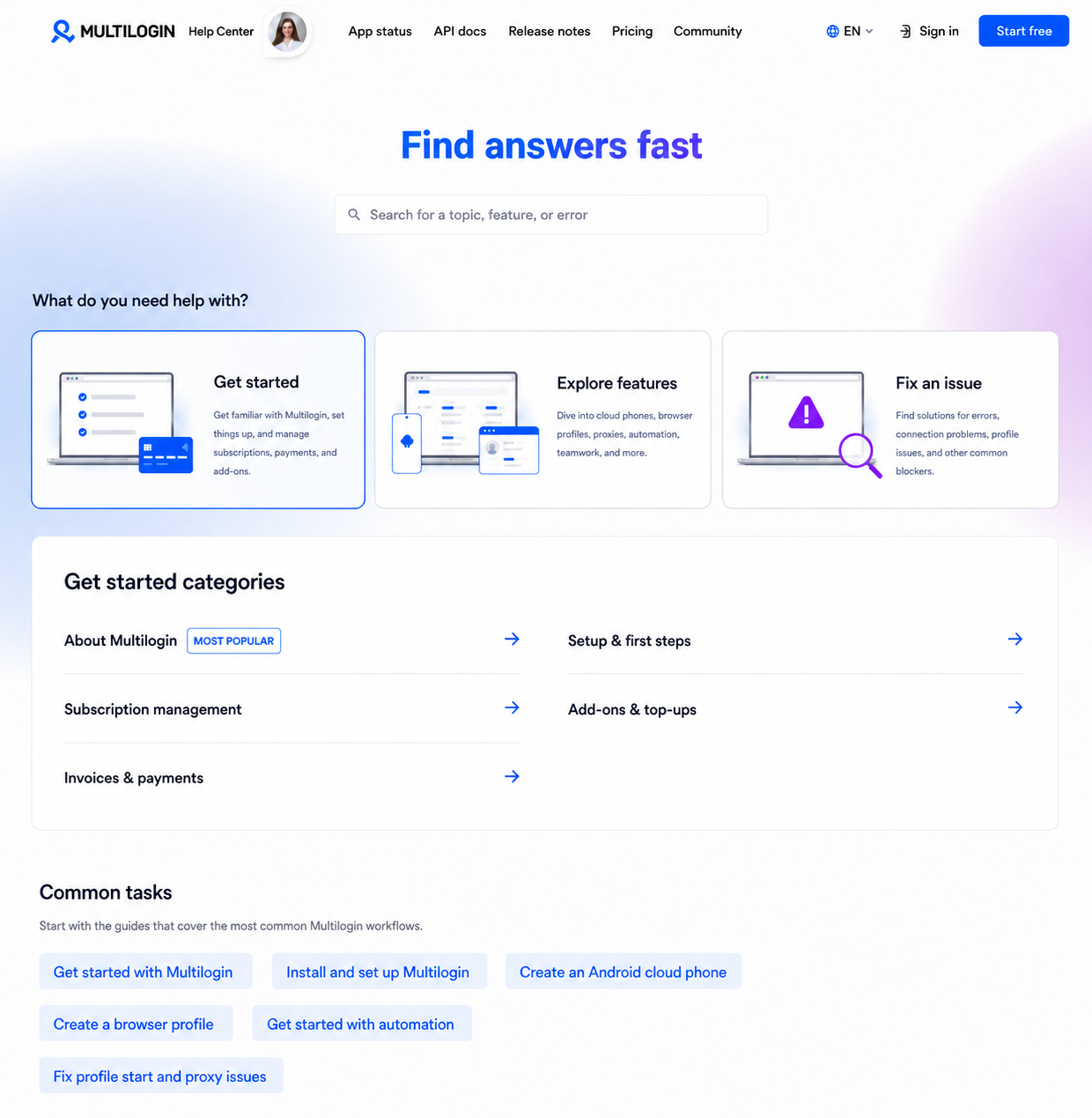
Section titled “See the decision in context”The image below is an approved project concept for the Help Center structure, not a screenshot of the Multilogin product. It shows how users can reach setup, feature, and troubleshooting content without guessing the category name.
If your workflow uses both
Section titled “If your workflow uses both”Use one Multilogin cloud phone per account for native Android app work. Use a browser profile for the same account’s supported web tasks. The two profile types remain separate environments.
Watch an interactive walkthrough
Section titled “Watch an interactive walkthrough”The reusable component below uses the approved Arcade share URL supplied for this proof of concept. The embed has been checked in the local prototype, but that doesn’t make the surrounding article production-ready.
What happens next
Section titled “What happens next”After you choose the profile type, follow a dedicated setup article with exact UI labels, screenshots, access requirements, and expected results. Those product steps should come from current approved product evidence before this prototype becomes production content.
Can a cloud phone receive an SMS or phone call?
No. If an app needs verification, use a separate number the app accepts and enter the code in the app on the cloud phone.
Do browser profiles use mobile minutes?
No. Browser profiles don’t use mobile minutes.
Does using a separate environment guarantee an account outcome?
No. Multilogin separates the account environment, but it doesn’t guarantee that a platform won’t flag, limit, suspend, ban, or link an account.


