
LinkedIn has quietly become one of the most valuable platforms for social media managers. Not just for finding jobs or posting thought leadership — but for B2B lead generation, client acquisition, audience building, and managing complex agency workflows across multiple client accounts.
This guide is for social media managers who use LinkedIn professionally: managing client pages, running campaigns, prospecting for new business, and trying to actually get results from the platform rather than just maintaining a presence on it.
Why LinkedIn Actually Works in 2026
LinkedIn has over a billion members. More importantly, it has the right members — decision-makers, B2B buyers, founders, and people who actually have budget authority.
The average LinkedIn user has significantly higher household income than users on most other social platforms, and the professional intent is built in. People on LinkedIn are generally open to business conversations in a way they aren’t on Instagram or TikTok.
For agencies and social media managers, that’s a meaningful combination. Unlike platforms where you’re interrupting entertainment or social browsing, LinkedIn users often arrive with a work mindset — which means they’re more receptive to business-relevant content, lead generation messages, and professional outreach.
The platform has also matured significantly as a content channel. Where LinkedIn once rewarded only formal, corporate-toned content, it now rewards authentic, personality-driven posts just as much — sometimes more. The opportunity for social media managers is real, and it rewards those who approach it with actual strategy rather than treating it as an afterthought.
Setting Up a LinkedIn Profile That Actually Converts
Before you can use LinkedIn effectively for any business purpose, your personal profile needs to work. Most LinkedIn profiles are essentially static resumes. A profile optimized for social media managers doing client work or prospecting looks different.
- Headline. Don’t just list your job title. Use your headline to say what you do and who you do it for. “Social Media Manager | Helping B2B brands build audiences that convert” is more useful than “Social Media Manager at [Agency Name].” You have 220 characters — use them to communicate value, not just role.
- About section. Write this in first person and lead with results. Who do you work with, what do you help them achieve, and what’s the best way to reach you? Keep it readable — three to five paragraphs maximum. Avoid walls of text. Use line breaks liberally. People skim on LinkedIn just like everywhere else.
- Keywords throughout. LinkedIn has its own search algorithm and it indexes your profile content. If you want to show up when people search “social media manager for SaaS” or “B2B content strategy,” those phrases need to appear naturally in your headline, about section, and experience descriptions. Think about what your ideal client or employer would type into the search bar, and make sure those terms are present throughout your profile.
- Featured section. Use this to show case studies, client results, or your best-performing content. This is often the first thing people click on after reading your headline. A well-chosen case study here can do more to convert a profile visitor into an inquiry than anything else on the page.
- Recommendations. Proactively ask clients and collaborators for recommendations on your profile. They appear prominently and are significantly more persuasive than self-reported achievements. Offer to write one for them first — reciprocity is real.
- Creator Mode. LinkedIn’s Creator Mode shifts your profile from connection-focused to follower-focused and unlocks additional features like a newsletter, link in bio, and better content distribution. If you’re using LinkedIn as a content platform, enabling Creator Mode is worth it.
How to Use LinkedIn for Business: Client and Agency Workflows
Managing Multiple Client Pages
If you manage LinkedIn pages for multiple clients, the native LinkedIn experience gets complicated fast. You can be an admin on multiple pages, but switching between them requires logging out and back in as different users, or managing separate browser sessions — which breaks down quickly when you’re managing five or ten clients.
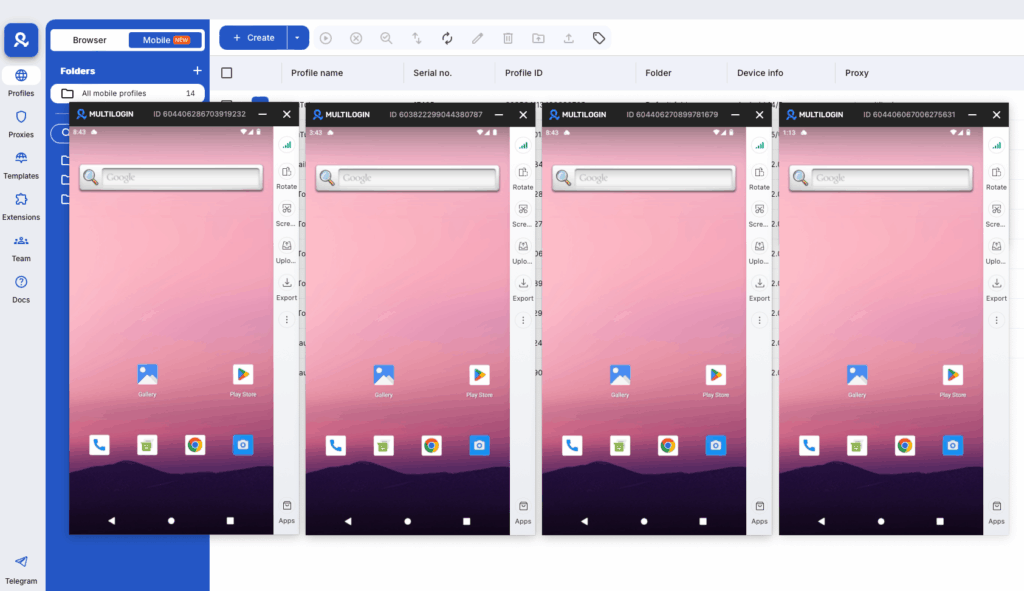
This is where having isolated browser profiles becomes genuinely useful. Multilogin lets you run separate browser environments for each client account, each with its own cookies, session data, and proxy. You can switch between client LinkedIn accounts without logging out, without cross-session contamination, and without triggering LinkedIn’s unusual activity detection when you’re managing accounts from multiple regions.
If you’ve tried managing multiple social media accounts from the same browser, you already know how quickly session conflicts and forced logouts disrupt your workflow. Browser profile isolation eliminates that problem entirely.
For agencies doing this at scale, Multilogin also supports team sharing — so a team member can be handed a profile and pick up exactly where you left off, without needing to share credentials or deal with session conflicts. This is particularly valuable for onboarding new team members or redistributing client responsibilities.
Managing Client LinkedIn Pages Natively
LinkedIn does give pages a native way to manage admin access. As a page admin, you can add team members with different roles: Super Admin, Content Admin, Analyst, etc. This works for direct team access, but it has limits: team members need their own LinkedIn accounts, and the company page is always tied to personal profile authenticity.
For agencies representing clients, the standard workflow is being added as a Super Admin on the client’s page. This is the right approach for page content management. For ad accounts (LinkedIn Campaign Manager), similar admin delegation exists — you can be added to a client’s Campaign Manager without needing to access their personal login.
The combination of native admin delegation for content and campaigns, plus browser profile isolation for the underlying account sessions, gives agencies the most reliable and scalable approach to LinkedIn client management.
Keeping LinkedIn Accounts Secure at Scale
One consideration that often gets overlooked: LinkedIn actively monitors for unusual login patterns. If the same account is accessed from multiple IP addresses in quick succession, or from locations that don’t match the account’s typical geography, LinkedIn may prompt for verification or temporarily restrict access.
For agencies with team members in different locations accessing the same client accounts, this is a real operational risk. Using dedicated proxies matched to each client account’s typical location — paired with isolated browser profiles — keeps login patterns consistent and reduces the likelihood of disruption. You can learn more about secure LinkedIn scraping and account management techniques here.
How to Use LinkedIn for Marketing: Content That Gets Reach
LinkedIn’s algorithm rewards content that generates early engagement, keeps people on the platform (native content over external links), and comes from accounts with consistent posting histories.
What actually performs in 2026:
- Text posts with a strong hook in the first two lines. LinkedIn collapses long posts after about three lines with a “see more” button. The first two lines need to earn that click. The best-performing hooks create curiosity, make a surprising claim, or address a pain point your target audience feels immediately.
- Document posts (PDFs and carousels). LinkedIn’s native document format gets significantly more impressions than most other post types. A well-designed carousel with genuinely useful information regularly outperforms text-only posts. The swipe mechanic keeps people engaged longer, which signals quality to the algorithm.
- Video with captions. Most LinkedIn video is watched without sound. Captions aren’t optional — they’re the difference between someone watching and someone scrolling past. Keep LinkedIn videos short (under two minutes for most content) and front-load the value.
- Polls. High engagement, algorithm boost, and you get data — polls are consistently underused by agencies. A well-framed poll on a topic your audience cares about can generate more visibility than a polished article, and the results give you content ideas for follow-up posts.
- Newsletter. LinkedIn’s native newsletter feature gives you a subscriber list that receives notifications for each edition. For agencies trying to build owned audiences for clients, this is an underused distribution mechanism.
What doesn’t work as well: links to external articles in the body of the post. LinkedIn suppresses reach on posts that send people away from the platform. If you need to share a link, put it in the first comment and reference it in the post body (“link in comments”).
Posting Frequency and Consistency
The research consistently shows that posting three to five times per week outperforms daily posting for most accounts. Quality matters more than volume on LinkedIn. One strong post that generates 50 comments beats five mediocre posts that get ignored — and the algorithm learns from engagement patterns over time.
For client accounts, build a content calendar that mixes thought leadership, company updates, industry insights, and occasional promotional content. A rough ratio that works: 70% educational or entertaining, 20% engagement (questions, polls, discussion prompts), 10% promotional.
If you’re managing content calendars for multiple clients simultaneously, having a structured planning system matters. A social media content calendar keeps your publishing consistent and your client reviews organized — without relying on memory or last-minute scrambles.
Building a LinkedIn Content Strategy for Clients
The most effective LinkedIn content strategies for B2B clients start with defining who the content is for and what action you want that person to take. Generic thought leadership that doesn’t connect to a specific audience outcome rarely moves the needle.
A practical framework: identify the three to five topics your client’s target buyer cares about most. Map content types to stages of awareness — educational content for people who don’t know the brand yet, proof-based content (case studies, testimonials, data) for people who are evaluating, and direct CTAs for people who are ready to act. Most LinkedIn content strategies fail because they only do the first category and wonder why it doesn’t convert.
How to Use LinkedIn for Sales and Lead Generation
This is where LinkedIn’s real business value lives for agencies and social media managers doing B2B work.
Organic Lead Generation
The most effective organic lead gen on LinkedIn follows a simple pattern: publish content that demonstrates expertise, connect with people who engage with it, and move conversations to direct message when there’s genuine interest.
The key is patience and genuine value. People who comment on your posts are warm — they’ve already engaged. Sending them a connection request with a brief personal note (referencing their comment) converts at a much higher rate than cold outreach. A message that says “saw your comment on [post], thought you raised a good point about X — wanted to connect” is infinitely more effective than a generic connection request.
Direct message approach that works: don’t pitch immediately. Open with a genuine question or observation about something they posted or commented on. Build a small amount of relationship before mentioning anything commercial. Most failed LinkedIn outreach fails because it skips this step entirely and opens with a paragraph about services.
If you’re managing B2B lead generation across multiple client accounts, you’ll want to keep outreach sequences completely separate per client — different personas, different value propositions, different target contacts. This is another area where browser profile isolation pays off operationally.
How to Use LinkedIn Sales Navigator
Sales Navigator is LinkedIn’s premium prospecting tool. For B2B agencies doing outbound sales, it’s worth the cost. Key features:
- Advanced filters. You can search by company size, industry, seniority, geography, recent activity, and dozens of other criteria. Building a list of “Marketing Directors at SaaS companies with 50-200 employees who’ve been active in the last 30 days” takes about two minutes. This level of targeting precision is unavailable anywhere else.
- Lead tracking. Save leads and get notified when they change jobs, post content, or are mentioned in the news. These trigger events are natural openings for outreach. A message timed to a job change or a news mention gets far higher response rates than cold outreach with no context.
- TeamLink. Shows you when you have second-degree connections to your target leads, which dramatically increases response rates on outreach. A warm intro is always better than cold.
- InMail. Sales Navigator includes InMail credits for reaching people outside your network. InMail has a higher response rate than cold email for B2B prospecting when the message is personalized and relevant. Keep InMails short, specific, and low-friction — one clear ask, not a sales presentation.
How to Use LinkedIn for B2B Lead Generation at Scale
At scale, LinkedIn lead generation typically involves a combination of content (to generate inbound interest), connection campaigns (to expand your network systematically), and outreach sequences (to convert warm connections into conversations).
For agencies managing this across multiple client accounts, the operational complexity is real. You’re managing different personas, different value propositions, different target audiences, and different outreach sequences — all from potentially the same physical machine.
Keeping these accounts genuinely separate — with different browser environments, different IP addresses, and different behavioral patterns — is how you avoid LinkedIn flagging activity as suspicious or triggering verification on accounts that are doing nothing wrong.
LinkedIn’s risk detection is sophisticated, and accounts that appear to be managed from the same environment as other accounts risk being linked or flagged.
For deeper guidance on this, managing multiple LinkedIn accounts without triggering bans or restrictions is a topic worth understanding before you scale.
How to Use LinkedIn for Hiring
LinkedIn remains the dominant platform for professional hiring. For social media managers helping clients recruit:
- Job posts. LinkedIn job posts get indexed by LinkedIn’s internal search and by Google. Writing them with relevant keywords matters. Include the role title, location, and key requirements in the job title and description. Job posts that are specific outperform generic ones — “Senior Content Strategist for B2B SaaS (Remote)” gets better candidates than “Content Person Needed.”
- Recruiter tools. LinkedIn Recruiter (a separate paid product) lets you search for candidates by skills, experience, location, and dozens of other filters. For agencies doing recruitment on behalf of clients, LinkedIn Recruiter Lite is the more accessible entry-level option with meaningful search capability.
- Sourcing passive candidates. The most valuable people on LinkedIn aren’t actively applying to jobs. Reaching out to passive candidates with a personalized message about a specific role — leading with what makes it interesting, not just the job description — converts better than posting and waiting. Passive candidates respond to messages that feel tailored to their experience, not templated.
- Employee advocacy. Encourage clients to have employees share job openings and company content. Employee posts get significantly more organic reach than company page posts on LinkedIn. Building an employee advocacy program is one of the highest-ROI activities for LinkedIn page growth.
How to Use LinkedIn Effectively: The Habits That Compound
The people who get the most from LinkedIn professionally aren’t necessarily the ones with the biggest networks or the most followers. They’re the ones who:
- Engage consistently. Commenting thoughtfully on posts from people in your target audience or industry is one of the highest-leverage activities on LinkedIn. Your comment shows up in the feeds of that person’s followers. It’s free distribution, and the quality of your comment reflects directly on your personal brand. A single insightful comment on a post with 10,000 impressions can drive more profile visits than a post of your own.
- Optimize their profile for the right searches. Know what people would search to find someone like you, and make sure those terms appear in your profile naturally. Think in terms of problems you solve and outcomes you deliver, not just titles you’ve held.
- Build relationships before they need them. LinkedIn is a long game. The connections you make today become warm leads, referral sources, and collaborators over months and years — not days. Consistently adding value to your network before you need anything from it is what creates the goodwill that makes outreach land.
- Track what works. LinkedIn provides analytics on posts (impressions, engagement rate, follower growth) and on profiles (search appearances, profile views). Actually looking at these numbers weekly tells you what’s resonating and where you’re showing up in search. Most people post without ever looking at their analytics — this is a significant competitive advantage for those who do.
- Use LinkedIn as a research tool. Before any client call, prospect meeting, or partnership conversation, LinkedIn shows you what the person has been posting about, their career history, and mutual connections. This information makes every conversation more informed and more productive.
LinkedIn Campaign Manager: Paid Advertising Basics
For agencies running LinkedIn ads, Campaign Manager is the platform. The key things to understand:
LinkedIn advertising is expensive compared to Facebook and Google on a CPM basis. Cost per lead is higher. That’s fine, because the targeting quality is unmatched for B2B. You can target by job title, company, industry, seniority, skills, and LinkedIn groups. No other platform does B2B targeting as precisely.
- Lead Gen Forms are LinkedIn’s native lead capture format — they pre-fill from the user’s LinkedIn profile, which dramatically increases conversion rates compared to sending people to a landing page. For webinar registrations, content downloads, and demo requests, Lead Gen Forms consistently outperform external landing pages. Fewer clicks, less friction, more conversions.
- Sponsored Content (native feed ads) performs better than text ads or display for most B2B objectives. The feed ad format blends with organic content and gets more engagement than banner-style units.
- Matched Audiences lets you upload a list of companies or contacts and target only those people on LinkedIn. For account-based marketing, this is powerful — you can run campaigns specifically targeting the 100 companies you most want to close, ensuring your content reaches decision-makers at those accounts regardless of their other browsing behavior.
- Retargeting. LinkedIn’s retargeting allows you to show ads to people who have visited your website, engaged with your content, or submitted a Lead Gen Form. This is particularly effective for warming up leads who are aware of your client but haven’t converted yet.
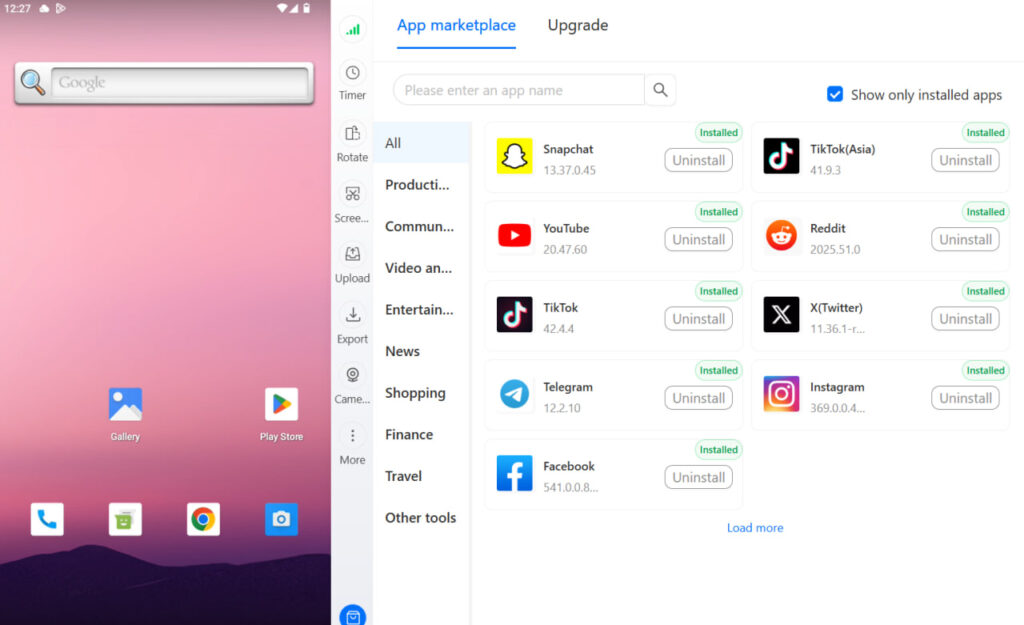
No more juggling physical devices or risking account links. Try Multilogin's cloud phones now.
Frequently Asked Questions About How to Use LinkedIn for Social Media Managers
Complete your profile fully, connect with people you actually know first to build an initial network, start posting once a week with content that’s genuinely useful to your target audience, and engage with posts from people in your industry every day. Results come from consistency over months, not weeks.
Update your profile with keywords for the roles you want, turn on “Open to Work” (you can make it visible only to recruiters), use the job search with location and role filters, and reach out directly to hiring managers at companies you’re targeting with a short personalized note. The people who find jobs through LinkedIn fastest combine active applications with direct outreach.
Organic content and consistent engagement are completely free. Build your personal profile, post valuable content regularly, engage with your target audience’s content, and use LinkedIn’s free analytics to track what’s working. Paid advertising can wait until you have organic proof of concept.
LinkedIn’s minimum age is 16 in most countries (13 in the US with parental consent, though the platform is not designed for that age group).
Focus on your personal profile as much as your company page — people buy from people on LinkedIn. Post content that demonstrates your agency’s expertise, engage with potential clients’ content before reaching out, and use Sales Navigator to build and track a systematic prospecting list.
Use isolated browser profiles with dedicated proxies per client account. This keeps sessions separate, prevents cross-contamination, and maintains consistent login patterns that don’t trigger LinkedIn’s security checks. Managing multiple LinkedIn accounts at agency scale requires infrastructure built for the purpose, not workarounds.
Managing LinkedIn at Agency Scale: What Actually Works
The operational reality of managing LinkedIn for multiple clients includes:
Multiple login sessions running simultaneously without interference. Separate content calendars, posting schedules, and analytics dashboards per client. Clear access controls so the right team members have the right permissions. Audit logs of who did what on which account. And the ability to hand off work between team members without losing session context.
The native LinkedIn tools handle some of this (page admin roles, Campaign Manager access). Browser profile management tools handle the rest — specifically the session isolation problem that makes simultaneous multi-account management possible without constant login conflicts.
For agencies also managing multiple social media accounts beyond LinkedIn — Instagram, TikTok, Facebook, X — the same infrastructure applies. One consistent, well-organized multi-account setup is more efficient than platform-specific workarounds for each network.
If you’re working with clients who also need support on other platforms, understanding how to manage social media accounts for multiple clients at scale is worth reading alongside this guide.

