













TikTok proxy + cloud phones

Manage multiple TikTok accounts with Android cloud phones and proxies. Use mobile proxies for TikTok to post content and grow your audience from the mobile app.

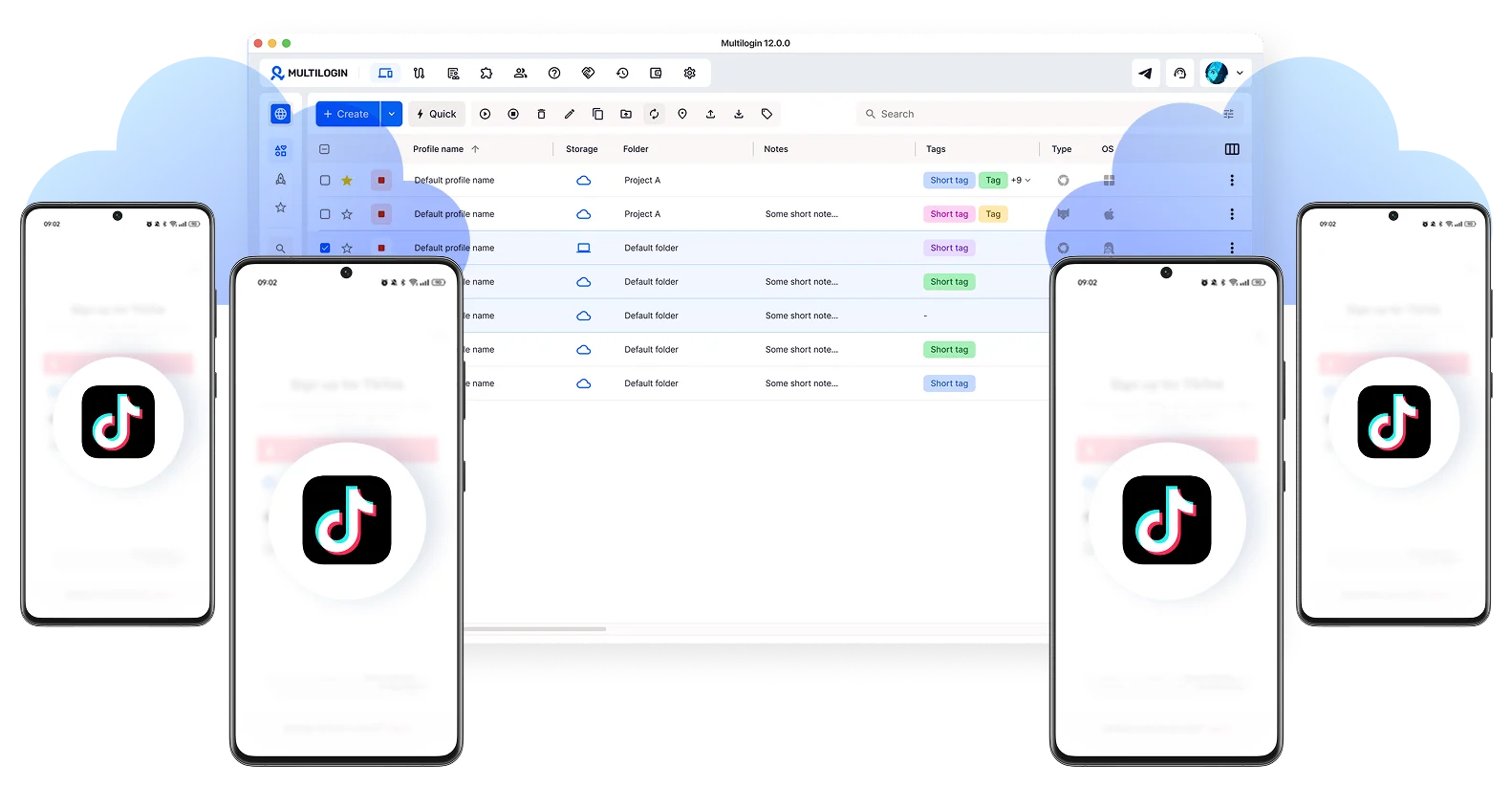
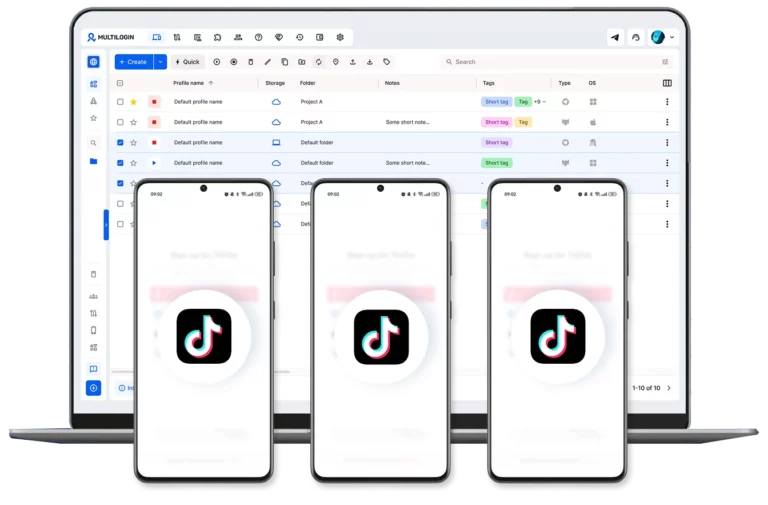
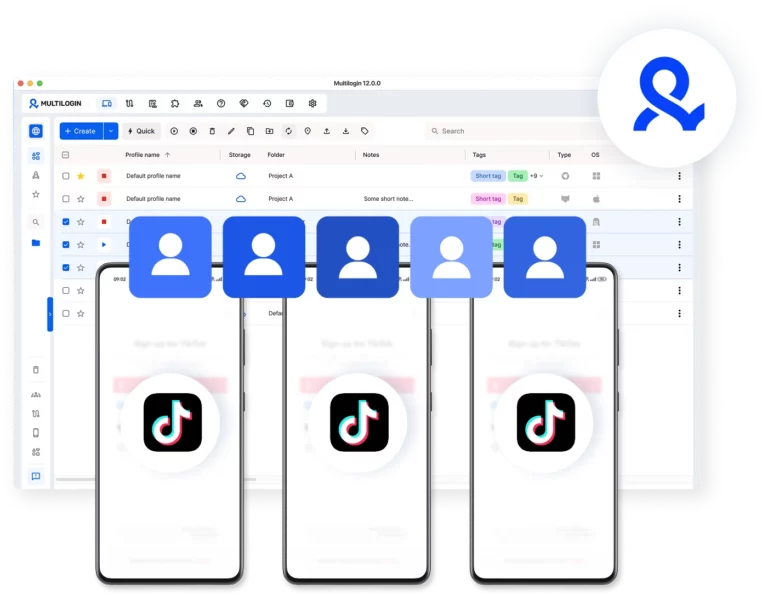
Multilogin dashboard showing multiple cloud phones with TikTok
Unique cloud phones for multiple TikTok accounts

Manage multiple accounts with TikTok proxy

Run each account on its own cloud phone or browser profile with mobile proxies for TikTok. Keep sessions isolated with stable connections.

Automate TikTok actions at scale

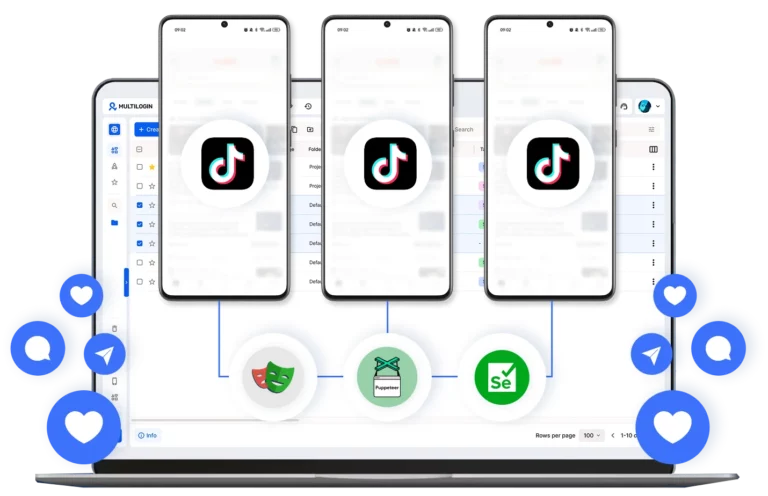
Run automation using mobile proxies for cloud phones and browser profiles. Chain simple tasks like posting and likes.

Create and manage multiple TikTok accounts from one dashboard

Access TikTok accounts from specific locations

Reach different TikTok markets by assigning each cloud phone a mobile proxy location. Target geographic niches and post content as a local user.

Control team access and permissions for TikTok in Multilogin

Collaborate with your team on TikTok

Share cloud phones and browser profiles from one dashboard. Assign access to each member and manage accounts without sharing logins or devices.

What are cloud phones?

Cloud phones are remote Android devices you access from your desktop. Each runs like a real phone with apps, accounts, and data kept between sessions, using mobile proxies for stable connections.

Облачное управление несколькими аккаунтами с изолированными мобильными профилями

Why choose Multilogin?

Using cloud phones and mobile proxies in one platform keeps device and network signals aligned from the start. This reduces conflicts, removes extra tools, and helps TikTok accounts stay stable over time.

Централизованное управление несколькими аккаунтами Instagram в Multilogin

Multilogin features for cloud phone management

Multilogin 2-in-1

Browser profiles and cloud phones in one ecosystem. One app, one dashboard, full control.

Built-in proxy integration

Residential IPs are included by default. 150+ countries and 1,400+ cities with daily quality testing.

Up-to-date Android versions

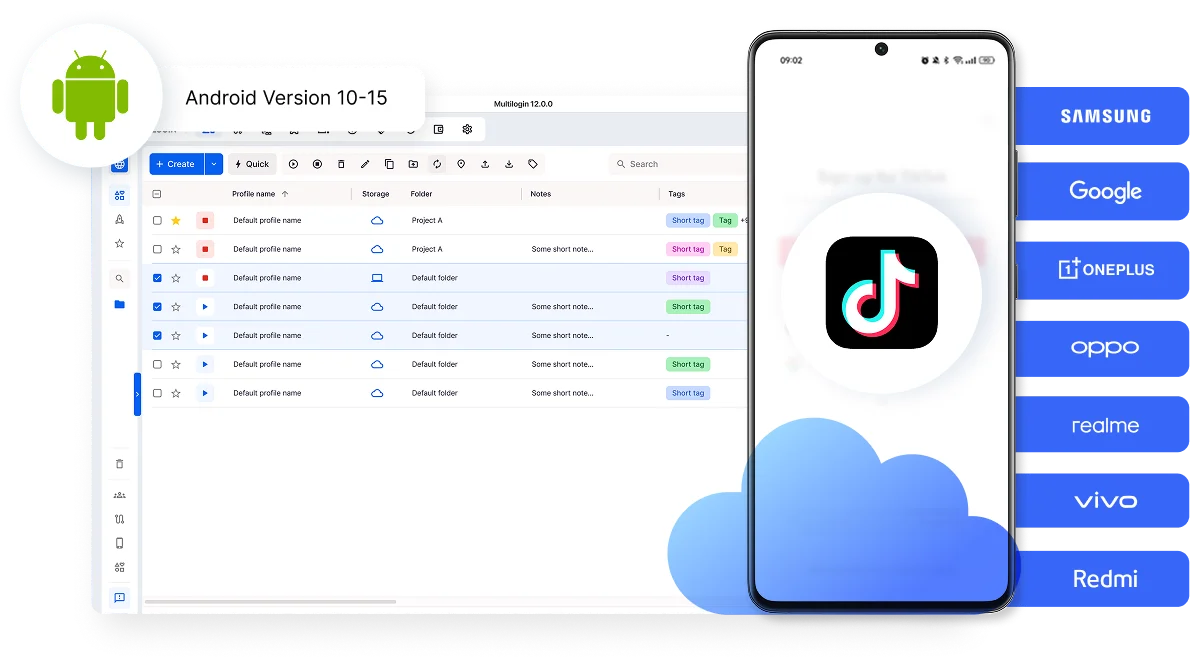
Stable Android versions 10–15, fully compatible with modern mobile apps.

Real brands and devices

Support for 12 real Android device brands with unique IMEI and system-level digital fingerprints.

App repository

Install TikTok, Instagram, Reddit, and other popular apps without Google Play. APK uploads are also supported.

Folders, tags and access control

Organize profiles using folders, tags, and role-based access. Manage team workflows with ease.

Enterprise-grade security

Profile encryption, 2FA, access control, and compliance-ready security for safe operations.

Award winning multiple account management platform

High Performer
Momentum leader
Best support
Momentum leader

How to start using Multilogin 

Connect cloud phones and browser profiles for TikTok in 5 simple steps

Step 1 of how to use Multilogin

Sign up

Register using a verified email address. 

Step 2 of how to use Multilogin

Choose your plan

Select from various subscription plans tailored to your business needs.

Step 3 of how to use Multilogin

Download Multilogin

Available for Windows, Mac, and Linux.

Step 4 of how to use Multilogin

Access the Multilogin dashboard

Start creating and managing cloud phones and browser profiles with TikTok proxies

Step 5 of how to use Multilogin

Manage multiple cloud phone profiles

Set up and manage multiple cloud phone profiles using separate browser profiles with consistent identities.

Run TikTok accounts with Multilogin

Use cloud phones and built-in mobile proxies

Watch the Multilogin Demo

Learn how Multilogin can boost your business. Check the video below to see its full capabilities in a short demo video.

Managing accounts safely with TikTok proxies and cloud phones

Managing multiple TikTok accounts at scale is less about posting content and more about maintaining consistency behind the scenes. Many social media managers notice that accounts stop performing as expected, sessions feel unstable, or access becomes unpredictable over time. In most cases, the issue is not strategy or creativity. It’s how accounts are accessed, from where, and under what conditions.

TikTok pays close attention to device behavior, session history, and network patterns. When those signals look inconsistent, accounts become harder to manage reliably. This is why serious workflows move beyond single tools and focus on how device identity and network setup work together.

Why do TikTok accounts become unstable without TikTok proxy

Proxies are often the first step people take when managing more than one TikTok account. They help control where traffic comes from, which is important. But a proxy only changes the network side of the picture. The device itself stays the same.

When multiple TikTok accounts are accessed from one phone, emulator, or shared environment, patterns start to repeat. Over time, TikTok can recognize that different accounts behave as if they come from the same underlying setup, even when the IP changes.

Common causes of instability include:

  • Reusing the same device environment across accounts
  • App data or session storage overlapping between logins
  • Network locations that don’t match device settings
  • Accounts returning from different IPs but identical device signals

At first everything seems normal. Then performance drops, verification requests increase, and issues build gradually.

This is where proxies reach their limit: device consistency.

Cloud phones and TikTok account environment

Cloud phones address the device side of TikTok account management. Instead of sharing one phone or emulator, each account runs on its own Android environment in the cloud. App data, cache, and login state stay tied to that one account and remain saved between sessions.

When an account is opened again, it returns as the same device, with the same history and behavior patterns. From TikTok’s perspective, this looks natural.

When cloud phones are combined with properly matched proxies, the workflow becomes much more predictable:

  • Each TikTok account runs on its own cloud phone
  • App sessions persist instead of resetting
  • Network location aligns with device settings
  • Accounts stay separated at both the device and network level
  • Issues with one account don’t affect others

Unified setup with cloud phones and mobile proxies in Multilogin

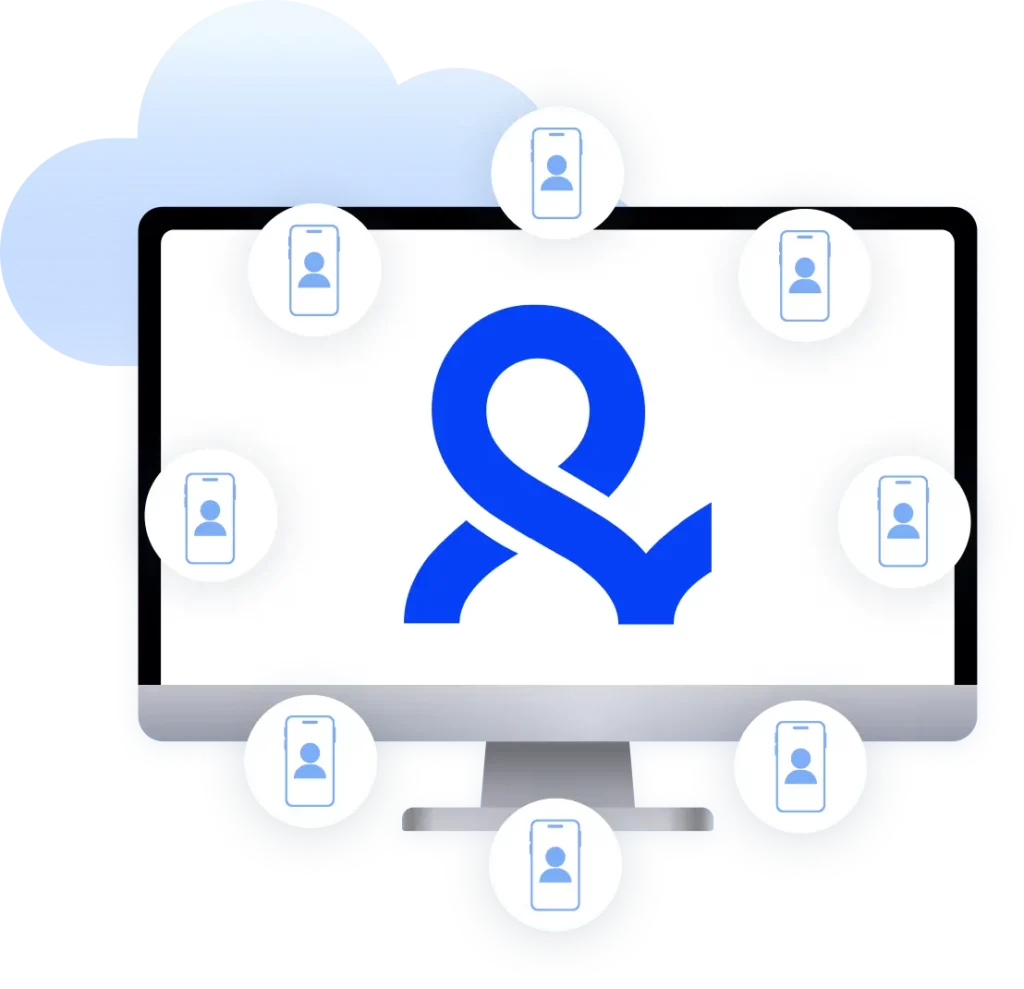
Multilogin brings these elements together in one platform. Cloud phones are used for the TikTok mobile app, while isolated browser profiles handle web-based access when needed. Both environments are controlled from the same dashboard, which simplifies daily work and reduces setup errors.

This structure also changes how teams operate. Instead of sharing credentials or passing physical devices, cloud phones can be assigned to team members with clear access rules. Each person works within their own scope, and changes don’t ripple across accounts.

Automation fits into this setup in a controlled way. TikTok mobile apps are best handled manually inside cloud phones, while browser-based tasks can be automated using tools like Selenium, Playwright, Puppeteer, Postman, or the Multilogin CLI. Automation runs only on isolated browser profiles, where fingerprints and network settings are consistent and contained.

The result is steadier operations with stable accounts.

Final thought

Reliable TikTok account management is about reducing friction, not pushing limits. When device identity, network location, and session history stay consistent, accounts are easier to manage and performance stays predictable.

Cloud phones give each account its own mobile environment. Proxies provide realistic network access. Browser profiles support safe web workflows. Multilogin connects these pieces so social media managers can focus on content and growth instead of troubleshooting access issues.

The goal isn’t to outsmart the platform. It’s to work in a way that feels natural, structured, and sustainable.

Watch the Multilogin demo for creating multiple accounts on Reddit

Get a 10-minute demo video on how Multilogin can help you manage multiple Reddit accounts while remaining undetected. Just fill in your name, last name and email below, and we’ll deliver the demo video directly to your inbox.

Name
Last Name
Email *
Image of locked video for Multilogin demo preview

FAQ

A TikTok proxy is used to assign each account a separate IP address so TikTok sees them as independent users. This is important because the platform evaluates network identity together with device and behavior signals.

In Multilogin, TikTok proxies are part of a complete isolation setup:

  • Each TikTok account gets a unique mobile IP
  • Traffic is routed through real mobile carrier networks
  • Cloud phones or browser profiles keep device identity separate
  • Sessions stay consistent instead of mixing across accounts

This combination helps each account behave like a standalone mobile user rather than part of a shared system.

You need to use a TikTok proxy because TikTok may link accounts through IP, device fingerprint, and login patterns. Multilogin provides tools to solve this issue: fingerprinting protection for browser profiles, unique cloud phones, and mobile proxies for your TikTok accounts.

Together, they keep accounts separated and reduce the risk of flags or bans.

Yes, TikTok proxies are safe to use in Multilogin because it provides high-quality mobile proxies.

Combined with isolated cloud phones and fingerprint-protected browser profiles, each TikTok account runs in its own stable environment, making the setup completely safe and reliable.

Yes, TikTok can detect proxies, especially datacenter or low-quality ones that don’t match normal user behavior.

Detection usually happens when IP reputation, device fingerprint, and login patterns don’t align. Multilogin reduces this risk by pairing mobile proxies with cloud phones and browser profiles that mimic consistent, real-device behavior across sessions.

Verification loops often happen when there are sudden changes in IP or device signals. In Multilogin, mobile proxies stay stable and are permanently linked to cloud phones or browser profiles, so each account maintains the same environment across sessions. This consistency helps reduce repeated verification requests and keeps logins smoother.

Yes, proxies are still important even for manual use. Every time multiple accounts share the same network, they become easier to link. Multilogin solves this by assigning each TikTok account a dedicated mobile proxy and running it inside a separate cloud phone or browser profile. This ensures that even simple manual actions stay isolated and independent.

Residential and mobile proxies are based on real ISP or mobile network traffic, which makes them look natural to TikTok. Datacenter proxies come from server environments and don’t match typical user behavior as closely.

Multilogin focuses on high-quality mobile proxies and integrates them directly into cloud phones and browser profiles, so each TikTok account behaves like a real, separate device.

Yes, multiple Reddit accounts can run at the same time when properly isolated. In Multilogin, each Reddit account is placed in its own browser profile with a dedicated mobile proxy. This setup ensures that each account has a unique fingerprint, network identity, and session history, allowing them to operate independently without interference.


In Multilogin, TikTok proxies are high-quality mobile IPs designed to behave like real users on 4G or 5G networks. They are not standalone tools but are embedded into isolated environments.

Key characteristics:

  • Mobile carrier-based IPs (not server/datacenter IPs)
  • Assigned per cloud phone or browser profile
  • Maintained across sessions for stability
  • Used together with unique browser/device fingerprints

This ensures each TikTok account has a consistent identity across time, not just a temporary IP change.

Thank you! We’ve received your request.
Please check your email for the results.
We’re checking this platform.
Please fill your email to see the result.

Multilogin works with amazon.com