


How to contact Multilogin support
 ~3 minWritten by Yelena V
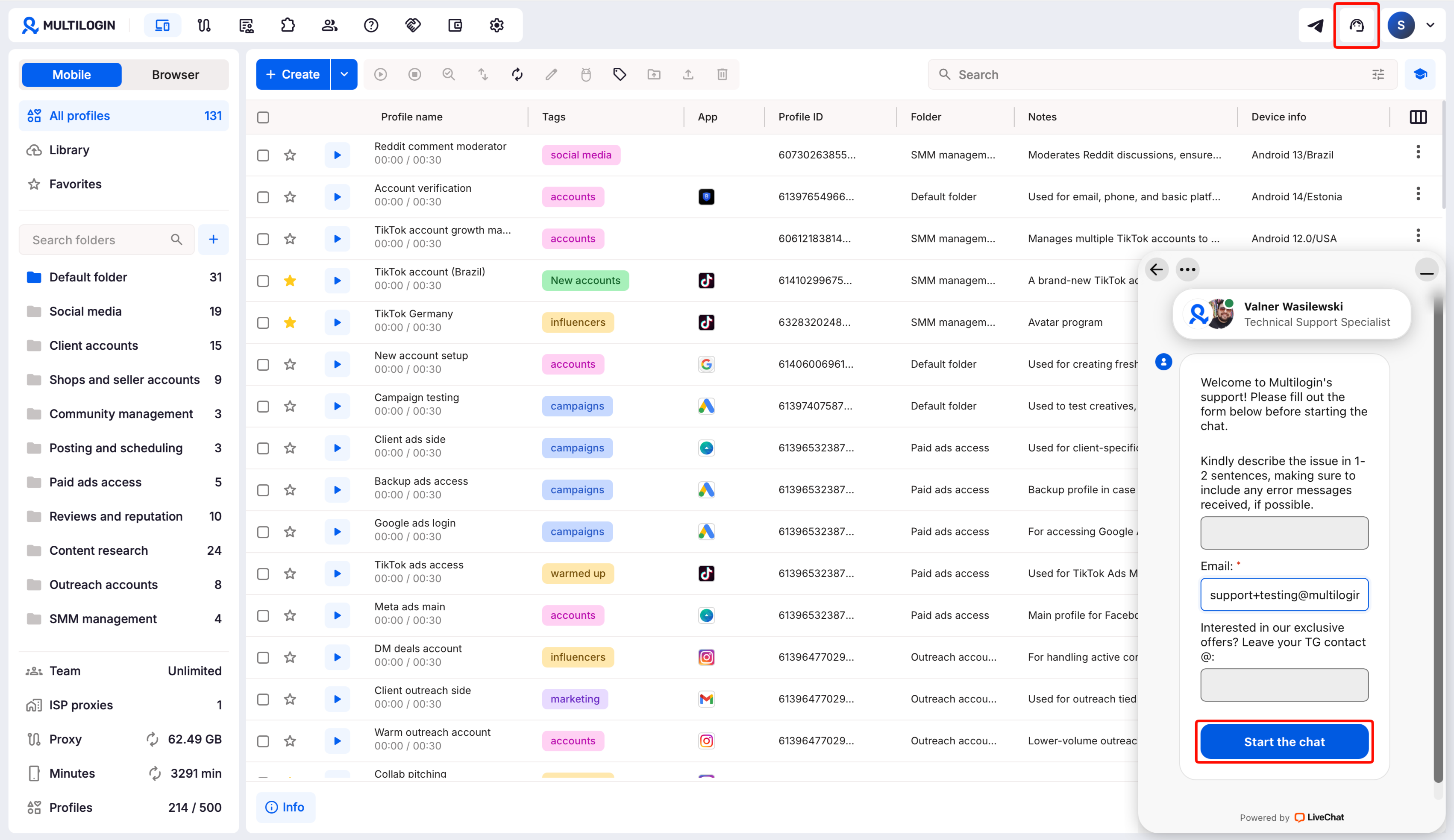
Contact Multilogin support through the chat widget in the Multilogin app or on our website or email [email protected]. English support is available 24/7.
➡️ If several profiles or services stop working at once, check the Status page first. If one setup fails, look for a solution in the Help Center. Contact support directly for account, billing, or unresolved technical issues.
You can also explore Multilogin Academy for practical workflows or open the API documentation for automation guidance.
Contact Multilogin support
- Live chat: open the chat widget in the Multilogin app or on our website
- Email: send your question to [email protected]
If the chat option isn’t visible, all support agents are currently assisting other users. It will reappear as soon as an agent becomes available, so wait a few minutes and check again.
Support hours
- 🇺🇸 English: available 24/7
- 🇷🇺 Russian: 09:00–18:00 UTC+3
- 🇨🇳 Chinese: 02:00–13:00 UTC+3
- 🇻🇳 Vietnamese: 04:00–13:00 UTC+3
- 🇧🇷 Portuguese: 15:00–02:00 UTC+3
What to include in your request
- 🔍 What happened: include the exact error message, when the issue started, and the action that triggers it
- 📷 What you see: attach a screenshot or screen recording showing the issue
- ⚙️ Your setup: include your operating system and Multilogin versions, your log files, profile and proxy type, plus any troubleshooting steps you’ve already tried
Check service status and product updates
Something suddenly stopped working across several profiles or for your whole team? Check the Status page to see whether there’s a known incident, which services are affected, and how the investigation is progressing. Subscribe to alerts to receive updates automatically.

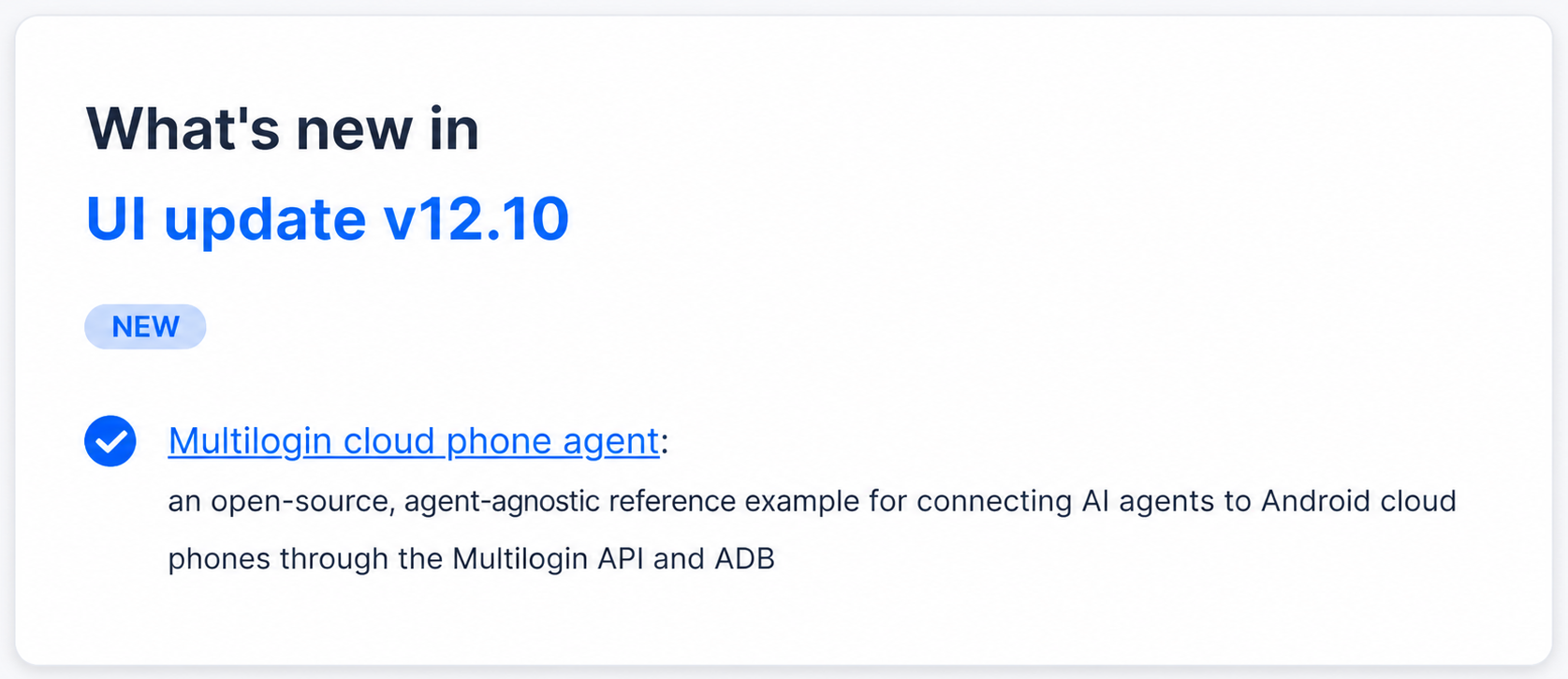
Want to know what changed after a Multilogin update? Check the release notes for new features, improvements, and fixes. They help you discover useful tricks and understand whether a recent release affects your workflow.
Find guides, tutorials, and automation documentation
- Help Center: use it when you need to complete a task or fix something in Multilogin – find exact UI steps, setup requirements, feature limits, error solutions, and billing or account guidance
- API documentation: use it when building or debugging an integration – find endpoints, authentication instructions, parameters, request bodies, and response examples
- YouTube: use it when you’d rather watch the steps – follow visual product walkthroughs that show how to set up and use Multilogin features
- Academy: use it when you need an end-to-end workflow instead of instructions for one feature – learn how to organize social profiles, coordinate team operations, and plan automated workflows
- Blog: use it for strategy and research – explore multi-account management approaches, automation ideas, industry trends, and comparisons that can help you choose the right setup
Follow updates and join the community
- 📣 Follow the Telegram channel @multilogin for updates
- 💬 Join the Telegram chat @multilogin_chat to talk with other users
- 🎮 Join the Multilogin Discord community for discussions and updates
For account-specific, billing, or technical issues, use live chat or email. Avoid sharing private account information in community channels.
FAQs
Can I contact support without opening Multilogin?
Yes. Open the chat widget on our website or email [email protected].
Is Multilogin support available 24/7?
English support is available 24/7. Russian, Chinese, Vietnamese, and Portuguese support follows the hours listed above.
Where can I check whether Multilogin is down?
Check the Status page for current incidents and service availability.
What should I do if live chat isn’t available?
Wait a few minutes and check again, or email [email protected].
Can support help with an automation script?
Support can help you get started, use Multilogin test examples, and troubleshoot the Multilogin-related parts of a custom script. Use the API documentation and the automation section of the Help Center for requests, parameters, authentication details, and examples.


