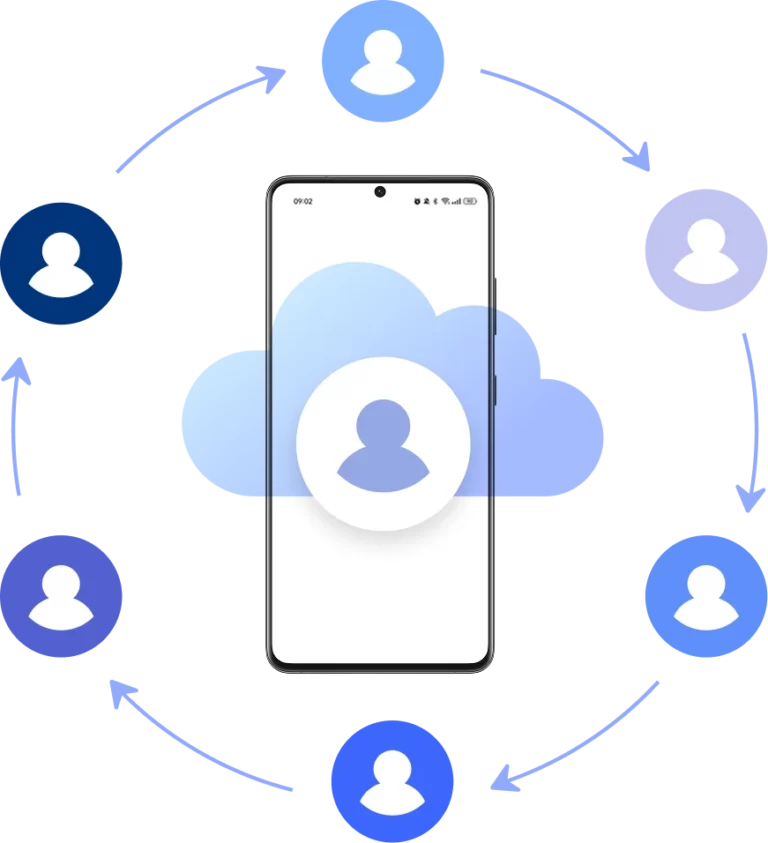





























Manage Multiple TikTok Accounts on Cloud Phones
Run native TikTok app on real Android cloud phones — no physical devices needed.
Post content, engage with your audience, and grow multiple TikTok profiles simultaneously without switching devices.
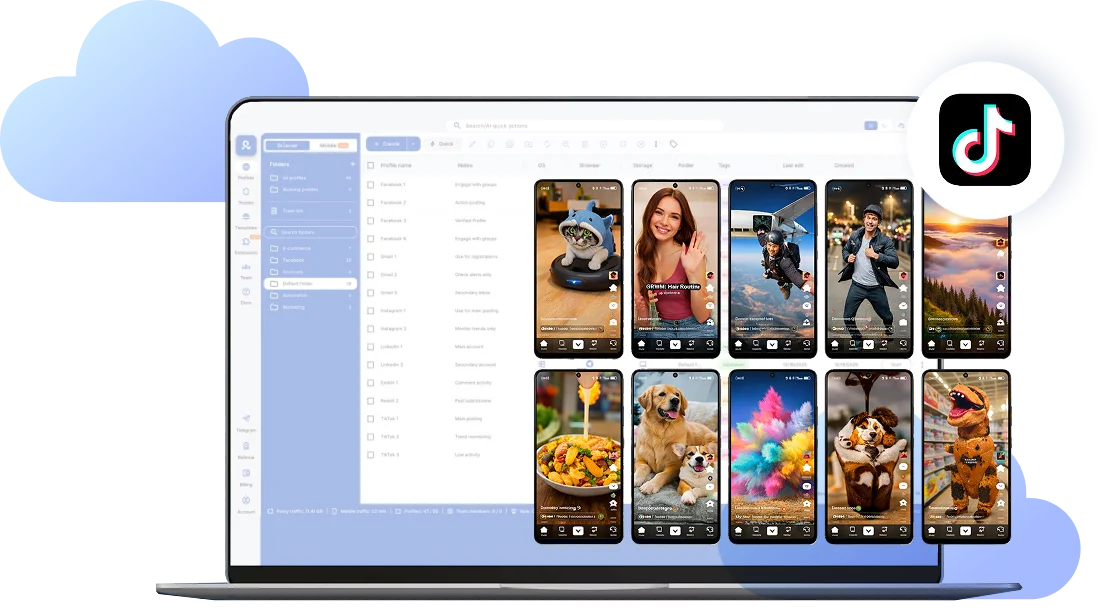
Manage all TikTok accounts from one desktop dashboard
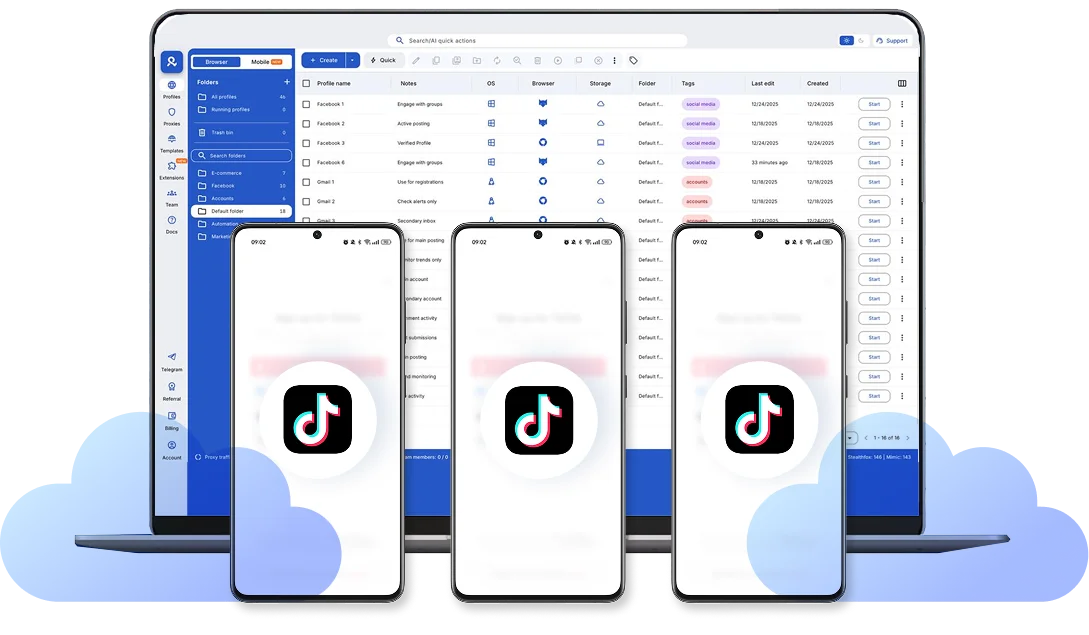
Launch multiple cloud phones and manage all your TikTok accounts side-by-side.
Each account operates in complete isolation with real mobile behavior.
No linking risks, no bans, just safe multi-accounting.
Upload, stream, and control TikTok from your desktop
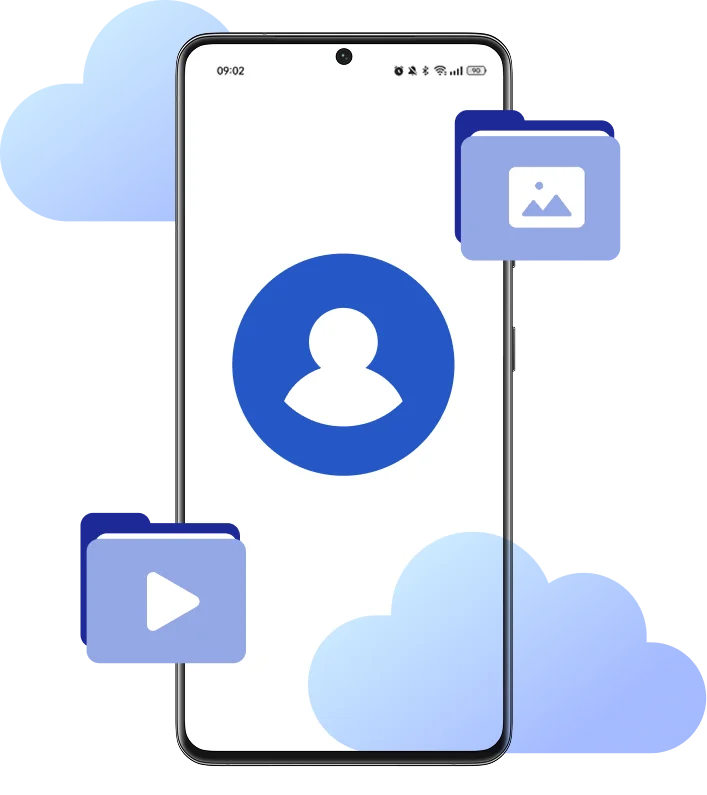
Drag and drop videos and photos straight into TikTok — no USB cables, no file transfers between devices. Upload pre-recorded streams as video files.
Launch multiple cloud phones side-by-side and manage all your accounts simultaneously.
Built-In proxies match your cloud phone location
Every cloud phone connects through mobile-grade residential IPs from 30M+ addresses across 195+ countries.
TikTok sees authentic mobile users from real locations, clean residential connections that keep your accounts undetectable.
Team-ready multi-account management
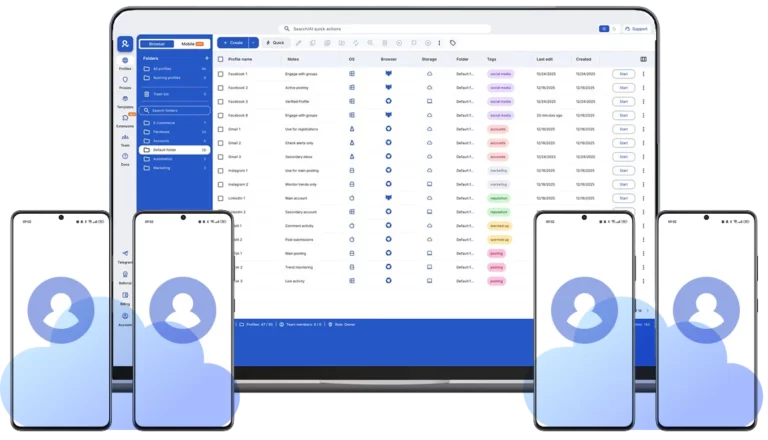
Share cloud phone profiles across your team, run bulk actions on dozens of accounts at once, and manage everything from anywhere with secure cloud storage.
Authentic Android cloud phones TikTok can't detect
Each cloud phone has real device identifiers (IMEI, Android ID, MAC address) and mobile-grade residential proxies with matched geolocation. TikTok sees genuine Android devices, not emulators or bots.
Looking for all-in-one antidetect browser with built-in proxies?
-
3-day access to Multilogin
-
5 cloud or local profiles
-
200 MB proxy traffic included
-
3-day access to Multilogin
-
5 cloud or local profiles
-
200 MB proxy traffic included
What is a cloud phone?
Each cloud phone looks exactly like a separate physical smartphone — not an emulator or virtual environment. This means you can manage multiple TikTok accounts without the platform detecting any connection between them, eliminating the risk of mass account bans.
Why choose Multilogin for cloud phone?
Multilogin’s cloud phone remain fully isolated at the identity level — enabling secure, scalable and more consistent operations.
Multilogin features for Cloud Phone management
Multilogin 2-in-1
Anti-detect browser profiles and cloud phones in one ecosystem. One app, one dashboard, full control.
Built-in proxy integration
Residential IPs are included by default. 150+ countries and 1,400+ cities with daily quality testing.
Up-to-date Android versions
Stable Android versions 10–15, fully compatible with modern mobile apps.
Real brands and devices
Support for 7 real Android device brands with unique IMEI and system-level digital fingerprints.
App repository
Install TikTok, Instagram, Reddit, and other popular apps without Google Play. APK uploads are also supported.
Folders, tags and access control
Organize profiles using folders, tags, and role-based access. Manage team workflows with ease.
Enterprise-grade security
Profile encryption, 2FA, access control, and compliance-ready security for safe operations.
Launch Real Android Devices in 60 Seconds
Install TikTok and start managing accounts. While your competitors spend days setting up physical phones.
Why Multilogin wins for TikTok
Fast and intuitive interface
Everything at your fingertips: drag-and-drop, hotkeys, and smooth multitasking without losing speed.
Browser built for multi-accounting
Advanced engine effectively avoids multi-account detection by creating unique browser fingerprints.
Created for team collaboration
Proxies included in every plan
24/7 support in 5 languages
How to start using Multilogin cloud phone
Launch and manage real mobile environments in the cloud.

Sign up
Register using a verified email address.

Choose your plan
Select from various subscription plans tailored to your business needs.

Download Multilogin X app
Install the Multilogin desktop app to manage mobile sessions securely.

Access the Multilogin dashboard
Launch cloud phone, assign proxies, configure fingerprints, and manage mobile environments from one place.

Manage multiple cloud phone profiles
Set up and manage multiple cloud phone profiles using separate browser profiles with consistent identities.

Watch the Multilogin Demo
Get a 10-minute demo video on how Multilogin can help you easily build your database of cloud phone profiles while remaining undetected. Just fill in your name, last name and email below, and we’ll deliver the demo video directly to your inbox.
Why Managing Multiple TikTok Accounts the Wrong Way Gets You Banned
TikTok tracks your device fingerprint — IMEI, Android ID, MAC address, and IP location. When you use TikTok’s built-in account switcher, the platform links all your accounts to the same device. One mistake, one policy violation, one suspicious behavior flag — and you risk losing every account at once in a mass ban.
Even if you’re running legitimate business accounts, TikTok’s algorithm sees multiple profiles on one device as potential spam or coordinated inauthentic behavior. Switching IPs frequently? Red flag. Changing device settings randomly? Red flag. Logging into five accounts from the same phone within an hour? You’re asking for a shadowban.
How Cloud Phones Protect You from Account Linking
Each cloud phone creates an isolated Android environment with unique hardware identifiers — real IMEI, Android ID, and system parameters that TikTok recognizes as a separate physical device. Add a dedicated residential IP matched to your account’s region, and you’ve got perfect isolation.
To TikTok, your tenth cloud phone looks nothing like your first. No shared fingerprints, no connection patterns, no account linking. If one account faces issues, the others stay completely safe.
What Happens If You Skip Account Warm-Up
Opening a fresh TikTok account and immediately posting ten videos? That’s bot behavior. TikTok will throttle your reach or flag the account before you even start.
New accounts need 7-14 days of warm-up — watching videos, liking content, leaving genuine comments, and following accounts in your niche. This builds trust with the algorithm and establishes your profile as a real user. Skip this step, and you’re setting yourself up for zero views and early restrictions.
Keep your setup consistent. Once you assign a cloud phone to a region with a specific IP, don’t change it. TikTok rewards stability and punishes accounts that jump between countries or suddenly switch device parameters.
Conclusion
Managing multiple TikTok accounts isn’t about cutting corners. It’s about creating independent, authentic profiles that follow TikTok’s rules while giving you the operational efficiency to scale. Cloud phones let you do both — each account stays isolated and safe, while you control everything from one organized dashboard.
FAQ
What is a cloud phone for TikTok?
Why can't I just use Android emulators for TikTok?
Is it safe to use TikTok's built-in account switcher?
How do cloud phones prevent TikTok account bans?
Do I need to warm up new TikTok accounts?
Which Android versions are available?
How much does it cost to manage TikTok accounts with cloud phones?
Multilogin pricing starts at €5.85/month (annual billing) for the Pro 10 plan, which includes 10 browser profiles, 1GB residential proxy traffic, and 60 mobile minutes monthly. Cloud phone usage beyond included minutes costs €0.009/minute. Start with a 3-day trial for €1.99 (5 profiles + 200MB proxy traffic) to test the platform.
Can TikTok detect that I'm using cloud phones?
Can I upload videos to multiple TikTok accounts at once?
Can I livestream to TikTok from my desktop?
Yes. With cloud phones, you can stream live to TikTok directly from your desktop setup through the native TikTok app running in your cloud phone. You can also upload pre-recorded streams as video files. This gives you better production quality than mobile-only streaming while maintaining the authentic mobile app environment TikTok requires.














