


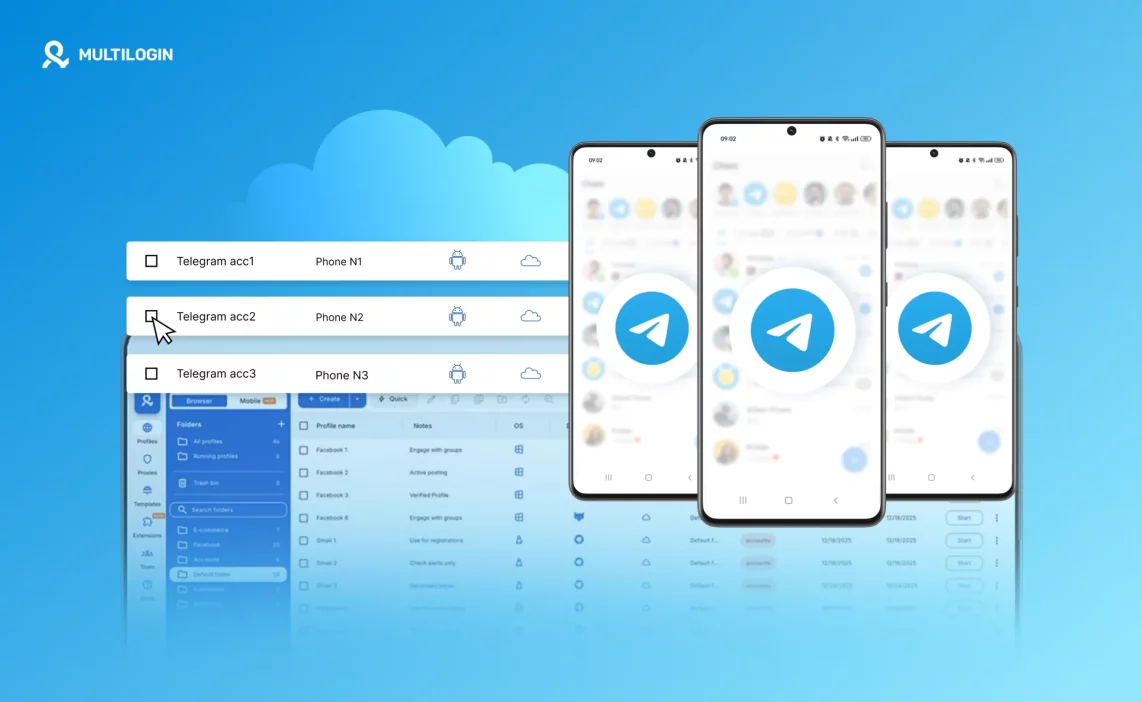

Managing multiple Telegram accounts sounds simple when you only have two or three numbers. Telegram even allows you to switch between accounts inside one app. But once you start managing accounts for business, affiliate marketing, trading communities, regional channels, automation workflows, or client projects, that simplicity disappears.
You begin noticing strange behavior. Accounts ask for verification more often. Some get limited in group creation. Others lose access temporarily. In some cases, multiple accounts get restricted together even though you never used them in the same way.
That is when most people realize the problem is not content. It is infrastructure.
Telegram does not only look at phone numbers. It evaluates the environment where the account runs. Device identifiers, IP address, location consistency, app storage behavior, and login patterns all create an identity fingerprint. If multiple accounts share too many of these signals, they start looking connected.
If you want long-term stability, you cannot rely on basic multi-login features inside the Telegram app. You need proper isolation. That means each account must operate in its own independent Android environment with its own network identity and persistent session.
This is exactly where Multilogin Cloud Phone becomes not just helpful, but necessary.
Why managing multiple Telegram accounts breaks at scale
When users begin scaling Telegram operations, they usually try one of four methods: multiple cheap Android phones, Android emulators, VPN switching, or shared device setups with different SIM cards. These methods may work for a small number of accounts, but they eventually fail for structural reasons.
Physical phone farms become messy and inefficient. Charging dozens of devices, updating apps manually, managing SIM cards, and remembering which account belongs to which phone quickly becomes unmanageable. The more accounts you add, the more fragile the system becomes.
Emulators are worse. Most emulator environments are not built on genuine Android hardware identifiers. Telegram can detect behavioral patterns and technical inconsistencies that are common in emulator farms. Accounts may not get banned immediately, but they rarely remain stable over time.
VPN-based setups solve only the IP layer. They do not change Android ID, IMEI, device parameters, or app-level storage behavior. Telegram still sees the same device identity behind multiple accounts.
When restrictions happen, users often blame Telegram policies or assume it is random moderation. In reality, shared signals are the cause.
The solution is not to rotate IPs more aggressively or buy more SIM cards. The solution is to stop sharing device environments completely.
The correct structure for multi-account Telegram management
If you strip everything down to fundamentals, the safest structure looks like this:
- One Telegram account per device
- One consistent IP and geolocation per account
- Persistent login and app storage
- No cross-device switching
- No shared hardware identifiers
This is how Telegram expects accounts to behave in normal user scenarios. The challenge is implementing this structure without building a physical phone warehouse.
Multilogin Cloud Phone allows you to create this structure digitally, but in a way that behaves like real Android hardware.
What Multilogin Cloud Phone actually provides
Multilogin Cloud Phone is not a lightweight emulator or a remote display of a virtual device. It is a cloud-hosted Android device with real hardware-level parameters. Each cloud phone runs a full Android operating system, capable of installing and running native apps like Telegram exactly as a physical smartphone would.
The important part is that each cloud phone operates independently. It has its own device identity, its own network connection, and its own persistent storage.
When you launch a cloud phone, you are effectively launching a dedicated Android device in the cloud. You install Telegram inside it. You log into one account. That cloud phone remains tied to that account. You do not mix identities.
Instead of managing physical hardware, everything is controlled from one desktop dashboard. That centralization alone removes operational chaos.
Real Android hardware environments
Before looking at technical specifications, it is important to understand why hardware authenticity matters. Telegram evaluates device-level signals. If the Android environment lacks realistic parameters or shows inconsistencies typical of emulators, risk increases.
Multilogin Cloud Phones run genuine Android environments with real device parameters. This includes:
- Unique IMEI identifiers
- Unique Android ID
- Unique MAC address
- Realistic system settings
- Native Android app compatibility
- Persistent storage behavior
You are not working with simulated hardware. You are working with authentic Android identities in the cloud.
Multilogin supports approximately 30 device types across around 12 different brands. You can choose from manufacturers such as Samsung, Xiaomi, Redmi, OPPO, Vivo, Motorola, Google Pixel, Infinix, Tecno, realme, OnePlus, and Honor. Android versions up to v15 are available depending on the model you select.
This flexibility matters when certain Telegram features or third-party apps require specific Android versions. Instead of being locked into one static environment, you select what fits your workflow.
One cloud phone per account means true isolation
Many users underestimate how important device separation is. Telegram accounts that share hardware identity are far more likely to influence each other’s risk profile.
With Multilogin, the recommended structure is simple: create one cloud phone for each Telegram account. That cloud phone stores its own app cache, login state, and activity patterns. It connects through its own IP and location. It does not overlap with others.
If one account faces restrictions, others remain unaffected because they do not share device identity.
This isolation is what makes scaling realistic. You are not just adding accounts. You are adding independent devices.
Persistent sessions and natural behavior
One of the biggest hidden risks in multi-account management is constant re-login behavior. Clearing app data, switching devices, or reinstalling Telegram forces repeated verification and unusual login patterns.
Multilogin Cloud Phones maintain persistent app data. Login sessions are saved. Cache is preserved. Telegram sees continuity.
When you close and reopen a cloud phone, the account continues from the same state. This supports gradual account warm-up and natural usage patterns.
For anyone who has struggled with frequent SMS verification loops, this alone can justify restructuring.
Built-in proxies and location consistency
Device identity alone is not enough. Network consistency must match device signals.
Multilogin includes built-in residential proxies for desktop profiles and mobile-grade proxies for cloud phones. Each cloud phone operates with matched IP and geolocation settings.
Instead of purchasing proxies separately and manually configuring them, you choose a region during setup. Multilogin handles connection routing in the background.
This prevents common mistakes such as:
- Logging into the same account from different countries
- IP mismatches between sessions
- Using shared low-quality proxy pools
- Rapid geographic switching
Stable IP behavior improves account stability significantly. If an account gets limited after sudden location changes, the solution is simple: assign a fixed region and maintain consistency.
Proxy usage is priced based on minutes, starting from €0.009 per minute, and unused minutes roll over with an active subscription.
Unified dashboard for mobile and web
Telegram management often includes both mobile and browser workflows. Some tools operate inside the Telegram mobile app. Others require browser access.
Multilogin provides a 2-in-1 structure. Cloud Phones operate alongside Multilogin’s advanced antidetect browser in the same dashboard. This means you can:
- Run Telegram mobile accounts in cloud phones
- Operate web-based tools in isolated browser profiles
- Match geolocation across both environments
- Manage everything from one interface
There is no need for separate subscriptions or disconnected systems.
Automation, API, and bulk control
When account numbers grow, manual control becomes inefficient. Multilogin integrates with Selenium, Puppeteer, Playwright, Postman, and its own API.
You can automate tasks such as account creation flows, repetitive messaging patterns, data extraction, and profile launching.
Bulk actions allow you to launch, create, or manage multiple cloud phones simultaneously. Instead of clicking through dozens of devices individually, you control them as a structured system.
This matters if you manage 50 or 500 accounts.
Team collaboration without risk
If you work with assistants or clients, device access becomes sensitive. Sharing login credentials across teams increases risk.
Multilogin Business plans include unlimited team seats with granular permission controls. You can assign cloud phones to specific team members and define what actions they are allowed to perform.
Cloud storage ensures app data and login states remain accessible and synchronized without sharing physical hardware.
Reasonable expectations
Cloud Phones require stable internet connectivity. If your connection is unstable, performance may degrade. There is also a short learning phase if you have never worked with remote Android environments before. Most users adapt quickly because the interface is designed for clarity rather than complexity.
Larger setups require planning. You should decide how many accounts you need, which regions they belong to, and how team access will be structured. Multilogin offers 24/7 support in five languages to assist with configuration.
Why Multilogin is the logical choice
When evaluating solutions, you should ask one simple question: does this tool isolate both device and network identity completely?
Most competitors offer partial solutions. Some provide cloud phones without advanced browser integration. Others require external proxy subscriptions. Few combine real Android hardware, persistent sessions, built-in proxies, automation support, and unified management.
Multilogin combines all of these in one platform:
- Real Android Cloud Phones
- Authentic mobile identities with genuine hardware parameters
- Persistent app data and session continuity
- Built-in residential and mobile-grade proxies
- Unified dashboard for mobile and desktop
- Automation integrations and API control
- Bulk management tools
- Team collaboration features
- Usage-based pricing with rollover
You are not stacking tools together. You are building a structured system.
If you are serious about managing multiple Telegram accounts without risking cross-linking, without building a physical device farm, and without juggling disconnected services, Multilogin Cloud Phone provides the infrastructure required for stable scaling.
The difference is not cosmetic. It is structural. One account. One cloud phone. One consistent identity. Managed from one dashboard.
Start your trial and run each Reddit account in its own cloud phone!
Final verdict on managing multiple Telegram accounts
Managing multiple Telegram accounts becomes risky when accounts share device and network signals. Adding more SIM cards or VPNs does not fix the core issue. Long-term stability requires full isolation: one account, one Android environment, one consistent IP.
Multilogin Cloud Phone provides that structure. Each account runs inside its own real Android Cloud Phone with genuine hardware parameters, persistent app data, and built-in matched proxies. If you are serious about managing multiple Telegram accounts at scale without cross-linking or constant restrictions, proper device and network separation is not optional. It is the foundation.
FAQs about managing multiple Telegram accounts
Is managing multiple Telegram accounts allowed?
Telegram allows users to add multiple accounts inside one app, but platform tolerance does not eliminate technical risk. Managing multiple Telegram accounts from the same device and IP increases the chance of account linking, especially when activity levels are high. For business or automation use cases, isolation at the device level significantly reduces long-term risk.
What is the safest way of managing multiple Telegram accounts?
The safest structure is one account per dedicated Android environment, combined with a consistent IP and location. Each account should maintain persistent app storage and avoid frequent switching between devices. Multilogin Cloud Phone follows this structure by assigning each Telegram account to its own real Android Cloud Phone with independent device identity and built-in proxy connection.
Can I use Android emulators to manage many Telegram accounts?
Emulators can work temporarily, but they often lack genuine hardware-level identifiers. Telegram can detect behavioral and device-level inconsistencies common in emulator environments. Over time, accounts managed through emulator farms tend to face instability. Cloud-hosted Android devices with real hardware parameters provide a more reliable alternative.
Do I need separate proxies for each Telegram account?
Yes, stable operations require consistent IP identity per account. Each account should maintain a dedicated connection and avoid switching countries frequently. Multilogin Cloud Phones include built-in residential proxy and mobile-grade proxies with matched geolocation, so you do not need to configure external proxy services separately.
What happens if one Telegram account gets restricted?
If accounts share the same device identity or IP, restrictions can spread across them. When each account runs inside its own isolated cloud phone, restrictions remain contained. If an issue occurs, you should review IP stability, device consistency, and automation pacing rather than simply creating new accounts.
Is managing multiple Telegram accounts with Multilogin difficult to set up?
There is a short learning curve if you have never worked with cloud-hosted Android devices, but the process is straightforward. You launch a cloud phone, install Telegram, log into one account, and keep that environment dedicated to it. The desktop dashboard allows you to manage all accounts in one place, and 24/7 support is available if you need assistance.

