You open Instagram and instead of your feed, you see a screen saying your account has been suspended. No warning. No explanation. No DM from Instagram saying what you did. Just: suspended.
It feels completely arbitrary. And for some people it genuinely is a false positive — Instagram’s automated systems flag things incorrectly at real scale. But “for no reason” almost always means “for a reason I wasn’t aware of.” Instagram’s detection systems are looking at things most people don’t realize are being tracked.
Understanding what they’re tracking is the fastest path to both a successful appeal and preventing this from happening again.
What “Suspended” Actually Means on Instagram
Instagram has several different types of account restrictions, and the terminology is inconsistent. Here’s what each one actually means:
Action block. Your account still exists and you can log in, but certain actions are disabled — you can’t post, like, comment, or follow for a defined period. Usually temporary, from a few hours to 30 days. Often caused by high-volume repetitive actions that triggered Instagram’s spam detection.
Account suspension (login disabled). You’re locked out entirely. The account exists in Instagram’s system but you can’t access it. This is what most people mean when they say “Instagram suspended my account.” It’s typically reversible through appeal, especially for first-time issues.
Permanent disable. The account is gone. Much harder or impossible to recover. Usually happens after repeated policy violations or a serious single violation.
The “suspended for no reason” experience is almost always the second type — login disabled, but potentially reversible.
Why Instagram Really Suspended Your Account
Let’s go through the real reasons behind most “unexplained” suspensions:
Automated Behavior Patterns
Instagram’s detection systems monitor how you interact with the platform. If you followed 200 accounts in a day, left the same comment on 50 posts in an hour, liked posts at machine-like speed, or used any third-party tool that automates these actions — even once — you’ve entered flagged behavior territory.
Instagram doesn’t care about your intent. The detection responds to patterns. And tools marketed as “Instagram-safe” automation aren’t, particularly in 2026 when detection is significantly more sophisticated than it was two or three years ago.
Third-Party App Access
Have you ever connected a scheduler, a follower tracker, an analytics tool, a growth tool, or anything else to your Instagram account? Those connections have API permissions. If any connected app behaves in ways that violate Instagram’s developer policies — even if you don’t know it’s happening, even if the app’s developers made a change you weren’t aware of — your account can get flagged.
This is one of the most common causes of suspensions that genuinely feel “random” to the account owner.
IP Address and Network Issues
If you logged in from a VPN exit node associated with previous abuse, from a shared network (office, university, shared apartment building) where another account was recently flagged, or from IP addresses that rapidly switched countries in a way that looks suspicious — all of these can trigger a security review.
Instagram’s detection looks at network patterns as part of its overall risk assessment, not just individual actions.
Multiple Accounts on the Same Device
Instagram’s app reads hardware identifiers. If you run multiple Instagram accounts from the same phone — whether through the native switcher or by logging in and out — Instagram can detect the shared device fingerprint. If one of those accounts gets flagged, the device linkage can implicate the others.
For agencies managing multiple client accounts, this is a significant operational risk. When one client’s account enters a policy review and Instagram sees that the same device has been accessing ten other accounts, all ten are now visible in that review.
Copyright and Content Violations
Music you didn’t license, images from stock sites you don’t have rights to, video clips with identifiable copyrighted audio — Instagram’s automated Content ID systems flag these even on small accounts. Multiple strikes can trigger account-level action without you ever receiving a clear explanation.
Impersonation Reports
If enough users reported your account as impersonating someone else — even incorrectly — automated systems respond to the volume of reports. This can trigger a suspension before any human review happens.
Sudden High-Volume Activity on a New Account
New accounts that immediately start posting heavily, following aggressively, or driving high traffic to external links look like spam accounts to Instagram’s risk systems. It doesn’t matter that you’re a real person with genuine intentions. The behavioral pattern matches spam accounts, and the system responds to patterns.
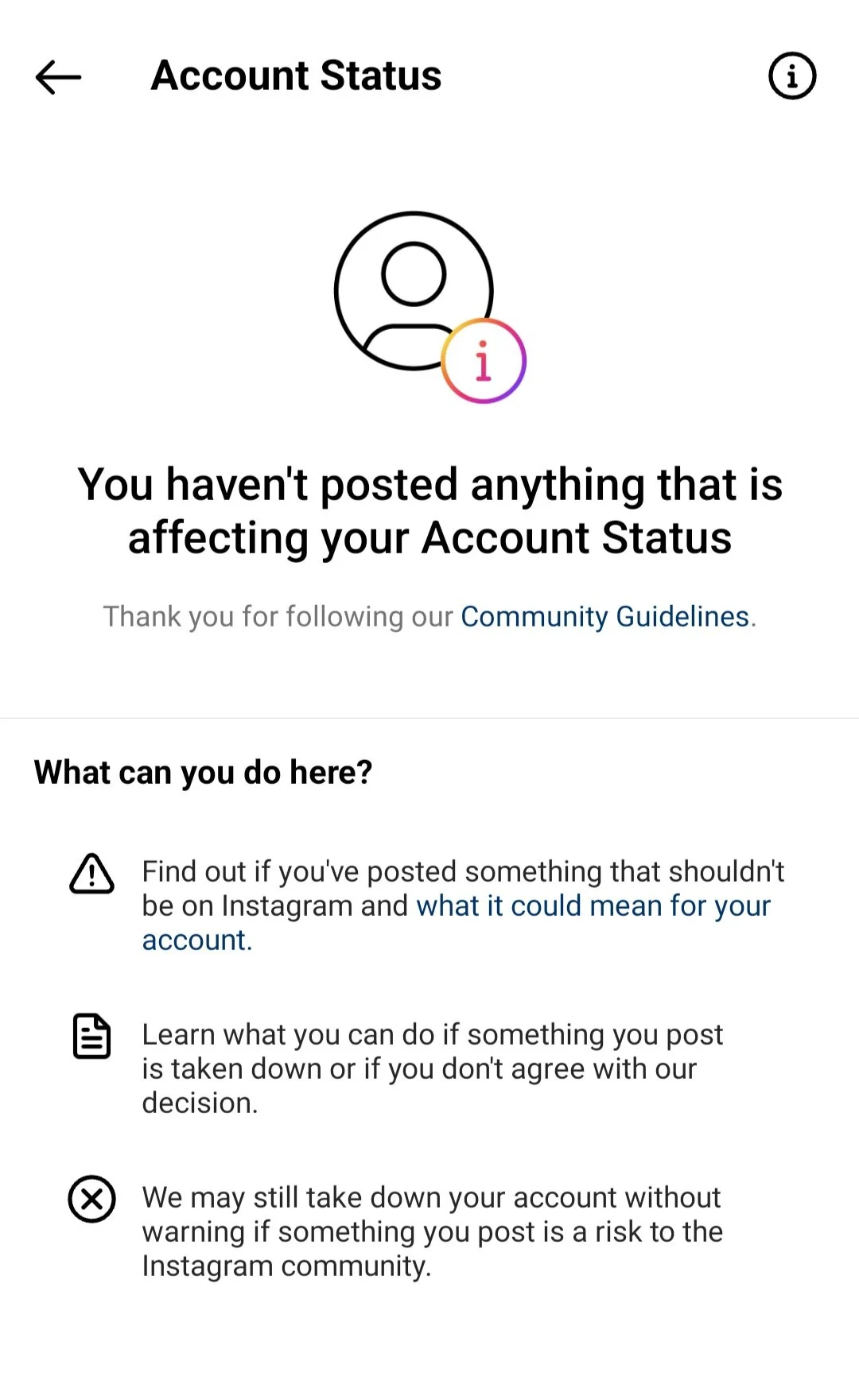
How to Appeal an Instagram Suspension: Step by Step
Step 1: Check the Suspension Screen for Appeal Options
When Instagram shows the suspension message, look for a link to request a review or report a problem. This is the most direct appeal path. Don’t close it and try logging in again repeatedly — that can make the situation harder to reverse.
Step 2: Follow Instagram’s Identity Verification Steps
For many suspensions, Instagram’s appeal process is primarily about confirming you’re a real person. This sometimes involves taking a selfie video following specific on-screen instructions — looking left, right, nodding — which Instagram uses to verify your identity against the account’s profile.
If you’re asked to do this, do it carefully and completely. This is often all that’s needed for a false positive suspension.
Step 3: Submit a Formal Support Request
Go to Instagram’s Help Center (help.instagram.com) and find the section on disabled accounts. Submit a request with:
- Your account username
- The email address associated with the account
- A brief, factual explanation of why you believe the suspension is an error
- What you think may have triggered it (if you have any idea)
Keep the tone cooperative and factual. Aggressive or accusatory messages are less effective than calm, specific ones.
Step 4: Wait and Follow Up
Instagram’s review process takes anywhere from a few hours to several weeks depending on the case. One follow-up if you haven’t heard anything in a week is appropriate. Multiple follow-ups don’t speed things up and can be counterproductive.
Step 5: Try Meta’s Official Channels
Meta has oversight channels beyond standard Instagram support. The Facebook Help Center sometimes has pathways for Instagram account issues, particularly for business accounts with active Meta Business Suite connections.
How to Prevent Your Instagram Account From Being Suspended
Remove Third-Party App Access Immediately
Go to Instagram Settings > Security > Apps and Websites. Revoke access for anything you don’t actively trust and use. Any app with “write” permissions you don’t recognize should be removed. This single step eliminates one of the most common suspension triggers.
Stop All Automation Tools
If you’ve used any tool that automates follows, unfollows, likes, comments, or DMs — stop using it completely. The risk in 2026 is not theoretical. Instagram’s detection has improved significantly and the suspension rate for accounts using automation tools has increased correspondingly.
Use Dedicated Environments Per Account
For professionals managing multiple Instagram accounts, using the same device and browser for all sessions creates the fingerprint linking problem described above. The right solution is isolated device environments.
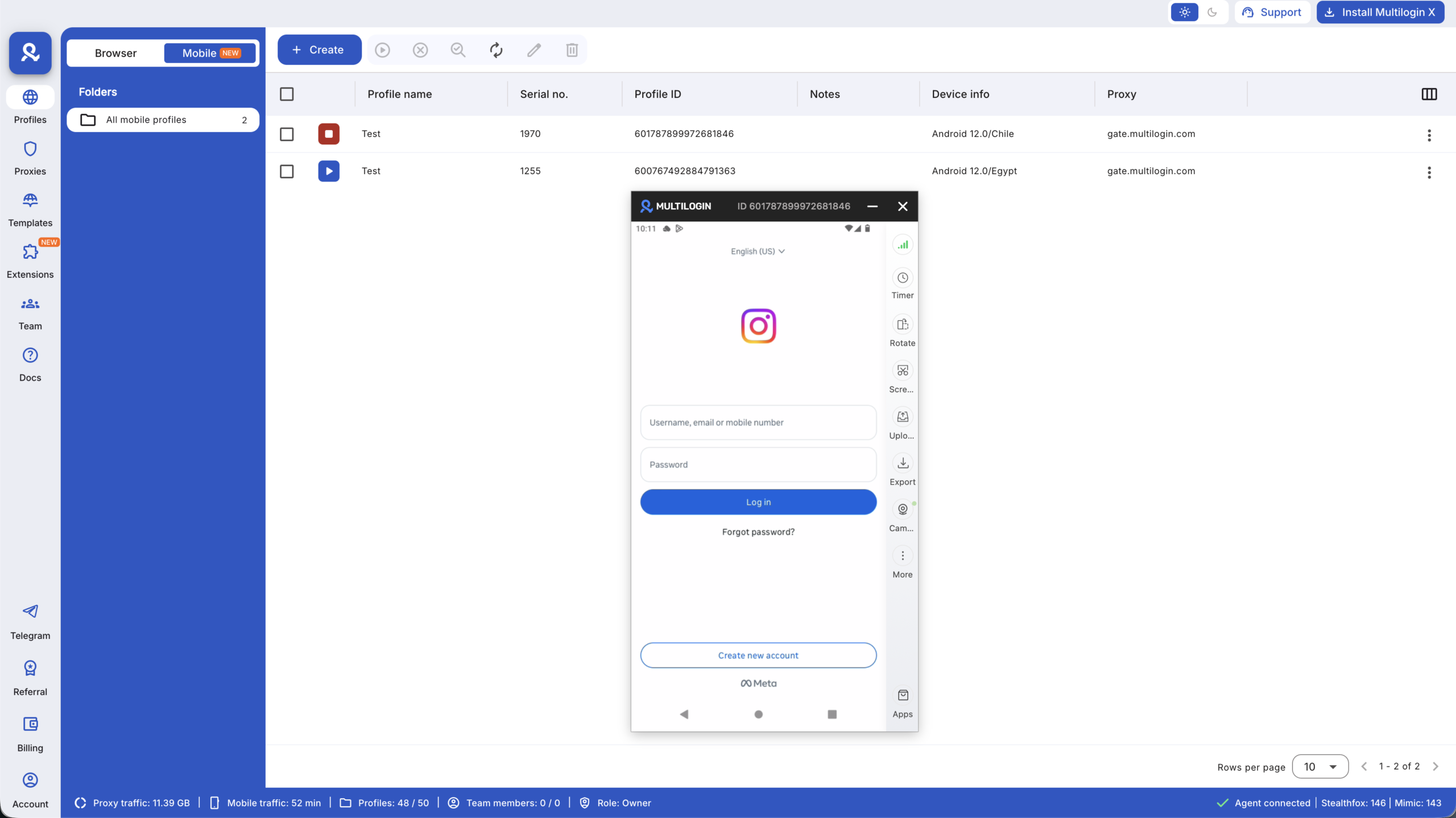
Multilogin Cloud Phones give each Instagram account its own real Android device — its own IMEI, its own hardware profile, its own residential IP. Instagram sees separate devices because they are separate devices. A policy review on one account has no device-level connection to others.
For the complete long-term prevention approach, the Instagram ban prevention guide covers account warming, behavioral best practices, and the infrastructure setup that keeps accounts stable over time.
Also worth reading if you’re managing accounts at scale:
Warm New Accounts Properly
New accounts should spend their first 5–10 days doing nothing commercial. Browse the feed. Follow a few accounts in your niche. Complete your profile. Post a few genuine pieces of content. Build a behavioral history that looks like a real person before introducing any high-volume activity.