






If you’re running more than a handful of social accounts on the same platform, you’ve probably landed on cloud phones as the answer — a real Android environment in the cloud, one per account, instead of a shelf of physical devices.
What a cloud phone actually is is the easy part. Picking between GeeLark, DuoPlus, and Multilogin is harder, because all three pitch roughly the same thing: real ARM hardware, isolated profiles, automation support.
Here’s the short version: GeeLark and DuoPlus charge for the device and leave you to source proxies yourself. Multilogin bundles proxies (and browser profiles for Reddit and YouTube) into the same subscription. That one difference changes your real monthly bill more than any feature on the spec sheet. Let’s break down all three.
Quick comparison
| GeeLark | DuoPlus | Multilogin | |
| Founded | 2023 | ~2023–24 | 2015 |
| Free tier | 2 profiles, 30 min | No lasting free plan | 5 profiles, 200 MB proxy, 30 min — no card |
| Entry pricing | $8.45/mo + ~$0.007/min (capped ~$1.20/device/day) | ~$1.60–$2/mo/device + ~$0.15/30 min usage | Free, then from $7.08/mo |
| Built-in proxies | No | No — SOCKS5 only | Yes, on every plan |
| Browser profiles (Reddit, YouTube) | Yes, separate browser-profile product for web platforms | Not core | Yes, included |
| Device authenticity | Cloud Android device, unique auto-generated fingerprint | Real ARM, GPS/SIM sim, 60+ countries | 30+ real device types, 12 brands |
| Automation / API | RPA + AI tools | API + RPA (docs vary) | Full ADB, API, Selenium/Puppeteer/Playwright/Postman |
| Team seats | 1 seat free; unlimited on Pro/Custom | Not clearly documented | Unlimited on Business plans |
| Support | Standard | 5 languages | 24/7, 5 languages |
A quick honesty note: GeeLark and DuoPlus pricing gets reported differently across review sites, and it changes often. Treat the numbers above as a starting point, not gospel — check each vendor’s own site before you budget. What doesn’t change source to source: both charge for the phone and expect you to bring your own proxy.
GeeLark: cheap to start, costs creep with usage
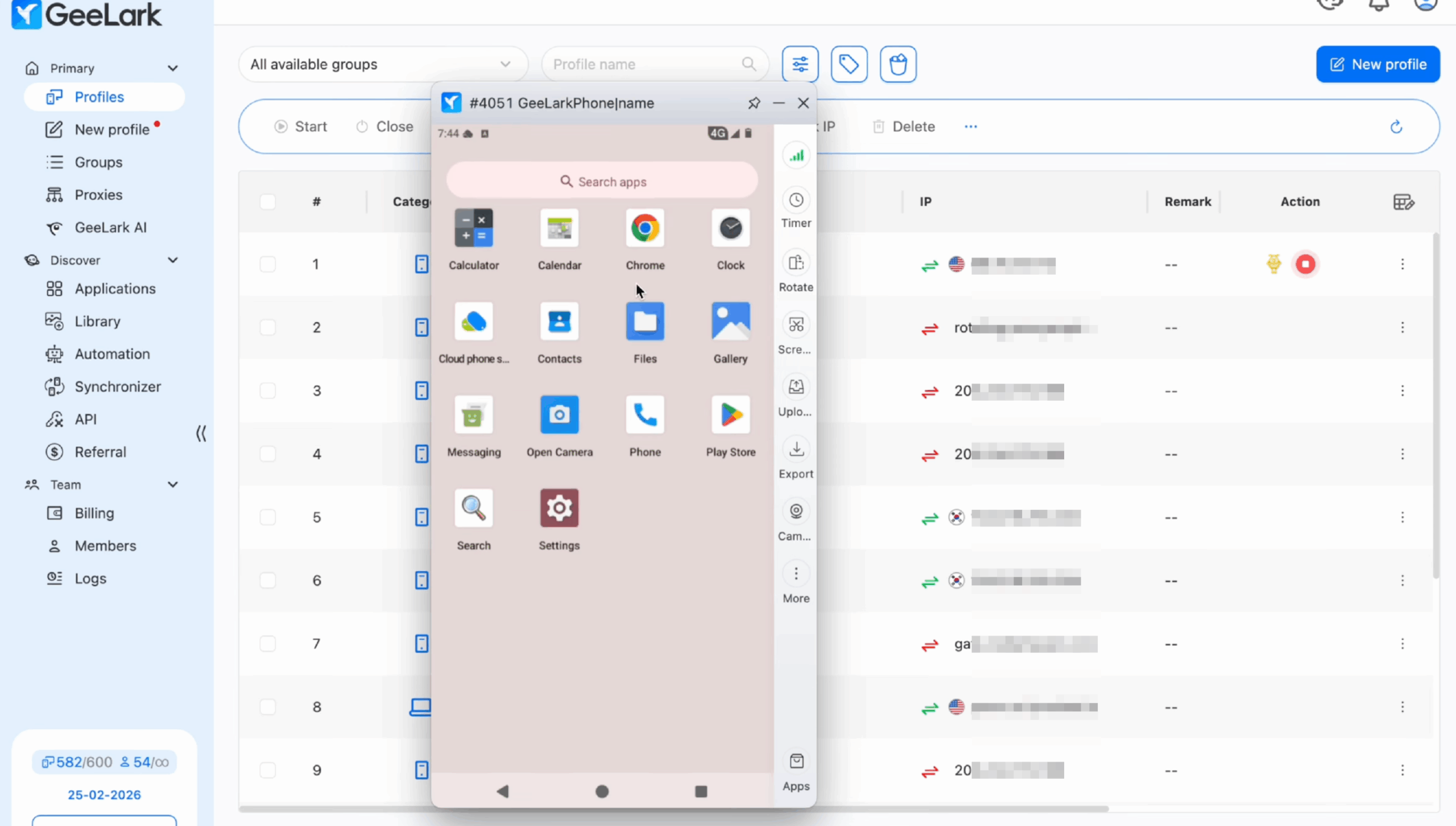
GeeLark is built for creators, affiliates, and agencies replacing physical phone farms. The free plan (2 profiles, 30 minutes) is a real way to try it before paying anything, and the Base plan starts around $8.45/month.
The catch is where the actual cost lives — not the subscription, but the usage layer underneath it: roughly $0.007/minute of cloud phone time, a $1.20/device daily cap, ~$29.90 for a full monthly device rental, plus extra fees if you run sessions in parallel. Light use stays cheap. Many accounts running long sessions every day? Model that math first — one reviewer called it the “pay-as-you-go anxiety” of scaling on GeeLark.
What it does well:
- A real cloud-based Android device per profile, with an automatically simulated, unique device fingerprint, not a software emulator
- Built-in app store, persistent sessions, app data that carries over like a real phone
- AIGC currently supports Image-to-Video, Text-to-Video, Image Generation, and AI Editing.
- 1 free seat on the Free plan; unlimited seats on Pro/Custom
Where it falls short:
- No bundled proxies — you’re sourcing and pairing IPs yourself, on top of the sticker price
- Browser profiles exist alongside cloud phones for web-first platforms like Reddit and YouTube, so this isn’t a separate tool
- Usage-based billing rewards light use and punishes scale
DuoPlus: flexible pricing, proxies always separate
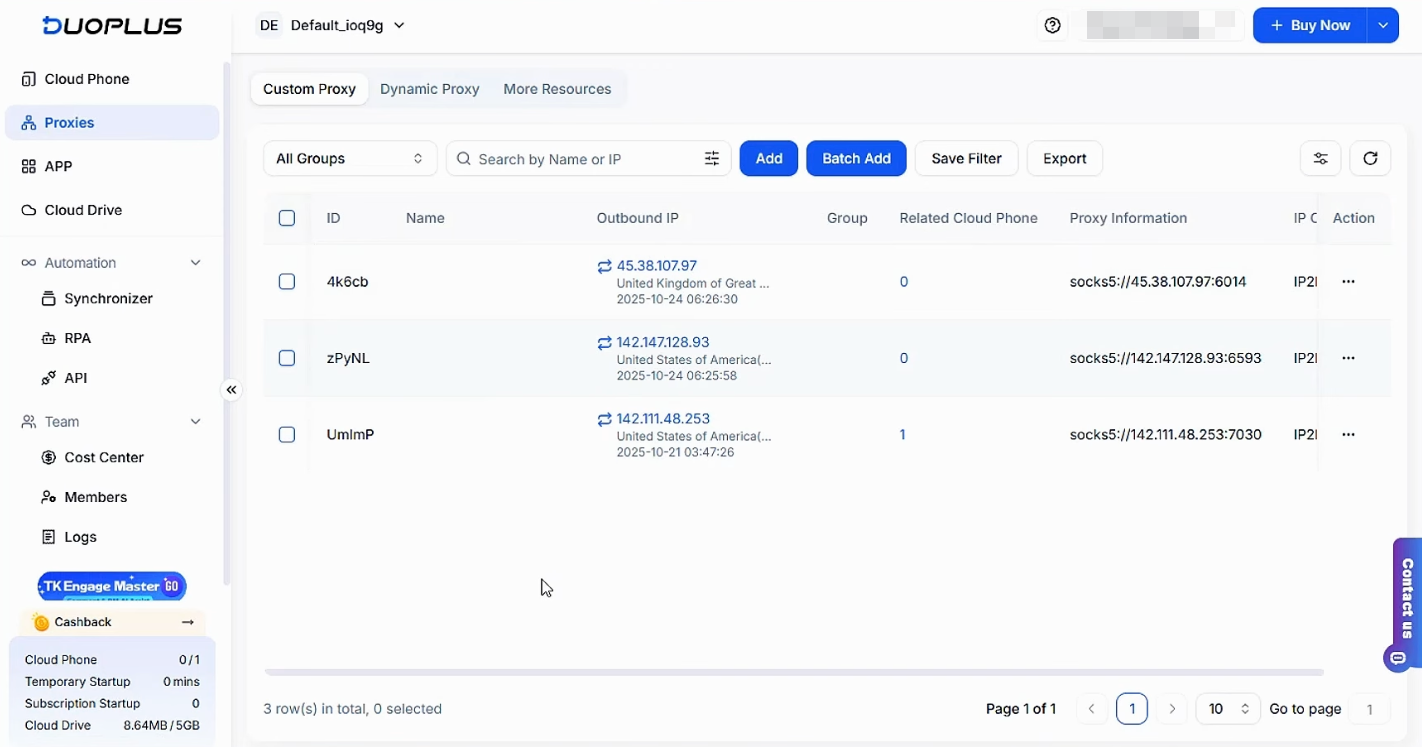
DuoPlus splits pricing into a device fee (roughly $1.60–$2/month, depending on source) plus usage — either pay-as-you-go for temporary sessions (~$0.15/30 min, capped ~$0.90/device/day) or a flat rate for devices you keep running continuously. If your account activity is uneven, that flexibility is genuinely useful, and support in five languages helps international teams.
The gap shows up the moment you look at networking: DuoPlus supports SOCKS5 proxies only, and provides no IPs of its own. Every device needs a proxy from an outside provider, configured by hand — typically another $5–15/month per device for something that actually matches the device’s claimed location. Run the math on 20 devices: ~$32/month in device fees, plus ~$200 in proxies. That’s a real monthly cost of around $230, not $32.
What it does well:
- Pay-per-use flexibility that adapts to how actively each device is used
- GPS/SIM simulation across 60+ countries — a plus for global teams
- Multilingual support (English, Chinese, Russian, Portuguese, Vietnamese)
- Configurable network type, resolution, and device brand per profile
Where it falls short:
- Bring-your-own proxy, SOCKS5-only — an extra cost and a restriction on which providers you can even use
- No browser-profile product, same gap as GeeLark for Reddit/YouTube
- Pricing and features are reported inconsistently across sources, which makes budgeting harder
Multilogin: proxies and browser profiles bundled in, one flat rate
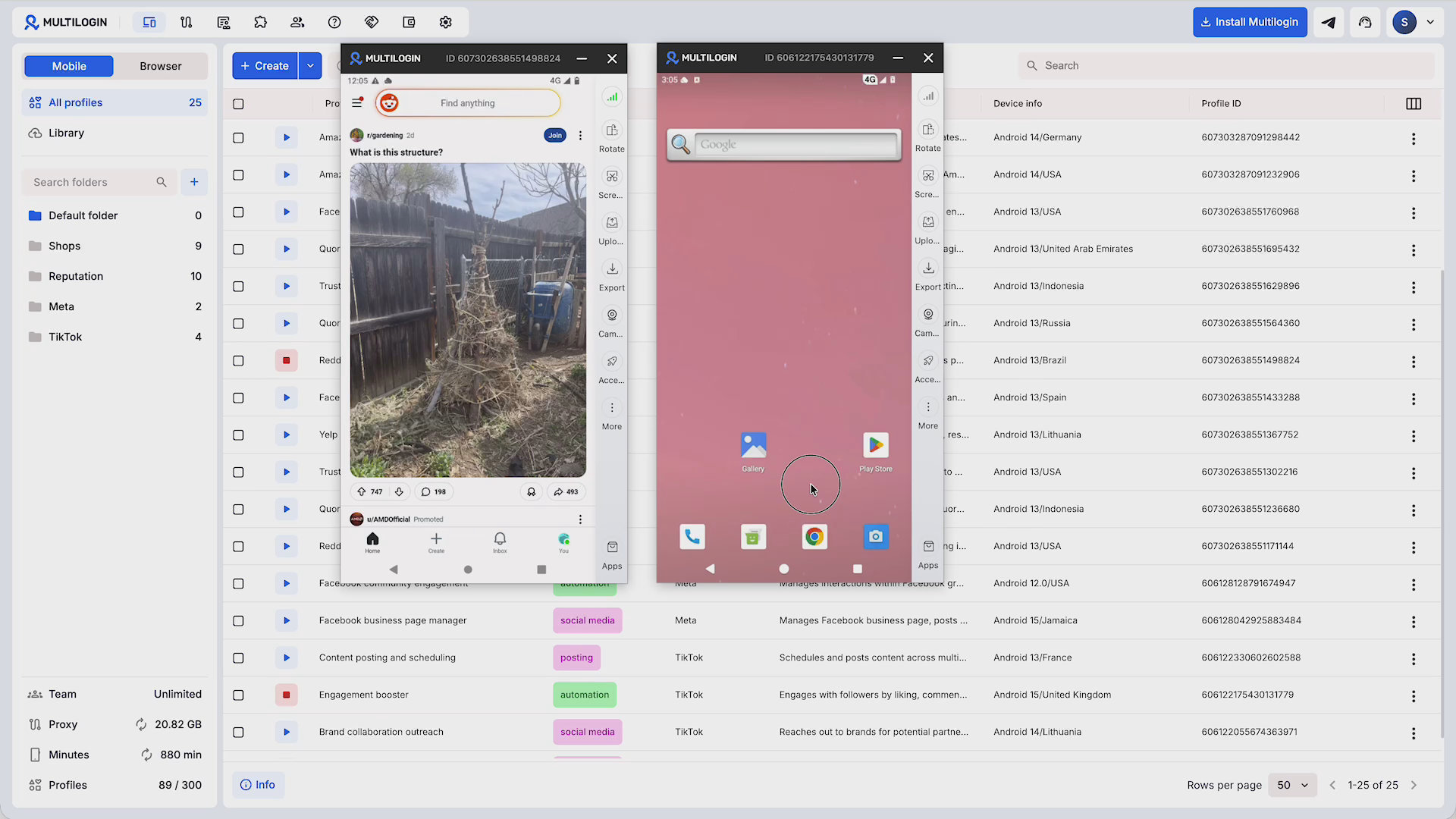
Multilogin takes a different approach: instead of pricing the phone and the proxy separately, every plan — including Free — bundles cloud phones, browser profiles, and residential proxies together.
Free gets you 5 profiles, 200 MB of proxy traffic, and 30 minutes of runtime, no card needed. Paid plans start at $7.08/month, with extra proxy traffic at $3.50/GB and extra minutes at $0.0073 each — and unused traffic and minutes roll over instead of resetting.
The structural difference: mobile-first platforms (TikTok, Instagram, Facebook) get a cloud phone. Web-first platforms (Reddit, YouTube) get an isolated browser profile — its own cookies, session, and IP.
Both are in the same subscription, not two separate products. Every plan also includes full ADB access plus Selenium, Puppeteer, Playwright, and Postman integrations for automated or AI-agent workflows, unlimited team seats on Business plans, and 24/7 support in five languages.
What it does well:
- Bundled residential proxies with automatic geolocation — no separate sourcing or manual config
- Real browser-profile support alongside cloud phones, so a full five-platform setup (TikTok, Instagram, Facebook, Reddit, YouTube) runs from one dashboard
- Flat-rate-plus-rollover pricing that’s easier to forecast than usage-billed device + separately-billed proxy
- Ten-plus years of operating history behind the support and API depth
Two honest tradeoffs:
- Cloud phones need a solid internet connection — a shaky one affects the experience more than it would on a physical device
- There’s a short learning curve on the dashboard for first-time users, though day-to-day use doesn’t require technical skill
Which one should you pick?
- Testing the concept on a tight budget, mobile-only → GeeLark’s free tier is a fine starting point. Just watch usage costs once you’re past light, occasional use.
- Want control over pay-per-use vs. always-on, don’t mind sourcing proxies yourself → DuoPlus fits, if SOCKS5-only works for your setup.
- Running TikTok, Instagram, Facebook, Reddit, and YouTube together, want one predictable bill → this is what Multilogin is built for.
- Cost modeling matters more than any one feature → run the same math for all three: device fee, plus usage/minutes, plus proxy cost if it’s not bundled. GeeLark and DuoPlus often look cheaper until you add the proxy line back in.




