


Manage multiple social media accounts
Grow your reach across Facebook, TikTok, Instagram, and Reddit, all without physical devices.
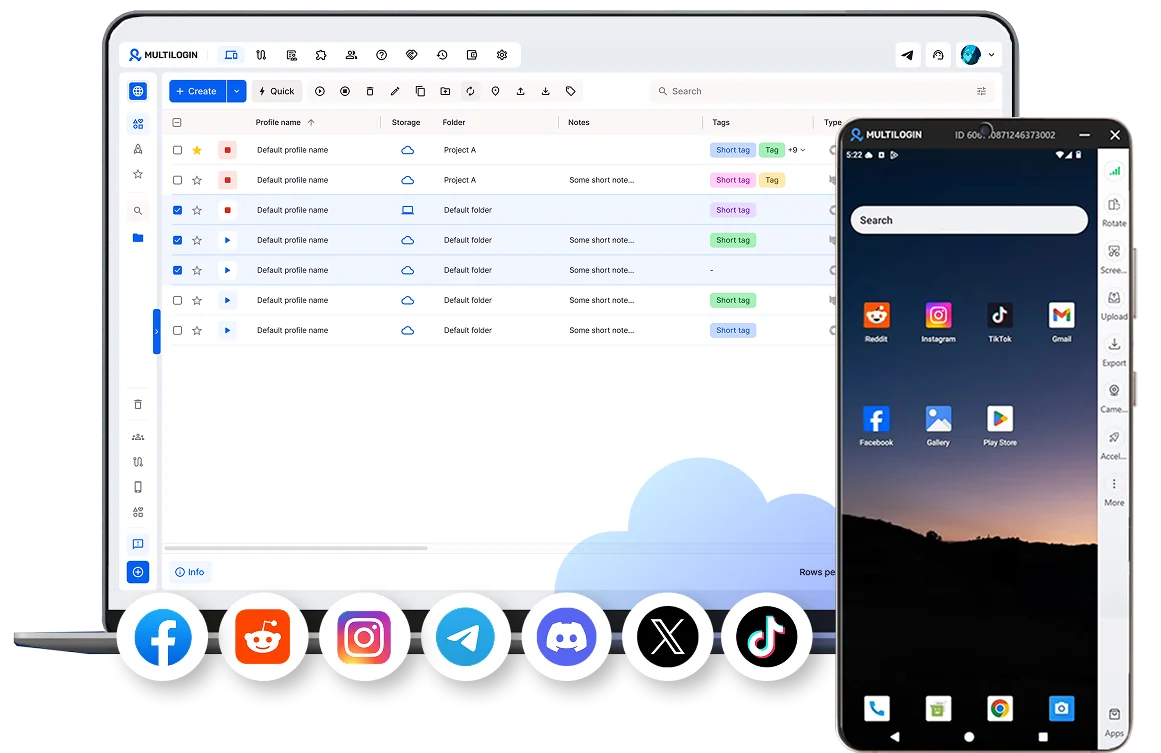

Perfect for multiple accounts
Unique cloud phones for each account

Publish everywhere
Reach more than 150 locations

Grow organically
Post from real devices
One platform, unlimited SMM accounts
Run multiple social media accounts without the hassle
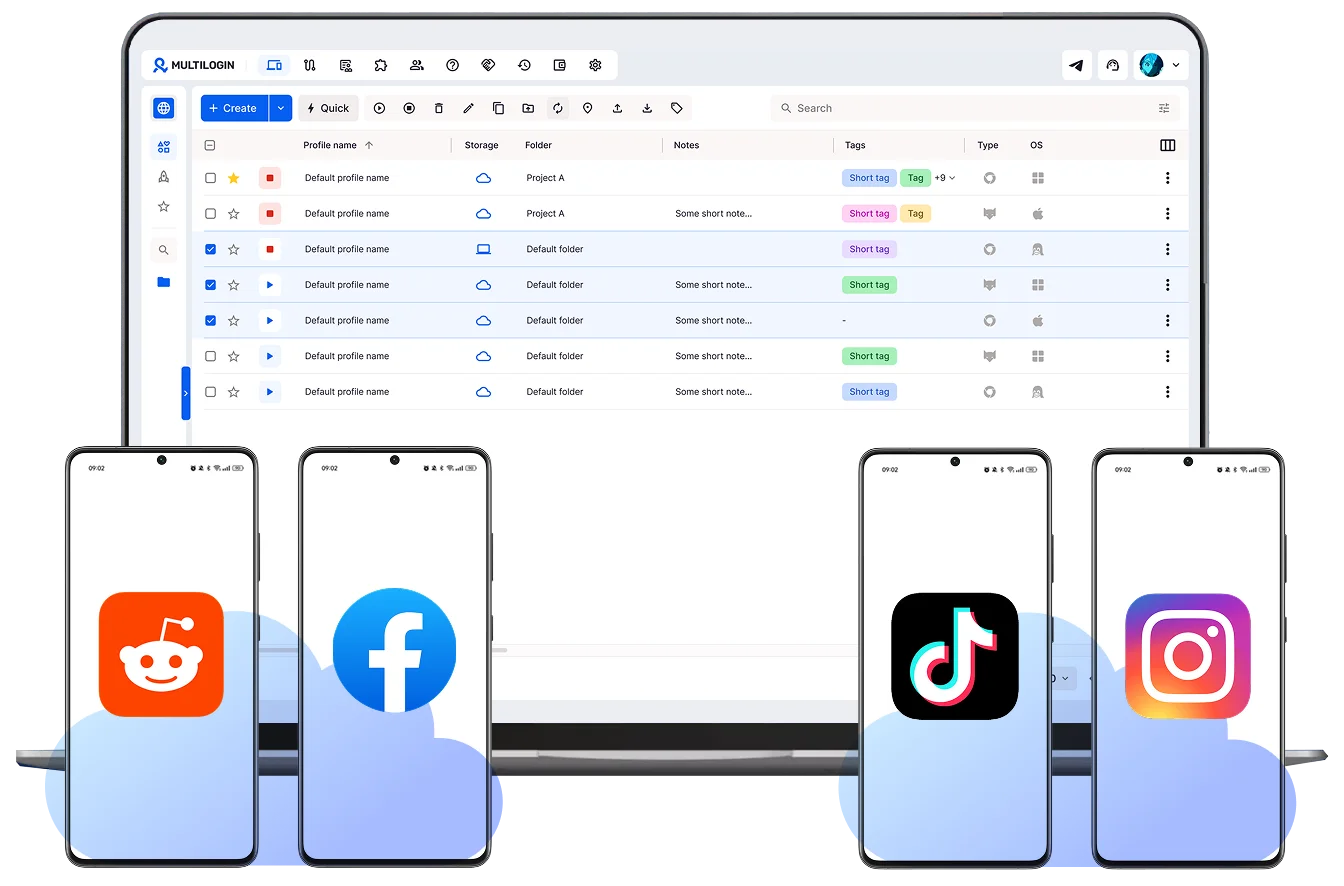
Increase your reach with real devices
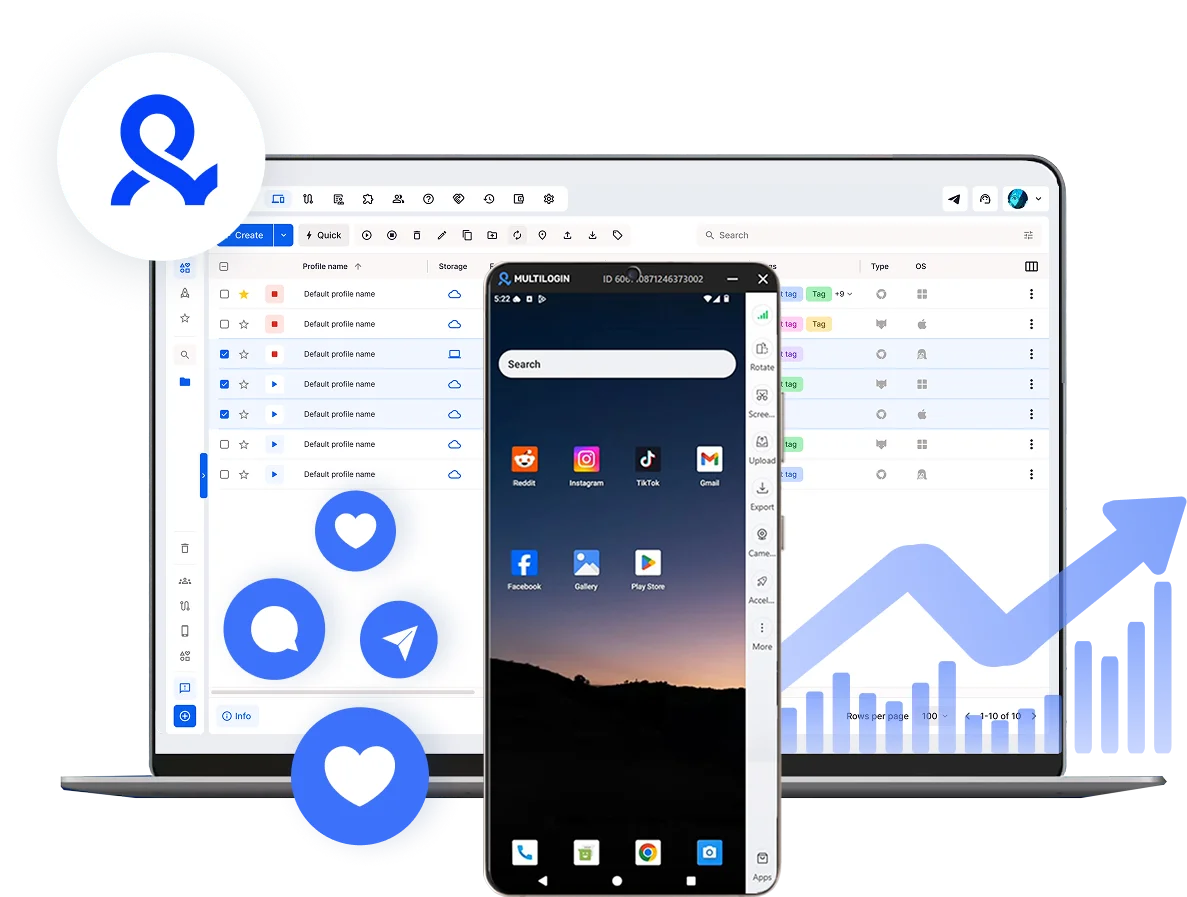
Reach any social media audience, anywhere
Share your social media accounts with your team
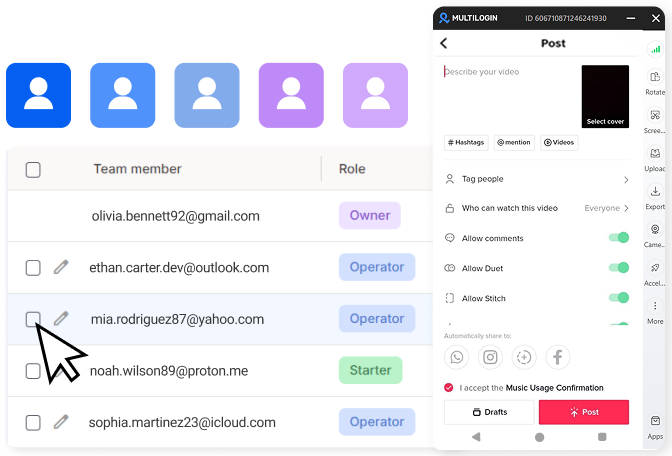
How to get started and grow your TikTok
Time is money. Start in minutes

Sign up
Choose a plan and download the app

Create mobile profile
Customize the device model and choose location
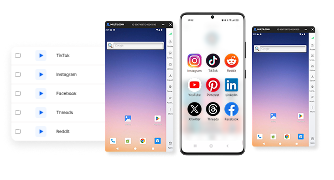
Run your accounts
Use separated browser profile to earn
Sign up
Choose a plan and download the app
Create mobile profile
Customize the device model and choose location
Run your accounts
Use separated browser profile to earn
Watch the Multilogin Demo
What is Multilogin?
Trusted by thousands of creators, sellers & online earners

Ha D.
Social Media Marketing Retail

Nino Latif

Stanislav K.
Marketing Manager

Elen S.
Marketing Manager

Hamza Arif
E-commerce Manager


Nick Horvath
Marketing agency
Start managing social profiles
Upload content, automate posts and engagement, all in one unified dashboard.
The most awarded multi accounting platform















Explore more solutions for any platform you need
FAQ
There’s no fixed number; it depends on how separated each account actually is, not on willpower or time management. Without separate setups, even two or three accounts get hard to manage, since constant logins, verification prompts, and the risk of one account’s activity bleeding into another’s all add friction as the count grows.
Multilogin removes most of that friction by giving each account its own cloud phone or browser profile, organized with folders, tags, and notes so switching between dozens of accounts takes a click rather than a fresh login. Because each profile also keeps its own session and history, growing from a handful of accounts to a large roster doesn’t add proportional risk the way running them all from one shared device would.
Yes to different emails: shared credentials are one of the most direct ways platforms connect accounts back to the same person, so reusing an email across accounts undoes most of the isolation work elsewhere. Different physical devices help too, since a real phone or computer per account produces genuinely separate signals, but buying and maintaining a device for every account stops being realistic past a couple of accounts.
Multilogin‘s cloud phones are real Android devices hosted remotely, giving an account the same separation a physical phone would, without needing to own, charge, or manage the hardware itself. Browser profiles do the same job for web-based accounts, so the same principle covers both mobile and desktop without buying anything extra.
How do I warm up a new account before posting heavily?
Start with light activity for the first several days rather than posting right away, and build up gradually rather than jumping to full volume, the same approach whether it’s warming up a new Instagram account or any other platform. Staying on the same device and IP throughout matters just as much as the pacing, since switching environments mid-warm-up resets the consistency that made it work in the first place.
For browser profiles specifically, Multilogin‘s cookie robot automates this part of the process: it browses naturally in the background, building up cookies and session history the way a real, active user would, so a new browser profile doesn’t sit blank and obviously fresh before it starts posting.
Yes, but creating them all from the same device or IP is what usually triggers restrictions, since platforms watch for repeated signups from the same setup, especially in a short window of time. Multilogin avoids this by giving every new profile, cloud phone or browser, its own device identity and its own IP from the moment it’s created, so ten signups look like ten unrelated people rather than one person moving fast. Each profile also keeps its own storage and session data going forward, so the separation doesn’t stop after signup; it carries through to how the account behaves afterward.
Yes, and generating leads on Instagram with cloud phones usually works better across separate accounts than one account pushed past its limits:
- Create content that encourages comments, not just views.
- Use a strong hook and a clear CTA, like “comment GUIDE for the template.”
- Offer a real lead magnet: a checklist, template, discount, audit, or waitlist spot.
- Optimize your bio with who you help, a CTA, and a single link.
- Reply to comments and DMs within 5 to 15 minutes whenever possible.
- Move conversations from public comments into DMs.
- Qualify leads before pitching anything.
- Scale by adding accounts instead of pushing one account past Instagram’s limits.
Multilogin keeps each account on its own cloud phone or browser profile, so running several lead-gen accounts doesn’t risk linking them together.
For content, yes: AI tools help with drafting captions, planning schedules, or analyzing performance, covered in more depth in our piece on AI in social media management. What they don’t do on their own is keep accounts from getting linked, that’s a separate, infrastructure-level problem. Multilogin is built for AI agents as well as people, so you can connect an AI agent directly to a cloud phone or browser profile through the API, or through Selenium, Puppeteer, and Playwright, and let it post and engage with far less manual work. Each account it touches still stays isolated on its own device, so an AI agent can handle the repetitive parts of running several accounts while Multilogin makes sure none of them look connected to each other.
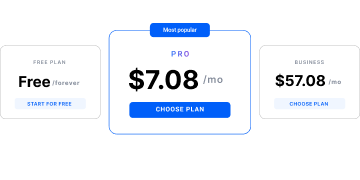
Yes. Multilogin’s Free Plan has no time limit and includes a handful of cloud mobile and browser profiles, enough to test a small multi-account setup before deciding on a paid tier, which starts from $7.08/month.
How to manage multiple social media accounts without getting them banned
Social platforms link accounts together by checking the device, IP address, and behavior pattern behind them, not by counting how many accounts exist. Multilogin gives each account its own cloud phone or browser profile, a real Android environment or an isolated browser session, so platforms see separate, independent setups instead of one device running everything. This guide covers why shared devices cause bans, when a second account actually makes sense, and how to manage a full roster safely.
Why managing accounts from one device causes problems
Apps like Instagram and TikTok check device identity, IP address, and usage patterns every time an account logs in or posts. When several accounts share the same phone, browser, or network, those signals overlap, and platforms read that overlap as one person running multiple accounts in a way that violates their terms, regardless of the actual intent behind it. This is the mechanism behind most account bans that seem to come out of nowhere: it’s rarely the content, it’s the shared setup underneath it.
Why people and businesses create a second social media account
Individuals create second accounts for reasons that have nothing to do with scale: keeping a private, “finsta”-style account separate from a public one, testing content ideas without affecting a main audience, or simply wanting a space that isn’t shaped by an algorithm built around one curated identity. Businesses have their own version of the same need: a backup account in case the primary one is compromised, separate accounts for different regions or product lines, or a way to segment audiences without diluting one brand voice.
Either way, the same problem applies at a smaller scale than a full roster: a second account run from the same device as the first can still get linked to it. Isolating even one extra account, on its own cloud phone or browser profile, is worth doing from day one rather than after a problem shows up.
How to manage multiple social media accounts for business
A business managing more than a couple of accounts, across brands, regions, or clients, runs into the same detection risk as an individual, just at a larger scale and with more people involved. A structured setup for managing accounts for a business usually includes a separate cloud phone or browser profile per account, a dedicated proxy so each one has its own IP, and controlled access so team members can work without sharing logins. Warm-up matters here too: a new business account posting at full volume immediately looks as suspicious as a personal one would.
Social media schedulers vs. account infrastructure: what’s the difference
Tools like Hootsuite, Buffer, and Sprout Social are built for scheduling posts and tracking analytics across accounts you already have logged in somewhere. What a scheduler doesn’t do is solve the underlying detection problem: it doesn’t change the device, IP, or fingerprint each account is logging in from, so accounts scheduled through the same tool from the same computer can still get linked to each other. A social media scheduler for multiple accounts and an isolation layer like Multilogin solve two different problems and generally work best together, one handles what gets posted and when, the other handles whether the accounts behind those posts stay independent. For a broader view of the category, our roundup of free social media management tools covers where each type of tool fits.
How Multilogin cloud phones work
Each cloud phone is a real Android environment, not a simulation, so it behaves the way a genuine phone would to any app checking device signals. Apps install the same way they would on a physical phone, either from a built-in store or an uploaded APK. Login sessions, app data, and cache persist between uses, so an account’s activity looks continuous rather than resetting every time. Browser profiles work the same way for web-based accounts, each with its own isolated identity, and both cloud phones and browser profiles share one dashboard, so mobile and web accounts don’t need separate tools.
Location matters as much as the device itself. Built-in residential proxies assign each account a region-matched IP automatically, so an account’s location, network, and device signals stay consistent with each other instead of contradicting one another.
The same setup applies whether the goal is running Instagram, TikTok, or managing multiple Facebook accounts; the platform changes, the isolation approach doesn’t.
Best practices for managing accounts at scale
A few habits matter more than any single tool once an account roster grows. Warming up a new account matters as much as any technical setup: warming up gradually with light activity in the first days, increasing naturally rather than jumping straight to full posting volume, applies across every platform.
- Give every account its own environment. A cloud phone or browser profile with a matched, residential proxy per account, not a shared IP.
- Keep automation human-paced. Scripts and scheduling tools work fine as long as timing and behavior don’t look mechanical.
- Check in on active sessions regularly, and back up account data so a lost session doesn’t mean starting over.
- Test a small setup before scaling it. A handful of accounts run correctly is a better foundation than a hundred run carelessly.
The same principle applies platform to platform; our guide to avoiding long-term bans on TikTok covers it in more depth for that specific app.
Who manages multiple accounts this way
The accounts-management problem shows up differently depending on who’s running the roster:
- Social media managers running several client accounts need to switch between them without one client’s activity bleeding into another’s.
- Entrepreneurs and creators running a second account, or several accounts for different niches, need each one kept separate from the start.
- Marketing teams coordinating campaigns across accounts need shared access without shared logins.
None of these groups are solving the content side of the job with account isolation; that’s still down to planning ahead, whether that’s good content ideas for TikTok or another platform’s own equivalent.
Building out an Instagram content calendar is the same kind of planning, just for a different app. What isolation solves is making sure that content actually has an account left to post from.
TL;DR
Platforms link accounts by device, IP, and behavior, not by account count. A second account and a hundred-account roster face the same core risk, just at different scales. Giving every account its own cloud phone or browser profile, with a matched proxy and a proper warm-up, is what keeps accounts independent. Scheduling tools handle content; they don’t solve this problem on their own. New users can test the setup on Multilogin’s Free Plan before scaling to a paid tier.
