Social media management

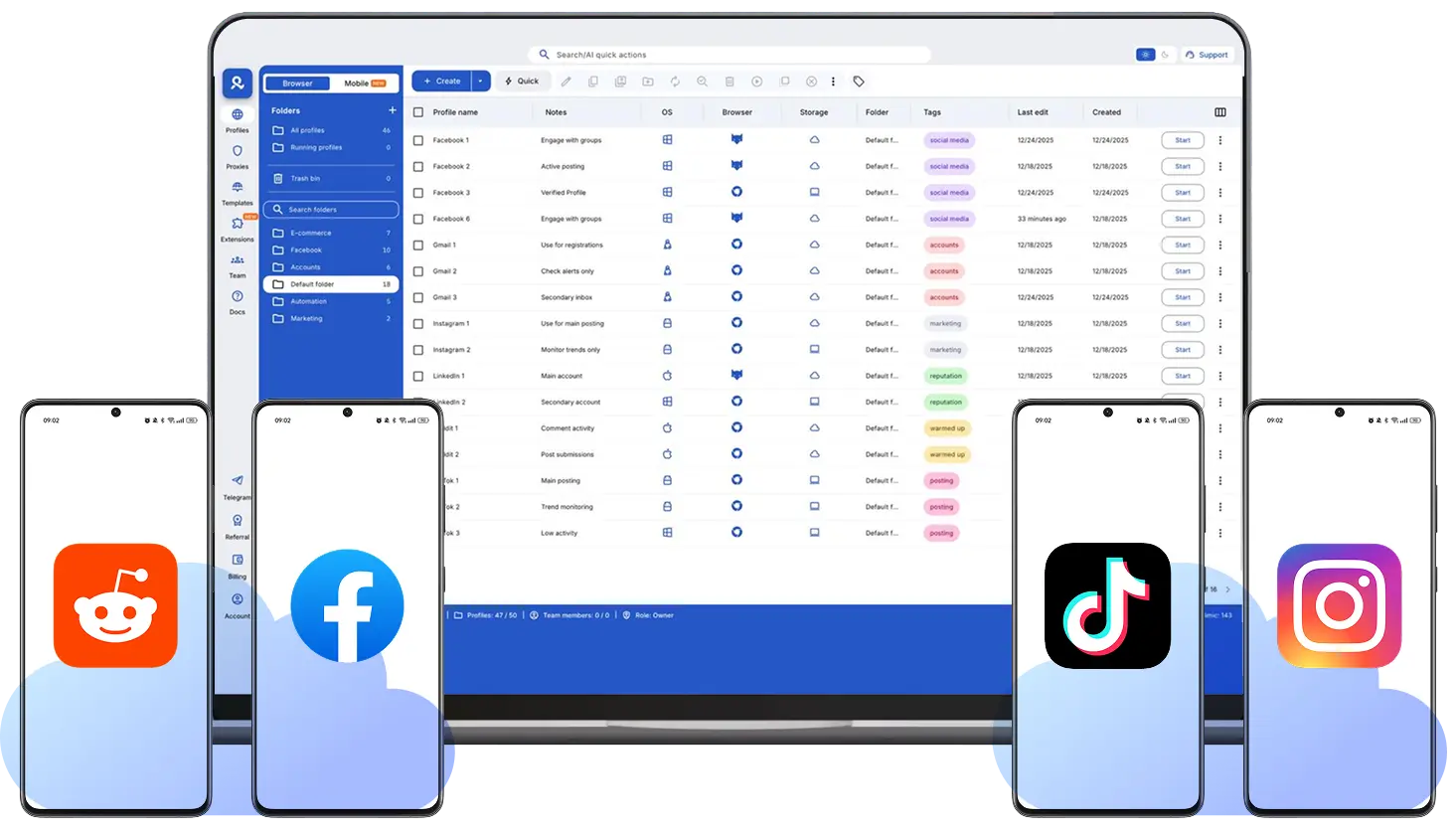
Manage multiple social media accounts using Android cloud phones in Multilogin. Each account runs in its own isolated mobile environment, while everything is controlled from one beginner-friendly dashboard built for stable, long-term social media management.

Social media management
Manage multiple social media accounts from one device

Run multiple social media accounts from one device

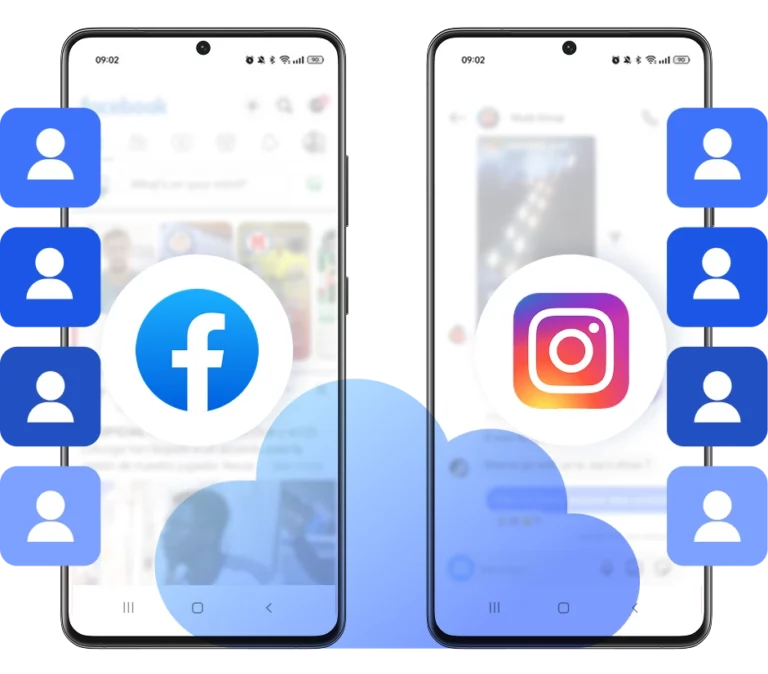
Managing multiple social media accounts from one device often causes accounts to get linked through shared app data and device signals. Android cloud phones solve this by keeping each account in its own isolated mobile environment, while you still control everything from a single dashboard.

Keep each account on its own android cloud phone

Keep each account on its own android cloud phone

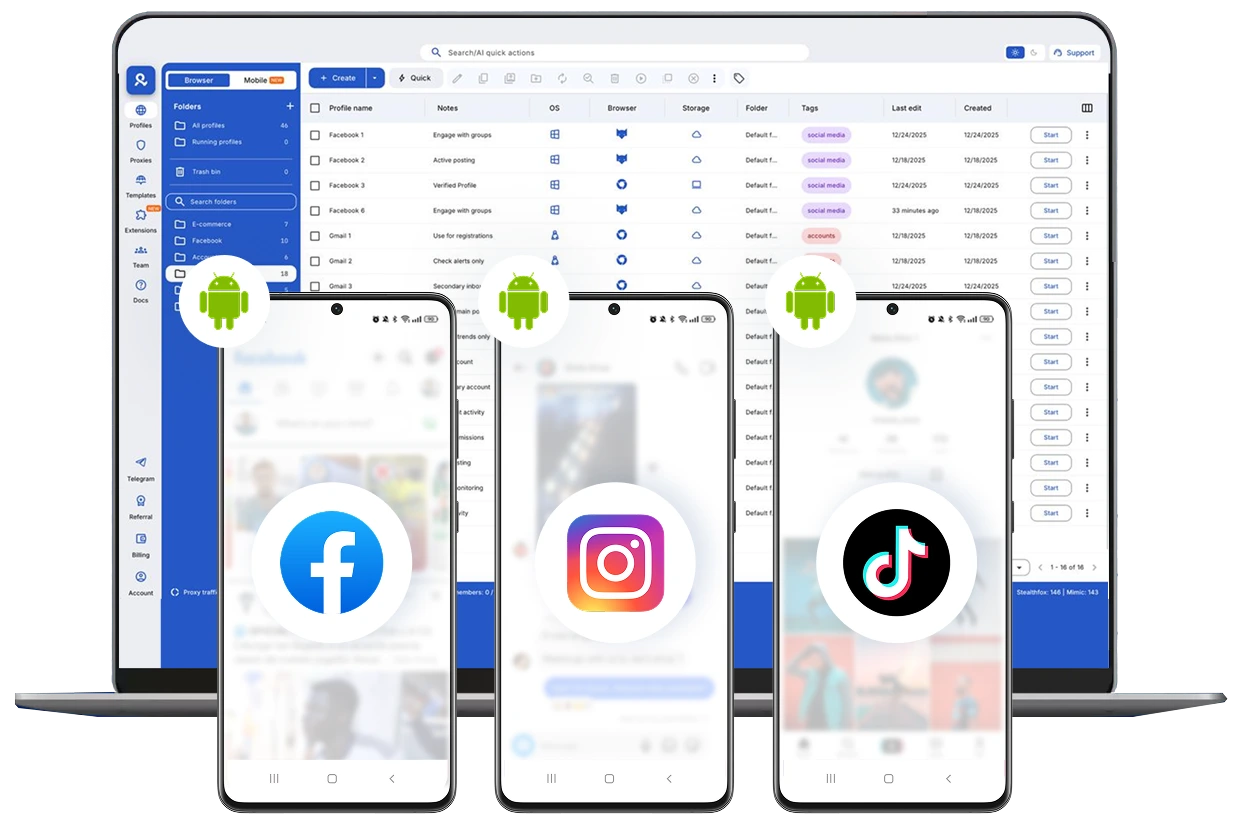
Launch and manage as many social media accounts as you need using Android cloud phones from one dashboard. Keep each account in its own environment and handle daily actions in parallel without overlap or conflicts.

Match social media accounts to their target locations

Match social media accounts to their target locations

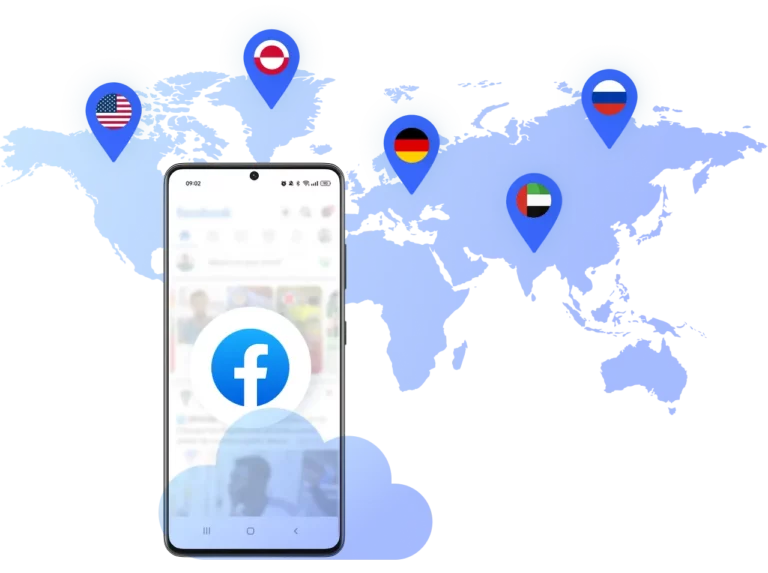
Match each social media account to its target region using Android cloud phones with location-aligned network settings. Multilogin supports 150+ locations with access to 30M+ IPs, including city- and ISP-level targeting, so activity stays consistent with local audiences.

Control team access from one dashboard

Control team access from one dashboard

Control who can access each cloud phone from one central dashboard. Assign devices to team members, set permissions, and keep every account isolated while the whole team works in parallel without sharing logins or devices.

Looking for all-in-one antidetect browser with built-in proxies?

Multilogin comes with built-in residential proxies to make multi-accounting, web scraping and web automation easier than ever. No extra setup, no third-party services—just undetectable browsing at no additional cost.
  • 3-day access to Multilogin

  • 5 cloud or local profiles

  • 200 MB proxy traffic included

  • 3-day access to Multilogin

  • 5 cloud or local profiles

  • 200 MB proxy traffic included

What is a cloud phone?

Cloud phones are Android devices hosted in the cloud that give each social media account its own dedicated mobile environment. Each phone keeps its apps, data, and sessions separate, making it easier to manage posting, engagement, and daily account activity across platforms like Instagram, TikTok, and X without device overlap.

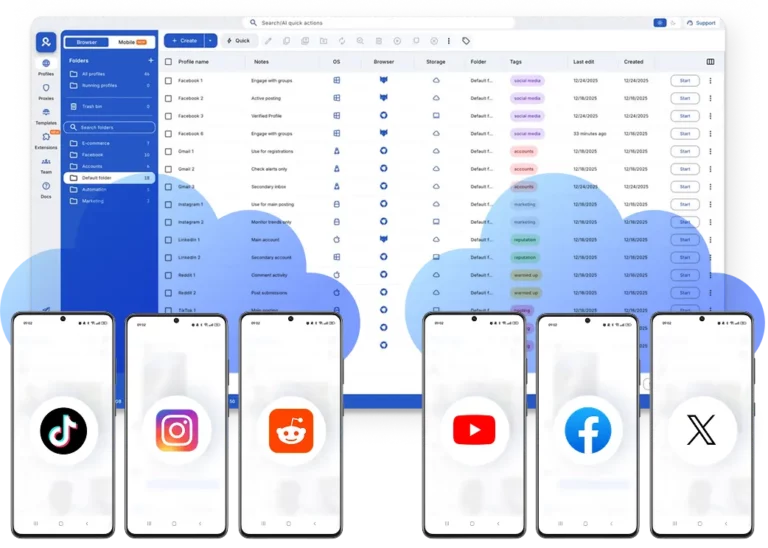
Multiple cloud phone devices running in parallel for mobile account management

Why choose Multilogin for social media management? 

Multilogin is a beginner-friendly 2-in-1 platform that combines Android cloud phones and an antidetect browser in one place. You manage mobile accounts and web workflows from a single desktop app, backed by mobile proxies with access to 30M+ IPs and advanced fingerprint control. Everything is handled from one dashboard, so teams can stay organized, reduce risks, and scale social media work without juggling multiple tools.

Cloud phone management platform with multiple cloud phone devices controlled from one interface

Multilogin features for Cloud Phone management

Multilogin 2-in-1

Anti-detect browser profiles and cloud phones in one ecosystem. One app, one dashboard, full control.

Built-in proxy integration

Residential IPs are included by default. 150+ countries and 1,400+ cities with daily quality testing.

Up-to-date Android versions

Stable Android versions 10–15, fully compatible with modern mobile apps.

Real brands and devices

Support for 7 real Android device brands with unique IMEI and system-level digital fingerprints.

App repository

Install TikTok, Instagram, Reddit, and other popular apps without Google Play. APK uploads are also supported.

Folders, tags and access control

Organize profiles using folders, tags, and role-based access. Manage team workflows with ease.

Enterprise-grade security

Profile encryption, 2FA, access control, and compliance-ready security for safe operations.

One-click Android device launch

Start Cloud Phones and install any apps without physical devices.

Multilogin competitive advantages

Fast and intuitive interface

Everything at your fingertips: drag-and-drop, hotkeys, and smooth multitasking without losing speed.

Browser built for multi-accounting

Advanced engine effectively avoids multi-account detection by creating unique browser fingerprints.

Created for team collaboration

Proxies included in every plan

24/7 support in 5 languages

Manage accounts across all major platforms

How to start using Multilogin cloud phone

Launch and manage real mobile environments in the cloud.

Step 1 of how to use Multilogin

Sign up

Register using a verified email address. 

Step 2 of how to use Multilogin

Choose your plan

Select from various subscription plans tailored to your business needs.

Step 3 of how to use Multilogin

Download Multilogin X app

Install the Multilogin desktop app to manage mobile sessions securely.

Step 4 of how to use Multilogin

Access the Multilogin dashboard

Launch cloud phone, assign proxies, configure fingerprints, and manage mobile environments from one place.

Step 5 of how to use Multilogin

Manage multiple cloud phone profiles

Set up and manage multiple cloud phone profiles using separate browser profiles with consistent identities.

Most Awarded Antidetect Browser

Kinza awards for Multilogin.
Conversion club badge for Multilogin.
Mask group badge for Multilogin
Startup 2019 awards badge for Multilogin
badge for Multilogin
Best Value Software 2022 badge for Multilogin
Best support
Momentum leader
High Performer
High Performer Small Business
SourceForge top performer 2023 badge
GetApp user reviews badge

Watch the Multilogin Demo

Get a 10-minute demo video on how Multilogin can help you easily build your database of cloud phone profiles while remaining undetected. Just fill in your name, last name and email below, and we’ll deliver the demo video directly to your inbox.

Name
Last Name
Email *
Image of locked video for Multilogin demo preview

How cloud phones change social media management workflows

Social media management used to be straightforward. One account, one phone, one login. That model stopped working the moment businesses, agencies, and creators began managing multiple accounts at the same time. Today, most real activity happens inside mobile apps, not just browser dashboards, and that shift quietly introduced a new set of problems. 

Cloud phones exist because traditional social media management workflows fail at the mobile level. When accounts share the same device signals, app data, or location patterns, platforms connect them silently. If one account gets restricted, others often follow. Cloud phones change this by separating accounts at the environment level, not just the login level. 

Why do traditional social media management setups fail at scale

Most social media managers rely on tools built for scheduling, analytics, and content planning. These tools help with visibility, but they do nothing to protect the mobile environment where platforms make trust decisions. Social networks track more than credentials. They track device identifiers, session history, app storage, and location consistency. 

When multiple accounts are handled on the same phone or through app clones, overlap is inevitable. If you get banned once and restart on the same setup, the result is often the same. At that point, content is no longer the issue. Infrastructure is. This is the gap cloud phones are designed to solve. 

Learn more about the best social media management tool!

What changes when each social media account has its own cloud phone

A cloud phone is a real Android environment hosted remotely. It behaves like a physical phone but runs independently from your personal device. Each cloud phone has its own system data, app storage, and mobile identity. 

That changes how social media management feels day to day. Instead of switching accounts inside one device, each account lives in its own environment. Mistakes become less likely because accounts are no longer mixed at the system level. If one account gets restricted, it does not drag the rest down with it. 

Over time, this separation becomes the foundation of a stable workflow. 

Learn more about top 10 best Android emulators and cloud phones!

How do social media managers actually use cloud phones in daily work

In practice, cloud phones replace a long list of workarounds that managers have learned to live with. Instead of juggling logins, devices, and resets, workflows become structured. 

Social media managers typically use cloud phones to: 

  • Assign one cloud phone to one social media account 
  • Run native social media apps inside that phone 
  • Keep app data and login sessions persistent over time 
  • Manage all phones from a single desktop interface 

If an account is paused, its session remains intact. If a client leaves, access can be removed without affecting other accounts. These changes reduce human error, which is one of the main causes of account linking. 

Why do location and network signals matter so much for mobile accounts

One of the fastest ways to trigger restrictions is inconsistent location behavior. Logging into a mobile app from one country while the device signals another creates patterns platforms flag quickly. This often happens when proxies are treated as an afterthought. 

Cloud phone workflows work best when the mobile environment and the network signal match. That’s why built-in proxy management matters. Instead of stitching together third-party tools, cloud phones can run with mobile-grade proxies aligned to the phone’s location. 

Once location and network signals are stable, social media management becomes predictable instead of reactive. 

How do cloud phones change collaboration and team access

Team workflows introduce risk when access is handled informally. Shared passwords, shared phones, and unclear boundaries lead to mistakes that affect every account connected to that setup. Cloud phones allow access to be shared at the environment level, not the credential level. 

This allows teams to work in a safer structure: 

  • Each team member accesses assigned cloud phones 
  • Permissions define who can view or operate each account 
  • Actions stay contained within specific environments 

If someone leaves the team, access is removed cleanly. If a client needs limited access, it doesn’t expose other accounts. This matters for agencies and in-house teams managing multiple brands. 

Where does Multilogin fit into modern social media management

Multilogin cloud phones are built specifically for mobile-first account workflows. Each cloud phone runs real Android OS with genuine hardware identifiers and persistent app data, which helps accounts behave consistently over time. 

What makes Multilogin practical for social media managers is unified control. Cloud phones and browser profiles are managed from the same platform, which reflects how real workflows operate. Some tasks happen inside apps, others in web dashboards. Managing both in one place reduces friction and context switching. 

For larger operations, Multilogin also supports automation through APIs and common frameworks, making it easier to scale repetitive tasks without breaking account isolation. 

When does social media management require cloud phones

Cloud phones are not necessary for everyone. If you manage a single personal account, traditional setups are usually enough. They become necessary when complexity increases. 

Cloud phones start to make sense when: 

  • You manage multiple social media accounts long term 
  • Work happens primarily inside native mobile apps 
  • Accounts are tied to different locations 
  • Bans or restrictions keep repeating 
  • Teams need structured, controlled access 

If you get banned and restart on the same phone, the outcome rarely changes. Cloud phones exist to change the environment itself, not just the login. 

What kind of workflow do cloud phones ultimately enable

Social platforms evaluate behavior, consistency, and environment over time. Cloud phones align social media management with how platforms actually work. They don’t promise shortcuts or quick wins. They provide structure. 

For managers who are tired of rebuilding accounts and explaining restrictions to clients, that structure often marks the difference between constant firefighting and a workflow that holds up as operations grow. 

FAQ

Social media management with cloud phones means handling accounts inside dedicated Android environments instead of personal devices. Each account runs in its own cloud phone with separate apps and session data, which helps avoid account linking and device-related restrictions during daily work.

Cloud phones keep each social media account isolated on its own Android device. This prevents shared device data, reduces accidental cross-logins, and allows managers to work on many accounts at the same time from one desktop dashboard.

Yes. Many bans happen when platforms connect accounts through shared device signals or inconsistent locations. Cloud phones separate environments at the device level and support location-aligned network settings, which lowers the risk of accounts being linked or flagged.

Cloud phones can be assigned to specific team members from one dashboard. Access permissions help ensure each person works only on the accounts they manage, making collaboration possible without sharing passwords or physical devices.

Yes. Cloud phones can be paired with location-targeted network settings, allowing accounts to operate in specific countries, cities, or ISPs. This is useful for managing local brand pages or region-focused campaigns.

Cloud phones are useful for social media managers, agencies, e-commerce brands, and creators who manage multiple accounts daily. They are especially helpful for teams that need account separation, location control, and structured workflows.

Thank you! We’ve received your request.
Please check your email for the results.
We’re checking this platform.
Please fill your email to see the result.

Multilogin works with amazon.com