


Multi‑account browser with cloud phones
Run a multi‑account browser to manage multiple accounts from one workspace. Control accounts across platforms using cloud phones and browser profiles.
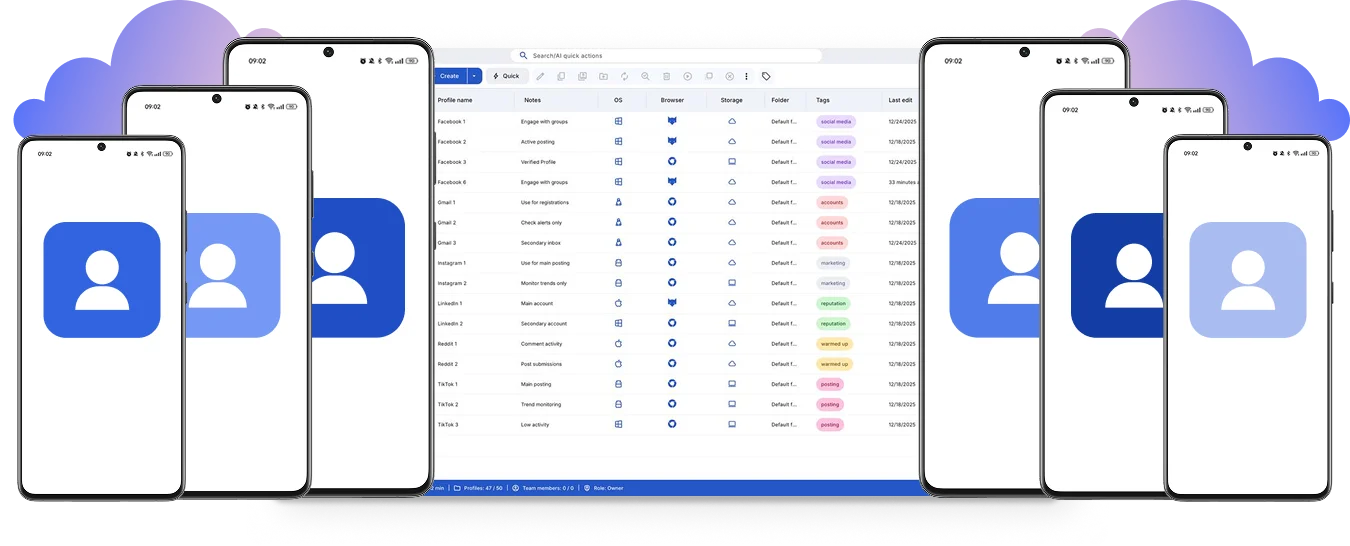

Perfect for multiple accounts
Unique cloud phones for each account

Publish everywhere
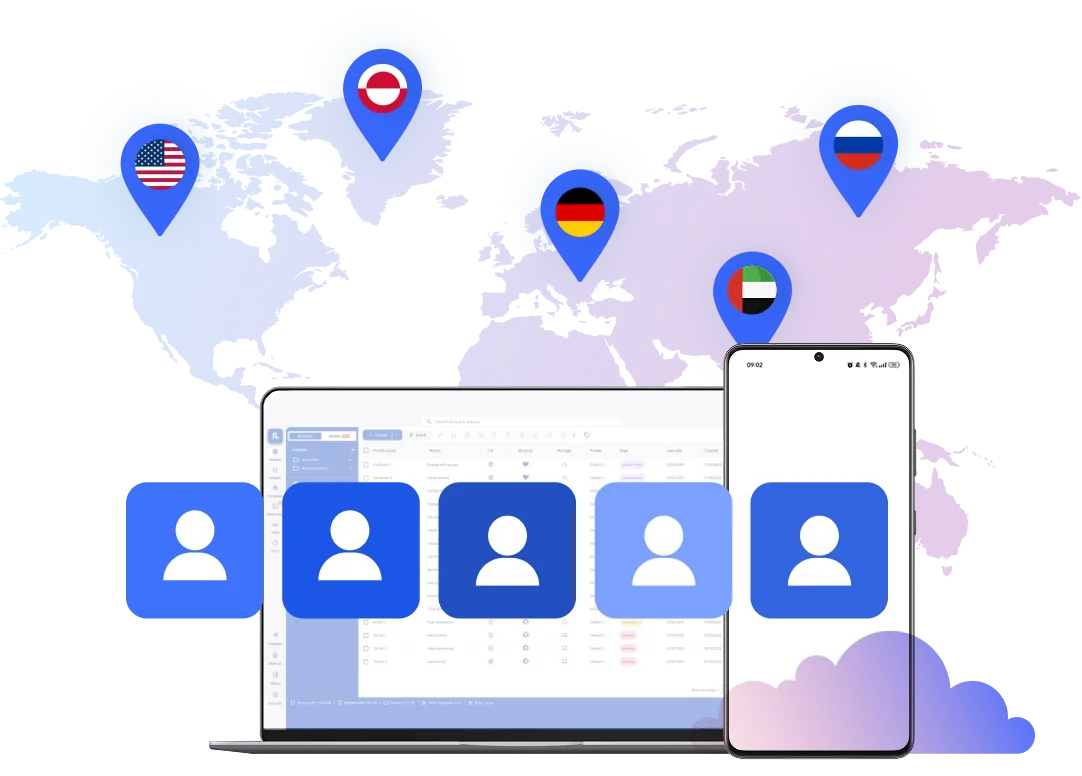
Reach more than 150 locations

Grow organically
Post from real devices
One platform, unlimited accounts
Sign into accounts with a multi‑account browser
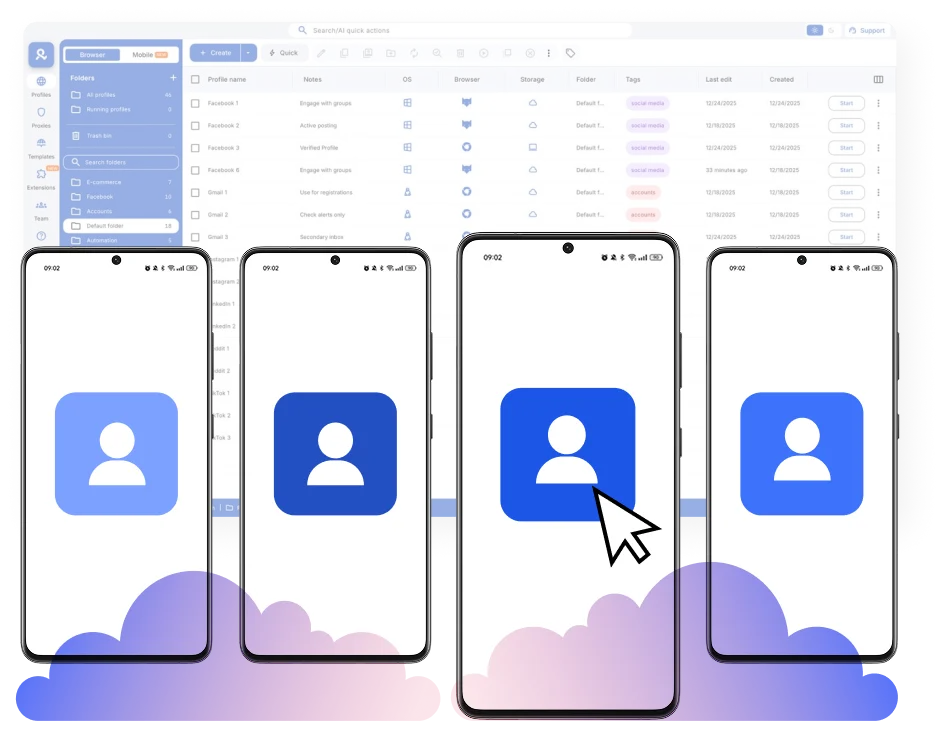
Automate your multi‑account browser to boost performance
Access accounts from anywhere in the world
Collaborate in one workspace in a multi‑account browser
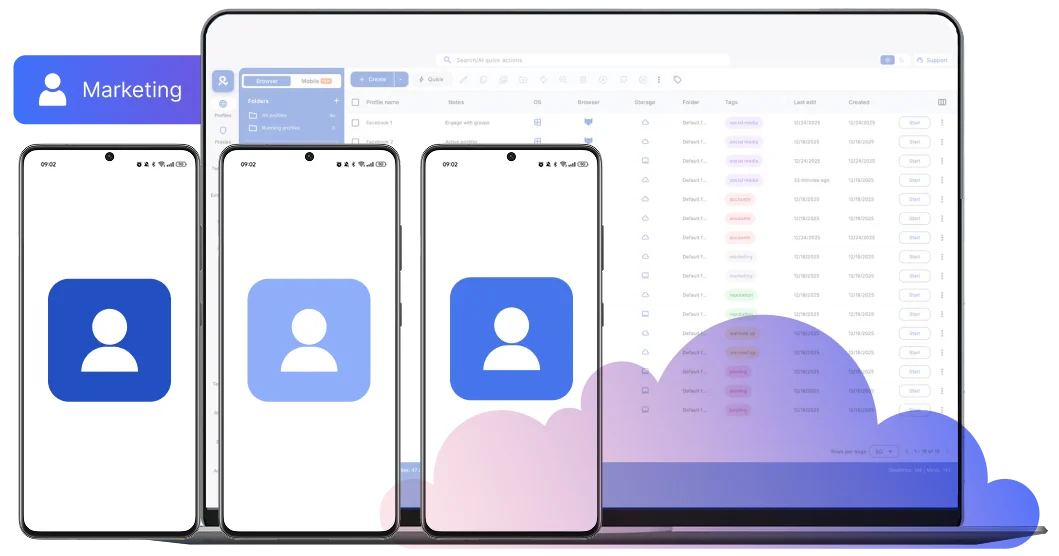
What is a multi‑account browser?
Why choose Multilogin as a multi‑account browser?
How to get started with Multi‑account browser
Launch and manage mutliple accounts for any platform

Sign up
Choose a plan and download the app

Create mobile profile
Customize the device model and choose location
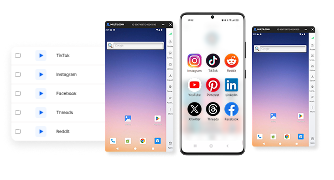
Run your accounts
Use separated browser profile to earn
Sign up
Choose a plan and download the app
Create mobile profile
Customize the device model and choose location
Run your accounts
Use separated browser profile to earn
Watch the Multilogin Demo
What is Multilogin?
Trusted by thousands of creators, sellers & online earners

Ha D.
Social Media Marketing Retail

Nino Latif

Stanislav K.
Marketing Manager

Elen S.
Marketing Manager

Hamza Arif
E-commerce Manager


Nick Horvath
Marketing agency
Start managing multiple accounts today
Launch cloud phones, create browser profiles, and automate routine account workflows from one dashboard.
The most awarded multi accounting platform















Explore more solutions for any platform you need
FAQs about Multi‑Account Browser
A multi-account browser lets you run multiple online accounts in separate browser environments. Each profile keeps its own cookies, storage, settings, connection, and session history. Multilogin also includes Android cloud phones for mobile-first social profiles.
A regular browser may separate tabs or cookies, but its profiles still share many device-level settings. A multi accounting browser separates Cookies and local storage, Browser and profile settings, Proxy and location settings and Login and session history.
This makes it easier to manage multiple web accounts from one workspace.
Chrome supports multiple user profiles, but they still run on the same underlying device and share many system settings.
It can work for a few personal logins. A dedicated multi account browser is better suited to larger web workflows, while Android cloud phones cover mobile-first applications.
Yes. Multilogin has a Free plan with no time limit and no credit card required.
It includes five profiles including one cloud mobile and four browser profiles, 200 MB of one-time premium proxy traffic, and 30 one-time cloud-phone minutes. Profiles are automatically deleted after seven days of inactivity. See the full pricing page for current details.
Download Multilogin from its official website. The desktop app gives you access to browser profiles, Android cloud phones, built-in proxy settings, automation tools, and team controls. Installation takes only a few minutes.
Cloud phones are real Android devices hosted in the cloud. Each profile can have its own app data, device identifiers, location, and persistent session.
They are suited to mobile-first platforms such as TikTok, Instagram, and Facebook.
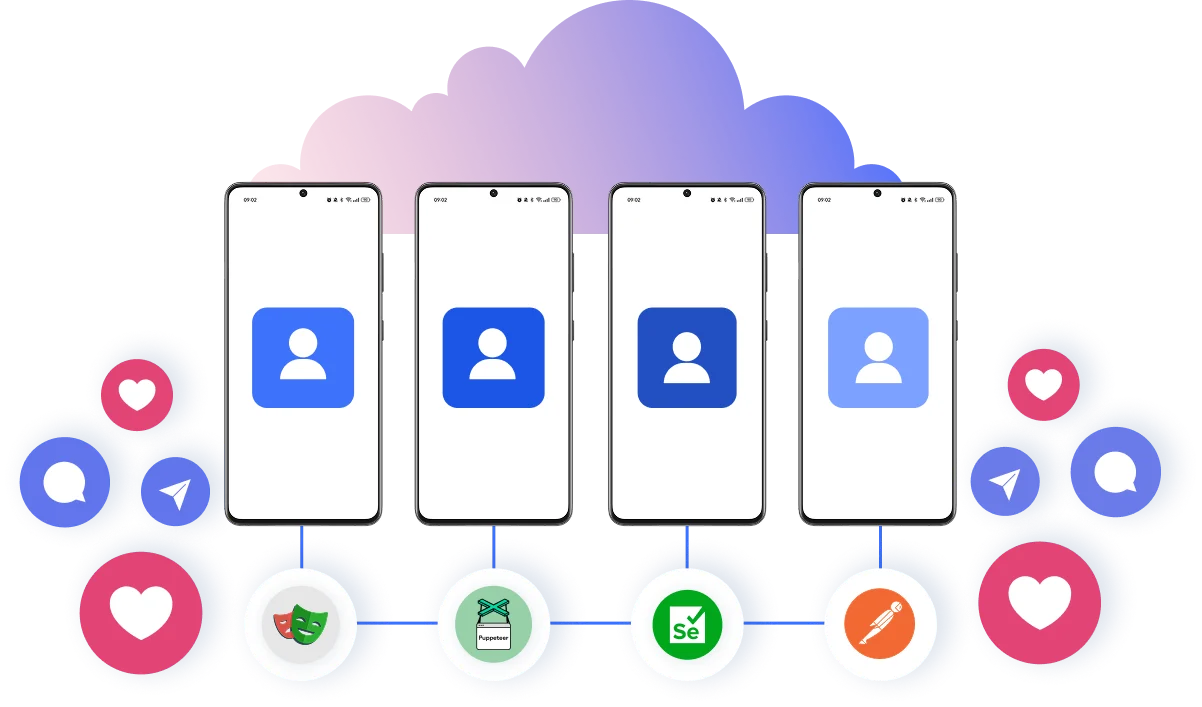
Yes. Multilogin supports API, ADB, Selenium, Playwright, Puppeteer, and Postman workflows. You can automate profile creation, app installation, browser actions, posting workflows, and other repetitive tasks across multiple profiles.
Yes. Multilogin supports shared workspaces, role-based permissions, profile assignment, folders, tags, and centralized management. Teams can collaborate without sharing account passwords or mixing profile environments.
Quick setup helps you start, but each profile also needs consistent app data, cookies, location settings, and session history. A persistent environment reduces repeated setup work every time the profile is opened.
Stable environments make multi-account work easier to organize as profile numbers grow. Login states stay saved, locations remain consistent, and browser or app data does not need to be rebuilt for every session.
You can manage as many profiles as your Multilogin plan and workflow support. For mobile-first TikTok workflows, each account can run on its own Android cloud phone with separate app data, location, and session history.
Account activity must still follow TikTok’s rules and natural usage patterns. Learn more about how many TikTok accounts you can have and how to create multiple TikTok accounts.
Yes. Instagram and TikTok profiles can run on dedicated Android cloud phones and be managed from the same Multilogin dashboard. Browser profiles are also available when a workflow needs the web versions of either platform.
Multi-account browser: managing multiple online profiles with Multilogin
Creating multiple online profiles is easy. Keeping each profile’s app data, cookies, location, login state, and session history separate is harder. TikTok, Instagram, and Facebook are mobile-first, while Reddit and many YouTube workflows remain web-based.
A practical multi-account setup needs both. Android cloud phones cover native mobile apps, while browser profiles support web-based accounts. Multilogin gives individuals, teams, and AI agents access to both environments from one dashboard.
Common issues in multi-account setups without a dedicated browser
Online profiles are connected to devices, browser sessions, app data, and network locations, not just usernames and passwords. When several profiles reuse the same setup, their histories can overlap and become harder to manage.
Standard tools may separate logins without creating a complete mobile or browser environment for each profile. This can lead to mixed cookies, changing locations, repeated login checks, and lost sessions across Instagram, TikTok, Reddit, Facebook, and other platforms.
The limits of standard browsers and simple VPNs
Chrome profiles separate cookies, but they still run on the same underlying device and share many system-level settings. A VPN changes the connection IP, but it does not create a dedicated app or browser environment for each account.
This may be enough for a few basic web logins. At scale, a dedicated multi profile browser and Android cloud phones give each social profile its own persistent environment, connection settings, and session history.
Standard browsers and VPNs also cannot replace consistent browser fingerprinting for web profiles or the real device signals produced by Android cloud phones.
Browser profiles and cloud phones for better profile management
A multi-account browser creates a separate web environment for each profile. A cloud phone is a real Android device hosted in the cloud for native app workflows.
With a browser for multiple accounts and Android cloud phones:
Each social profile runs in its own browser or Android environment
Browser data, app data, cookies, and login states stay separate
Sessions remain available between uses
Device, browser, and location settings stay consistent
Mobile and web profiles can be managed from the same dashboard
This gives each social profile a dedicated workspace. It is similar to having a separate phone or browser for every account, without switching between physical devices.
Managing social media accounts at scale
Social media marketing teams often manage profiles for different clients, brands, regions, creators, or campaigns. As the number of accounts grows, keeping sessions, locations, app data, content workflows, and team access organized becomes harder.
Scheduling tools can help publish content, but they do not provide dedicated mobile environments. Multilogin combines Android cloud phones for native social apps with browser profiles for web-based workflows.
The best solution for multiple profile management
Multilogin combines Android cloud phones, browser profiles, built-in residential proxies, and multi-account management in one platform.
Mobile profiles run on dedicated Android cloud phones. Web profiles run in isolated browser environments with their own cookies, sessions, and connection settings.
People, teams, and AI agents manage both from the same dashboard. Profiles can be organized by client, campaign, region, platform, or operator.
Manage social media accounts across mobile and web
Multilogin supports account workflows across Facebook, Instagram, TikTok, YouTube, Reddit, WhatsApp, X, and LinkedIn. Use Android cloud phones for native mobile apps and isolated browser profiles for web-based tools.
Facebook pages, groups, and business workflows
Teams managing multiple Facebook accounts can organize brand pages, groups, communities, Marketplace activity, and advertising workflows. Use Android cloud phones for the Facebook app and browser profiles for Facebook web, Business Manager, and other desktop tools.
Run Instagram profiles for different brands and audiences
Agencies, creators, and e-commerce teams often need separate Instagram profiles for clients, products, regions, or content categories. With Multilogin, each Instagram account can run on its own Android cloud phone with saved app data, a consistent location, and persistent login history.
Selected profiles can also be shared with team members, helping agencies organize content, engagement, and account access as they add more clients.
Build and test TikTok content strategies
Use dedicated cloud phones to manage multiple TikTok accounts for creators, products, regional audiences, TikTok Shop campaigns, or content testing. Each profile gets its own Android environment, app data, device identity, and saved session. Teams can test different content approaches without buying and maintaining a separate physical phone for every account.
Organize YouTube channels by project or audience
Creators and marketing teams can operate multiple YouTube accounts and channels for different brands, languages, clients, or content categories. Browser profiles support YouTube Studio, channel settings, publishing, and analytics. Cloud phones can be used for Shorts, mobile uploads, comments, and other app-based workflows.
Grow Reddit profiles and communities over time
Reddit accounts depend heavily on consistent history, community participation, and niche-specific activity. Separate browser profiles make it easier to manage multiple Reddit accounts without mixing cookies, sessions, or location settings. Profiles can be organized by subreddit, campaign, research topic, or brand while their individual account histories remain available between sessions.
Keep WhatsApp conversations and teams separate
Businesses can use multiple WhatsApp accounts for sales, customer service, lead management, regional support, or separate brands. Each WhatsApp or WhatsApp Business account can run on its own cloud phone, keeping conversations, app data, login states, and team access separate.
Manage X accounts for publishing and engagement
Run multiple Twitter or X accounts for brands, customer support, regional audiences, research, or content distribution. Cloud phones support the X mobile app, while browser profiles can be used for publishing tools, analytics, advertising, and other desktop workflows.
Support LinkedIn outreach and recruitment workflows
Sales teams, recruiters, agencies, and business development teams can organize multiple LinkedIn accounts by client, region, campaign, or team member. Each account runs in its own browser or mobile environment with separate session data and connection settings, making outreach, recruitment, and profile access easier to manage from one dashboard.
Connect social profiles with e-commerce operations
Social media profiles often support a larger e-commerce workflow. Teams may use TikTok, Instagram, Facebook, YouTube, or Reddit to promote products, test markets, build communities, and direct traffic to online stores.
Multilogin can also help teams manage separate seller environments for Amazon accounts, eBay accounts, Etsy shops, and Shopify stores.
Storefronts, seller dashboards, regional campaigns, and related social profiles can be organized from one workspace. Learn more about using Multilogin for e-commerce and dropshipping workflows.
Everything included from the start
Each Multilogin plan brings Android cloud phones, browser profiles, built-in residential proxies, persistent sessions, and profile organization into one platform.
API and ADB access also support automated and AI-driven workflows through tools such as Selenium, Playwright, Puppeteer, and Postman.
The Free plan has no time limit and requires no credit card. See Multilogin pricing to compare profile limits, proxy traffic, mobile minutes, and team features.
