


How to fix error “ERR_CONNECTION_CLOSED/RESET/TIMED_OUT”
 ~1 minWritten by Yelena V
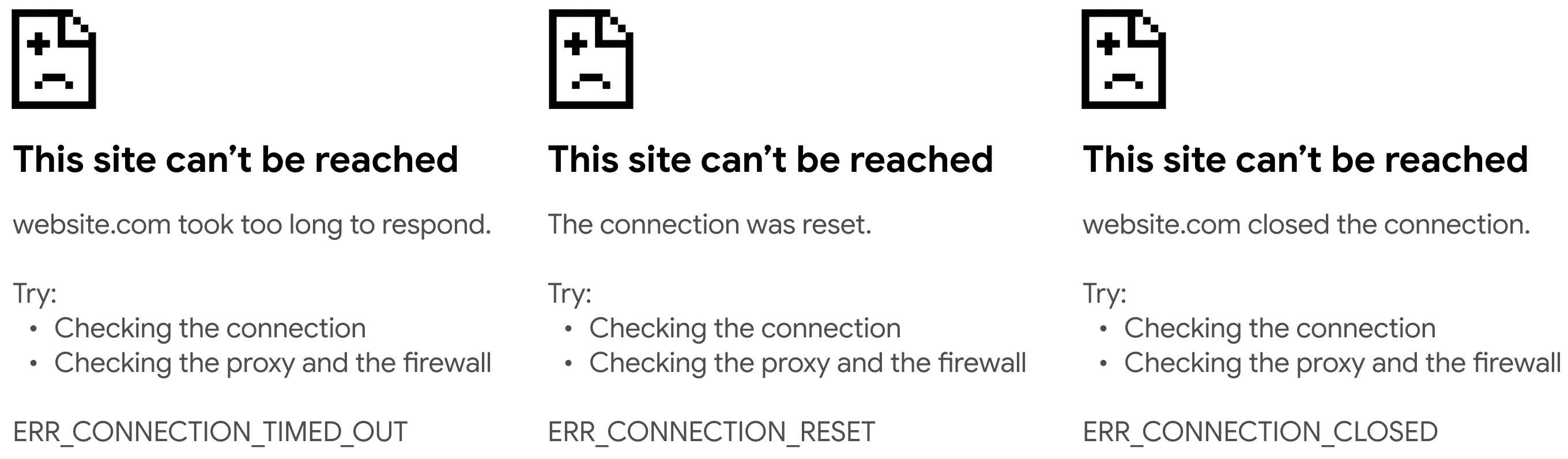
If you see ERR_CONNECTION_CLOSED, ERR_CONNECTION_RESET, or ERR_TIMED_OUT in a browser profile, check the proxy first.
➡️ Select the affected browser profile → click “Check proxy”.
- If the proxy check fails, fix or replace the proxy before continuing
- If the proxy check passes but the error remains, continue with the connection troubleshooting steps below
Test your proxy
To figure out if your proxy is the issue, start by testing it. You can test your proxy in 3 easy ways! For a detailed guide, check out this article: How to test a proxy.
Proxy test is fine?
If your proxy test is successful, great! If not, it’s time to explore other possible fixes. Check out our guide on how to fix profile start or proxy connection issues for additional steps.
With these steps, you'll be able to quickly diagnose and fix any proxy-related errors. Let us know if you need further help!


