Cloud Phone for Gmail
Run Gmail on dedicated Android cloud phones without using physical devices. Install the official Gmail app, stay logged in with persistent sessions, and manage multiple mobile and web accounts from one structured dashboard with fewer verification issues and a more stable workflow.
Handle all Gmail accounts from one dashboard
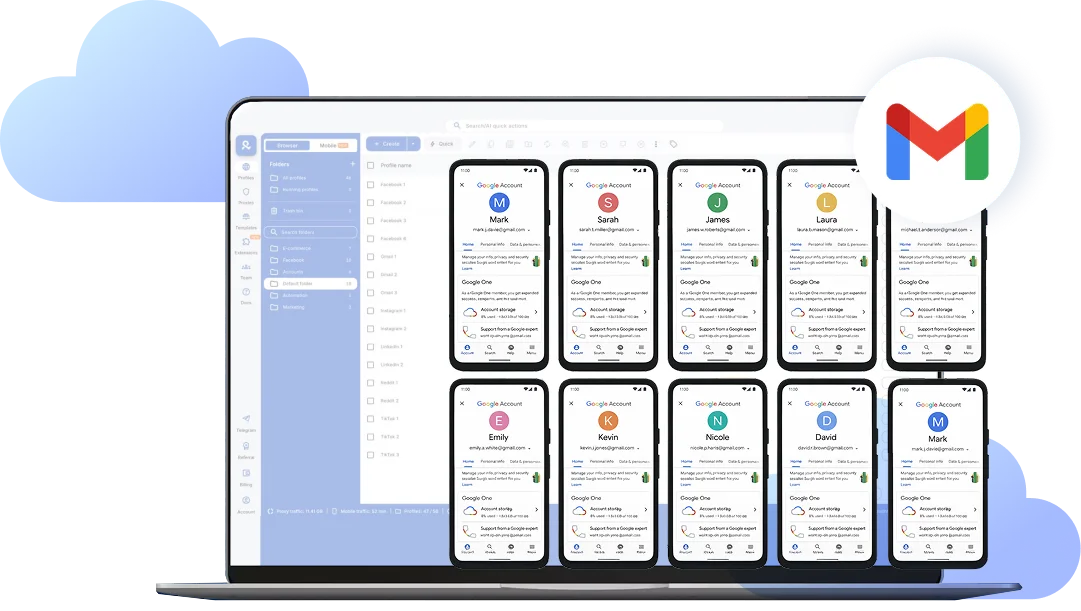
Log in and launch all your Gmail accounts from a single desktop dashboard. Each login runs inside its own isolated Android cloud phone or browser profile, keeping sessions fully separated while your workflow stays organized and easy to manage.
Send, manage, and control Gmail from your desktop
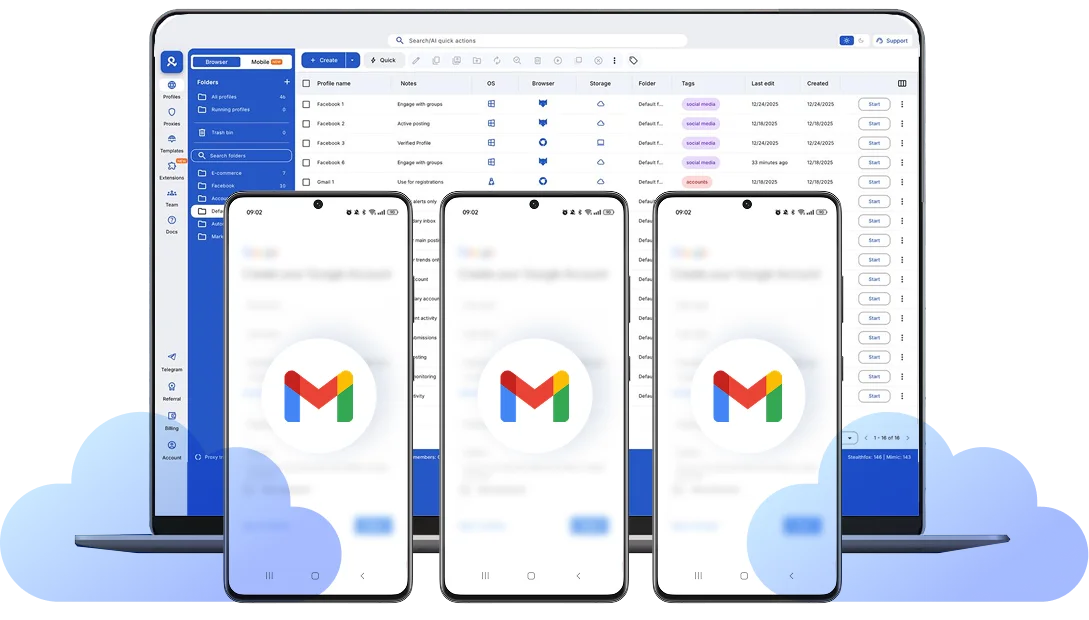
Use the official Gmail app inside your Android cloud phones directly from your desktop. Send emails, manage inboxes, organize labels, and respond to messages without needing physical devices, while keeping multiple accounts isolated and structured in one workspace.
Run Gmail accounts from the location you choose
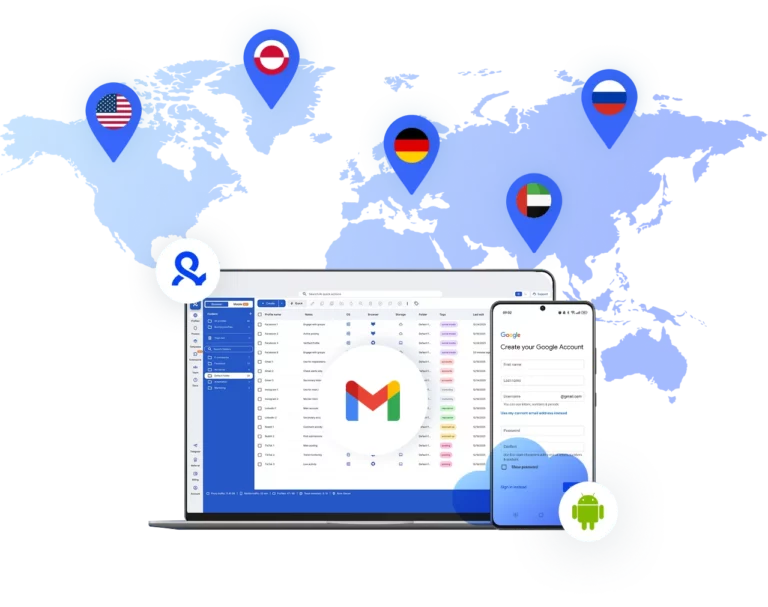
Select the country or region for each Gmail account and run it from there. Your Android cloud phone operates from the chosen location with matched IP and device signals, so logins and activity stay consistent over time. This makes it easier to manage regional accounts, teams, or client inboxes without triggering unnecessary security checks.
Collaborate with your team on Gmail
Share Gmail accounts without sharing passwords. Use role-based access for browser profiles and Android cloud phones, so your team can manage inboxes securely while sessions stay separate and organized in one dashboard.
Looking for cloud phones?
-
3-day access to Multilogin
-
5 cloud or local profiles
-
200 MB proxy traffic included
-
3-day access to Multilogin
-
5 cloud or local profiles
-
200 MB proxy traffic included
What are cloud phones?
Cloud phones are dedicated Android devices hosted in the cloud that run mobile apps like Gmail in fully separate environments. Each phone has its own device identifiers and network connection, keeping logins isolated instead of mixed together. This allows you to manage multiple Gmail accounts without sharing physical devices or overlapping mobile sessions.
Why choose Multilogin for cloud phone?
Multilogin cloud phones provide clear device-level separation, so each Gmail account runs inside its own isolated Android environment. With matched IP, persistent app sessions, and unified dashboard control, you can manage multiple inboxes in a stable and structured way without mixing logins or device signals.
Multilogin features for Cloud Phone management
Multilogin 2-in-1
Anti-detect browser profiles and cloud phones in one ecosystem. One app, one dashboard, full control.
Built-in proxy integration
Residential IPs are included by default. 150+ countries and 1,400+ cities with daily quality testing.
Up-to-date Android versions
Stable Android versions 10–15, fully compatible with modern mobile apps.
Real brands and devices
Support for 7 real Android device brands with unique IMEI and system-level digital fingerprints.
App repository
Install TikTok, Instagram, Reddit, and other popular apps without Google Play. APK uploads are also supported.
Folders, tags and access control
Organize profiles using folders, tags, and role-based access. Manage team workflows with ease.
Enterprise-grade security
Profile encryption, 2FA, access control, and compliance-ready security for safe operations.
Launch Real Android Devices in 60 Seconds
Install TikTok and start managing accounts. While your competitors spend days setting up physical phones.
Why Multilogin wins for Gmail
Fast and intuitive interface
Everything at your fingertips: drag-and-drop, hotkeys, and smooth multitasking without losing speed.
Browser built for multi-accounting
Advanced engine effectively avoids multi-account detection by creating unique browser fingerprints.
Created for team collaboration
Proxies included in every plan
24/7 support in 5 languages
How to start using Multilogin cloud phone
Launch and manage real mobile environments in the cloud.

Sign up
Register using a verified email address.

Choose your plan
Select from various subscription plans tailored to your business needs.

Download Multilogin X app
Install the Multilogin desktop app to manage mobile sessions securely.

Access the Multilogin dashboard
Launch cloud phones, choose locations, and manage your mobile devices from one place.

Manage multiple cloud phone profiles
Set up and manage multiple cloud phone profiles using separate browser profiles with consistent identities.
Watch the Multilogin Demo
Get a 10-minute demo video on how Multilogin can help you easily build your database of cloud phone profiles while remaining undetected. Just fill in your name, last name and email below, and we’ll deliver the demo video directly to your inbox.
Cloud phone for Gmail: Manage multiple accounts without device conflicts
Managing multiple accounts on Gmail from one physical device often leads to repeated verification prompts, security alerts, and session interruptions. Google monitors device identifiers, IP consistency, and login behavior closely. When several accounts share the same browser or Android device, their signals overlap, increasing the likelihood of additional checks or temporary restrictions.
A cloud phone for Gmail creates proper separation. Instead of switching between accounts on one device, each account runs inside its own dedicated Android environment hosted in the cloud. This removes shared device data and allows you to manage everything from one structured dashboard without juggling physical phones.
Multilogin combines Android cloud phones and advanced browser profiles in one platform, giving you clean isolation across both mobile and web access.
Why Gmail accounts get flagged when managed from one device
Gmail evaluates multiple technical signals when accounts log in or perform activity. When accounts share overlapping data, they can appear connected.
Common triggers include:
Logging into multiple Gmail accounts from the same Android device
Reusing browser sessions with shared cookies and local storage
Switching IP locations frequently
Repeated login and logout behavior
These patterns create inconsistency at the device and network level. Even if accounts are unrelated, shared technical signals may prompt additional verification steps.
Using one Android cloud phone per Gmail account reduces this overlap because each account runs inside a separate mobile device environment.
How Android cloud phones improve Gmail management
An Android cloud phone is a real Android device hosted remotely. You access it from your desktop, but the Gmail app runs inside a dedicated mobile environment with its own device identifiers.
With Multilogin cloud phones, you can:
Choose Android versions up to v15
Select real device brands such as Samsung, Xiaomi, Google Pixel, OnePlus, and others
Install the official Gmail app directly
Keep login sessions and app data persistent between uses
Assign built-in residential or mobile-grade proxies
Because each Gmail account runs inside its own cloud phone, device signals remain separate. Sessions stay consistent over time, which reduces repeated security prompts.
You avoid using multiple physical phones or risky emulators while maintaining real mobile environments.
Manage web and mobile Gmail accounts together
Many workflows require both browser access and mobile app access. Switching between separate tools creates complexity and increases configuration errors.
Multilogin provides:
Isolated browser profiles with 55+ customizable fingerprint parameters
Cookie management for consistent session history
Dedicated Android cloud phones for mobile app access
Unified proxy assignment across desktop and mobile
Centralized dashboard control
This means you can manage Gmail accounts in Chrome-like browser environments and inside the Android Gmail app from one interface.
Instead of mixing devices and tools, you maintain structured identity separation across all access points.
Collaboration without sharing devices
Teams handling outreach, customer support, or client inboxes often struggle with device sharing and password management. Using physical phones makes coordination difficult and increases risk.
With Multilogin, you can:
Assign role-based access permissions
Share browser profiles and cloud phones securely
Keep credentials protected
Monitor active sessions in one place
Each team member operates inside isolated environments while account ownership remains centralized. This approach supports agencies, businesses, and distributed teams managing multiple Gmail accounts.
Conclusion
A cloud phone for Gmail creates device-level separation that traditional browser switching cannot provide. When each account runs inside its own Android cloud phone and isolated browser profile, sessions remain independent and structured.
Multilogin brings together Android cloud phones, advanced fingerprint control, and built-in proxy management in one platform. Instead of managing devices manually, you operate from a single dashboard designed for organized, scalable workflows.
If you handle multiple Gmail accounts and want consistent sessions across both mobile and web environments, using dedicated cloud phones provides the structure and control needed for long-term stability.
FAQ
What is a cloud phone for Gmail?
A cloud phone for Gmail is a dedicated Android device hosted in the cloud that runs the official Gmail app in a fully separate mobile environment. Instead of using a physical phone, you access the remote Android device from your desktop while each Gmail account operates independently with its own device identifiers and network setup.

Why should I use one cloud phone per Gmail account?
Using one cloud phone per Gmail account prevents shared device signals. When multiple accounts log in from the same physical device, Google may connect activity patterns and trigger additional verification checks. A dedicated Android cloud phone keeps each account isolated at the device level.
Can I manage Gmail in both browser and mobile app environments?
Yes. With Multilogin, you can use isolated browser profiles for web access and Android cloud phones for the Gmail mobile app. This allows you to separate desktop and mobile sessions while managing everything from one unified dashboard.
Do cloud phones keep Gmail sessions logged in?
Yes. Android cloud phones maintain persistent app data, cache, and login sessions between uses. This means you do not need to repeatedly log in, and your activity patterns remain consistent over time.
Can I choose the location for my Gmail cloud phone?
Yes. Each cloud phone can run from a selected country or region with matched IP and geolocation settings. This helps maintain consistent login behavior when managing regional accounts or distributed teams.