Cloud Phone for PayPal
Access the PayPal app on dedicated Android cloud phones without relying on physical devices. Log in, verify, and manage your account from a consistent mobile environment, all controlled from one organized desktop dashboard for a more stable and structured workflow.
Run all PayPal accounts from one dashboard
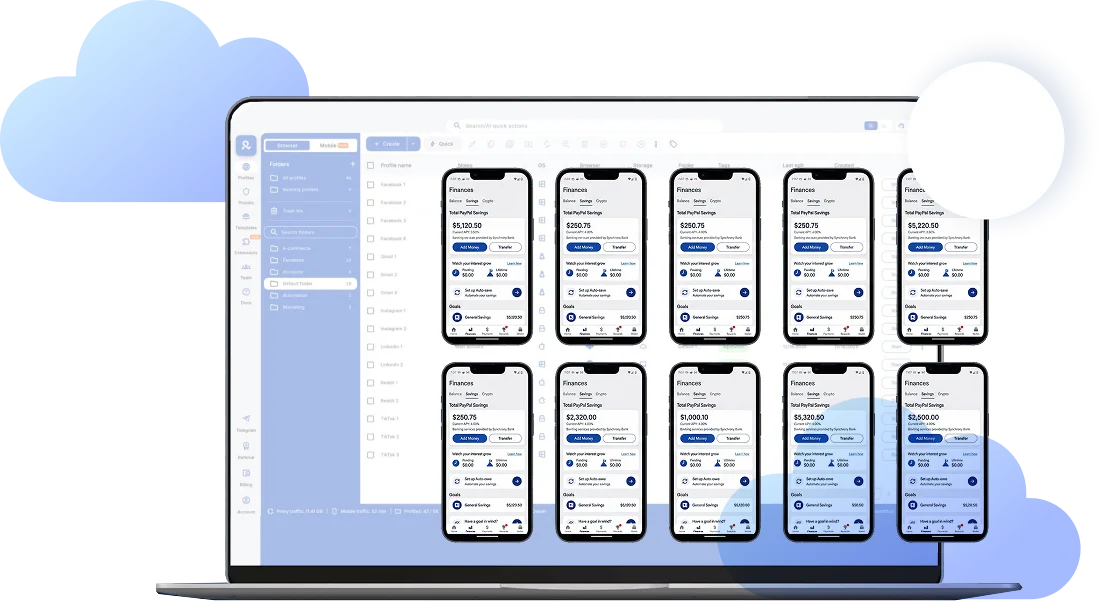
Log in and launch all your PayPal accounts side by side from one desktop workspace. Each account runs inside its own isolated Android cloud phone, keeping sessions separate and consistent while your workflow stays structured and easy to control.
Access PayPal without switching devices
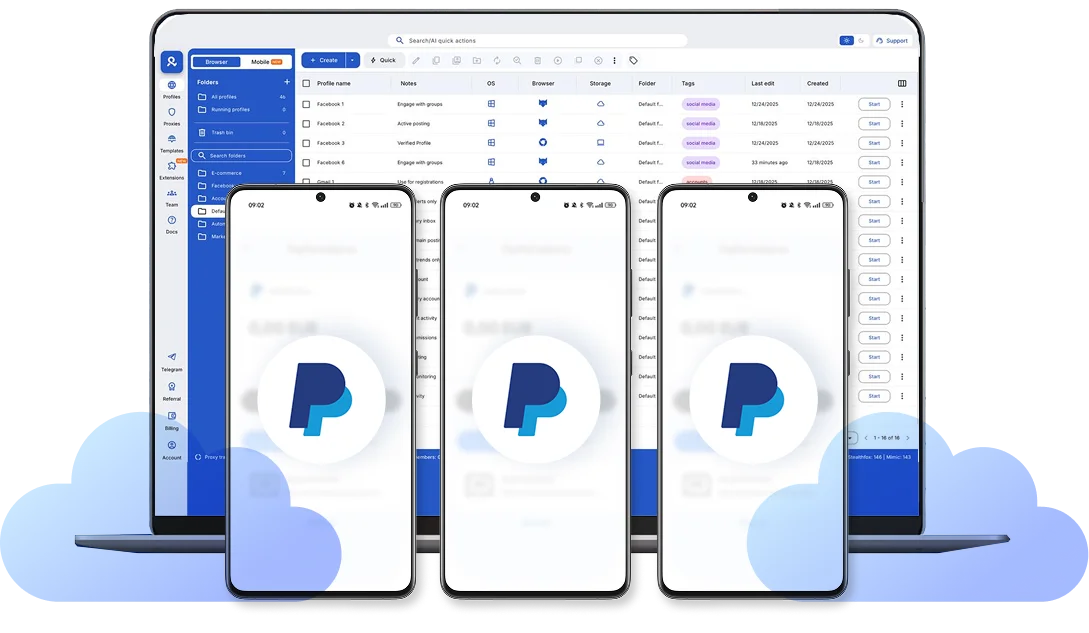
Access PayPal directly inside the mobile app on your Android cloud phones without relying on physical devices. Log in, verify, send payments, and manage account activity from one organized desktop workspace while keeping your sessions consistent and controlled.
Manage PayPal from the location you choose
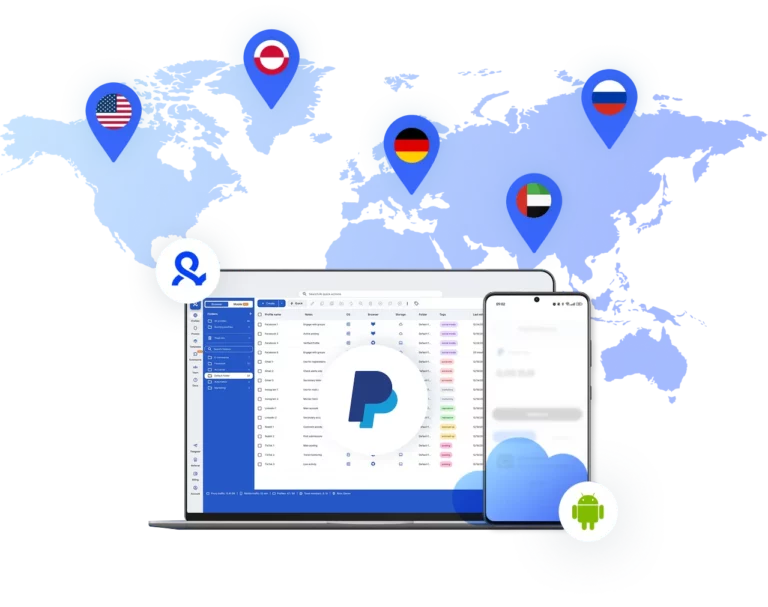
Choose the country or region you need and run PayPal from that location with access to 30M+ IPs across 195+ locations. Your cloud phone operates from the selected region, helping keep logins and account activity consistent over time.
Collaborate with your team on PayPal
Give team members controlled access to specific PayPal accounts and define permissions clearly. Keep responsibilities structured as your team grows, without sharing passwords or losing visibility over who does what.
Looking for cloud phones?
-
3-day access to Multilogin
-
5 cloud or local profiles
-
200 MB proxy traffic included
-
3-day access to Multilogin
-
5 cloud or local profiles
-
200 MB proxy traffic included
What are cloud phones?
Cloud phones are dedicated Android devices hosted in the cloud that run mobile apps like PayPal in separate environments. Each phone operates independently with its own device parameters and connection, keeping sessions isolated instead of mixed together. This allows you to access and manage PayPal in a controlled mobile environment without relying on physical devices.
Why choose Multilogin for cloud phone?
Multilogin cloud phones provide clear session separation at the device level, allowing each PayPal account to run in its own isolated Android environment. This setup supports consistent access, structured workflows, and better control without overlapping sessions or shared device signals.
Multilogin features for Cloud Phone management
Multilogin 2-in-1
Anti-detect browser profiles and cloud phones in one ecosystem. One app, one dashboard, full control.
Built-in proxy integration
Residential IPs are included by default. 150+ countries and 1,400+ cities with daily quality testing.
Up-to-date Android versions
Stable Android versions 10–15, fully compatible with modern mobile apps.
Real brands and devices
Support for 7 real Android device brands with unique IMEI and system-level digital fingerprints.
App repository
Install TikTok, Instagram, Reddit, and other popular apps without Google Play. APK uploads are also supported.
Folders, tags and access control
Organize profiles using folders, tags, and role-based access. Manage team workflows with ease.
Enterprise-grade security
Profile encryption, 2FA, access control, and compliance-ready security for safe operations.
Launch Real Android Devices in 60 Seconds
Install PayPal and start managing accounts. While your competitors spend days setting up physical phones.
Why Multilogin wins for Instagram
Fast and intuitive interface
Everything at your fingertips: drag-and-drop, hotkeys, and smooth multitasking without losing speed.
Browser built for multi-accounting
Advanced engine effectively avoids multi-account detection by creating unique browser fingerprints.
Created for team collaboration
Proxies included in every plan
24/7 support in 5 languages
Related solutions you might like
How to start using Multilogin cloud phone
Launch and manage real mobile environments in the cloud.

Sign up
Register using a verified email address.

Choose your plan
Select from various subscription plans tailored to your business needs.

Download Multilogin X app
Install the Multilogin desktop app to manage mobile sessions securely.

Access the Multilogin dashboard
Launch cloud phones, choose locations, and manage your mobile devices from one place.

Manage multiple cloud phone profiles
Set up and manage multiple cloud phone profiles using separate browser profiles with consistent identities.
Watch the Multilogin Demo
Get a 10-minute demo video on how Multilogin can help you easily build your database of cloud phone profiles while remaining undetected. Just fill in your name, last name and email below, and we’ll deliver the demo video directly to your inbox.
What is a cloud phone for PayPal and how does it work
Accessing PayPal from inconsistent environments is one of the most common reasons accounts face additional verification or temporary limitations. Frequent device changes, unstable IP addresses, and mixed browser sessions create signals that payment platforms treat as risk factors. This becomes even more important when you need to manage multiple PayPal accounts, where device overlap and location inconsistency can quickly trigger reviews. Over time, this pattern increases friction and slows down operations.
A cloud phone for PayPal is a dedicated Android device hosted in the cloud that allows you to access the PayPal mobile app from a stable, controlled environment. Instead of relying on your physical phone or switching between different laptops and networks, you log in from the same structured Android setup every time. This helps reduce inconsistencies in device and connection signals.
How cloud phones create a more stable PayPal environment
Payment platforms analyze more than just your password. They review device parameters, session history, IP reputation, and behavior patterns. When these elements constantly change, accounts are more likely to trigger security checks.
A cloud phone addresses this by keeping the environment consistent:
Each PayPal account runs inside its own isolated Android device
Device parameters remain stable between sessions
IP and location settings stay aligned
App data, cache, and login states are preserved
This structure reduces random login prompts and repeated identity checks. If an account does get limited, one of the first things to review is device and IP stability. Are you accessing from multiple machines? Are you rotating locations too often? A dedicated cloud phone removes those variables from the equation.
Best practices when using a cloud phone for PayPal
A cloud phone improves structure, but it still requires proper setup. The most effective workflows follow simple rules:
Assign one PayPal account to one cloud phone
Keep the same country and IP location for that account
Avoid logging into the same account from multiple environments
Do not mix unrelated accounts on the same device
If location matters for your operations, select the appropriate region during setup and keep it consistent. Sudden country shifts are a common trigger for extra verification.
Some platforms, such as Multilogin, combine Android cloud phones with built-in proxy infrastructure and unified dashboard management. This allows users to control device setup and location settings from one place instead of stitching together different tools. The key advantage is centralization and clarity, not complexity.
Consistency over time builds stronger trust signals than constant adjustments.
Why teams use cloud phones for PayPal access
For agencies and distributed teams, shared access is often the biggest risk factor. Password sharing, uncontrolled logins from different devices, and unclear responsibility can lead to device mismatches and security flags.
A structured cloud phone setup supports:
Controlled access to specific PayPal accounts
Clear permission management
Separation of sessions between team members
Central visibility over account activity
Instead of having several people logging into the same account from different laptops, each account can remain tied to a defined environment. This reduces confusion and limits unnecessary security checks.
Cloud phones are not about bypassing safeguards. They are about reducing inconsistency. Payment platforms value predictable patterns. When device signals, location, and session behavior remain aligned, PayPal access becomes easier to manage and more predictable over time.
FAQ
What is a cloud phone for PayPal?
A cloud phone for PayPal is a dedicated Android device hosted in the cloud that allows you to access the PayPal mobile app from a stable, controlled environment. Instead of using your physical phone or switching between different devices, you log in from the same Android setup each time, which helps maintain consistent device and session signals.
Is it safe to use a cloud phone for PayPal?
A cloud phone itself is simply a hosted Android device. Safety depends on how you use it. If you keep one PayPal account per device, maintain a consistent location, and avoid switching between multiple environments, you reduce the risk of triggering additional security checks. Poor setup, frequent IP changes, or mixed sessions can still cause issues.
Can I use multiple PayPal accounts with cloud phones?
Yes, but each PayPal account should run in its own isolated cloud phone. Mixing multiple accounts inside the same device increases the chance of session overlap and inconsistent signals. The recommended approach is one account per device with stable location and connection settings.
Do I still need proxies with a cloud phone?
If you need to operate from a specific country or region, location alignment is important. Some cloud phone platforms, such as Multilogin, include built-in proxy infrastructure so you can match the device location and IP from the same dashboard. The key factor is keeping IP and device signals consistent over time.

Will a cloud phone prevent PayPal limitations?
No solution can guarantee that an account will never face review. PayPal evaluates many factors, including transaction behavior and account history. A cloud phone helps reduce device and location inconsistencies, but proper account management, clean activity patterns, and compliance with PayPal policies remain essential.

Is a cloud phone better than using my personal device?
For occasional use, a personal device may be sufficient. However, if you need structured access, regional control, or team collaboration, a cloud phone offers more consistency. It separates business activity from personal devices and allows you to maintain a defined, repeatable environment for PayPal access.