







Twitter shadowbans can be a frustrating experience, especially if you rely on the platform to connect with your audience or promote your brand. If you’ve noticed a sudden drop in engagement or your tweets aren’t getting the visibility they used to, you might be experiencing a shadowban.
In this guide, we’ll look into what a Twitter/X shadowban is, how to identify it, and most importantly, how to fix or avoid it.
What is a shadowban on Twitter?
A shadowban on Twitter/X happens when your account or specific posts become harder to find without a direct notification from the platform.
Unlike a full ban, you can still tweet, like, reply, and interact with others. However, your content may not appear in search results, hashtags, recommendations, reply threads, or timelines the way it normally would.
Essentially, Twitter/X reduces your visibility, making it much harder for your content to reach a broader audience.
But how do you tell if you’re shadowbanned on Twitter or not?
The most common signs include a sudden drop in impressions, fewer replies, reduced engagement, and posts that don’t appear in search results when you check from another account or incognito mode.
What are the types of Twitter/X shadowbans?
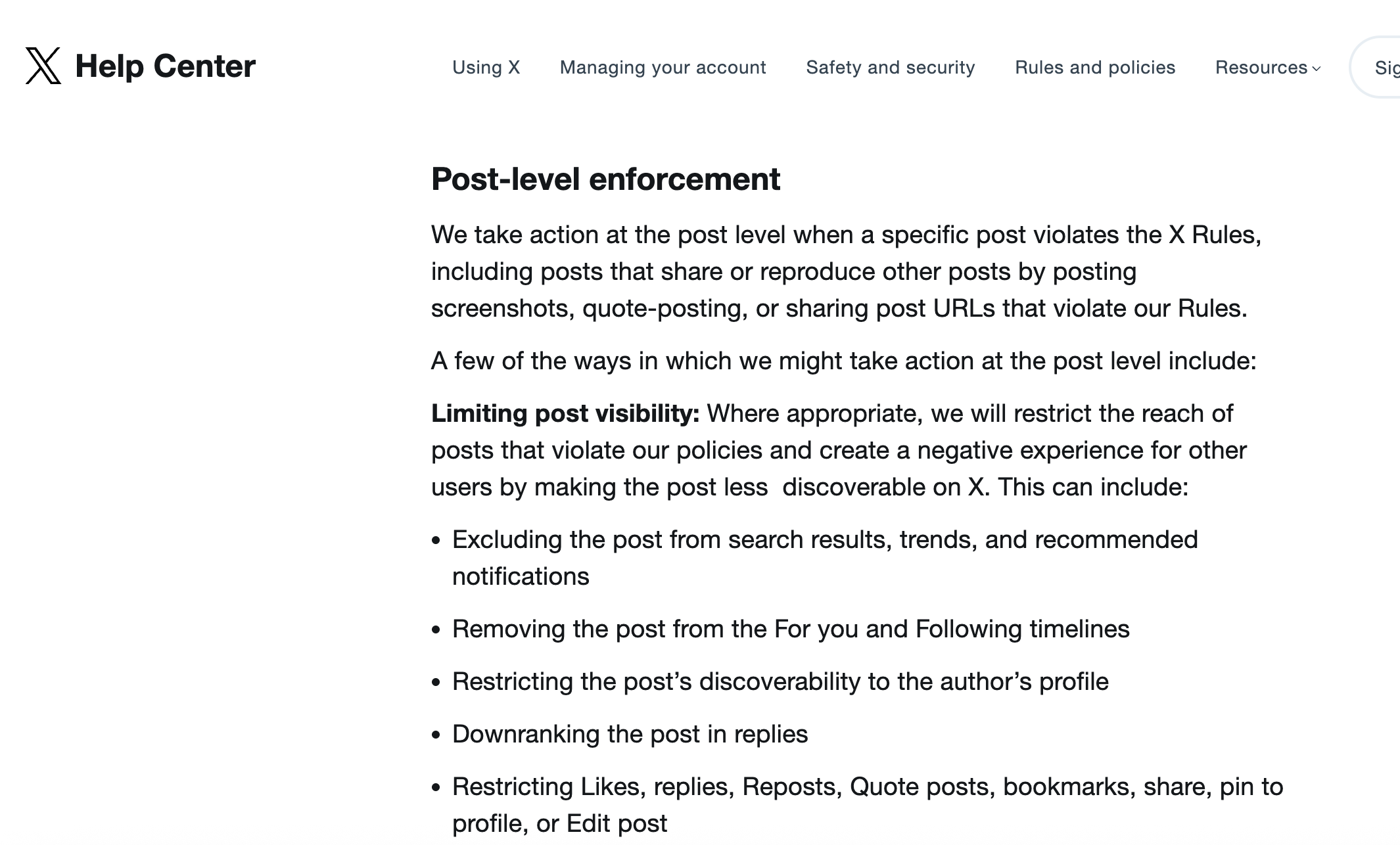
Not every shadowban looks the same. Sometimes your posts disappear from search. Sometimes your replies get pushed lower. Sometimes your account still works, but your content only gets seen by people who already follow you.
Here are the most common types of Twitter/X shadowbans users talk about:
Search ban
Your post does not appear in search results, even when users search for exact words from your tweet.
Hashtag ban
Your post does not show under the hashtags you used, even if the post is still visible on your profile.
Trends ban
Your post is excluded from trends, even if it uses a trending topic or hashtag.
Notification or recommendation filtering
Your post does not appear in recommended notifications or gets less visibility in recommendation systems.
Timeline deboost
Your post gets reduced visibility in the For You or Following timelines.
Profile-only visibility restriction
Your post can mostly be found only on your profile. This is close to what people usually call a ghost ban.
Reply deboosting
Your reply stays published, but it appears lower in reply threads or under “show more replies.”
Engagement restriction
X may restrict actions like likes, replies, reposts, quote posts, bookmarks, shares, pinning, or editing.
How do shadowbans work?
Twitter/X uses ranking, filtering, and safety systems to decide which posts appear in search, timelines, replies, notifications, and recommendations.
If your account looks spammy, automated, abusive, or inauthentic, your content may become less visible. This does not always mean your account is fully banned. In many cases, your account still works, but its reach drops.
This can happen when accounts repeatedly post duplicate content, abuse hashtags, send automated replies, post similar messages across multiple accounts, or engage with the same posts using several accounts.
In practice, your tweets may still be visible to you and your followers, but they may not be as discoverable to a wider audience.
How long do Twitter shadowbans last?
The duration of a Twitter shadowban can vary depending on what triggered it and whether the behavior continues.
Typically, shadowbans last anywhere from a few days to a couple of weeks. If the activity that caused the issue continues, the restriction may last longer or lead to stronger account enforcement.
Factors that influence the duration
The length of time a shadowban lasts depends on several factors, including:
The type of content you posted
Posts with spam, harmful links, offensive language, or policy-violating content may lead to longer restrictions.
Your posting frequency
A sudden spike in tweets, replies, likes, reposts, or follows can look unnatural.
Your account history
Accounts with repeated violations may experience longer restrictions.
Your use of automation
Bots, auto-replies, mass-follow tools, and aggressive third-party automation can increase risk.
Your activity across multiple accounts
Posting similar content across several accounts or using multiple accounts to engage with the same posts can look coordinated or spammy.
How to get rid of a Twitter shadowban?
If you suspect that you’ve been shadowbanned, there are steps you can take to fix the issue and restore your account’s visibility.
Step 1: Review and remove problematic content
Start by reviewing your recent tweets, replies, reposts, hashtags, and links.
Look for anything that might violate Twitter/X rules, such as:
- Duplicate or near-duplicate posts
- Too many hashtags
- Repeated links with little context
- Aggressive replies or mentions
- Offensive language
- Suspicious links
- Posts that target people who don’t interact with you
- Deleting or editing problematic content can help reset your account’s status.
Step 2: Reduce your posting frequency
If you’ve been tweeting excessively, take a step back.
Avoid rapid posting, mass replies, aggressive liking, and large follow/unfollow activity. Giving your account a short break for a few days can help it look more natural again.
Step 3: Stop automation
Avoid bots, auto-replies, mass engagement tools, and third-party automation that could look manipulative.
Automation is one of the fastest ways to make an account look suspicious, especially when it creates duplicate replies, repeated posts, or bulk engagement.
Step 4: Engage genuinely with your audience
Focus on interacting with your followers in a natural, genuine way.
Reply to relevant conversations, avoid generic comments, and don’t use several accounts to push the same post. Authentic engagement can help restore your account’s credibility over time.
Step 5: Secure your account
Check whether any unknown apps have access to your Twitter/X account.
Remove suspicious third-party apps, change your password, and enable two-factor authentication. If your account was compromised, strange activity could trigger restrictions.
Step 6: Appeal to Twitter/X Support
If you believe the shadowban is unjust, you can reach out to Twitter/X Support to appeal the restriction.
Explain your situation clearly and provide any relevant context. Keep in mind that getting a response might take some time.
How to check if your account is shadowbanned on Twitter?
Determining whether your account is shadowbanned can be tricky because X does not provide a public “shadowban status” button.
Still, there are a few methods you can use.
Use a Twitter shadowban tester
Several online tools, known as Twitter shadowban testers, claim to check whether your account or specific tweets are hidden from search results, hashtags, or reply threads.
These tools can be useful for a quick check, but don’t rely on them fully. They are not official X tools and may not understand every ranking or filtering system X uses.
Perform a manual check
Log out of your Twitter/X account or open an incognito window.
Then search for your username, exact post text, or hashtags you used. If your tweets don’t appear in search results or hashtag feeds, it may be a sign that your visibility is limited.
Ask someone who doesn’t follow you to check
Ask a friend or teammate to search for your profile, posts, replies, and hashtags from their own account.
This can help you understand how your content appears to non-followers.
Check reply visibility
Reply to a public post and ask someone else to check where your reply appears.
If your reply is pushed far down or hidden under “show more replies,” your replies may be deboosted.
Common reasons for Twitter shadowbans
Understanding what causes shadowbans can help you avoid them in the future.
Here are some common triggers:
Spammy activity
Engaging in spammy behavior, such as excessive tweeting, liking, replying, reposting, or following, can trigger visibility limits.
Duplicate content
Posting the same message repeatedly or sharing near-identical posts across multiple accounts can make your activity look low-quality or coordinated.
Offensive or inappropriate content
Tweets that include hate speech, threats, harassment, scams, misleading media, or harmful links can lead to stronger account restrictions.
Automated behavior
Using bots or third-party automation tools to increase engagement can flag your account as suspicious.
Hashtag abuse
Using unrelated trending hashtags just to get attention can hurt your account’s reach.
Aggressive following and unfollowing
Following and unfollowing many accounts in a short time can look like follower growth manipulation.
Similar posts across multiple accounts
Posting the same content across several accounts can make your accounts look coordinated, especially if they engage with the same posts or hashtags.
How to prevent future shadowbans
Prevention is the best cure when it comes to shadowbans. Here are some tips to help you avoid future visibility issues.
Follow Twitter/X guidelines
Adhere to Twitter/X rules, especially when it comes to content, replies, hashtags, automation, and account interactions.
Familiarize yourself with the platform’s standards so you don’t accidentally trigger visibility limits.
Avoid automation
Refrain from using bots or automation tools that could be perceived as manipulative.
Focus on organic growth and authentic engagement with your audience.
Maintain consistent activity
Try to maintain a consistent level of activity on your account. Avoid drastic changes in your posting frequency, likes, replies, reposts, or follows, as this can raise red flags with Twitter/X systems.
If you manage several Twitter/X accounts, keep each account’s activity natural and separate. Don’t post the same content across multiple accounts, reuse the same hashtags everywhere, or use several accounts to engage with the same posts. X may treat this as coordinated or spammy behavior.
Also, avoid using the same setup to bypass account limits or enforcement actions. X collects signals like IP address, browser type, device information, cookies, and log data for safety and anti-spam purposes. These signals may create extra risk when they appear together with duplicate content, automation, or coordinated account activity.
How can Multilogin help during this process?
If you manage several Twitter/X accounts for clients, brands, or regional campaigns, the goal is not to “trick” the platform. The goal is to keep every account organized, consistent, and separate, so your workflow does not look messy or coordinated.
This matters because X may limit accounts that post similar content across multiple accounts, engage with the same posts, abuse of hashtags, or use automation in a way that affects how content is discovered. X also collects signals like IP address, browser type, device information, cookies, location, and log data for safety and anti-spam purposes.
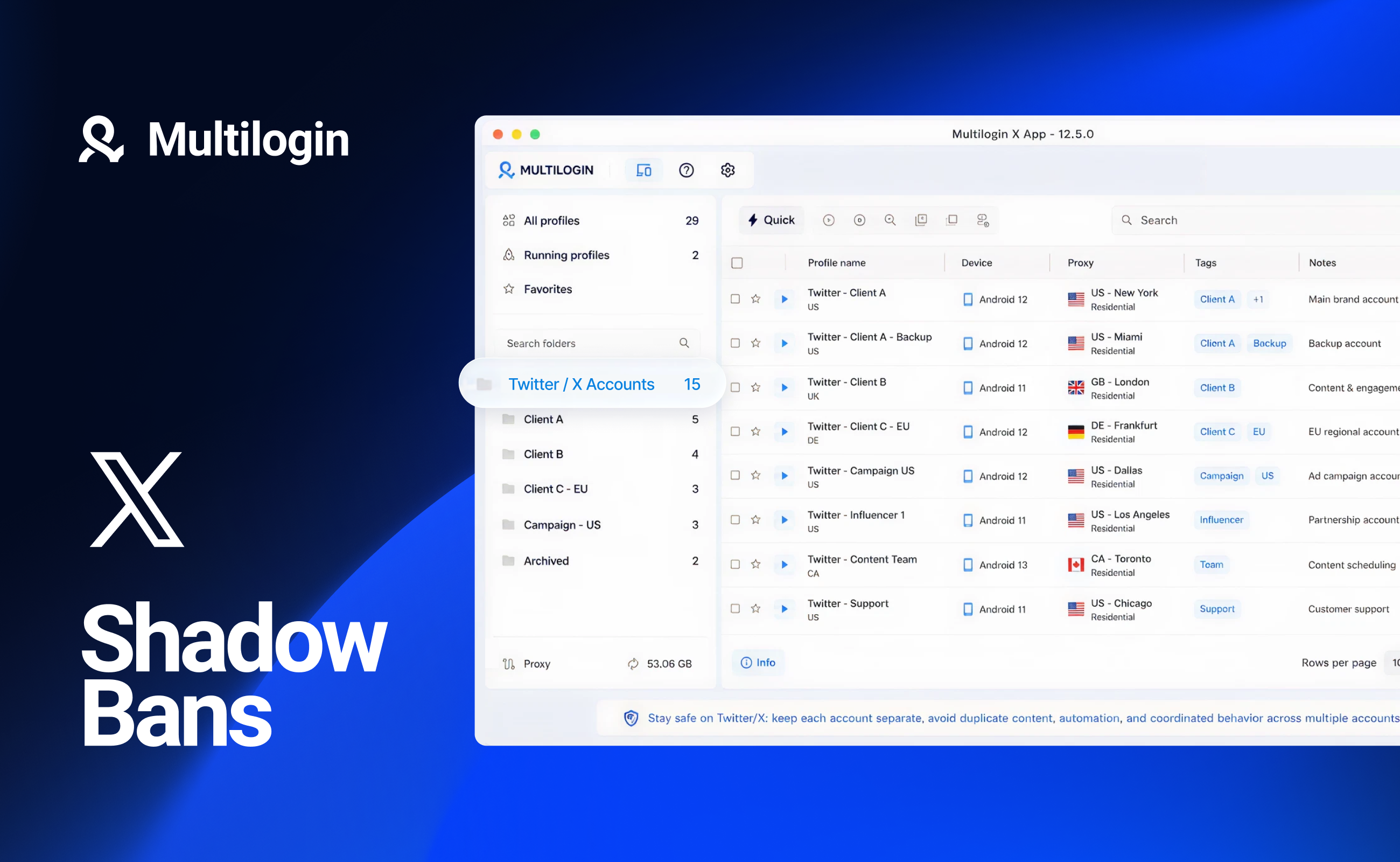
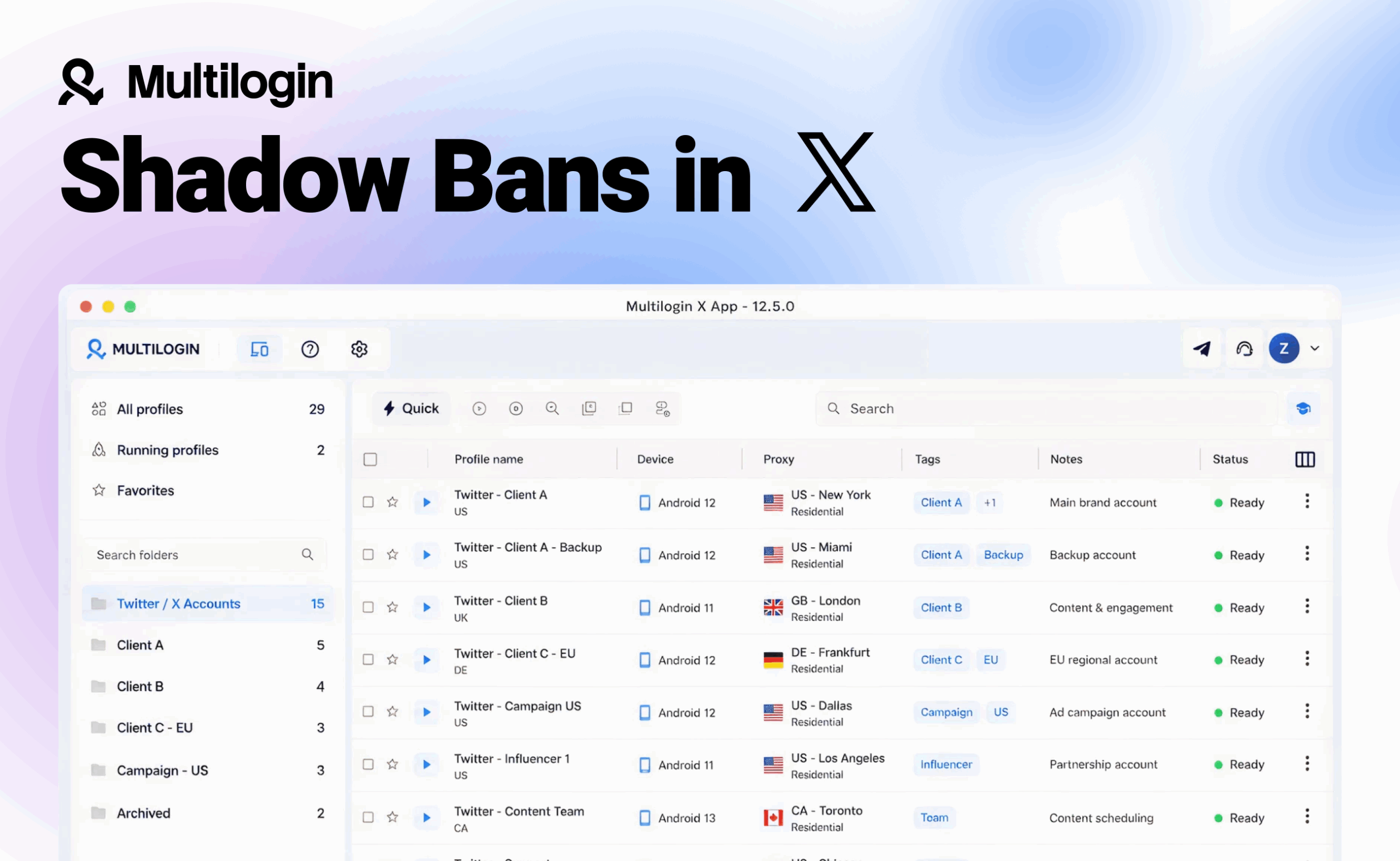
Multilogin cloud phones can help social media teams keep mobile-first account workflows cleaner. Each cloud phone works as a separate Android environment, so you can manage accounts without switching between physical devices or mixing sessions on the same setup.
This can be useful when you manage accounts for different brands, locations, or campaigns. Instead of logging in and out of many accounts from one device, you can keep each account in its own cloud phone profile with its own session, app data, and setup.
For example, if you manage Twitter/X together with Instagram, TikTok, Reddit, or Facebook, cloud phones for social media management can help you keep each account workflow more organized from one dashboard.
Still, cloud phones are not a shortcut around Twitter/X rules. You should avoid duplicate posts, mass engagement, fake interactions, and similar content across multiple accounts. The safest strategy is to combine clean account separation with natural posting, real engagement, and consistent activity.
What does Twitter/X say about shadowbans?
Twitter has officially stated that it does not shadow ban users in the strict sense of the term.
In its official explanation on shadow banning, Twitter defines shadow banning as deliberately making someone’s content undiscoverable to everyone except the person who posted it, without letting that person know.
Twitter says it does not do this. The platform explains that users should still be able to see posts from accounts they follow, although they may sometimes need to visit the account’s profile directly to find them.
However, Twitter/X also makes it clear that not all content appears equally in search results. According to its search rules and restrictions, X filters search results to keep them relevant and may remove low-quality posts or accounts from search if they create a poor search experience.
This can happen when accounts repeatedly post duplicate or near-duplicate content, abuse hashtags or trending topics, send automated posts or replies, post similar messages across multiple accounts, or aggressively follow and unfollow people.
X’s ranking systems also use different signals to decide which results appear in search. These may include engagement, relevance, account signals, post quality, user interactions, spam reports, blocks, and how closely the post matches the search query.
This means Twitter/X does not usually describe reduced visibility as a shadowban. Instead, it presents it as part of its ranking, filtering, and safety systems.
In practice, an account may still be active, and followers may still receive its updates, but its posts, replies, profile, or search suggestions may become harder to find.
Twitter also confirmed in the past that some accounts were affected by a search auto-suggestion issue. These accounts did not appear in search suggestions even when users searched for their names. Twitter said this issue affected hundreds of thousands of accounts, was not limited to politics or geography, and was later resolved.
You can also review the X Privacy Policy to understand what information X collects, including IP address, browser type, device information, cookies, and log data.

