


Manage Kwai with multiple cloud phones
Install the native Kwai app on cloud phones. Earn through referrals, publish content, and engage with your audience at scale.
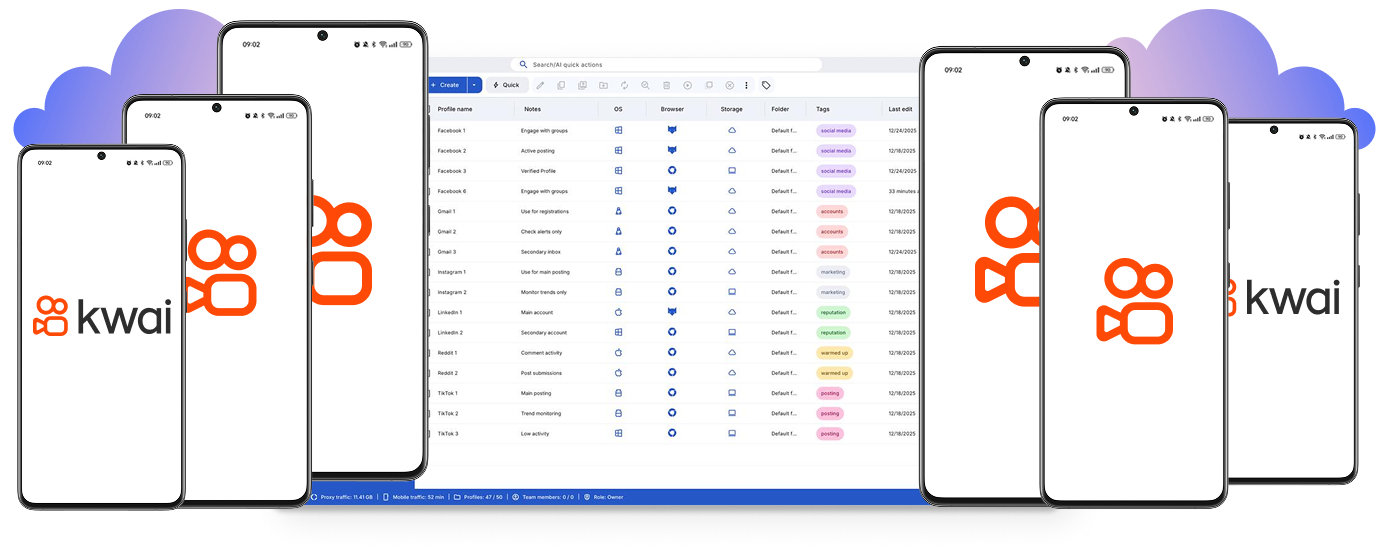
Run multiple Kwai accounts from one place
Sign in to Kwai on multiple cloud phones in parallel. Multiply your setup without physical phones. Organize your cloud phones with tags and notes.
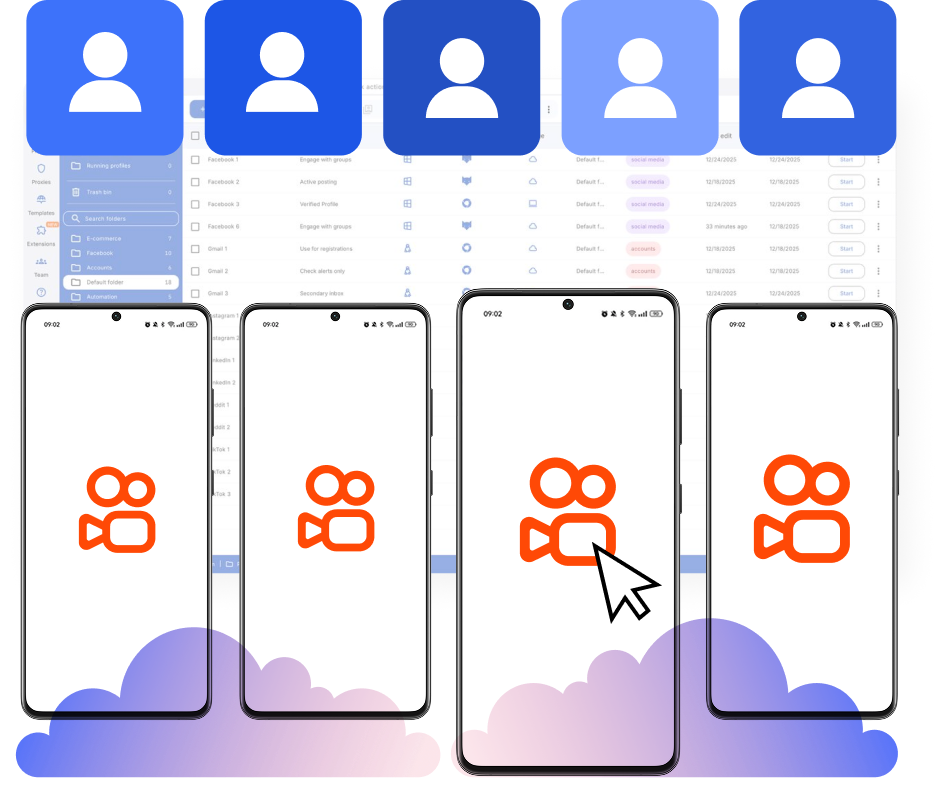
Earn more on Kwai rewards with hundreds of cloud devices
Get rewards and post content on Kwai accounts without system flags, VPNs, or separate physical devices.
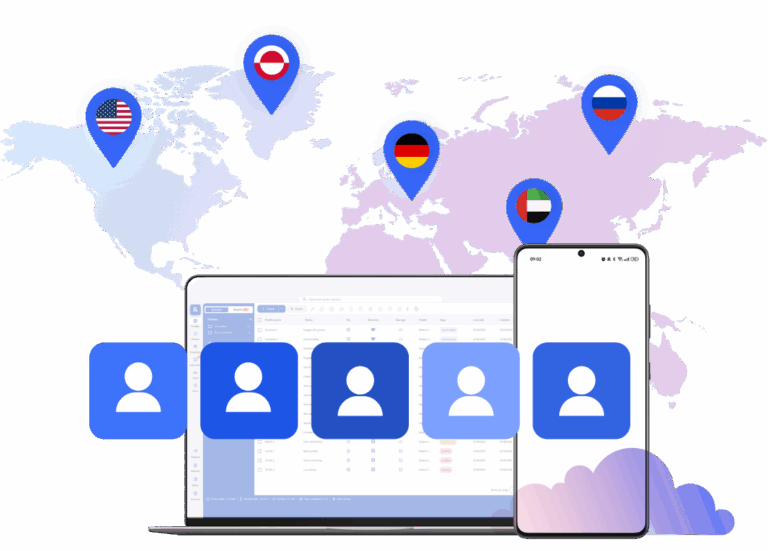
Connect cloud phones with Kwai installs without geo restrictions
Get access to 150 locations for your Kwai accounts. Manage accounts with a consistent connection using mobile proxies.
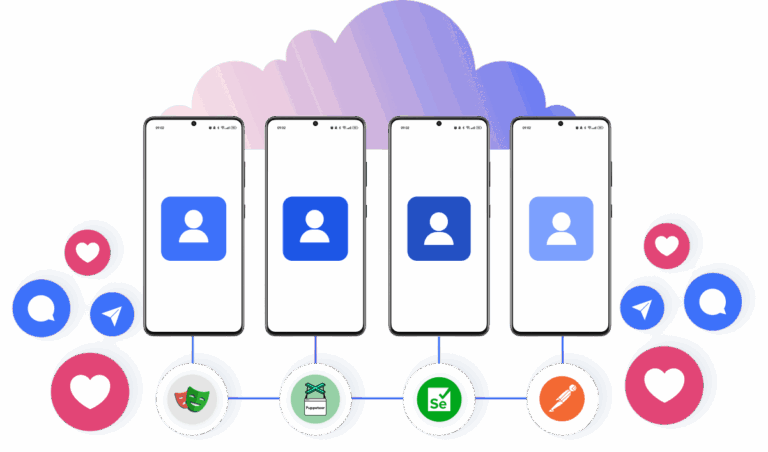
Collaborate on Kwai with cloud phones
Share cloud devices, set team roles, and manage Kwai accounts together to boost results.
Grow your social media accounts with Multilogin cloud phones
-
Unlimited time
-
Mobile and browser profiles included
-
Free built-in proxies & mobile minutes
-
Unlimited time
-
Mobile and browser profiles included
-
Free built-in proxies & mobile minutes
What are cloud phones?
Cloud phones are Android devices hosted in the cloud that let you run multiple accounts. Each account operates on its own device with unique parameters, isolated app data, and stable sessions. Using cloud phones ensures secure, scalable account management across platforms.

Why choose Multilogin for Kwai management
Multilogin lets you install the Kwai app on cloud phones through a beginner‑friendly platform. Get Android cloud phones with unique device IDs and persistent mobile sessions for managing accounts, posting content, and participating in Kwai reward programs.

Multilogin features for cloud phone management
Multilogin 2-in-1
Anti-detect browser profiles and cloud phones in one ecosystem. One app, one dashboard, full control.
Built-in proxy integration
Residential IPs are included by default. 150+ countries and 1,400+ cities with daily quality testing.
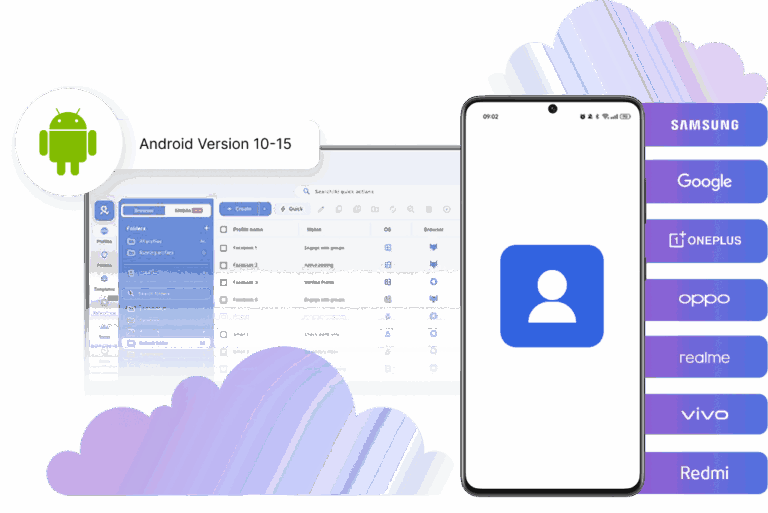
Up-to-date Android versions
Stable Android versions 10–15, fully compatible with modern mobile apps.
Real brands and devices
Support for 7 real Android device brands with unique IMEI and system-level digital fingerprints.
App repository
Install TikTok, Instagram, Reddit, and other popular apps without Google Play. APK uploads are also supported.
Folders, tags and access control
Organize profiles using folders, tags, and role-based access. Manage team workflows with ease.
Enterprise-grade security
Profile encryption, 2FA, access control, and compliance-ready security for safe operations.
Launch real android devices in 60 seconds
Install Kwai and start managing accounts. While your competitors spend days setting up physical phones.
Why Multilogin wins for Kwai
Fast and intuitive interface
Everything at your fingertips: drag-and-drop, hotkeys, and smooth multitasking without losing speed.
Browser built for multi-accounting
Advanced engine effectively avoids multi-account detection by creating unique browser fingerprints.
Created for team collaboration
Proxies included in every plan
24/7 support in 5 languages
How to start using Multilogin cloud phone
Launch and manage real mobile environments in the cloud.

Sign up
Register using a verified email address.

Choose your plan
Select from various subscription plans tailored to your business needs.

Download Multilogin
Install the Multilogin desktop app to manage mobile sessions securely.

Access the Multilogin dashboard
Launch cloud phone, assign proxies, create tags and folders for your profiles

Manage multiple cloud phone profiles
Sign in to your Kwai accounts and manage them with cloud phones
Making Kwai work for you: Using Multilogin cloud phones
Kwai is a big short-video app. Lots of people use it to make money. If you’re a social media marketer, you probably want to do more on Kwai. But the usual ways can be slow.
This guide shows how Multilogin, teamed up with cloud phones, can change that. It helps you handle many accounts easily and earn more.
Why Multilogin cloud phones are a game-changer for Kwai
Think of cloud phones as your new, super real mobile devices. They act like unique, actual phones, all inside a separate Android system. This is huge because it means you’re running native mobile apps, not just emulators. You don’t need physical phones at all!
This capability is vital for keeping your accounts safe and getting around platform rules that often stop you from running many accounts. Plus, you get one cloud phone per account, making sure each mobile account has its own consistent device setup. You can also install any app you need from the built-in store or by uploading APKs – just like on a real phone. Forget about managing a stack of physical devices.
Getting more referral rewards with Multilogin cloud phones
Kwai has an invite program. You get paid for bringing new, active users to the app. You can earn $5 to $10 for each person, depending on where you are. To really make this work, you need a plan:
- Start with your main account.
- Grab your special referral link or code.
- Sign up new users using your cloud phones.
- Help each new user finish their first tasks.
- Then, get your referral money.
Multilogin cloud phones are key here. Each fake phone looks like a brand-new device. It has its own ID and a fresh Android setup. So, every new sign-up looks totally real. Multilogin’s smart tools make sure each virtual profile is different. This helps you avoid getting caught and makes sure you get paid. A big plus is persistent app sessions: your app data, cache, and logins are saved between sessions. This helps your accounts warm up naturally, making them look even more real to Kwai.
Earning more from daily missions and watch rewards
Kwai wants you to use their app. They give out Kwai Gold coins for things like watching videos, liking posts, commenting, checking in daily, and sharing stuff. You can turn these coins into real cash. To earn a lot, people often run many accounts, all doing these daily tasks.
Multilogin cloud phones make this easy. You can run many Android sessions at the same time. Each one has its own unique digital fingerprint, all managed by Multilogin. This means you can do daily missions on 20, 100, or even more accounts. You’ll pile up Kwai Gold much faster, and each account stays separate and safe. The persistent app sessions also help here, as your accounts stay logged in and warmed up, making daily tasks smoother and more believable.
Boosting creator campaign earnings
Kwai often runs programs for creators. They pay you for posting videos or joining special campaigns. This could be ad money, paid jobs from brands, live gifts, or marketplace deals. If you want to grow your creator income, you need to manage many creator accounts across different devices and places.
Multilogin cloud phones are perfect for this. They can pretend to be different creators. Each one has its own device and setup, all handled within Multilogin’s secure profiles. This lets you manage tons of creator profiles. You can join more campaigns and earn more from different programs. And every profile keeps its own unique digital identity. The full app compatibility means you can use all the Kwai creator tools just like on a real phone.
Unlocking region-specific money-making opportunities
Some ways to earn money on Kwai aren’t available everywhere. People in certain areas might need a location trick to get to these programs. Good news: Multilogin, with cloud phones, helps you get around these limits. You don’t need a VPN at all because Multilogin has built-in proxies from 150 locations. Here’s how it usually works:
- Use a Multilogin cloud phone: This gives you a dedicated Android system.
- Connect to a proxy for that region: Multilogin handles this right in its profiles. With location-based connections, you just choose a region for each account, and the built-in proxies (from 150 locations) handle the connections automatically.
This setup makes it seem like each Multilogin cloud phone session is coming from the right place. So, you can unlock those region-specific earning chances. Plus, you stay private and in control.
A simple way to farm Kwai rewards
Here’s a common and effective way to scale your Kwai efforts:
- Get Multilogin cloud phones: Rent a bunch of virtual Android devices. Multilogin manages them.
- Install Kwai: Put the Kwai app on each cloud phone. Remember, you have full app compatibility.
- Set up region-matching proxies: In Multilogin, make sure each device has an IP address for the right region. Location-based connections, powered by Multilogin’s 150 built-in proxy locations, make this super easy.
- Create accounts: Sign up for new Kwai accounts on each cloud phone. Multilogin’s profile tools help a lot here, and you get one cloud phone per account.
- Do your activities: Run referral installs, daily missions, and post content. Each account keeps its own unique digital identity, and persistent app sessions help keep them active.
- Take out your money: Collect your earnings. Multilogin’s separate and secure profiles make sure everything is safe.
This process is similar to how people succeed on other platforms with reward programs, like CapCut templates, TikTok Lite referrals, and Temu invites.
Why Kwai is great for this strategy
Kwai is special. A few things make it really good for people who want to grow accounts and farm rewards:
- Easier to start earning: It’s simpler to make money on Kwai compared to some other apps.
- Not just for big influencers: Anyone can earn, not just those with huge followers.
- Direct referral payments: The invite program gives you cash directly for bringing in new users.
- Daily mission rewards: You get Kwai Gold for using the app every day, and you can turn it into cash.
All these things together make Kwai a perfect place to boost your earnings. Using Multilogin cloud phones and their smart multi-account tools makes it happen.
Multilogin cloud phones: How they work
Multilogin makes cloud phones even better. It gives you advanced tools to manage browser fingerprints. Cloud phones give you separate Android systems. But Multilogin makes sure each virtual profile has a unique digital fingerprint. This makes it look like a real, different user. This is super important to avoid getting detected and to keep your many accounts running for a long time. You can change lots of browser and device settings in Multilogin.
This makes each profile even more separate and real. It’s an all-in-one platform: you get cloud phones plus a leading antidetect browser in one dashboard. This means you have access to a full-capacity antidetect browser with every cloud phone purchase. Plus, you can manage both mobile and web accounts in one dashboard.
The bottom line
If you’re a social media marketer and want to earn more on Kwai, using cloud phones with Multilogin is a powerful answer. This way, you can easily scale up referral programs, daily mission farming, and creator campaigns. You can also get around those tricky region-specific earning rules.
By giving each account a real, unique digital identity, this plan helps you manage many accounts well and keep growing on Kwai. And with usage-based pricing, you can top up minutes anytime from €0.009 per minute, and unused minutes roll over with an active subscription, making it flexible for your needs.
FAQ
What are cloud phones for Kwai?
Cloud phones are virtual Android devices that run in the cloud but behave like real smartphones. They allow you to install and use the Kwai app exactly like on a physical phone.
Using Multilogin cloud phones for Kwai means every account runs on its own isolated Android system with a unique device ID. This makes each account look like it belongs to a real user with a real phone.
With Multilogin cloud phones for Kwai, you can safely manage many accounts, install apps normally, and avoid the need to buy and maintain dozens of physical devices.
Why are Multilogin cloud phones better than Android emulators for Kwai?
Emulators often get detected because many accounts share similar device fingerprints and system patterns. Platforms like Kwai can recognize this quickly.
Multilogin cloud phones for Kwai are different. They run full Android systems with unique device IDs and isolated environments. Multilogin also adds advanced fingerprint management so every device looks unique.
This makes Multilogin cloud phones for Kwai a more reliable solution for running multiple accounts, scaling reward strategies, and keeping accounts active for longer.
Can I run multiple Kwai accounts safely?
Yes. Running multiple accounts is possible when each account has its own device environment.
Multilogin cloud phones for Kwai give you one dedicated cloud phone per account. Each one has a separate Android system, device identity, and persistent session.
Because Multilogin cloud phones for Kwai isolate accounts completely, your activities stay separated and easier to manage from a single dashboard.
How do Multilogin cloud phones help with Kwai referral programs?
Referral programs require new installs and new users that look authentic to the platform.
Multilogin cloud phones for Kwai allow every new account to appear as if it comes from a completely different phone. Each cloud phone has its own device ID and profile configuration.
This means Multilogin cloud phones for Kwai help scale referral programs while keeping sign-ups realistic and less likely to trigger platform restrictions.
Can I automate daily Kwai missions using cloud phones?
Daily missions like watching videos, liking posts, commenting, and checking in help you earn Kwai Gold coins. With Multilogin cloud phones for Kwai, you can run many Android sessions at the same time. Each account works in its own separate device, so activities stay stable and organized.
Multilogin cloud phones for Kwai also support automation tools like Puppeteer, Playwright, and Postman. These tools help automate repetitive tasks across many accounts. You can also use AI Quick Actions in Multilogin to run simple actions faster without complex scripts.
Because of this, Multilogin cloud phones for Kwai are one of the easiest ways to scale daily missions and reward farming.
Do Multilogin cloud phones keep Kwai accounts logged in?
Yes. One of the key benefits is persistent sessions.
Multilogin cloud phones for Kwai store app data, cookies, cache, and login sessions. When you reopen the cloud phone, your Kwai account continues exactly where it left off.
This persistence makes Multilogin cloud phones for Kwai ideal for long-term account management and natural account warm-up.
Can I access region-specific Kwai reward programs?
Some Kwai monetization programs only work in specific regions. Multilogin cloud phones for Kwai include built-in proxies from over 150 locations. You can assign a region to each cloud phone profile directly in the dashboard.
Because Multilogin cloud phones for Kwai combine device identity and location matching, accounts appear as if they operate from the correct region.
Can I install any Android app on Multilogin cloud phones?
Yes. Multilogin cloud phones for Kwai support full Android app installation. You can install apps from the store or upload APK files just like on a regular phone.
This allows Multilogin cloud phones for Kwai to work not only for Kwai but also for other apps used in reward ecosystems and social media growth strategies.
How many Kwai accounts can I manage with Multilogin cloud phones?
The number depends on how many cloud phones you run. Each cloud phone corresponds to one account.
Multilogin cloud phones for Kwai allow you to scale from a few accounts to dozens or hundreds depending on your needs.
Because every account runs on its own isolated device, Multilogin cloud phones for Kwai help maintain stability even when managing large operations.
Is Multilogin beginner-friendly for Kwai account management?
Yes. Multilogin is designed to be accessible even for users who are new to multi-account management.
Multilogin cloud phones for Kwai provide a single dashboard where you can launch devices, manage profiles, connect proxies, and control sessions.
This makes Multilogin cloud phones for Kwai a practical starting point for marketers and creators looking to scale their Kwai operations.
Why is Multilogin considered the best cloud phone solution for Kwai?
Running multiple Kwai accounts requires device isolation, stable sessions, and identity protection.
Multilogin cloud phones for Kwai combine real Android cloud phones, advanced fingerprint technology, built-in proxies, and persistent sessions in one platform.
Because of this combination, Multilogin cloud phones for Kwai provide one of the most complete and reliable setups for scaling Kwai strategies safely and efficiently.
