


Manage multiple Android phones
Log in to your accounts with Multilogin Android phones. Run multiple Android phones for TikTok, Instagram, and Reddit without physical devices or extra tools.
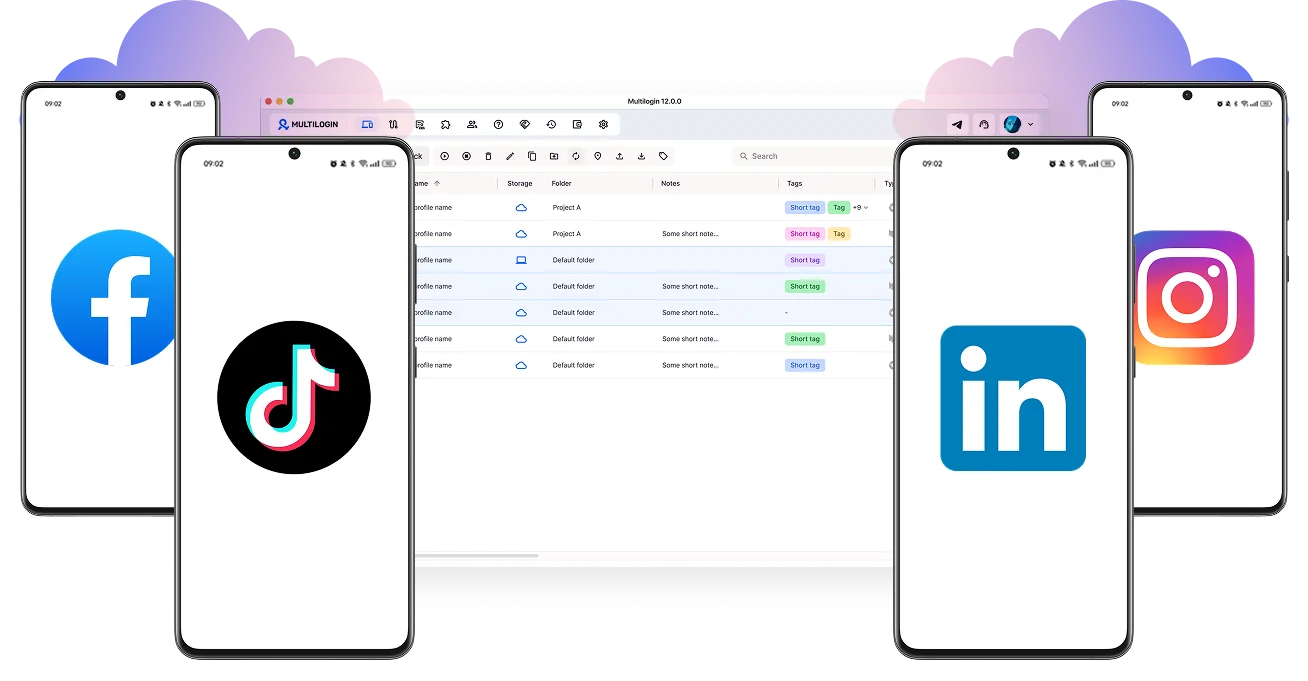
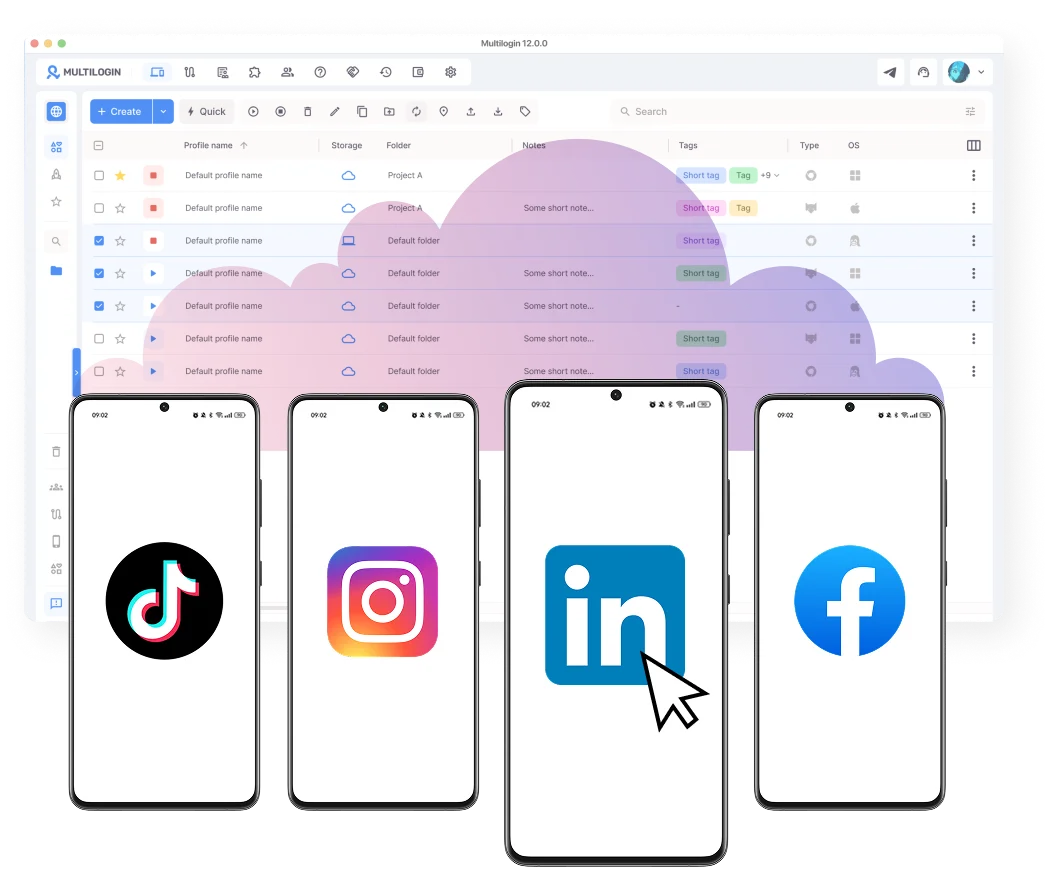
Connect multiple Android phones
Create folders, add tags, and add notes for Android phones. Connect multiple Android phones to run your accounts via mobile apps.
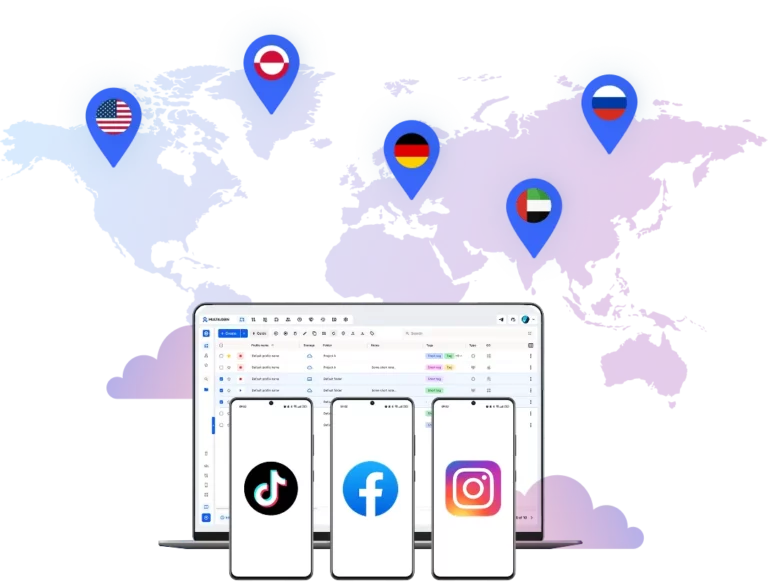
Access Android devices from anywhere in the world
Select from 150+ locations for your cloud Android phones to match specific audiences and operate accounts using real mobile and residential proxies.
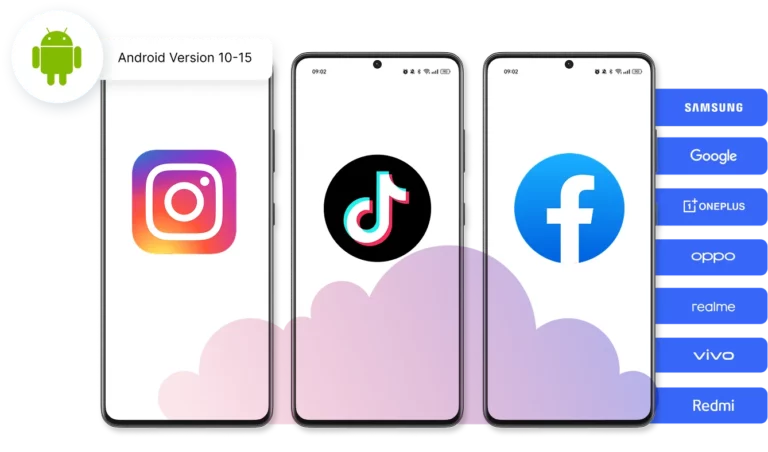
Pair a unique cloud phone with each account
Customize your cloud phones to fit your needs. Choose from 12+ real device brands (Samsung, Google, and more).
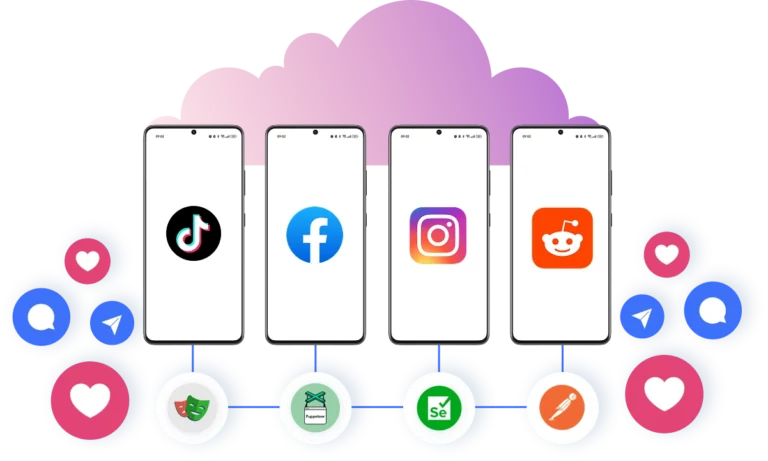
Reduce manual work and automate Android phones
Automate posts, likes, and comments using custom scripts with multiple Android phones. Increase outreach results and scale your workflows more efficiently.
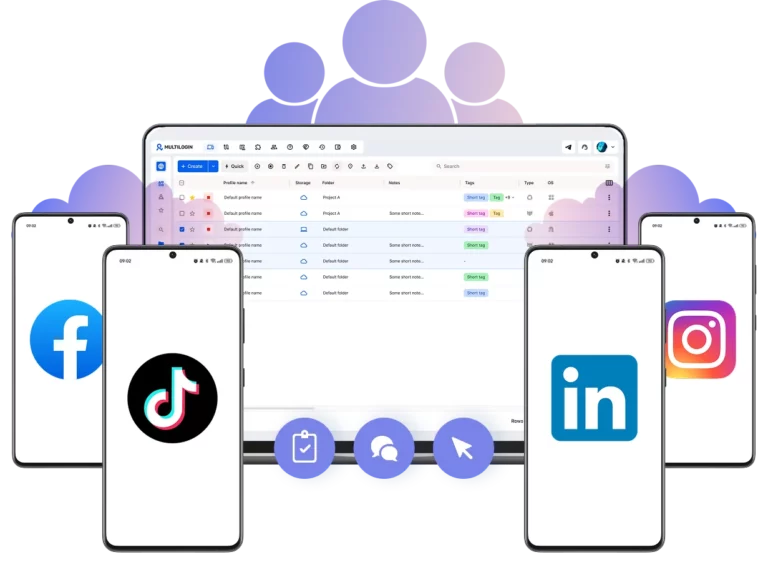
Collaborate with multiple Android phones
Work together on cloud Android phones to manage multiple mobile accounts. Invite team members, share access, and manage everything from a single dashboard.
Grow your social media accounts with Multilogin cloud phones
-
Unlimited time
-
Mobile and browser profiles included
-
Free built-in proxies & mobile minutes
-
Unlimited time
-
Mobile and browser profiles included
-
Free built-in proxies & mobile minutes
What are cloud Android phones?
Cloud Android phones are Android devices hosted in the cloud. Each phone runs independently with its own storage, device identity, and apps, just like a physical Android phone but without real hardware.

Why choose Android phones in Multilogin?
Multilogin provides Android phones, built-in proxies, and browser profiles for social media management. You get everything out of the box to grow your accounts on platforms like TikTok, Reddit, and Instagram.

Multilogin features for Cloud Phone management
Multilogin 2-in-1
Browser profiles and Android cloud phones in one platform. One dashboard, full control over all your accounts. Built for multi-accounting at any scale.
Built-in proxy integration
Residential IPs included in every plan — no extra cost. Access 30M+ IPs across 150+ countries and 1,400+ cities, tested daily for quality and reliability.
Up-to-date Android versions
Stable Android versions 10–15, fully compatible with modern mobile apps.
Real brands and devices
Support for 12 real Android device brands with unique IMEI and system-level digital fingerprints.
App repository
Install TikTok, Instagram, Reddit, and other popular apps without Google Play. APK uploads are also supported.
Folders, tags and access control
Organize profiles using folders, tags, and role-based access. Manage team workflows with ease.
Enterprise-grade security
Profile encryption, 2FA, access control, and compliance-ready security for safe operations.
One-click launch of multiple Android phones
Start Android phones in the cloud instantly and install any apps without physical devices.
Multilogin competitive advantages
Fast and intuitive interface
Everything at your fingertips: drag-and-drop, hotkeys, and smooth multitasking without losing speed.
Browser built for multi-accounting
Advanced engine effectively avoids multi-account detection by creating unique browser fingerprints.
Created for team collaboration
Proxies included in every plan
24/7 support in 5 languages
How to start using Multilogin cloud phone
Launch and manage real mobile environments in the cloud.

Sign up
Register using a verified email address.

Choose your plan
Select from various subscription plans tailored to your business needs.

Download Multilogin
Install the Multilogin desktop app to manage mobile sessions securely.

Access the Multilogin dashboard
Create mobile profiles and configure proxies

Manage multiple cloud phone profiles
Log in to your accounts using Android phones and manage your social media
Why people love Multilogin

Ha D.
Social Media Marketing Retail

Nino Latif

Stanislav K.
Marketing Manager

Elen S.
Marketing Manager

Hamza Arif
E-commerce Manager


Nick Horvath
Marketing agency
Watch the Multilogin Demo
Android phones: Guide to multiple Android phones for multi-account management
Scaling a social media operation comes down to one thing: having the right setup for managing multiple accounts without them getting linked or flagged. For most marketers, that means Android devices. They run native apps, support real device identifiers, and give you the kind of genuine mobile environment that platforms trust.
But managing a growing stack of physical Android phones gets complicated fast. The charging, the space, the maintenance, and the cost all add up. This guide breaks down how to choose the right devices, manage them effectively, and scale your operation without the hardware headaches.
How to choose the right hardware for scale on social media
When you need to manage Android devices at scale, the type of phone matters. Many marketers start by buying a stack of cheap Android phones. This seems like a smart way to keep costs down. You can find budget models for under a hundred dollars. These devices work fine for basic tasks like scrolling and liking content. But, they struggle when you try to run heavy automation scripts or manage high-resolution video uploads.
A better approach is to look for Android phones with pure Android. These devices run a clean version of the operating system without extra manufacturer software. Google Pixel and Motorola devices are good examples.
Pure Android means less background processing and fewer pre-installed apps draining the battery. This results in a smoother experience when you are switching between multiple social media profiles. The clean interface also makes it easier to set up automation tools because the menus are standard across all devices.
Understanding multi-control features with Multilogin
Managing dozens of accounts does not have to mean picking up a phone for every post, reply, or update. Multilogin brings everything into one dashboard, giving you full control over all your Android cloud phones from a single screen.
From there you can launch multiple cloud phones at once, install apps across devices in bulk, and manage every account side by side without switching tools or touching any hardware. If an account runs into an issue, it stays isolated within its own cloud phone so you can deal with it without disrupting the rest of your operation.
For small teams, it goes further. You can assign specific cloud phones to team members, set granular permissions, and share access to accounts without sharing passwords. Everything runs in the background, quietly and consistently, so you can stay focused on content and growth instead of device management.
Income potential and monetization streams with Android phones
Managing multiple devices is an investment. The goal is to generate revenue across various platforms. Here is how marketers turn device management into income.
- Affiliate Marketing: You run multiple accounts in different niches. Each account promotes specific products. You earn a commission on every sale generated through your links.
- Account Flipping: You grow niche accounts using automated tools on your devices. Once an account reaches a specific follower count and engagement rate, you sell it to a brand or another marketer.
- Sponsored Content: You manage a network of micro-influencer accounts. Brands pay you to distribute their message across your network. This provides a wider reach than a single large account.
- Ad Revenue Programs: Platforms like YouTube and X pay creators based on views. By managing multiple channels, you multiply your chances of hitting viral algorithms and earning ad payouts.
Beginner-friendly solution for multiple Android phones
Physical phone farms are a nightmare. Constant charging, overheating devices, cables everywhere, and a growing pile of hardware that needs to be managed, updated, and replaced. Multilogin replaces all of that with Android cloud phones that run in the cloud. No physical devices, no dedicated space, no maintenance.
Here is what you get:
- Real Android cloud phones with genuine hardware identifiers and persistent app data
- 30 million residential IPs across 150+ proxy locations for accurate regional matching
- A range of real Android device models and brands to choose from for each cloud phone
- 55 customizable fingerprinting parameters for desktop profiles
- Clean, isolated environments for every account you manage
All the scale of a massive phone farm, none of the hardware headaches.
Conclusion
Success in social media marketing requires reliable infrastructure. Choosing the right Android phones and knowing how to manage them is critical. Focus on devices with clean operating systems for better performance. Use multi-control software to streamline your workflow. If physical devices become too difficult to manage, consider cloud solutions like Multilogin. This approach provides the stability and scale needed to build a profitable marketing operation.
FAQ
What Android phones work best for managing multiple social media accounts?
For managing multiple social media accounts, you need Android devices that run native apps, support real device identifiers, and create the kind of genuine mobile environment that platforms trust. Physical Android phones work for small operations, but they get complicated fast as you scale.
Multilogin’s Android cloud phones are the practical alternative. Each one runs a real Android environment with genuine hardware identifiers, persistent app data, and a matched residential IP, giving you everything a physical device offers without the hardware costs or maintenance headaches.
Why are cheap Android phones not ideal for social media accounts?
Cheap Android phones handle basic tasks well enough, but they struggle with automation scripts, video uploads, and running multiple accounts simultaneously. More importantly, scaling a physical phone setup means more devices to charge, maintain, and replace, and costs that keep growing with every new account you add.
Multilogin solves this by replacing physical hardware entirely. Each Android cloud phone gives you a real, fully functional Android environment in the cloud that you can scale instantly. No devices to buy, no space required, and no maintenance to deal with.
What are Android phones with pure Android?
Pure Android devices run a clean version of the operating system without extra manufacturer software layers on top. This means less background processing and a more consistent experience when running automation tools across multiple accounts.
Rather than hunting for the right physical device, Multilogin’s Android cloud phones give you clean, real Android environments across versions 10 to 15 out of the box. Each cloud phone is isolated, consistent, and ready to run native social media apps from the moment you launch it.
What is multi control on Android?
Multi control on Android means managing multiple devices or accounts simultaneously from one place rather than handling each phone individually. For marketers running large account networks, this is what separates a scalable operation from a constant manual headache.
Multilogin takes this further than traditional multi-control tools. From one dashboard you can:
- Launch multiple Android cloud phones simultaneously
- Install apps across devices in bulk
- Assign cloud phones to team members with controlled permissions
- Share account access without sharing passwords
Everything runs from one screen with no physical devices involved.
How do you manage Android devices without a physical phone farm?
Physical phone farms become unmanageable fast. Charging infrastructure, overheating devices, physical space, and constant maintenance all add up before you have even hit a meaningful scale.
Multilogin replaces the entire physical setup with Android cloud phones running in the cloud. You get real Android environments with genuine hardware identifiers, persistent app data, and residential IPs matched to each account’s target region. Launch as many as you need from one dashboard and scale instantly without buying a single device.
How do marketers make money managing multiple Android accounts?
A well-managed network of Android accounts opens up several income streams:
- Affiliate marketing, where each account promotes products in a specific niche and earns commission on sales
- Multi-account management for social media accounts
- Account flipping, where accounts are grown to a target follower count and sold to brands or other marketers
- Sponsored content, where a network of accounts distributes brand messages for a fee
- Ad revenue, where multiple channels multiply the chances of hitting algorithms that trigger payouts
Multilogin’s Android cloud phones keep each account completely isolated, so your income streams do not interfere with each other and a problem with one account never puts the rest at risk.
Is Multilogin a good alternative to managing physical Android phones?
Yes. Physical Android phones require constant attention and become increasingly expensive and chaotic to manage as your operation grows.
Multilogin’s Android cloud phones give you everything a physical device offers without any of the maintenance. You get genuine hardware identifiers, native app support, persistent session data, and a range of real Android device models to choose from. Combined with 30 million residential IPs across 150 locations and full multi-account control from one dashboard, it is a faster and more scalable way to run any multi-account operation.
