


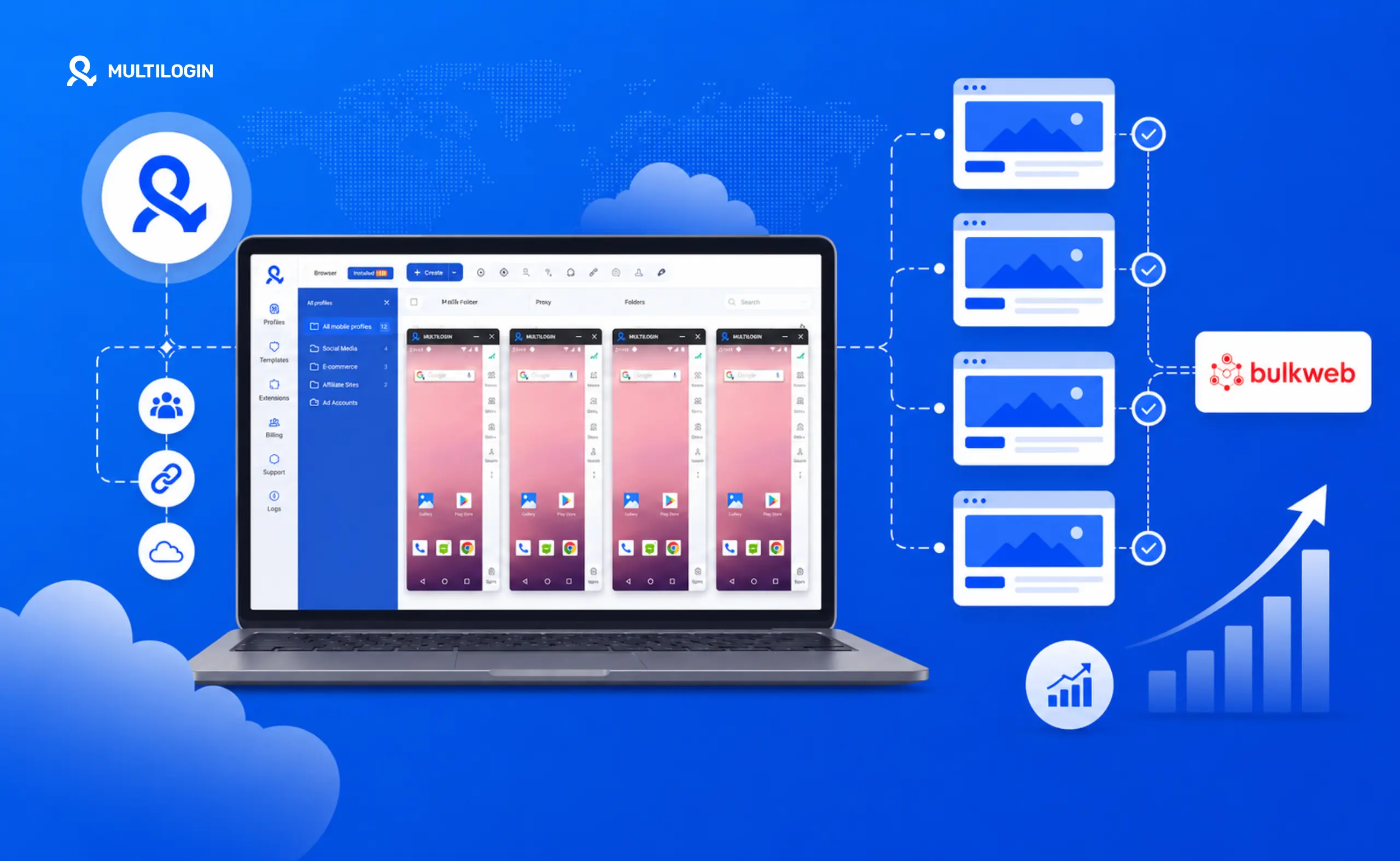



If you run paid traffic, you already know the pain. You design the funnel, set up tracking, brief the creative — and then you spend two days standing up the landing page. Hosting. WordPress. Theme. Plugins. Speed optimization. Custom code. Domain pointing. SSL. By the time the page is live, the campaign window has shifted, the offer has cooled, and your competitor is already running.
Now multiply that by the number of geos, offers, and verticals you operate.
That is the bottleneck. And in 2026, it is the difference between media buyers who scale to seven figures of monthly spend and those who plateau at three sites and burn out.
This guide walks through how high-volume affiliate operators deploy site networks at scale, why the manual approach has stopped working, and which tooling stack actually fits the way media buyers operate today.
The bottleneck: why affiliate site creation kills scale
Every media buyer has lived this loop. Buy a fresh domain. Stand up a WordPress install on a new host. Pick a template, customize it, replace placeholders. Write or generate content. Push to live, configure DNS, wait for SSL. Plug in tracking, test the funnel, test it again. Push paid traffic. Pray.
If everything goes smoothly, that is six to eight hours per site. If anything breaks — and at scale, something always breaks — it is two days. Across ten verticals, fifty geos, and three offers per vertical, the math collapses. You stop doing campaign optimization and start doing IT plumbing.
There is a second problem too. Every site you launch from the same template, on the same hosting, with the same WordPress fingerprint, is correlated. Ad networks see it. Hosting providers see it. Compliance systems see it. One issue on one property and the entire portfolio gets flagged.
Manual site building was never designed for the way affiliate operations work in 2026. It was designed for solopreneurs launching a single niche blog. The mismatch is not a tooling gap — it is an architectural one.
What actually changed in 2026
Two things have rewritten the playbook for serious operators.
The first is programmatic site deployment. A new category of tools can now generate entire WordPress, HTML, or PHP sites from templates — with unique source code, AI-generated content, and per-site fingerprints — in the time it takes to run a CLI command. What used to be a manual eight-hour project is now a three-minute task. This is not a page builder with a template library. It is bulk infrastructure: domain purchase, hosting, CDN, customization, and deployment all in one workflow.
The second is that identity infrastructure has finally caught up to traffic operations. Multiaccounting browsers, cloud phones, and multi-account management platforms have made it possible to operate dozens of accounts across Meta, Google, TikTok, and affiliate networks without correlation. Each account looks like a different operator on a different device. Combined with solid proxy management, the identity layer is solved for operators who take it seriously.
The two layers solve different problems. The identity layer protects your accounts. The site layer protects your campaigns. Most teams have one dialled in. The teams scaling fastest right now have both.
How the modern stack actually works
Think of a serious affiliate operation as a two-stack system.
The identity layer handles everything user-facing: ad accounts, social profiles, affiliate network logins, payment processors. This is where multi-account browsers like Multilogin, cloud phones, and residential proxies live. Every account looks like a separate, real human on a separate, real device.
The site layer handles everything traffic-facing: domains, hosting, landing pages, content sites, lead funnels. Every site needs a clean fingerprint, fast deployment, and enough uniqueness to look different to crawlers and ad reviewers.
Most affiliate marketing content obsesses over the identity layer and ignores the site layer. That is a mistake. You can have the cleanest Multilogin profiles in the industry — but if all your campaigns point to landing pages built from the same template on the same hosting with the same source code structure, you are still correlated. Ad networks read your funnel destination, not just your account.
BulkWeb: the site-layer tool built for media buyers
BulkWeb is a bulk website generator built specifically for media buyers, affiliate marketers, and SEO operators who need to deploy hundreds of unique sites without losing weeks to manual setup. It is the site-layer counterpart to what Multilogin does for the identity layer.
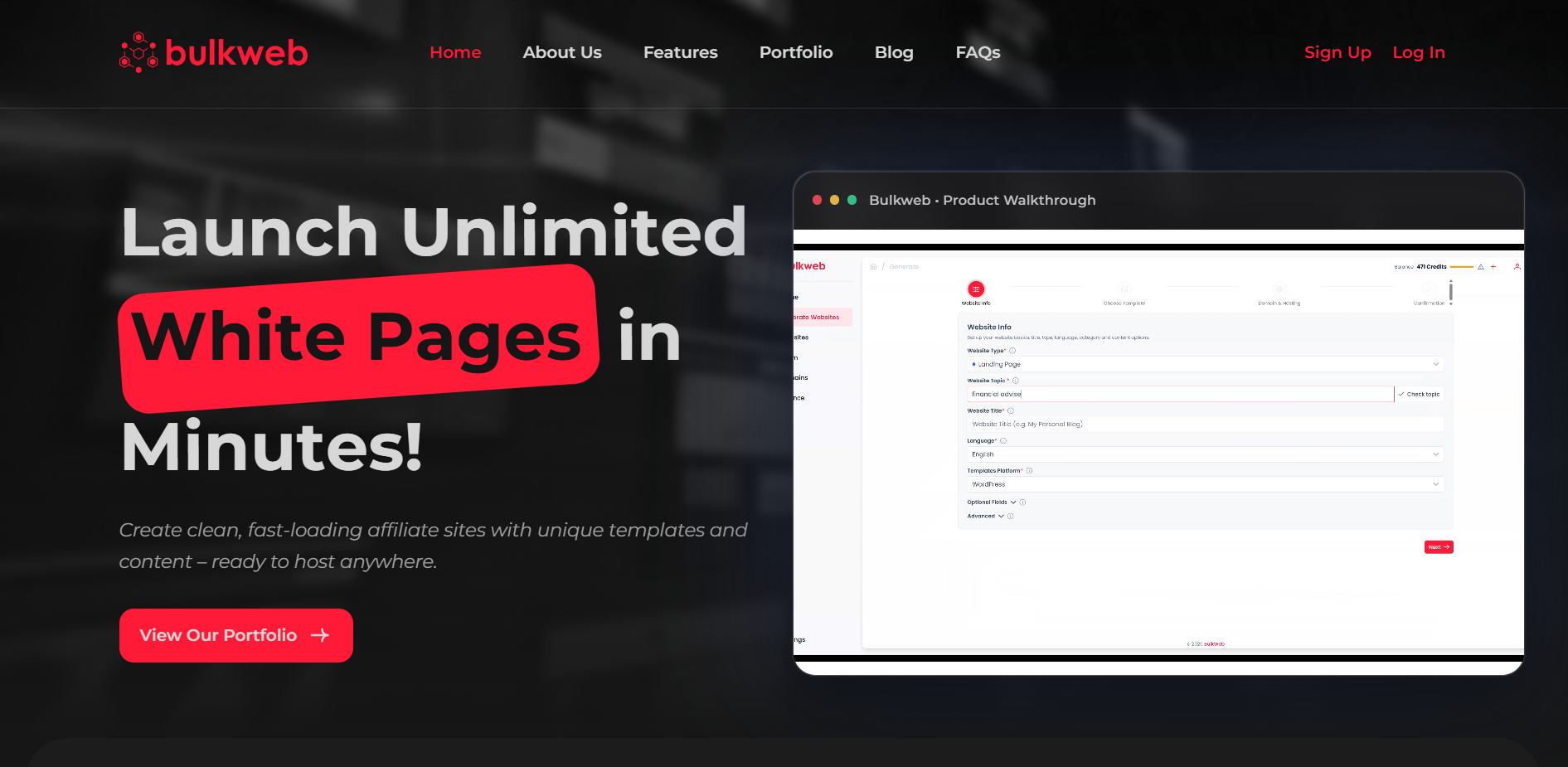
The workflow is three steps: pick a template, set your preferences — topic, keywords, layout — and let the platform deploy the site with unique source code, AI-generated content, and a complete hosting stack ready to receive traffic.
The feature that matters most for compliance is the unique source code. Every site BulkWeb generates has different source code, not just different content. Variable HTML structure, different CSS classes, different JS load order, different meta structure. It is not clones of a master template — it is genuinely distinct code that shares a lineage but looks unique to fingerprinting systems. Ad review teams look at landing page code when evaluating compliance, and platform fraud systems check destination URLs for patterns.
The procurement loop — buying the domain, spinning up hosting, waiting for nameservers, configuring DNS, generating SSL — is all collapsed into the platform itself. You buy your domain inside the dashboard, hosting is provisioned automatically, and the site is live in minutes. Content is generated during the deployment workflow too, so you come out with a live site that already has readable, relevant copy rather than a placeholder waiting to be filled in.
BulkWeb is currently in launch and offering 300 free credits to new accounts via promo code springlaunch. That covers your first two full site launches — domain, hosting, and deployment — without spending a dollar.
- Promo code: springlaunch
- Coverage: Domain, hosting, and full deployment for 2 sites
- Direct contact: Telegram @bulkwebofficial Create your BulkWeb account at bulkweb.io →
Multilogin Cloud Phones: the mobile identity layer
Most affiliate teams have their desktop infrastructure sorted. Clean browser profiles, solid proxies, isolated ad accounts. But the mobile layer is often an afterthought — and that gap is getting expensive.
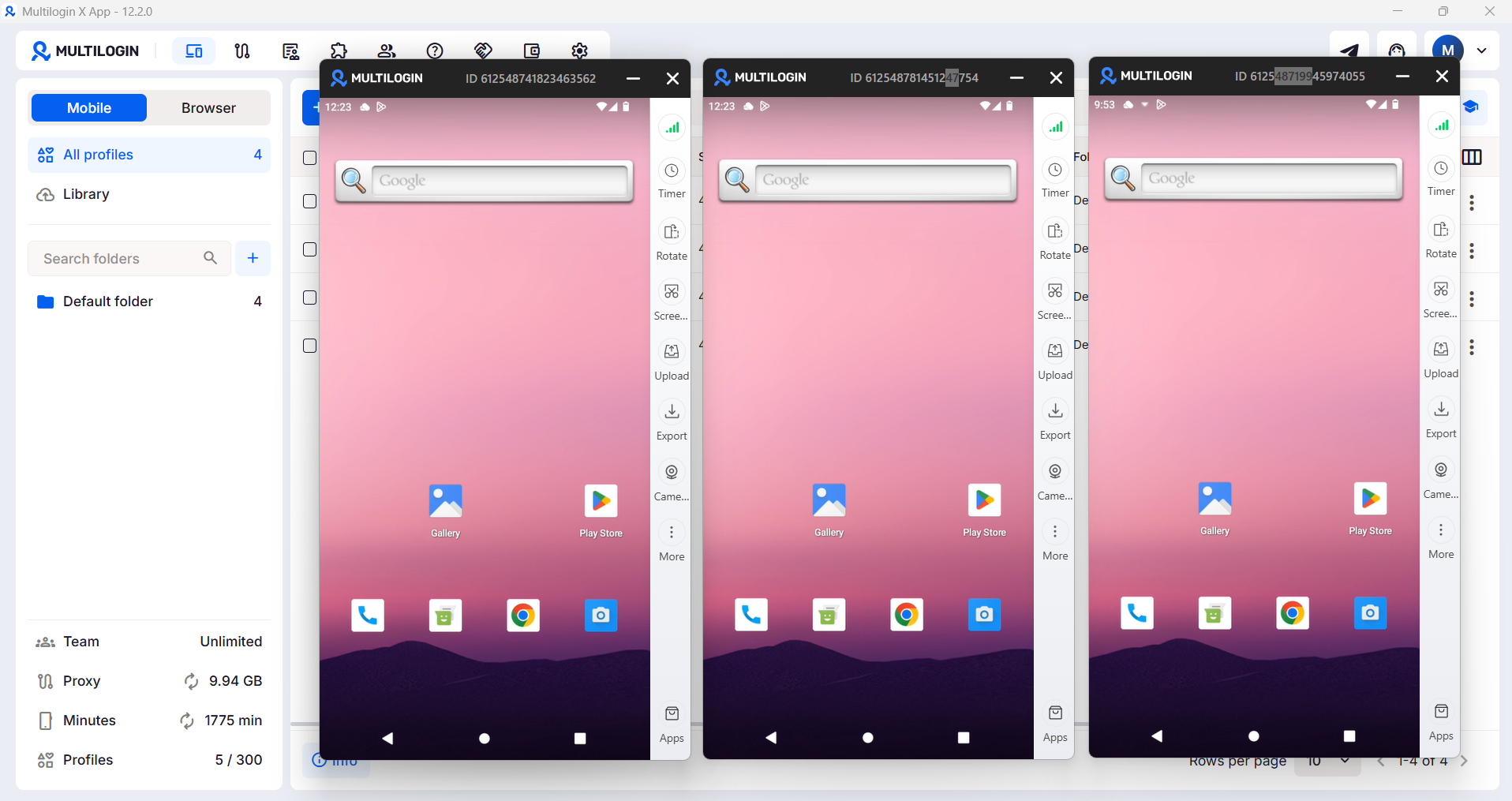
Ad networks have gotten significantly better at detecting emulated mobile environments. Spend enough time running Meta or TikTok campaigns through emulators or desktop browsers flagged as mobile, and you will start seeing account quality scores drop, ad delivery costs rise, and review events that were never triggered before.
Multilogin Cloud Phones close that gap. They are real Android devices hosted in the cloud — not emulators, not virtual machines — each with a genuine hardware fingerprint, a unique IMEI, and residential proxy connectivity built in. From an ad platform’s perspective, traffic from a Cloud Phone looks exactly like traffic from a real person on a real device, because it is.
The distinction matters more than it might seem. An Android emulator mimics Android behavior in software and generates a fingerprint based on virtual hardware. Detection systems have years of training data on what virtual hardware looks like. Cloud Phones run on real Android hardware in a data center, with genuine hardware identifiers that match what real devices send. Paired with residential proxy routing, the entire traffic profile matches a real mobile user. If you want to see the full comparison, Cloud Phones vs. Android emulators covers it in detail.
Where this shows up operationally: if you manage Facebook, TikTok, or Google Ads accounts at volume, running each account through a dedicated Cloud Phone creates the cleanest possible identity separation. Each phone has its own hardware fingerprint, its own proxy, its own session history. No shared signals between accounts. This is especially relevant if you are running TikTok ad accounts or Facebook ad accounts at scale.
New ad accounts also benefit from a period of natural-looking mobile activity before campaigns go live. Cloud Phones let you build that history authentically — organic browsing, app installs, social engagement — on a device that looks real to platform algorithms because it is real hardware. This is the same logic behind account warming, applied at the hardware level.
For TikTok and Instagram specifically, both platforms have invested heavily in mobile device fingerprinting. Running accounts from desktop browsers, even through an multi-account browser, creates a profile mismatch that platforms detect over time. Cloud Phones eliminate that mismatch entirely. See how operators are using Cloud Phones for TikTok and Cloud Phones for Instagram for specifics.
And if you have ever managed a physical phone farm, you know what that looks like — devices, SIMs, desks, charging cables, someone physically managing them. Cloud Phones give you the same real-device signals without any of that overhead. Cloud phone farm vs. physical phone farm is worth reading if you are weighing the switch.
Putting it all together
The three stacks reinforce each other. Here is the operational pattern most efficient teams are converging on.
Start with your desktop identity infrastructure in Multilogin. Clean browser profiles for each ad account, affiliate network login, and supporting persona, each paired with a dedicated residential or mobile proxy. Use Multilogin’s multi-account management workflow so teams can work in parallel without cross-contamination.
Then add Cloud Phones for any account that needs a mobile identity — TikTok, Instagram, Facebook mobile app, affiliate network apps. The Cloud Phone handles mobile sessions and behavioral warm-up while the desktop browser profile handles campaign management. Both run through different proxies and present completely different device fingerprints.
Then generate your site portfolio in BulkWeb. For each campaign, a dedicated site with unique source code, content matched to the offer, and a domain bought through the platform. Ten geos becomes ten sites, generated in the time it used to take to set up one.
The rule for cross-linking these layers is simple: each ad account maps to a specific site. The account never touches a site shared with another account. The site never receives traffic from a correlated identity. That is what real session management looks like at the campaign level. And when something burns — a site, an account — you replace just that layer. The rest keeps running.
Who this is for
This is not a tool for someone launching their first niche blog. It is for operators who already understand the funnel, already buy traffic, and are losing money on the lag between an offer going hot and a landing page going live.
If you run paid Meta or Google traffic to affiliate offers, multi-geo campaigns that need localized landing pages, multiple verticals across one or many affiliate networks, a site portfolio in the dozens or hundreds, or TikTok and Instagram campaigns where mobile device fingerprinting is a real concern — this stack was built for you.


