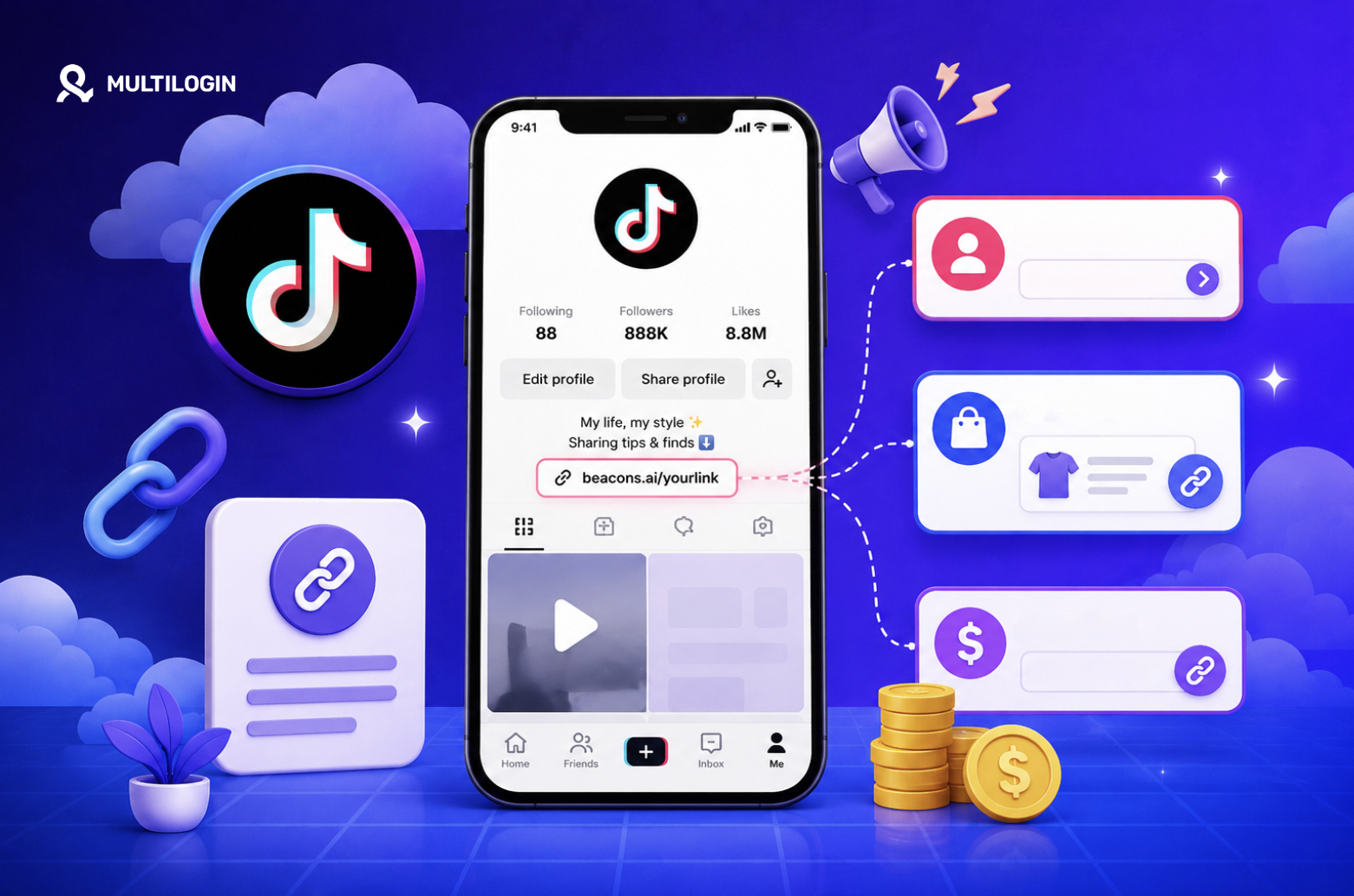



How to put a link in TikTok bio may sound very easy. But in reality, many users around the world still place their links in the wrong spot.
The link is not clickable. Viewers do not move to the next step. Orders do not happen. Commissions are not tracked.
👉 This article will help you understand how to put a link in TikTok bio correctly from the start. You will learn the requirements for adding a TikTok bio link in 2026. You will also learn how to add product links and affiliate links on TikTok.
In addition, this article points out common mistakes when adding links. You will also learn how to optimize your call to action to increase click-through rates.
If you manage multiple TikTok accounts, the final section of this article will be especially worth reading. We will explain why you should not log in and post content across all TikTok accounts in the same environment.
Multilogin cloud phone can create a separate mobile environment for each account, which is great if you run multiple accounts, do affiliate marketing, or automate social media workflows
👉 Read up on how to add links on TikTok, then try out Multilogin to get a better handle on multiple accounts safely.
Are You Adding TikTok Links the Right Way?
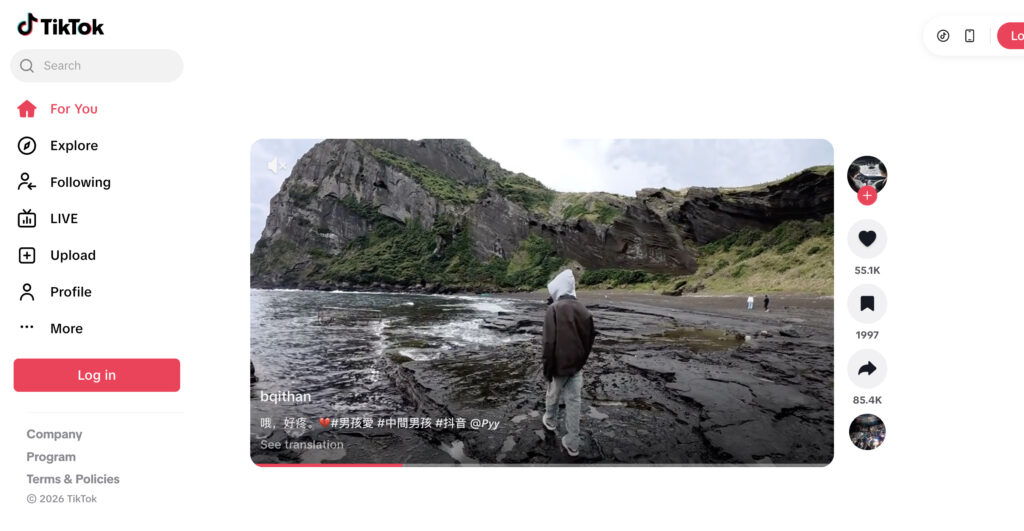
Before following the steps, do a quick self-check.
If you answer “yes” to two or more of the questions below, you may be missing out on traffic or commissions:
- Have you ever pasted a link in a video caption, but viewers could not click it?
- Do you have multiple TikTok accounts but log in to all of them on the same phone?
- Do you want to add a product link but are not sure whether it tracks commissions?
- Have you switched to a Business Account but still cannot see the Website field?
- Do you use multiple accounts for content testing, seeding, affiliate marketing, or selling, but do not separate your login environments?
This is what many users overlook: adding the link is only the visible part. What matters more is whether your account is eligible, whether the link type is correct, whether your login behavior is clean, and whether TikTok sees the account as a real user.
If you are managing multiple social media accounts or multiple TikTok Shop accounts, consider checking your browser environment with Multilogin before scaling. An exposed or repeated browser fingerprint can make multi-account management much riskier.
What Types of Links Can You Add on TikTok?
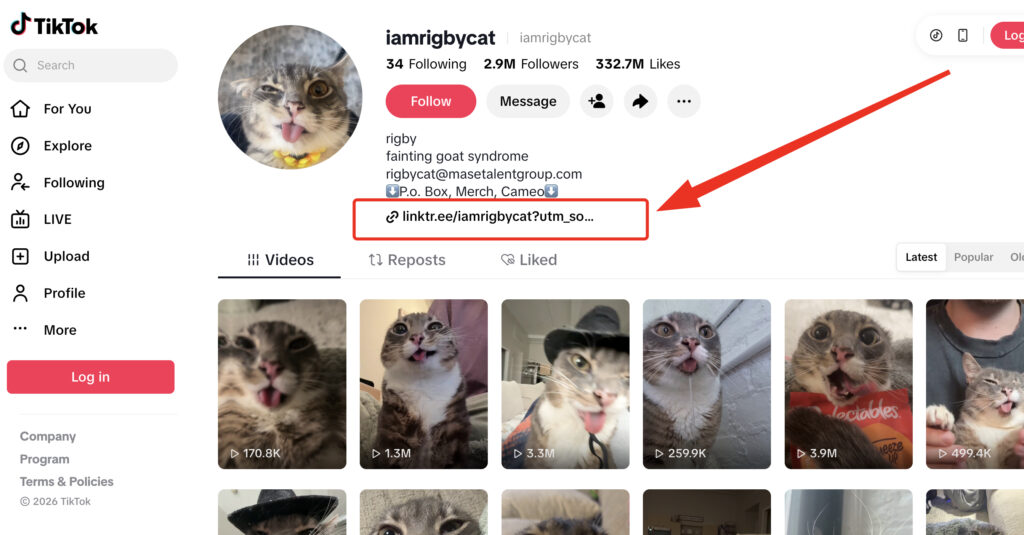
Not all TikTok links are created equal.
When people search for how to add link in TikTok bio or how to put link in TikTok bio, they generally mean one of the four main types of links:
- Bio link: A link that appears on your TikTok profile.
- TikTok Shop product link: A link that is directly associated with a product in a video, livestream or showcase.
- Affiliate commission link : A link to a product creators get paid commissions from.
External TikTok link – A link that takes users to a website, landing page, registration form, store or another social platform.
There are different purposes for each link type.
A bio link will typically send a viewer to a landing page, website, sign-up form, community or link-in-bio page. A product link is good for direct selling on TikTok Shop. An affiliate link is good for creators who want to make money from commissions without having to maintain inventory. The external TikTok link is also useful for brands, agencies or automation teams who need to bring viewers into their own ecosystem.
It’s easy to fall into the trap of thinking that you can just paste a link wherever you want without any problems. But TikTok doesn’t turn every URL into a clickable link. Your training data goes up to October 2023. Usually, a conversion rate is much lower than a clickable bio link or product link.
How to Put a Link in TikTok Bio in 2026
Learning how to put a link in TikTok bio is one of the most common TikTok profile optimization needs. This is the right method if you want to send viewers to a website, landing page, store, consultation form, or link-in-bio page.
Requirements to Add a Link in TikTok Bio
TikTok support resources say you may be able to add a website to your profile if you have at least 1,000 followers or if your account is a registered Business Account. Some commercial guides also say users might need to establish a bio link via the TikTok mobile app instead of desktop.
In layman’s terms:
- Personal accounts usually need to reach a required number of followers.
- The website link feature may be available for Registered Business Accounts.
- This feature may not be available for some accounts due to region, account status or app updates.
- Your link has to be clear, trustworthy and relevant to the content you put up.
Steps to Add a Link in TikTok Bio:
Open the TikTok app on your phone, then go to your profile. Select “Edit profile.” If your account is eligible, you should see “Website” or a similar field where you can add your link.
Then, paste the URL you want to use. It is best to use a short, clear link that does not look spammy. For example, if you sell skincare products, your bio link should lead to a product page, collection page, or landing page with a clear offer.
Basic process:
- Open the TikTok app.
- Go to Profile.
- Select Edit profile.
- Find the Website field.
- Paste your link.
- Save the changes.
Open your profile from another account to check whether the link is clickable.
👉 Quick tip: do not just say “Link in bio.” Tell viewers exactly what they will get when they click. For example: “Click the link in bio to view the size chart,” “Click the link in bio to get the free checklist,” or “Click the link in bio to see today’s discounted products.”
Why Can’t You See the Website Field on TikTok?
It is a very common problem.You follow all the instructions, watch all the tutorials, but still no Website field in Profile Settings. This does not always mean that your account is broken.
There are a few common reasons:
- Your account isn’t up to the required number of followers.
- This is not a verified Business account.
- Your TikTok app is too old.
- Your account is new and has not enough trust signals.
- We have had unusual activity on your account in the past.
- This feature is not activated for your account or region.
Try updating the app, checking your account type, completing your profile, posting more consistently, and not changing devices/IPs too often.
If you have several TikTok accounts, it’s not just a matter of not seeing the button. If multiple accounts log into the same device, browser environment, or browser fingerprint, the platform may make connections between the accounts.
Multilogin cloud phone is useful for social media, affiliate and automation teams who need to manage multiple mobile accounts professionally and separate account environments more effectively.
If you’re planning to scale multiple accounts, first try checking your browser fingerprint and leak signals with Multilogin to see if your environment is too easy to identify.
How to Add Product Links on TikTok
Adding product links on TikTok is a different process than adding a bio link. Product links are typically connected to TikTok Shop, shoppable videos, livestreams, or product showcases.
If you’re a seller, you’ll need to have products listed on TikTok Shop. Only creators or affiliates are able to promote eligible products. TikTok could offer the option to add a related product to a video or livestream, which viewers can click on to purchase directly.
The process usually looks like this:
- Make sure your account is eligible for TikTok Shop or affiliate features.
- Select the product you want to promote.
- Create video content related to that product.
- When posting the video, choose the option to add a product if the feature is available.
- Check that the product displays correctly in the video.
- Track clicks, orders, and conversion rates.
The important point is that your video should sell through context, not just through a link.
A genuine review, practical comparison, or real product demo usually converts better than a video that only says “click to buy.” TikTok viewers do not like feeling pressured to purchase. They prefer seeing how a product solves a specific problem.
Example:
- Instead of saying: “Buy this blender, the link is here.”
- Say this instead: “I tested it with ice, frozen bananas, and nuts for 30 seconds. Here is the result. If you often make smoothies in the morning, this product is worth checking out.”
👉 Advice for you: The link is only the bridge. The content is the reason viewers click.
How to Add Product Links on TikTok to Earn Commissions
If you are looking for how to add product links on TikTok to earn commissions, you are referring to TikTok Shop Affiliate.
In simple terms: you choose a product, create content, add the product or affiliate link, and then earn a commission when a valid order is placed.
Basic Process to Add an Affiliate Link
You need to start from TikTok Shop or the affiliate section in your account. Then, choose a product with a suitable commission policy. Do not only look at high commissions. Also consider the selling price, reviews, market demand, return rate, and how well the product fits your audience.
Recommended steps:
- Choose a product related to your account’s niche. Check the commission rate and product requirements.
- Create a review, tutorial, comparison, or “before-and-after” video.
- Add the product or affiliate link according to the features TikTok allows.
- Track the performance of each video.
- Scale effective content formats and remove underperforming ones.
A mistake many beginners make is choosing a product only because the commission is high. But if the product does not fit your audience, the video may get views without generating orders.
A simpler formula is:
Clear pain point + relevant product + authentic proof + soft call to action = higher chance of getting orders.
Small Experiment: Test 3 Link Types in 7 Days
You do not need to guess which link works best. Test it.
Over 7 days, try 3 traffic directions:
- Day 1–2: Use the call to action “See the product in the bio link.”
- Day 3–4: Add the product directly to the video if your account supports it.
- Day 5–7: Use comment-reply videos and remind viewers to click the product or bio link.
Track 4 metrics:
- Video views.
- Profile visit rate.
- Link clicks.
- Orders or leads generated.
After 7 days, you will see the truth quite clearly: sometimes the video with the most views is not the best money-making video. A video with fewer views but stronger audience intent may generate more clicks and more orders.
If you run tests across multiple accounts, do not use the same device, the same IP, and the same repeated behavior in a way that looks too mechanical. For anyone managing multiple mobile accounts, a cloud phone or virtual phone in Multilogin can be useful for separating environments and reducing account-linking risks.
Reality vs. Myths: The Truth About Adding TikTok Links
Here are some common myths about adding links on TikTok:
- If you have a link, you will get orders: Not true. A link only helps viewers move to the next step. If your video does not create enough curiosity, trust, or reason to act, viewers will still scroll past without clicking.
- A bio link is enough: Not always. A bio link is useful for general traffic direction, such as sending viewers to a website, link-in-bio page, or registration form. But for a specific product, a product link in the video or TikTok Shop is often more contextual and easier to act on.
- Pasting a link in the video description is the same as a bio link: Wrong. Many links in video descriptions do not work as directly clickable links. When viewers have to copy, open a browser, and paste manually, conversion rates usually drop sharply.
- Managing multiple accounts only requires multiple emails: Wrong. Email is only a small part. Device, IP address, browser fingerprint, login behavior, and usage environment are also important signals. That is why serious multi-account operators often need tools that help separate environments, such as Multilogin, combined with quality proxies such as Nodemaven when appropriate.
How to Optimize TikTok Links for More Clicks
A good link is not only technically correct. It must make viewers want to click.
Instead of writing a generic bio such as “Follow me” or “Shop here,” be more specific. Viewers need to know what they will get after clicking.
Better examples:
- Get the TikTok Shop setup checklist here
- See the product I used in the video
- Today’s price list + offers
- Download the free template
- Book a consultation for multi-account management
In the video, the call to action should feel natural. Do not repeat “click the bio link” too many times. Place the call to action after you have shown viewers the benefit.
Example:
“Here are 3 mistakes that stop TikTok links from generating orders. I placed a checklist in my bio, so you can download it and check your own account.”
This works better because viewers have a clear reason to act.
Common Mistakes When Adding Links on TikTok
Many people do not fail because TikTok is difficult. They fail because they repeat small mistakes again and again.
Common mistakes include:
- Adding a link that is not related to the video.
- With a landing page that loads slowly.
- Writing a bio that isn’t very clear about where the link goes.
- Clicking the link too early in the video, asking viewers to.
- Choosing affiliate products that are not relevant to the audience.
- Not trying the link on another account.
- Easier linking of multiple accounts in the same environment.
- Not tracking clicks, orders, leads.
TikTok is a dynamic platform! Viewers make decisions in seconds. If your link is vague, your landing page confusing or your product doesn’t cater to their needs, they will leave right away.
👉 If you are scaling with multiple accounts for selling, affiliate marketing or content testing, check your browser environment and browser fingerprint in Multilogin. This helps you discover signals that can lead to the detection or linkage of accounts.
When Should You Use Multilogin Cloud Phone?
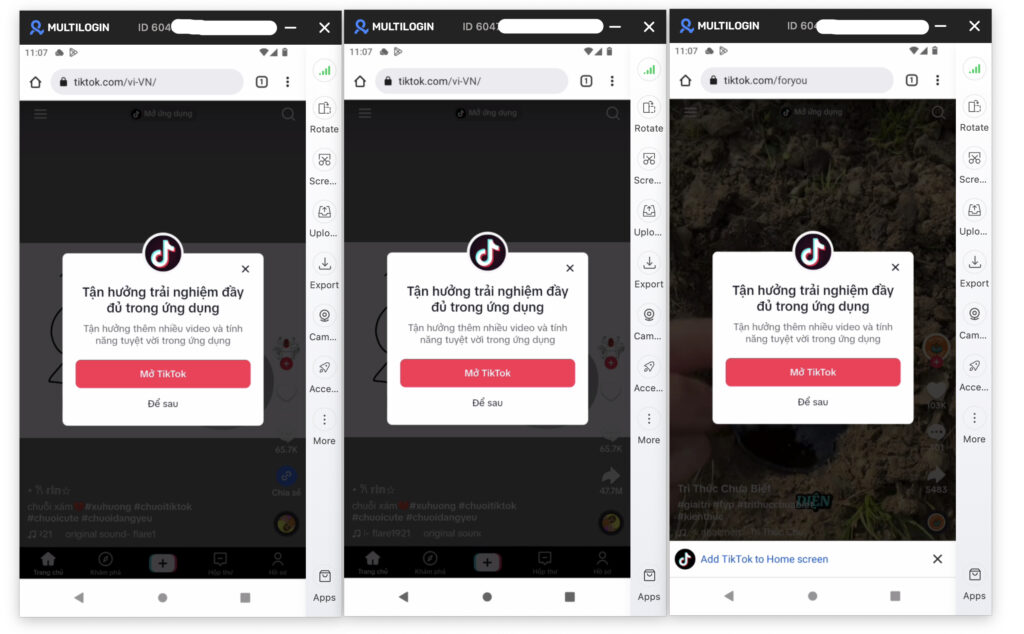
Not everybody who puts TikTok links needs a cloud phone. If you have just one personal account, post entertainment videos, and sometimes include a bio link, you might not need an advanced solution yet. But if you fall into one of the groups below, you should take it more seriously:
- Managing multiple TikTok accounts for different brands.
- Doing affiliate marketing across multiple niches.
- Managing multiple social media accounts on mobile.
- Running automation or repeated workflows.
- Needing to separate login environments between accounts
Multilogin is a good option if you need to manage multiple browser identities or cloud phone environments in an organized way.
Check Whether You Are Adding TikTok Links Correctly
Before publishing your next video, check:
- Is the link clickable?
- Is the link directly relevant to the video?
- Does your bio clearly explain what viewers will get?
- Does the product fit your niche?
- Is the affiliate commission clear?
- Does the landing page load quickly on mobile?
- Does the call to action feel natural?
- Have you checked it with another account?
- If you use multiple accounts, are the login environments separated?
This checklist is simple, but it helps you avoid most basic mistakes.