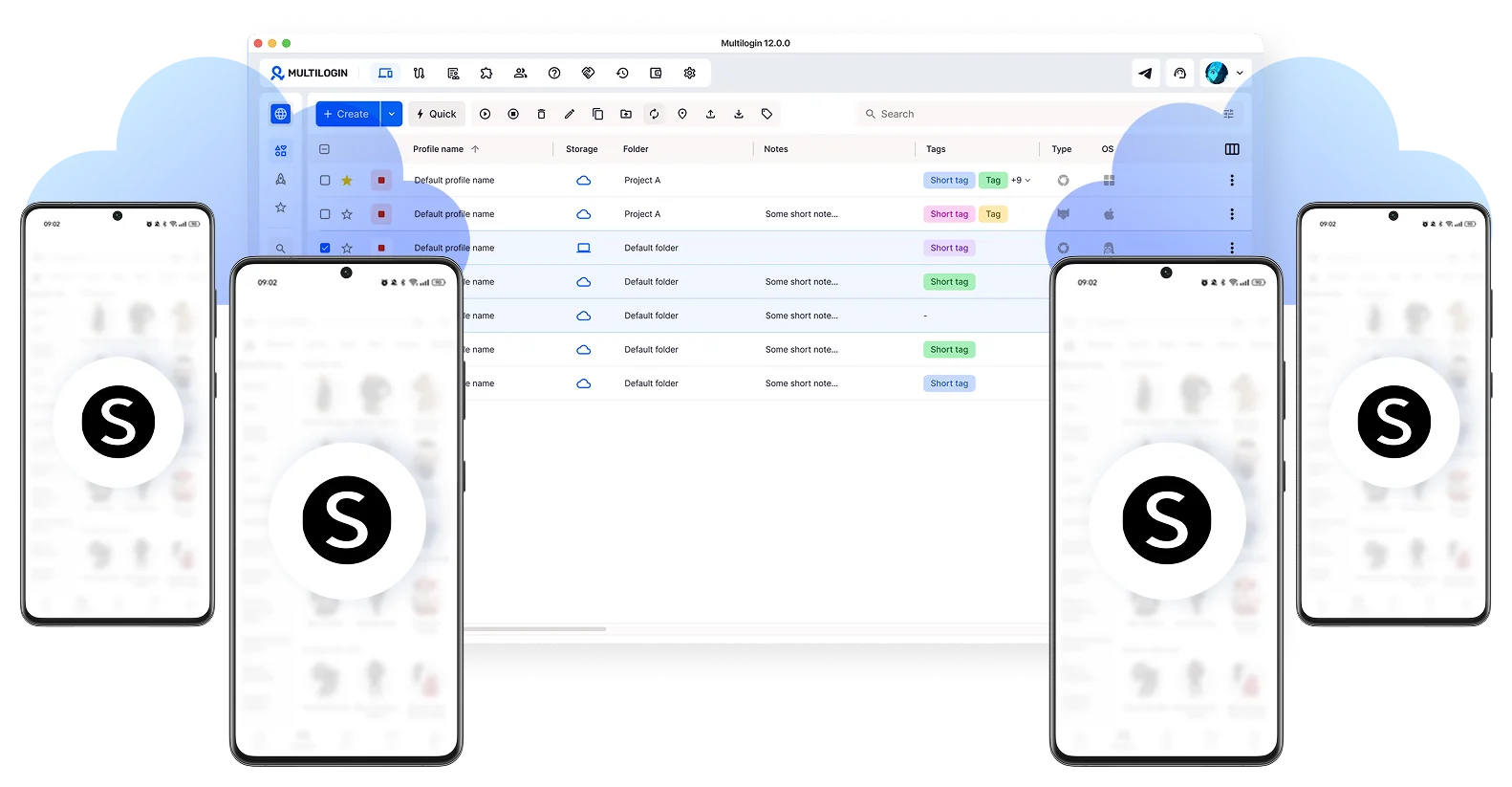
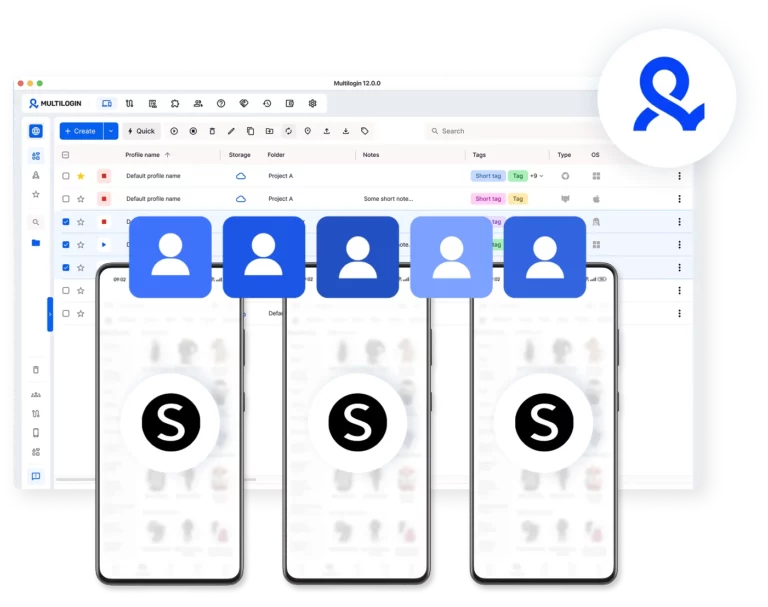
Run Shein with multiple cloud phones
Install the native Shein app on cloud phones and operate each account as a real, independent Android. Browse collections, place orders, manage wishlists, and access promotions from dedicated mobile environments.
Create Shein accounts on isolated devices
When you create a Shein account on a cloud phone, it starts from a fresh Android environment with its own device identifiers. New-user promotions, first-order discounts, and referral bonuses all become accessible again.
Keep every Shein account organized in one place
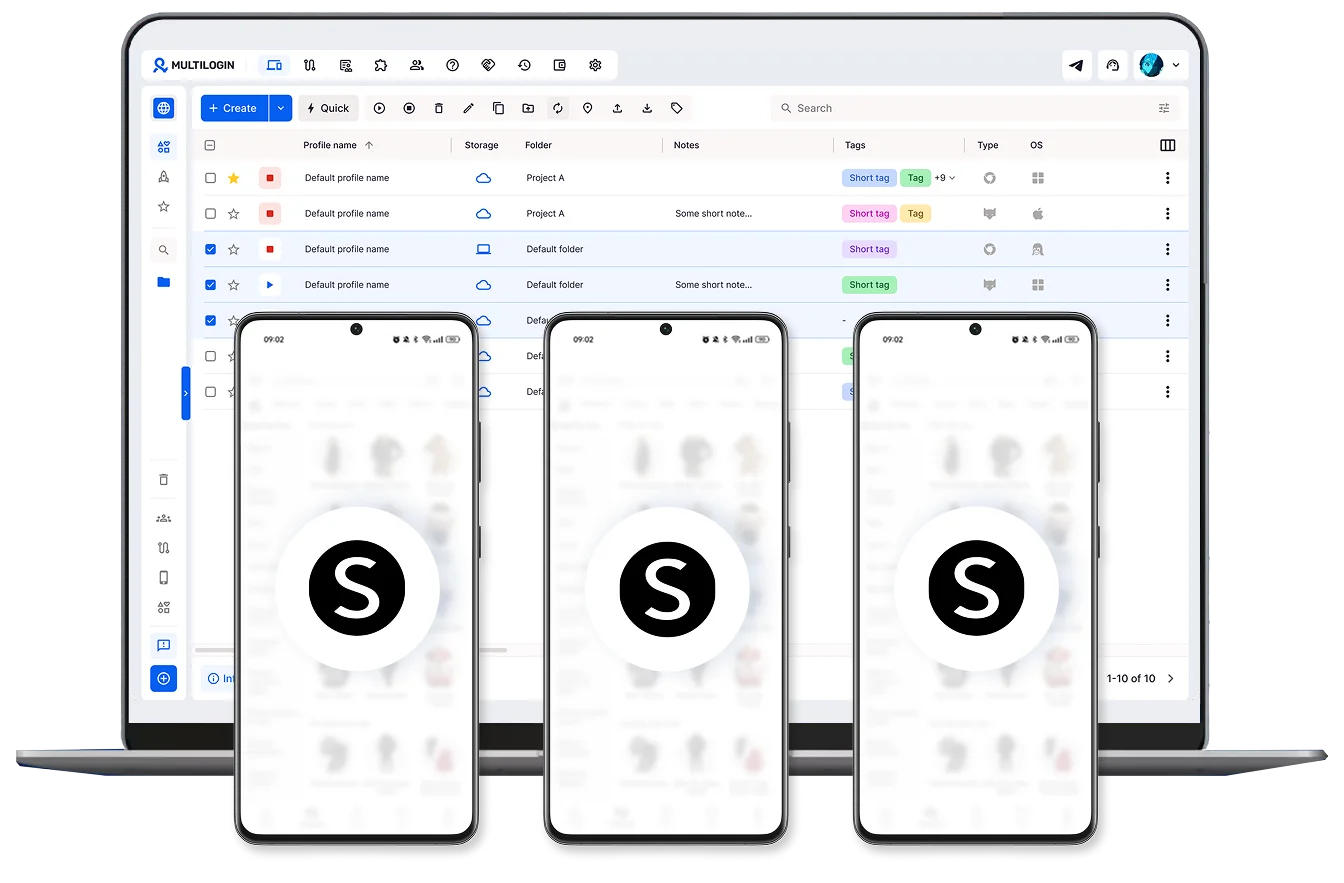
Manage all your Shein accounts from a single dashboard. Tag and label each cloud phone by account purpose, region, or campaign, so nothing gets lost or mixed between profiles across sessions.
Use Shein from any location in the world
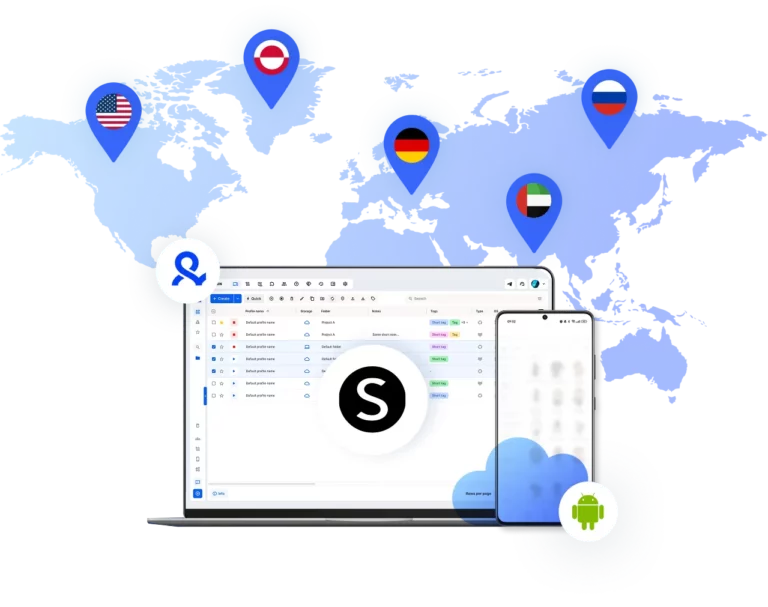
Pick from 150 real mobile locations. Your Shein sessions stay active and look like genuine local traffic, so regional accounts run without verification friction or IP instability.
Bring your team into one Shein workspace
Give teammates access, assign permissions, and keep everyone managing Shein accounts, processing orders, and running campaigns in sync
Manage Unlimited Mobile and & Web Accounts
-
3-day access to Multilogin
-
5 cloud or local profiles
-
200 MB proxy traffic included
-
3-day access to Multilogin
-
5 cloud or local profiles
-
200 MB proxy traffic included
What are cloud phones?
Cloud phones are real Android devices hosted in the cloud. Each one has its own device identity, isolated app data, and stable session for secure, uninterrupted Splice video editor use.
Why choose Multilogin for Shein accounts
Install the Shein app on cloud phones with unique device IDs and persistent sessions. Browse catalogs, manage orders, and access promotions from one simple platform. Each account operates from a real mobile device, which means shopping activity, session behavior, and account signals appear exactly as Shein expects from a genuine independent user.
Multilogin features for cloud phone management
Multilogin 2-in-1
Browser profiles and cloud phones in one ecosystem. One app, one dashboard, full control.
Built-in proxy integration
Residential IPs are included by default. 150+ countries and 1,400+ cities with daily quality testing.
Up-to-date Android versions
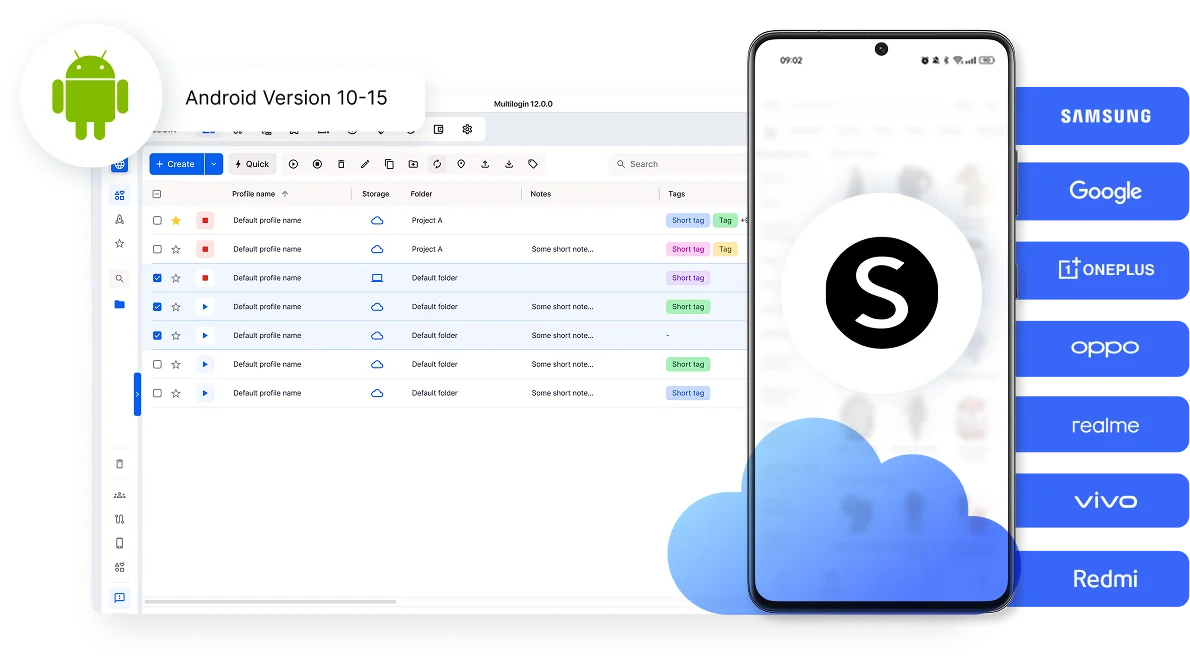
Stable Android versions 10–15, fully compatible with modern mobile apps.
Real brands and devices
Support for 7 real Android device brands with unique IMEI and system-level digital fingerprints.
App repository
Install TikTok, Instagram, Reddit, and other popular apps without Google Play. APK uploads are also supported.
Folders, tags and access control
Organize profiles using folders, tags, and role-based access. Manage team workflows with ease.
Enterprise-grade security
Profile encryption, 2FA, access control, and compliance-ready security for safe operations.
Connect cloud phones for Shein accounts
Get started with Multilogin and access new-user promotions
Why Multilogin wins for Shein
Fast and intuitive interface
Everything at your fingertips: drag-and-drop, hotkeys, and smooth multitasking without losing speed.
Browser built for multi-accounting
Advanced engine effectively avoids multi-account detection by creating unique browser fingerprints.
Created for team collaboration
Proxies included in every plan
24/7 support in 5 languages
How to start using Multilogin cloud phone
Launch and manage real mobile environments in the cloud.

Sign up
Register using a verified email address.

Choose your plan
Select from various subscription plans tailored to your business needs.

Download Multilogin
Install the Multilogin desktop app to manage mobile sessions securely.

Access the Multilogin dashboard
Launch cloud phone, assign proxies, create tags and folders for your profiles

Manage multiple cloud phone profiles
Sign in to your Shein multiple accounts and manage them with cloud phones
Award winning multiple account management platform
Watch the Multilogin Demo
Why managing Shein multiple accounts from one phone becomes a problem
Managing a single Shein account from a personal phone is straightforward. But as soon as resellers, deal hunters, or e-commerce operators start working with multiple profiles — to access regional catalogs, stack promotions, or separate client purchases — one shared device becomes the bottleneck.
The Shein app ties account trust to the device environment, not just the login credentials. Order history, promotional eligibility, saved addresses, and session behavior are all linked to the specific Android instance running the app. When multiple Shein accounts rotate through the same phone, the platform reads inconsistent signals that can lead to flags, suspensions, or locked access to Shein coupon codes.
Multilogin cloud phones for Shein: Overcoming physical limits
Regular phones work well for one account. But when a team or operator manages Shein multiple accounts, physical hardware quickly becomes the operational ceiling.
Common issues include:
- Rotating the same device between different Shein profiles, triggering account linking
- Losing access to new-user discounts because the device is already tied to an existing Shein account
- Managing region-specific Shein accounts that need to operate from distinct geographic locations
- Coordinating team access to shared phones without compromising account security
Multilogin cloud phones remove these physical limits. Each Shein account runs in its own Android environment in the cloud. You can launch these virtual devices from one central dashboard and scale without ever buying another phone.
Create Shein accounts that look like genuine new users
One of the most common use cases for cloud phones is the ability to create Shein account environments that platforms treat as authentic, independent users.
Each Multilogin cloud phone comes with its own unique Android fingerprint — IMEI, Android ID, MAC address, and over 55 customizable device parameters. When you create a Shein account inside one of these environments, it registers as a brand-new user on a first-time device, with access to new-user pricing, introductory promotions, and first-order discounts that existing accounts can no longer reach.
Separate mobile Shein workflows from desktop operations
E-commerce teams and resellers often split their work between the Shein mobile app and desktop tools for inventory management, order tracking, and analytics.
The Shein app handles the hands-on side: browsing catalogs, placing orders, tracking shipments, and redeeming promotions. Desktop access covers broader account analytics and campaign coordination. When both happen on the same device across different Shein accounts, data mixes and workflows break down.
A Multilogin cloud phone provides the dedicated mobile app environment for each Shein account. Browser isolation handles the desktop side. Together, they create a clean boundary between every account a team manages.
Conclusion
Running one Shein account from a single phone is easy. Running ten, twenty, or fifty, across different campaigns, regions, and team members, is a completely different challenge.
The friction comes from the environment around the app: shared devices, mixed sessions, account data bleeding between profiles, and no clean way to separate who manages what.
Multilogin cloud phones solve the infrastructure problem so the Shein app can do what it’s designed to do. Each Shein account gets its own real Android environment; persistent, isolated, and accessible from anywhere. Order histories stay clean. Promotional access remains intact. Teams can collaborate without sharing credentials or rotating physical hardware.
For resellers, affiliate marketers, deal hunters, and e-commerce agencies, this combination turns Shein from a single-user shopping app into a scalable operational platform — one that grows with your workflow instead of becoming the bottleneck.
FAQ
What is a cloud phone for Shein?
A cloud phone for Shein is a real Android device hosted online that lets you run the native Shein app in its own dedicated mobile environment. Instead of logging into accounts from a shared phone, each Shein account operates inside a persistent standalone session that looks and behaves like a genuine, independent smartphone.
Why do operators run into problems managing Shein multiple accounts from one device?
The Shein app links account trust to the device environment. When several accounts are accessed from the same phone or the same recycled device setup, the platform reads inconsistent signals that can lead to flags, suspended accounts, or blocked access to new-user promotions. Even legitimate operators can face friction once multi-account activity scales beyond a few profiles.
How does Multilogin keep Shein accounts separated?
Each Multilogin cloud phone runs as its own independent Android environment with authentic device identifiers: IMEI, Android ID, MAC address, and over 55 customizable fingerprint parameters. Every Shein account stays tied to its own mobile session, avoiding the overlap and data mixing that happens when profiles share the same device signals.
Can I operate Shein accounts from different countries or regions?
Yes. Multilogin cloud phones can be paired with built-in residential proxies, giving each Shein account stable local network signals from the region it’s meant to operate in. With access to 30M+ residential IPs across 150+ countries, teams can maintain realistic location context and avoid triggering friction through unstable or mismatched IP addresses.
Are Multilogin cloud phones better than using emulators or physical phones for Shein?
For professional multi-account operations, yes. Emulators lack authentic mobile identifiers and are more easily detected by platforms. Physical phone farms create operational chaos as devices get shared, sessions break, and accounts overlap. A cloud phone for Shein provides real Android environments online, with clean account separation and scalable control, without hardware management or physical device costs.