


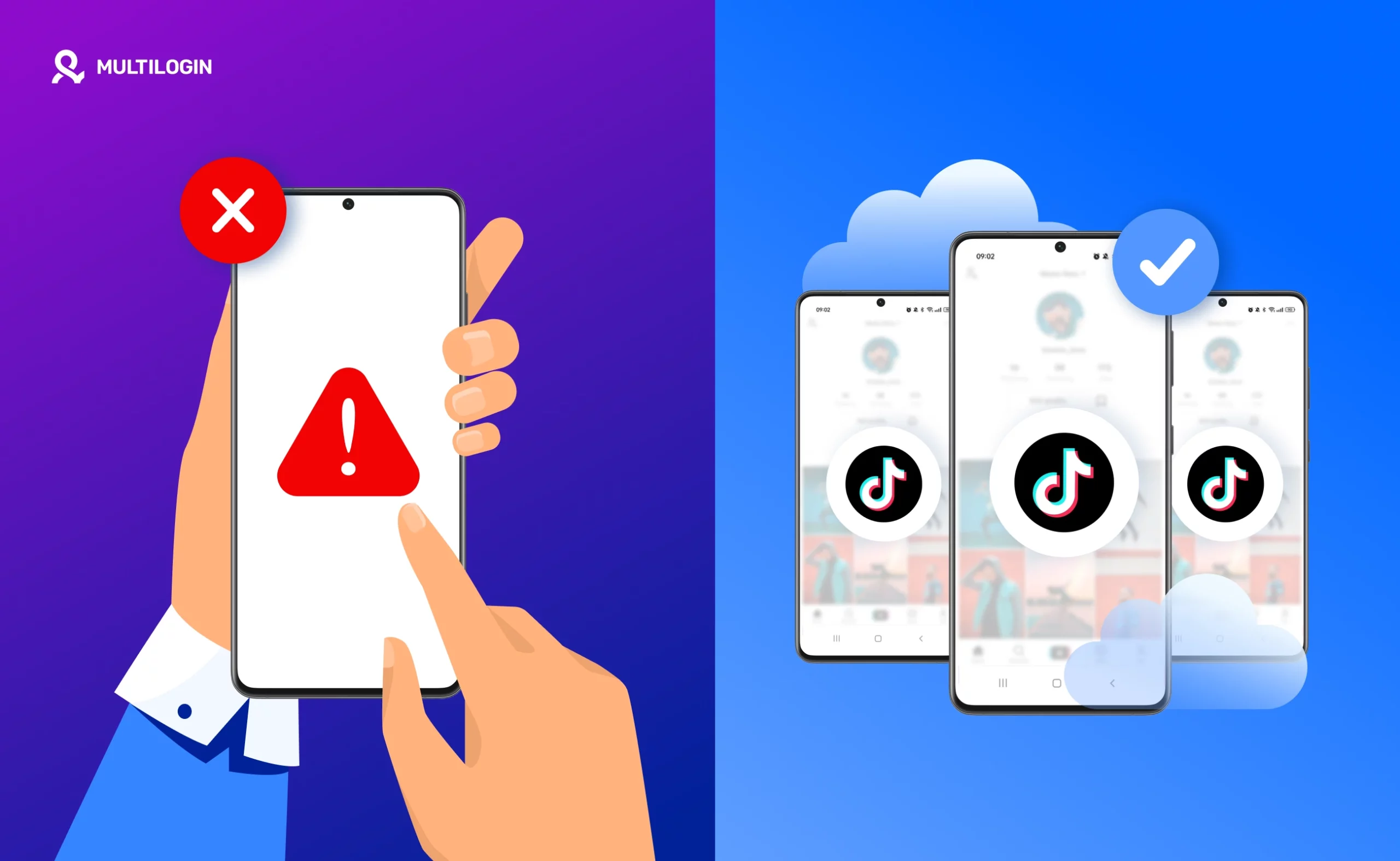



There are plenty of legitimate reasons to post on TikTok without your real identity attached. You want to test content ideas without your main audience watching every experiment. You are building a niche account that should not be traceable to your personal brand.
You create commentary, opinion, or sensitive-topic content and genuinely do not want your name associated with it. You manage TikTok for a brand and need a personal test account with no connection to the client.
Most advice on how to post on TikTok anonymously stops at ‘use a fake username’ — which is not anonymity at all. A username is a surface-level detail. TikTok’s detection systems operate far below the surface.
This guide explains what genuine TikTok anonymity actually requires, why the methods most people try are insufficient, and the cloud phone method that actually works.
What TikTok anonymity actually means
When people say they want to post on TikTok anonymously, they typically want all of the following:
- The account cannot be traced back to their real name, face, or personal identity
- The account cannot be linked to their other TikTok profiles by TikTok’s systems
- The phone number, email address, and device they use are not associated with the anonymous account
- TikTok’s backend systems do not connect this account to any other accounts they operate
A fake display name covers only the first point and only in the most superficial way. It does nothing about device linkage, IP linkage, or credential association. TikTok collects device model, OS version, hardware identifiers, IP addresses, and behavioural signals automatically and continuously.
If you create an anonymous account on the same phone you use for any other TikTok account, the two are linked within hours — silently and automatically.
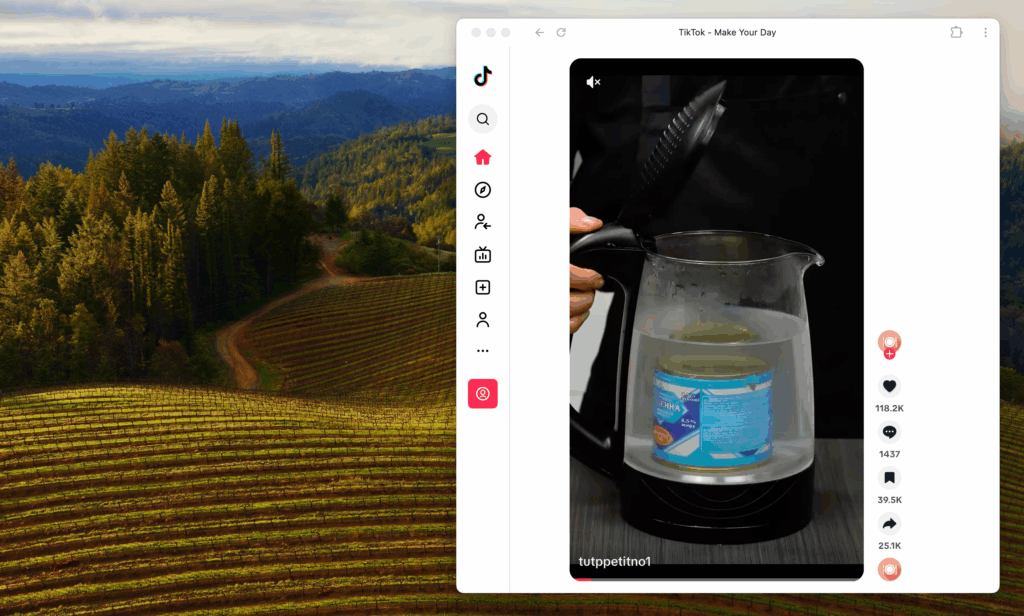
Why a VPN is not enough for TikTok anonymity
device fingerprint remain linked in TikTok’s system, regardless of what network you are using.
This is why people who create ‘anonymous’ TikTok accounts with a VPN on the same phone as their main account often find the accounts connected within days — or see the new account immediately flagged for suspicious behaviour when TikTok detects the fingerprint overlap. The VPN solved the IP layer but did nothing about the device layer.
Why incognito mode does not help
Incognito or private browsing mode clears cookies and local browsing data from the current session. It does not change your device fingerprint, your IP address, or any of the hardware-level identifiers TikTok collects. Using TikTok in a private browser tab on your regular device provides essentially no additional protection against account linkage.
The cloud phone method: what genuine TikTok anonymity requires
Genuine account separation on TikTok requires operating from a completely different device environment — one that shares no device fingerprint, no IP, no session history, and no credential associations with your existing accounts.
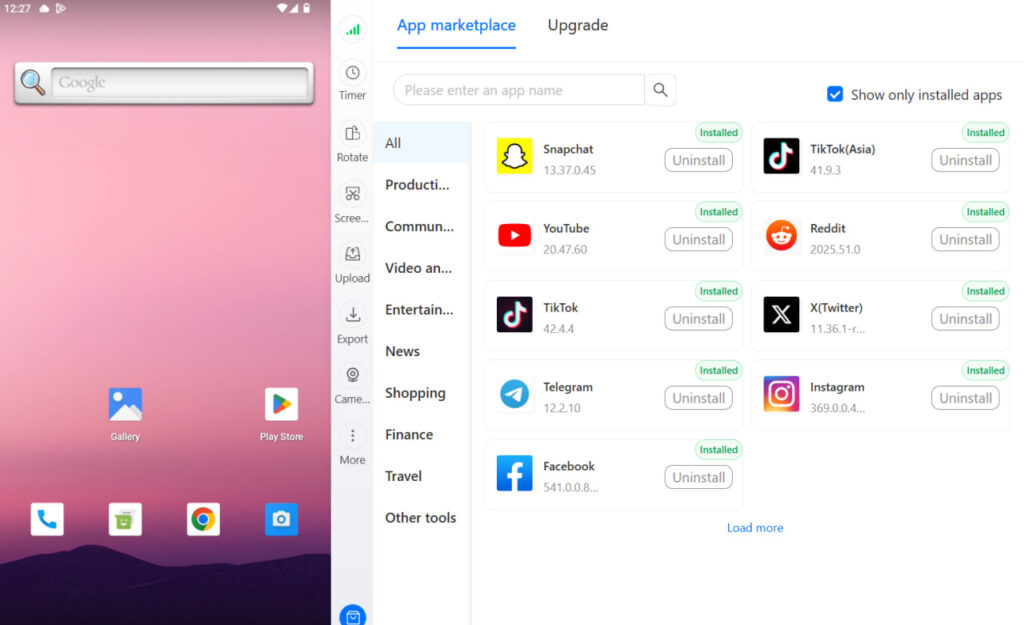
The practical solution without buying a second physical phone is a cloud phone. A cloud phone is a virtual Android device that runs in the cloud with its own unique hardware fingerprint, its own dedicated mobile IP, and its own completely independent operating environment.
Multilogin Cloud Phones are built specifically for this kind of isolated account operation. Each cloud phone has a distinct device model identity, a unique set of hardware parameters, and a dedicated IP address. When you access TikTok through a Multilogin Cloud Phone, TikTok’s detection systems see a genuine separate Android device — because at the signal level, that is exactly what it is.
Step-by-step: how to set up an anonymous TikTok account with a cloud phone
Step 1: Create a Multilogin account and launch a cloud phone
$7.08/month (annual) or $11/month. A 3-day trial at $2 includes 5 profiles and is the fastest way to test the setup. Launch a new cloud phone from your dashboard. Each cloud phone runs a real Android environment (versions 10-15 are available) with its own unique device identity.
Step 2: Register completely fresh credentials inside the cloud phone
Open a browser inside the cloud phone environment and create a new email address — one that has no prior association with your real identity or any existing accounts. Use this email to register your anonymous TikTok account. Do not use your personal phone number for verification. Do not connect any third-party authentication (Google, Apple, Facebook) that is linked to your real identity.
Step 3: Warm up the account before posting
account warming process builds a legitimate behavioural history that significantly reduces the probability of TikTok flagging the new account as suspicious.
Step 4: Create content that does not reveal your identity
Use a pseudonym that has no connection to your real name. Record content in a way that does not reveal your face, location, voice (if recognisable), or any incidental identifying details. Keep your bio generic and niche-focused. Do not cross-reference this account in content from your main account or vice versa.
Step 5: Always access this account only through the cloud phone
This is the rule that determines whether your anonymity holds over time: always access the anonymous account through the cloud phone, never through your personal device. The moment you log into the anonymous account from any other device — your phone, your laptop, a friend’s tablet — you create a device linkage that cannot be undone. The anonymity breaks permanently the first time you mix environments.
Other legitimate use cases for anonymous TikTok accounts
Beyond personal privacy, the cloud phone approach to anonymous TikTok account management is standard practice for:
- Building niche creator accounts (fitness, finance, cooking, gaming) that are not tied to a personal brand or professional identity
- Testing content formats, posting times, and caption styles before rolling changes out to a main account with an established audience
- Managing client TikTok accounts that must not be traceable to your personal profile or to each other
- Running multiple topic-specific accounts across different niches without risking account linkage that could allow a ban on one to affect another
TikTok shadowbans spreading between profiles. One account’s performance problem or policy issue stays contained within that account’s environment.
Getting started with Multilogin
3-day trial: $2 — 5 profiles, cloud mobile + browser profiles, API access.
Pro plans: from $7.08/month (billed annually at $85/year) or $11/month. Includes 10–100 profiles, quick cloning, bulk operations, automation API, and bonus minutes (60–150 min) and proxy traffic (1–5 GB).
Business plan: from $57.08/month (billed annually at $685/year) or $89/month — 300+ profiles, unlimited team seats, 450+ bonus minutes, 10 GB proxy traffic.
Cloud phone minutes: $0.011/minute pay-as-you-go. Unused minutes roll over. Bulk packages: 2,000 min ($18, save 20%) | 10,000 min ($85, save 20%) | 100,000 min ($825, save 30%) | 1,000,000 min ($7,320, save 30%).
Proxy traffic: $3.50/GB. Unused traffic rolls over.
Want to post on TikTok without linking it to your identity or other accounts? Multilogin Cloud Phones give each profile a completely separate Android environment. Plans from $7.08/month. 3-day trial at $2 — multilogin.com.
Need to manage multiple social media accounts? Try Multilogin Cloud Phones.
Frequently asked questions
Yes. TikTok identifies accounts through device identifiers, IP addresses, and behavioural fingerprints — not usernames. A fake username changes what is visible to other users but does nothing to prevent TikTok from linking your account to your device and other accounts you operate.
What happens if TikTok links my anonymous account to my main account?
If TikTok links the two accounts and one of them violates a policy, both can be affected simultaneously. If your goal is genuine separation, complete environment isolation from the first login is the only reliable approach.
TikTok Studio is TikTok’s official desktop management tool at studio.tiktok.com. It’s free and lets you upload, schedule, and analyse your content. You can schedule posts up to 10 days in advance. It’s the desktop alternative to scheduling within the mobile app.
Often yes — not because deleting fixed something, but because the repost gets a fresh distribution window, and you’re typically more present and engaged when you manually repost. TikTok makes its distribution decisions early in a video’s life, and a fresh upload resets that process.
Conclusion
Posting on TikTok anonymously in 2026 requires more than a fake display name and a VPN. Genuine anonymity means a completely separate device environment with a unique hardware fingerprint, a dedicated IP address, and credentials that have no association with your real identity or any other TikTok account you operate.
The cloud phone method is the only approach that delivers all of this without buying a second physical device. Set it up once, keep the environments strictly separate, and your anonymous TikTok presence stays genuinely disconnected from everything else you do online.


