


A push notification can look correct in your CRM, your Firebase project, or your staging checklist and still fail on the phone. The message might arrive late, open the wrong screen, use the wrong language, ask for permission at the wrong moment, or disappear when the app is in the background. That is why teams test push notifications on cloud phones before campaigns and app updates reach real users.
This guide explains how to build a practical Android push notification testing workflow. It covers FCM test sends, Android permission state, notification channels, app states, deep links, evidence logging, and the role cloud phones can play when several accounts, regions, or QA sessions need to stay separate.
Key takeaways
Push notification testing should check more than delivery. A useful QA pass verifies permission state, app state, notification channel, message content, deep link destination, analytics event, and evidence capture.
Firebase offers several test paths. The Notifications composer is useful for simple test sends, while the FCM HTTP v1 API gives developers more payload control.
Android 13 and higher changed notification QA because newly installed apps have notifications off by default until the user grants POST_NOTIFICATIONS permission.
Cloud phones can help teams repeat Android app tests across separate sessions, but they do not replace FCM delivery reports, APNs logs, physical-device reproduction, or platform rules.
AI can help draft message variants and test matrices, but a person should still approve payloads, privacy-sensitive fields, and pass or fail decisions.
What does it mean to test push notifications on cloud phones?
Testing push notifications on cloud phones means sending controlled mobile push messages to an app installed inside remote Android environments, then checking how the notification behaves across permission states, app states, locales, accounts, and deep link destinations.
The goal is not only to prove that a message was sent. The goal is to confirm that the user-facing Android experience matches the intended lifecycle, CRM, QA, or product workflow.
Relevant dated facts for push notification QA
- Firebase describes FCM as a cross-platform messaging solution and notes that instant messaging payloads can transfer up to 4096 bytes to a client app. The page was last updated on 22 June 2026.
- Android 13 and higher support the POST_NOTIFICATIONS runtime permission. For newly installed apps, notifications stay off by default until the user grants permission. The Android page was last updated on 18 June 2026.
- Android 8.0 and higher require every notification to be assigned to a notification channel. The Android page was last updated on 18 June 2026.
- Customer.io reported in its 2026 customer messaging trends that 30 percent of surveyed respondents used mobile push notifications and 19 percent used web push notifications.
- Airship says its 2025 push notification benchmark data covers January to December 2024 and spans thousands of apps and billions of users.
When should you test push notifications on cloud phones?
You should test push notifications on cloud phones when the Android experience depends on account state, device state, locale, app state, or repeatable mobile sessions. A dashboard send result is useful, but it does not show the full phone-side experience.
This matters most for lifecycle campaigns, onboarding prompts, abandoned-cart reminders, transactional alerts, subscription renewals, product-launch messages, referral flows, and regional campaigns. In each case, the message must arrive with the right copy, timing, personalization, and destination screen.
Cloud phones are especially useful when several people need access to the same mobile test state. A CRM specialist can prepare the message, a QA person can verify the Android session, and a product owner can review the evidence without passing one physical phone around.
What do you need before running an Android push notification QA test?
Before you send a test push, prepare the app, message source, device state, and expected result. Push QA becomes unreliable when teams start testing without a controlled target and then try to diagnose several variables at once.
- A test build or published app: Use the same build type that matches the decision you need to make. A staging build can validate logic, while a production build can confirm release behavior.
- A push provider path: For Android, many teams use FCM. Firebase supports the Notifications composer for simpler sends and HTTP v1 for controlled API tests.
- A known registration token or test segment: Token-based tests are cleaner for single-device QA. Segment tests are useful only when the segment definition itself needs validation.
- A prepared Android session: Set the app state, permission state, account, language, locale, and login status before sending the message.
- An expected result: Document the message title, body, image, channel, action button, deep link, analytics event, and conversion signal before the test begins.
How to test push notifications on cloud phones step by step
The cleanest workflow starts with one controlled variable, one test phone session, and one expected result. After that first pass works, expand the matrix to app states, permissions, locales, accounts, and message variants.
1. Build a test matrix before sending messages
A test matrix tells the team exactly what each push notification test is supposed to prove. Without it, one person may be checking delivery while another person expects localization, attribution, or a deep link result.
For lifecycle and CRM teams, the matrix should include the campaign name, message variant, user property, language, time zone, app state, notification permission state, expected screen, and pass or fail evidence. AI tools can help draft this matrix from campaign requirements, but a human owner should remove unsafe payloads and confirm pass criteria.
2. Prepare a clean Android session
Prepare the Android session before the push is triggered. On Android 13 and higher, a newly installed app cannot send non-exempt notifications until the POST_NOTIFICATIONS permission is granted, so permission state must be part of the test plan.
Also check notification channels. Starting in Android 8.0, every notification needs a channel, and users can change the channel settings that control visibility and interruption behavior.
Use separate sessions when you need to compare accounts, regions, languages, or permission states. Do not mix several tests in one session unless the test case is explicitly about repeated messages to the same user state.
3. Send a controlled FCM test message
For a simple validation, Firebase Notifications composer can send a notification message from the Firebase console and can be useful for testing or targeted marketing messages.
For a developer-led QA test, the FCM HTTP v1 API gives more direct control. Firebase documents a POST request to the messages endpoint and shows how to target a specific device by registration token.
Choose the method based on what you need to prove. If the campaign UI is under review, test through the campaign tool. If the backend payload is under review, test through the API path that production uses.
4. Check rendering, channel, permission, and app state
A push notification test should capture what the Android user sees and what the app does in each state. Test foreground, background, terminated, newly installed, logged out, logged in, permission granted, and permission denied where those states apply.
Message type matters. Firebase separates notification messages, which the SDK can handle for display, from data messages, which the client app handles with custom code. Notification messages go to the notification tray when the app is in the background, while foreground handling uses a callback.
Priority also matters for timing expectations. Firebase says normal priority messages can be delayed in Doze mode, while high priority messages attempt immediate delivery for user-visible content.
5. Tap the push and verify the deep link destination
The test is not complete when the notification appears. For lifecycle marketing and attribution, the tap must open the correct destination and preserve the expected context.
Android documentation states that deep links can bring users directly into app content from notifications and other sources. It also explains that the user and the system can affect how intents route to apps.
For each test, record the destination screen, account state, campaign parameters, error state, and any analytics event that your team uses as proof. A correct notification that opens the wrong screen is still a failed test.
6. Log device evidence and delivery data
- Evidence should include the message ID or campaign ID, device session name, app version, Android version, account state, timestamp, screenshot reference, screen recording reference, and final pass or fail note.
- Firebase offers message delivery reports, aggregated Android SDK delivery metrics, and BigQuery export for broader delivery insight. Firebase also notes that some reporting statistics can be delayed by batching.
- Customer.io gives a useful reminder for CRM teams: push status tracking can be harder than other channels because messages pass through APNs or FCM, and delivered or opened metrics can arrive late or be missing from older app versions.
What should an Android push notification QA matrix include?
An Android push notification QA matrix should include the message, device session, user state, app state, permission state, platform setting, expected result, and evidence. The matrix should be short enough for people to use during real campaign work.
- Message fields: title, body, image, action button, custom data, priority, campaign ID, and analytics label.
- User state: new user, active user, inactive user, subscriber, trial user, buyer, language, country, and account tier.
- App state: foreground, background, terminated, first launch, logged in, logged out, and recently updated.
- Android state: permission granted, permission denied, channel enabled, channel muted, Doze, and App Standby where relevant.
- Destination state: deep link opens the expected screen, fallback works, webview loads if used, and attribution parameters are preserved.
- Evidence: screen recording, screenshot reference, test timestamp, message ID, and pass or fail result.
Keep one owner for the matrix. When many people update the same test list, results get hard to trust unless each row has one accountable reviewer.
What can cloud phones test better than emulators or local devices?
Cloud phones are useful when the team needs repeatable Android sessions without managing a pile of physical phones. They can help organize tests by account, region, permission state, or app version.
Emulators are still useful for early development checks, but they are not always enough for notification QA. Android documentation itself recommends testing Doze and App Standby behavior and checking notifications and background jobs after state changes.
Local physical devices remain valuable for final reproduction and device-specific investigation. Cloud phones are strongest when the main problem is operational: keeping mobile sessions available, separated, and reviewable for a distributed team.
Where do online push notification test tools fit?
Online push notification test tools fit quick payload checks, but they should not become the full QA process for campaigns or app releases. They can help when a developer wants to send a simple APNs or FCM message without opening the campaign platform.
Use caution with credentials, tokens, and payloads. For sensitive projects, send tests from Firebase, APNs, your backend, or a trusted internal tool rather than pasting credentials into a public tester.
Apple offers its own Push Notifications Console for APNs. Apple says the console can send test notifications, access delivery logs, monitor metrics, and validate tokens.
Push notification testing methods compared
| Option / tool / method | Best for | Strengths | Limitations | Pricing signal | Compliance or operational note |
| Firebase Notifications composer | Fast manual tests for notification copy and basic targeting | Useful for non-technical tests and targeted test sends | Less flexible than Admin SDK or HTTP v1 API | Verify on official page | Good for controlled QA, not a substitute for backend send logic |
| FCM HTTP v1 API | Developer-led token, topic, condition, and payload tests | Precise payload control and production-like request flow | Needs service account access and trusted-server setup | Verify on official page | Keep credentials restricted and avoid sharing tokens in public tools |
| Cloud phones | Remote Android checks across separate sessions, accounts, locales, or app states | Good for repeatable mobile app behavior checks without passing physical devices around | Provider device depth, logs, and network controls vary | Paid or usage-based | Best used with clear test data, assigned sessions, and platform-compliant activity |
| Real device cloud QA platforms | Broad device coverage and formal mobile testing | Often includes logs, recordings, automation, and device selection | Can be heavier than needed for marketing-only QA | Paid or custom pricing | Useful for release-grade validation and regression suites |
| Local physical devices | High-confidence checks on owned hardware | Direct access to OS settings, device logs, and real user conditions | Hard to scale across teams, regions, and repeated states | Hardware cost | Useful for final reproduction and edge cases |
| Android emulator | Early development checks and fast local debugging | Accessible, quick, and useful before device testing | Not enough for every notification, permission, background, or OEM behavior | Free tooling | Treat emulator results as early signals, not final QA evidence |
| Online APNs or FCM testers | Quick payload checks when no campaign tool is ready | Fast to try and easy to understand | May require sensitive tokens or credentials and may not mirror app states | Free, freemium, or paid | Use only with safe test credentials and non-sensitive payloads |
Best practices for push notification testing
- Start with one controlled message. A single-token or single-session test helps isolate whether the issue sits in the payload, app state, Android setting, or campaign logic. Firebase HTTP v1 supports targeting a specific registration token.
- Test permission state before campaign timing. Android 13 and higher keep notifications off for newly installed apps until permission is granted, so permission handling can block the whole user-facing result.
- Validate notification channels on Android 8 and higher. Android requires notifications to use channels, and channel-level user settings affect how visible or intrusive a message can be.
- Check foreground, background, and terminated states separately. FCM message type and app state affect whether the SDK displays a notification or the app handles it through code.
- Record both device evidence and provider data. Firebase reports and BigQuery export help with delivery analysis, while the device session shows the user-facing Android result.
How to keep Android notification QA organized across separate sessions
The hardest part of repeated push QA is often not sending the message. It is keeping account state, permission state, locale, app version, and evidence separate when several people test the same campaign.
For example, one campaign may need Test account A in English with permission granted, Test account B in Spanish with permission denied, and Test account C logged out after a fresh install. If those states live on one shared phone, results become hard to read and easy to overwrite.
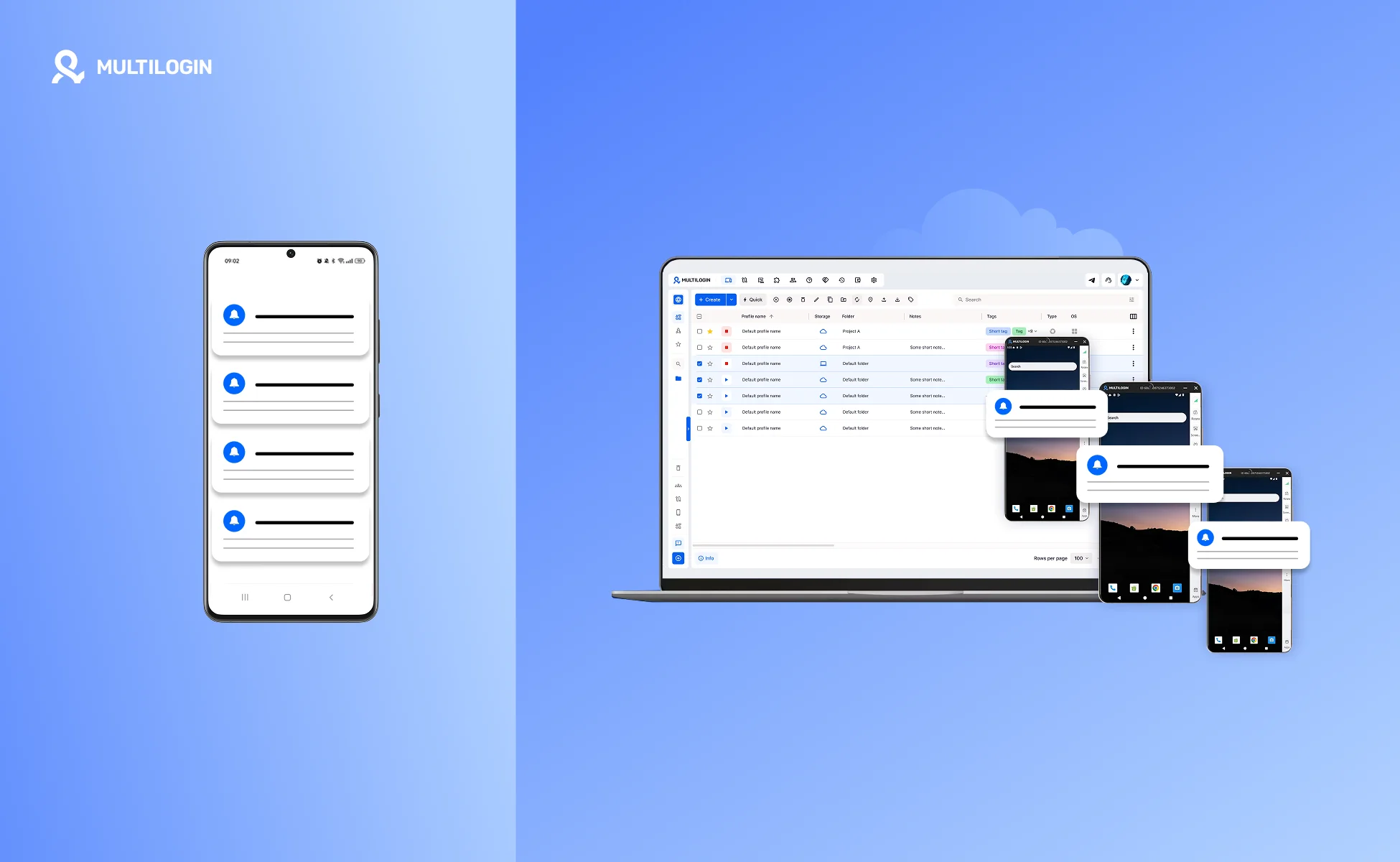
A tool such as Multilogin Cloud Phone can support this workflow by giving teams separate Android cloud phone sessions that can be assigned, reused, and reviewed from one dashboard. Multilogin describes its cloud phones as isolated Android environments with persistent sessions and team sharing.
A practical setup could use one Android session per account state. The CRM owner sends the FCM test, the QA owner checks the phone-side result, and the reviewer opens the recorded evidence before approving the campaign.
Explore an Android cloud phone workflow if your team now needs repeatable mobile sessions for push testing, app reviews, or account-state QA.
Multilogin is not a way around platform rules; the safest approach combines clean account separation with original content, real engagement, and platform-compliant activity.
Related workflow resource: Android cloud phone workflow.
Benefits of a cleaner mobile notification QA workflow
- Keep test sessions organized when several accounts, locales, or app states are involved.
- Reduce confusing account switching during campaign reviews.
- Give team members clearer access to assigned Android sessions and evidence.
- Keep mobile workflows separated for operational clarity.
- Make repeated push tests easier to compare across variants and releases.
Teams comparing mobile environments can also review the differences between a cloud phone vs Android emulator and the broader use cases for cloud phones for social media marketing, especially when push QA sits inside a wider mobile account workflow.
cloud phone vs Android emulator and cloud phones for social media marketing are useful follow-up resources for related mobile environment decisions.