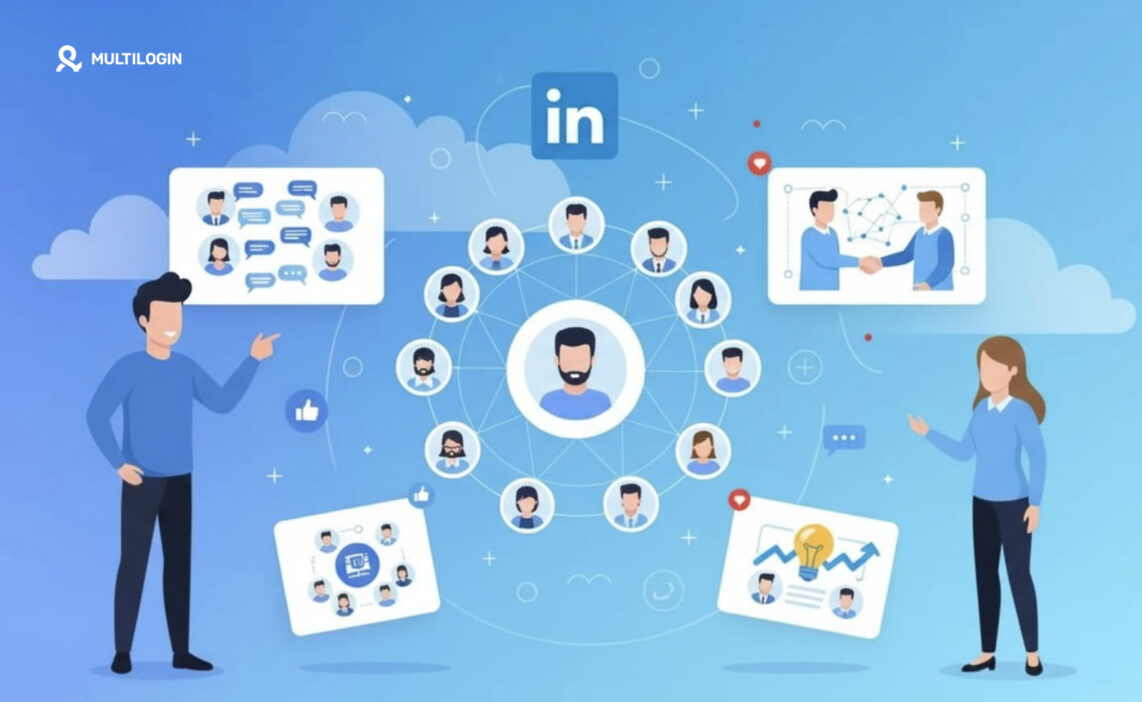



LinkedIn Groups are focused professional communities where people with shared industries, roles, or interests can exchange ideas, build relevant connections, and discuss topics beyond the noise of the main feed. This guide explains how LinkedIn Groups work, their key benefits, why businesses and professionals use them, and whether creating your own group is worth the effort.
For brands, agencies, and niche experts, a well-managed group can strengthen authority, support networking, nurture leads, and create more meaningful conversations with people who already care about the topic.
When managing multiple LinkedIn profiles or client communities, Multilogin cloud phone helps keep each account in a separate, consistent mobile environment. This makes workflows easier to organize while reducing overlapping device signals.
👉 Discover how LinkedIn Groups can support your goals and how Multilogin Cloud Phone can simplify multi-account management.
What Are LinkedIn Groups?
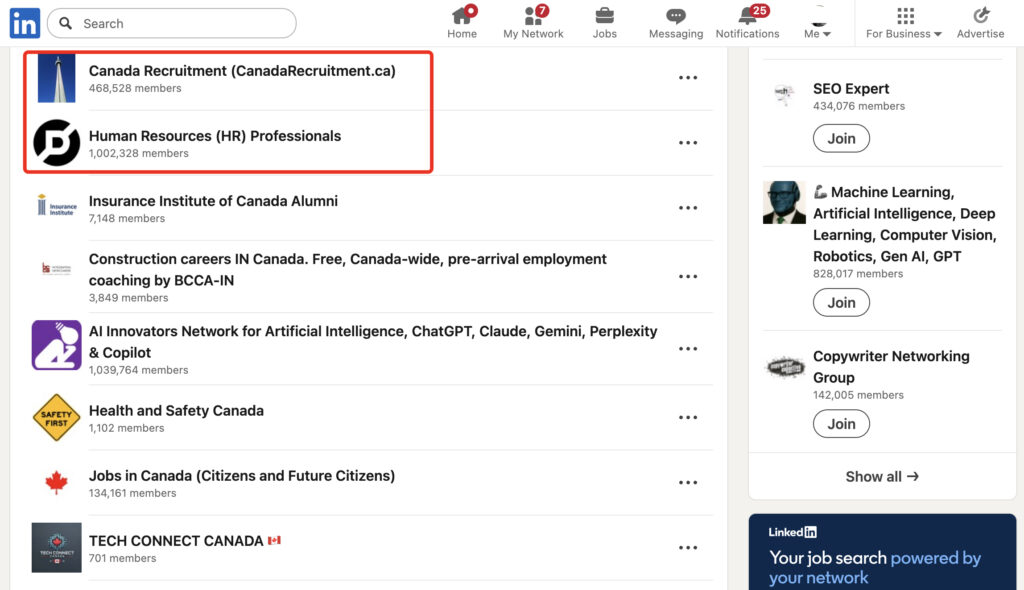
LinkedIn Groups are dedicated spaces on the platform where people with a shared professional interest gather to post, discuss, and ask questions, separate from the regular feed. Think of it less like a company page and more like a clubhouse. You knock, you get in (sometimes with approval, sometimes not), and once you’re inside, the conversation is narrower and, frankly, more useful.
Groups have existed on LinkedIn for years, but they’ve quietly become one of the platform’s most underused features. Most users scroll the main feed, react to a few posts, and move on. Groups work differently. They’re opt-in, topic-specific, and built for people who actually want to be there. That’s a very different kind of attention than a random algorithmic feed gives you.
A Group can be public (anyone can see the posts, even non-members) or private (only members see the content, and someone has to approve you). Some are huge, tens of thousands of members, built around broad fields like marketing or software engineering. Others are tiny and hyper-specific, say, forty people who all work in cold chain logistics in the Nordics. Both work. It just depends on what you’re trying to get out of it.
Key Benefits of LinkedIn Groups
The core benefit of LinkedIn Groups is access. Not follower count, not vanity metrics, actual access to people who are already interested in what you do. That’s harder to manufacture than most people think.
Here’s what tends to stand out once you’ve spent real time inside a Group:
- Targeted visibility. Your post reaches people who opted into the topic, not a random cross-section of connections.
- Credibility by association. Being active in a respected Group signals you know the space, without you having to say it outright.
- Direct networking. Comment threads inside Groups tend to be more substantive than main-feed comments, which are often just quick reactions.
- Lead generation, quietly. For businesses, Groups are a low-pressure way to be visible to a warm audience without running ads at them.
- Early access to industry chatter. Groups often surface news, hiring trends, or shifts in a niche before it hits the broader feed.
Why Use LinkedIn Groups (Instead of Just Posting on the Main Feed)?
Because the main feed is a lottery, and Groups are closer to a guaranteed audience. That’s the short version.
LinkedIn’s algorithm decides who sees your regular posts, and that decision is opaque, changes often, and generally favors accounts that already have traction. A Group sidesteps a chunk of that. Members who’ve joined a Group are more likely to see posts from within it, especially if they’ve engaged there before. You’re not fighting the algorithm quite as hard.
There’s also a psychological piece to this. People behave differently in a Group than they do on the open feed. On the main feed, everyone’s a little bit performing, a little bit aware that anyone could see the post. Inside a Group focused on, say, supply chain analytics or early-stage SaaS pricing, people drop some of that. They ask blunter questions. They share things they wouldn’t put on their public profile. If you want real conversations rather than polished ones, that’s where you find them.
LinkedIn Groups for Networking
For networking specifically, Groups do something DMs and connection requests can’t: they give you a legitimate reason to talk to someone before you’ve ever met them.
Cold outreach on LinkedIn has a trust problem. A connection request from a stranger, even a polite one, often reads as sales-y, and most people ignore it. But if you and someone else have both commented on the same thread in a Group about, say, freight forwarding regulations, you already have context. The “hey, saw your comment on X” opener works because it’s true, not because it’s a template.
This matters even more for people early in their career or switching industries. Groups let you show competence before you have a big title or a long resume to back it up. Someone reading a genuinely sharp comment you left doesn’t check your job history first. They just notice you knew what you were talking about.
Why Should Businesses Create a LinkedIn Group?
Because it gives a business direct, ongoing access to its audience without paying for every impression. That’s the practical answer.
A company page on LinkedIn is largely one-directional. You post, people (maybe) see it, they (maybe) react. A Group flips that. Customers, prospects, and industry peers gather in one place, and the business gets to be the host rather than just another voice shouting into the feed. Over time, that host position becomes valuable on its own, people associate the brand with the space where the useful conversation happens.
Here’s a quick side-by-side of what a business typically gets from a Group versus a standard company page:
| Aspect | Company Page | LinkedIn Group |
|---|---|---|
| Direction of conversation | Mostly one-way, brand to audience | Two-way, member to member and member to brand |
| Audience mindset | Passive scrolling | Actively opted in to the topic |
| Content reach | Algorithm-dependent | Higher within an engaged member base |
| Best use case | Announcements, hiring, brand news | Community building, lead nurturing, feedback |
| Setup effort | Low | Moderate, needs ongoing moderation |
Neither replaces the other. Smart businesses run both. The page handles broadcasts, the Group handles relationships.
Small businesses in particular can benefit here, since a Group costs nothing to run beyond time, and time is usually cheaper than an ad budget when you’re starting out.
How to Create and Grow a LinkedIn Group
Setting one up isn’t complicated. Growing it into something people actually check is the harder part.
- Pick a narrow topic. “Marketing professionals” is too broad. “B2B SaaS marketers focused on retention” gives people a reason to join over a hundred other options.
- Write clear rules upfront. Groups that allow unlimited self-promotion die fast. Set expectations early.
- Seed the first conversations yourself. An empty Group looks abandoned. Post two or three genuinely useful threads before inviting anyone.
- Invite people individually at first. A personal note asking someone to join beats a mass invite every time.
- Moderate consistently. Remove spam quickly. Nothing kills a Group faster than it turning into an ad board.
It won’t feel worth it in week one. Groups are slow to build and honestly, most people give up before the momentum kicks in. The ones that stick around for three or four months tend to be the ones that end up mattering.
Managing Multiple LinkedIn Accounts and Groups Without Losing Access
Anyone running several LinkedIn Groups, or managing accounts for multiple clients, eventually runs into the same problem: LinkedIn is not fond of accounts that look like they’re being managed from one shared setup. Logging into several profiles from the same browser, on the same device, with overlapping session data, is a fast way to get flagged, even when nothing malicious is going on.
This is where the account management side of things starts to matter more than people expect. Businesses and social media managers who oversee several LinkedIn Groups (or run separate profiles for different brand voices) generally need each account to look, from the platform’s side, like it belongs to a distinct, consistent user. That means separate browser fingerprints, separate storage, and ideally a device identity that doesn’t reset every time you log back in.
Multilogin’s cloud phones are built around exactly that problem, though they’re aimed at mobile rather than desktop use. Each cloud phone is a real Android environment hosted remotely, with its own operating system, its own storage, and a device identity that stays consistent over time instead of resetting between sessions.
👉 For someone managing multiple LinkedIn Groups or LinkedIn accounts on mobile, that consistency is the difference between an account that survives long-term and one that gets flagged after a few weeks of overlapping activity.
Common Mistakes People Make With LinkedIn Groups
A few show up over and over, worth naming plainly:
- Joining too many Groups and engaging with none. Five active Groups beat thirty ignored ones.
- Treating the Group like a billboard. Constant self-promotion gets people muted, and rightly so.
- Ignoring moderation. A Group left unmoderated for even a few weeks tends to fill with spam.
- Giving up too early. Growth is slow at first. Most valuable Groups took months, not days, to find their rhythm.
- Forgetting who the Group is actually for. Content should serve members’ interests, not just the founder’s marketing calendar.