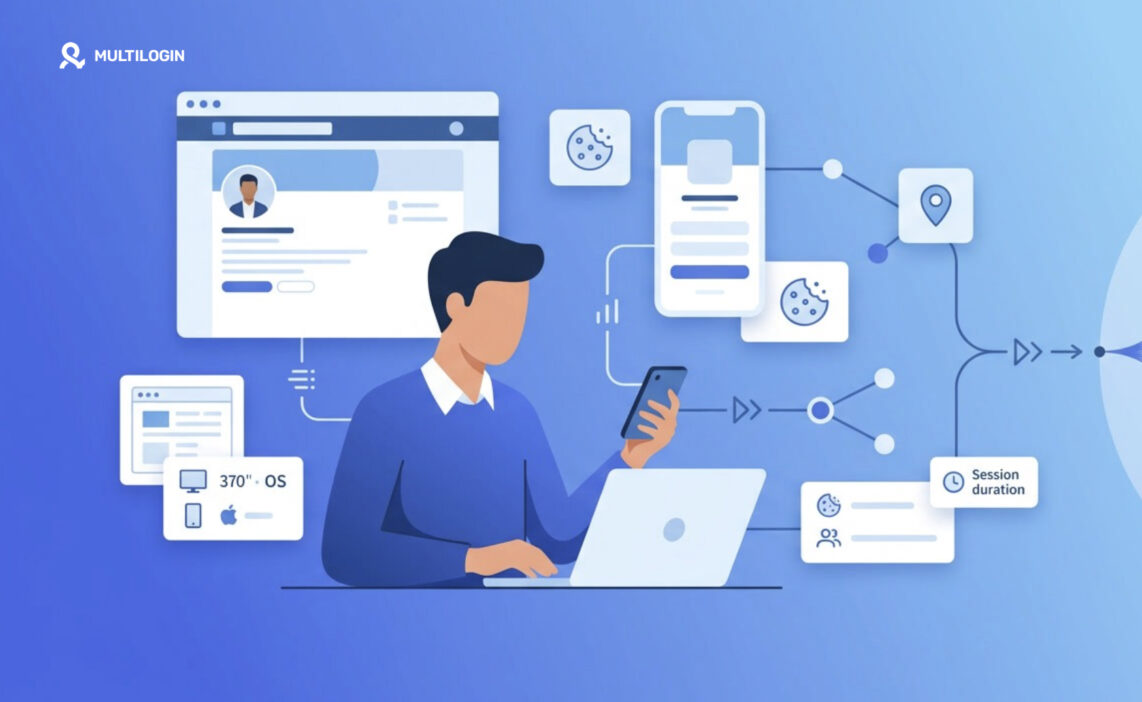



How does LinkedIn track users across different sessions and devices? It does not rely on a single signal. Instead, LinkedIn can use a combination of IP addresses, cookies, session tokens, device information, and login patterns to recognize users, maintain sessions, and detect activity that looks unusual.
👉 In this guide, you’ll learn how LinkedIn tracking works, which signals matter most, how IP, cookies, and device data can work together, and what can happen when your network, device, or session behavior changes unexpectedly.
For most users, these systems work quietly in the background. Cookies help maintain sessions, IP addresses provide network and approximate location context, while device and browser information can help LinkedIn understand whether a login looks consistent with previous activity. No single signal tells the whole story; the platform can evaluate several signals together.
This becomes especially relevant when you manage multiple LinkedIn accounts across different devices or locations. Multilogin cloud phones provide separate Android environments with independent device profiles, sessions, and IP settings, helping keep account environments organized instead of mixing multiple logins on the same device.
Read on to understand what LinkedIn can track, why these signals matter, and how to keep your account access more consistent.
👉 Try Multilogin for free and manage LinkedIn accounts in separate cloud phone environments.
How LinkedIn Tracking Works: The Big Picture
LinkedIn tracking is less a single system and more a layered one. Think of it as several overlapping checks, each fairly weak on its own, that together build a fairly confident picture of “yep, this is probably the same person as last time.”
At a high level, the platform draws on four broad categories of information:
- Network signals (your IP address and rough location)
- Storage signals (cookies and local browser data)
- Session signals (login tokens that prove you are still authenticated)
- Device signals (details about your browser, OS, and hardware)
No single signal decides anything by itself. A changed IP alone rarely triggers a security check. A changed IP plus a new device plus a new browser, all at once, usually does. That layering is really the whole story, and everything below just fills in the details.
IP Addresses and Approximate Location
Your IP address gives LinkedIn a rough sense of where you are connecting from, not your exact address, just a general area tied to your internet provider.
This matters more than people expect. Every request your browser sends to LinkedIn’s servers includes an IP address, whether you think about it or not. LinkedIn uses this, alongside geolocation databases, to estimate country, region, and sometimes city. It is the same technique used across most of the internet for fraud checks, content localization, and basic analytics.
Location estimates from IP addresses are approximate at best. Traveling, switching networks, or using a VPN can shift what LinkedIn sees, sometimes placing you in a different city or country than where you actually are. If you have ever noticed a platform guessing your location incorrectly, that is a known limitation of IP-based geolocation, not a glitch specific to LinkedIn.
Cookies and Browser Sessions
Cookies are small pieces of data your browser stores so LinkedIn does not have to ask “who are you?” on every single click.
When you log in, LinkedIn sets cookies that identify your session and, in some cases, remember your browser across visits. These cookies let you navigate between pages, scroll your feed, and open messages without re-authenticating constantly. Without them, browsing the site would be a genuinely miserable experience, endless login prompts, one after another.
Session cookies typically expire when you close your browser or after some period of inactivity. Persistent cookies stick around longer, which is why you often stay logged in for days or weeks on a device you use regularly. If your account has ever felt like it “remembered” you across visits despite not actively signing in each time, that is cookies doing their quiet job.
Cookies get stolen sometimes too, and when they are, whoever has them can potentially reuse an active session without needing your password at all. That is worth knowing.
Device and Browser Signals
Beyond IP and cookies, LinkedIn also collects details about the device and browser you are using, things like operating system, browser version, screen size, and language settings.
None of these details are unique to you individually, but combined, they narrow things down considerably. This is sometimes called device fingerprinting, and it is a widely used technique across the web, not something unique to LinkedIn.
Browser and OS Characteristics
Your browser reports a fair amount about itself just by existing: user agent strings, installed fonts in some cases, time zone, and screen resolution. LinkedIn can use this to notice, for instance, that your usual sessions come from a specific browser and operating system combination, and flag it when something looks off.
Hardware and Configuration Signals
Screen dimensions, GPU rendering quirks, and installed plugins can all contribute to a rough device profile. It is worth understanding just how far this can go beyond IP address alone.
Session Tokens and Login Activity
A session token is essentially proof, held by your browser, that you already logged in and do not need to do it again right this second.
After you sign in, LinkedIn issues a token tied to your account and, often, to the device and browser you used. This token gets checked with each request. If it matches what LinkedIn expects, you stay logged in seamlessly. If something about the request looks inconsistent (a token being used from an unfamiliar location paired with an unfamiliar device, say) that mismatch can prompt a re-verification step.
LinkedIn also keeps a log of login activity: approximate times, general locations, and device types used to access your account. This is fairly standard practice, and honestly, it is one of the more useful privacy features rather than a concerning one, since it is what lets you spot unauthorized access after the fact.
How These Signals Work Together
None of these signals are particularly powerful in isolation. Combined, they tell a fuller story.
| Signal | What it reveals | How it is typically used |
|---|---|---|
| IP address | Approximate location, ISP | Rough geolocation, anomaly detection |
| Cookies | Session identity, preferences | Staying logged in, personalization |
| Session token | Active authentication proof | Confirming you are still “you” |
| Device signals | Browser, OS, hardware traits | Recognizing familiar devices |
A login from a new IP is common and rarely a problem by itself. New IP, new device, and an unfamiliar browser, all at once? That combination is what typically gets flagged, not any single piece of it. This layered approach is exactly how most mainstream platforms handle account security these days, and there is nothing uniquely aggressive about LinkedIn’s version of it.
What Happens When IP, Device, or Behavior Changes
Sometimes you will hit a login challenge, a code sent to your email, a “was this you?” prompt, something along those lines. Why?
Usually, it comes down to enough signals shifting at once. Traveling abroad and logging in from a hotel network, using a new laptop for the first time, or clearing your cookies right before signing in again can all nudge LinkedIn toward asking for extra confirmation. It is a reasonable trade-off: mild inconvenience for you occasionally, in exchange for making unauthorized access much harder.
Changing your IP alone, through travel or switching Wi-Fi networks, generally will not lock you out. It is the stacking of changes that tends to matter.
Privacy and Security Considerations
There is a fair question buried in all of this: is any of this a privacy problem?
For the most part, this kind of tracking exists to keep accounts secure and sessions functional rather than to build an invasive profile of you specifically. That said, it is worth being aware of what data your browser and connection reveal by default, since the same underlying mechanisms (IP addresses, cookies, fingerprinting) are used across the web for advertising and analytics too, not just security. Understanding what your own connection exposes is genuinely useful, well beyond just LinkedIn.
How Multilogin Cloud Phones Help Keep LinkedIn Environments Separate
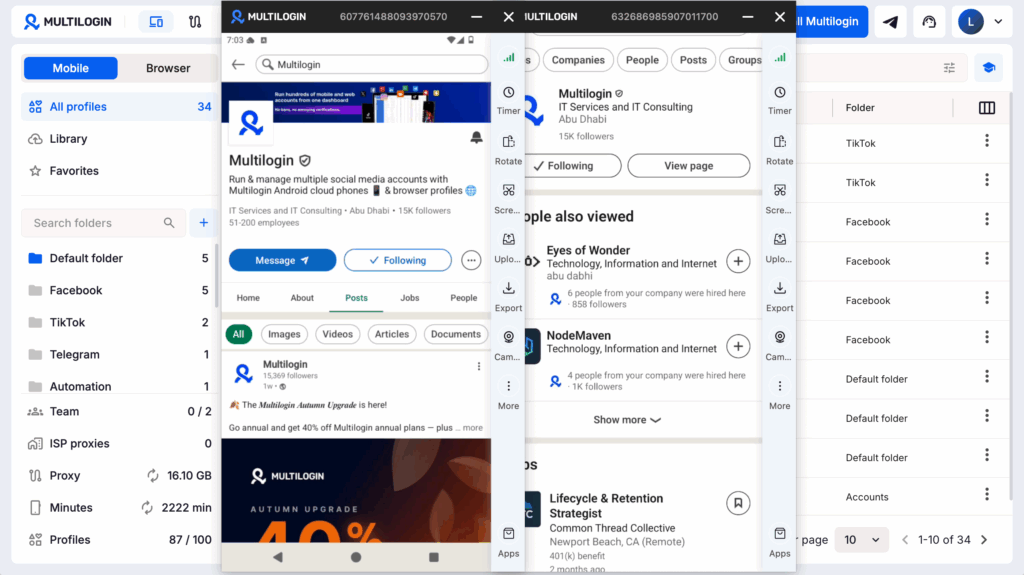
LinkedIn can evaluate IP addresses, cookies, session data, and device signals together, so keeping account environments separate matters when managing multiple workflows.
Multilogin cloud phones provide separate Android environments with their own device profiles, sessions, and network settings. This helps teams manage multiple LinkedIn accounts without constantly switching between accounts on the same device.
Multilogin’s updated pricing includes a Free plan with up to 5 cloud profiles, including one mobile profile, while paid plans start from $11/month. This makes it easier to test cloud phones before scaling.
👉 Try Multilogin for free and manage LinkedIn accounts in separate mobile environments.
Practical Tips for Consistent, Secure Account Access
A few habits go a long way toward avoiding unnecessary friction while keeping your account genuinely secure.
- Log in from the same devices and browsers when you can, rather than constantly switching.
- Avoid clearing cookies right before logging in if you want to stay recognized as a returning session.
- Use a password manager so credentials stay consistent and are not accidentally reused elsewhere.
- Turn on two-step verification, since it protects you even if a password or cookie is ever compromised.
- Check your login activity log occasionally. It takes thirty seconds and tells you a lot.
- Update your browser regularly. Outdated browsers sometimes trigger more fingerprinting inconsistencies than they should.
None of these are dramatic changes. They are small, boring habits, and boring is usually a good sign when it comes to account security.