Manage multiple Facebook accounts: Free 2026 guide
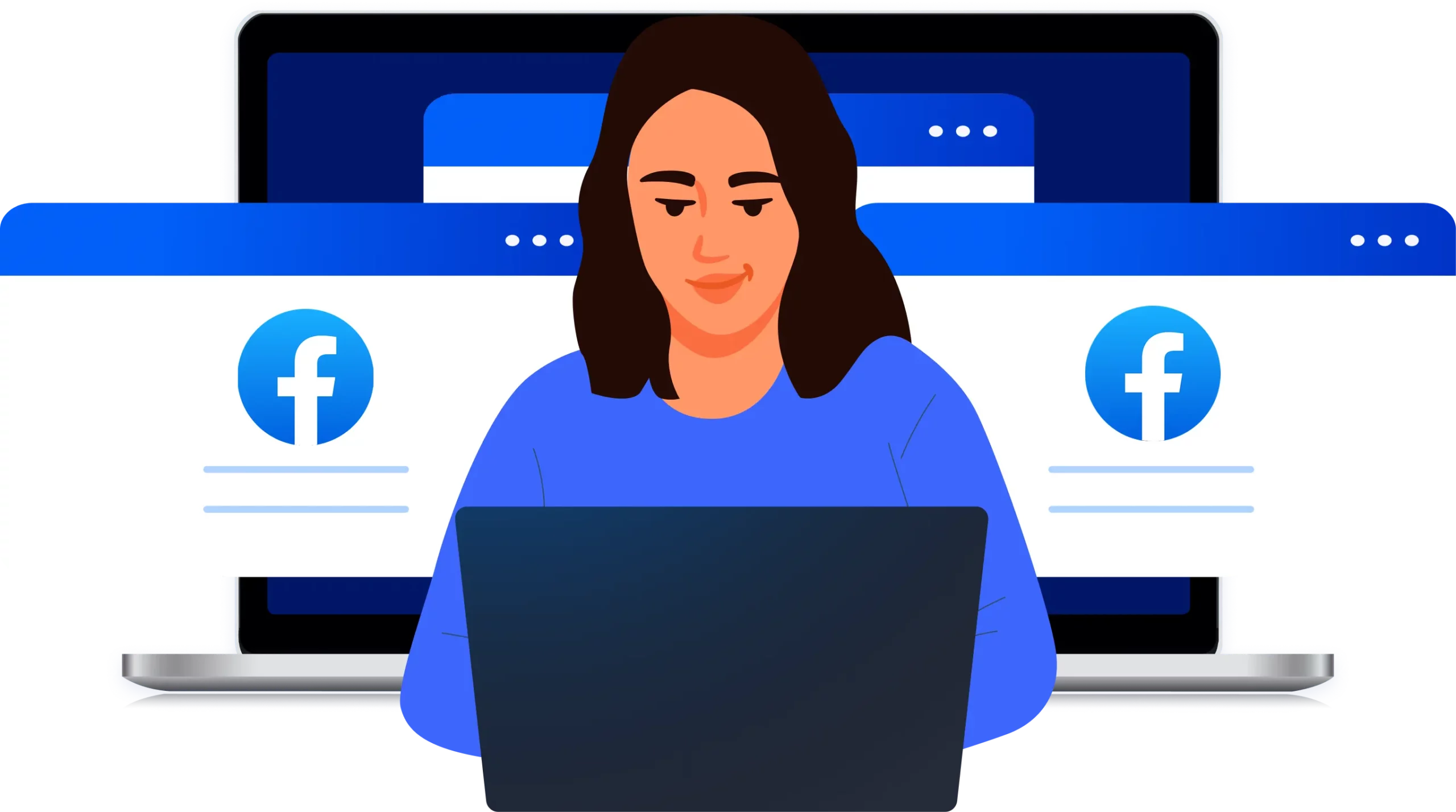
A practical guide to managing multiple Facebook accounts with Multilogin, safely and at scale.
Why managing multiple Facebook accounts triggers detection
Facebook is built to spot patterns across accounts, not just individual actions. When several accounts share the same technical signals or behave too similarly, Facebook assumes they’re controlled by one operator. That’s when reviews, limits, or bans start to appear.
Shared IP addresses across multiple logins
Reused browser fingerprints and device details
Repeating login, posting, or ad activity patterns
How this guide helps you manage multiple Facebook accounts with Multilogin
This guide shows how to manage multiple Facebook accounts with Multilogin by keeping every account fully separated. It focuses on isolating IPs, browser profiles, and behavior so Facebook can’t link accounts during daily use or scaling.
How to isolate each Facebook account in its own browser profile
How to assign clean, account-specific IPs without overlaps
How to switch, scale, and automate accounts without triggering flags
3B+
Monthly active users on Facebook, making it one of the largest and most competitive platforms globally.
80M+
Active Facebook business Pages used for ads, community management, and customer engagement.
200M+
Brands operating across Meta platforms, competing for reach, attention, and ad performance.
What this guide explains about why Facebook accounts get flagged
Facebook flags multiple accounts when activity stops looking like it comes from separate, real users. Its detection systems connect IP behavior, browser fingerprints, cookies, and usage patterns; and restrict accounts that appear linked or automated.

Same IP used across accounts makes Facebook link profiles as coming from one user.

Actions performed too quickly signal automation and trigger account review.

Identical or unstable browser fingerprints expose shared devices and environments.

Shared cookies or session data connect accounts inside the same browser.

Low-quality or reused proxies raise trust issues and increase ban risk.

Predictable usage patterns make repeated behavior easy to detect.
What you'll learn
about managing multiple Facebook accounts with Multilogin
Facebook detection signals
Learn how Facebook links accounts using IP history, browser data, login timing, and activity overlap; even when accounts look separate on the surface.
Browser identity and session separation
Understand how isolated browser profiles, stable fingerprints, and separate storage prevent Facebook from connecting accounts behind the scenes.
IP strategy for Facebook accounts
See how IP reputation, consistency, and location alignment affect trust, checkpoints, and long-term account health.
Behavior patterns Facebook flags
Learn which login flows, page actions, and switching habits trigger reviews, and how to keep activity looking natural.
Long-term account stability
Understand what allows Facebook accounts to stay usable over time instead of entering repeated restriction or verification loops.
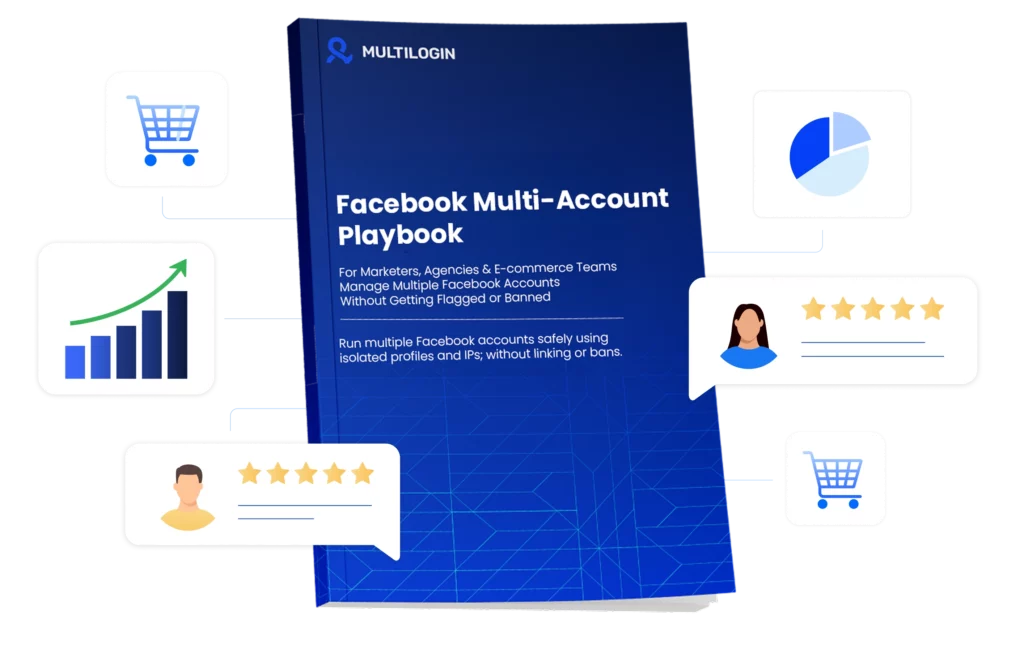
Download our latest Facebook account management guide
FAQ
Can you manage multiple Facebook accounts legally?
Managing multiple Facebook accounts can be legal depending on how the accounts are created and used. Facebook generally allows one personal profile per individual but supports managing multiple Pages, ad accounts, and Business Managers for business or agency purposes. Problems occur when multiple personal profiles represent the same person, or when accounts are used to bypass restrictions, misrepresent identity, or avoid enforcement. In practice, Facebook evaluates both policy compliance and technical signals, so legality depends on intent, accuracy, and how accounts are accessed and maintained.
How many Facebook accounts can one person have?
Facebook allows one personal account per person, which can then control multiple Pages, ad accounts, and Business Managers. Creating additional personal profiles for the same individual violates Facebook’s terms and often leads to restrictions or bans. Even when accounts appear separate, Facebook may still link them through shared devices, IP addresses, cookies, or usage patterns, which is why users often experience repeated enforcement across multiple accounts.
Can Facebook detect multiple accounts on the same device?
Facebook can detect multiple accounts on the same device by analyzing browser fingerprints, stored cookies, local storage, login behavior, and device-level signals. Detection does not require accounts to be logged in at the same time; repeated access from the same environment over time is often enough for Facebook to associate them. This is one of the most common reasons accounts become linked, especially when switching between profiles in a standard browser.
What happens if Facebook links two or more accounts?
When Facebook links multiple accounts, enforcement often extends beyond a single profile and can result in a Facebook ban, identity verification requests, temporary restrictions, or ad account limitations. In many cases, action taken on one account triggers reviews or penalties on related accounts as well, which is why users often experience cascading issues after an initial flag.
Can businesses manage multiple Facebook pages safely?
Businesses can manage multiple Facebook Pages safely when they use Business Manager, assign roles correctly, and maintain consistent access environments. Facebook supports multi-page management for brands, agencies, and franchises, but risks increase when Pages are accessed from mixed devices, shared logins, or inconsistent setups. Stability depends on clear ownership, structured access, and predictable management behavior.
Is it safe to manage multiple Facebook ad accounts?
Managing multiple Facebook ad accounts can be safe, but ad accounts are closely monitored and sensitive to linking signals. Shared IPs, overlapping billing details, repeated login patterns, or activity across accounts can trigger reviews or shutdowns. Once one ad account is restricted, related ad accounts are often examined as well, making consistency and separation critical for long-term use.
Do shared cookies cause Facebook account bans?
Shared cookies are a common reason Facebook links accounts because they store session data, identity markers, and behavioral history. When multiple accounts reuse the same browser storage, Facebook can associate them even if logins occur at different times. While shared cookies alone may not always cause immediate bans, they significantly increase the likelihood of detection when combined with other overlapping signals.