



Automate social profiles with a headless browser
Run a headless browser across all your Reddit and YouTube accounts to grow more of them at once.
Run as many accounts as you need with a headless browser
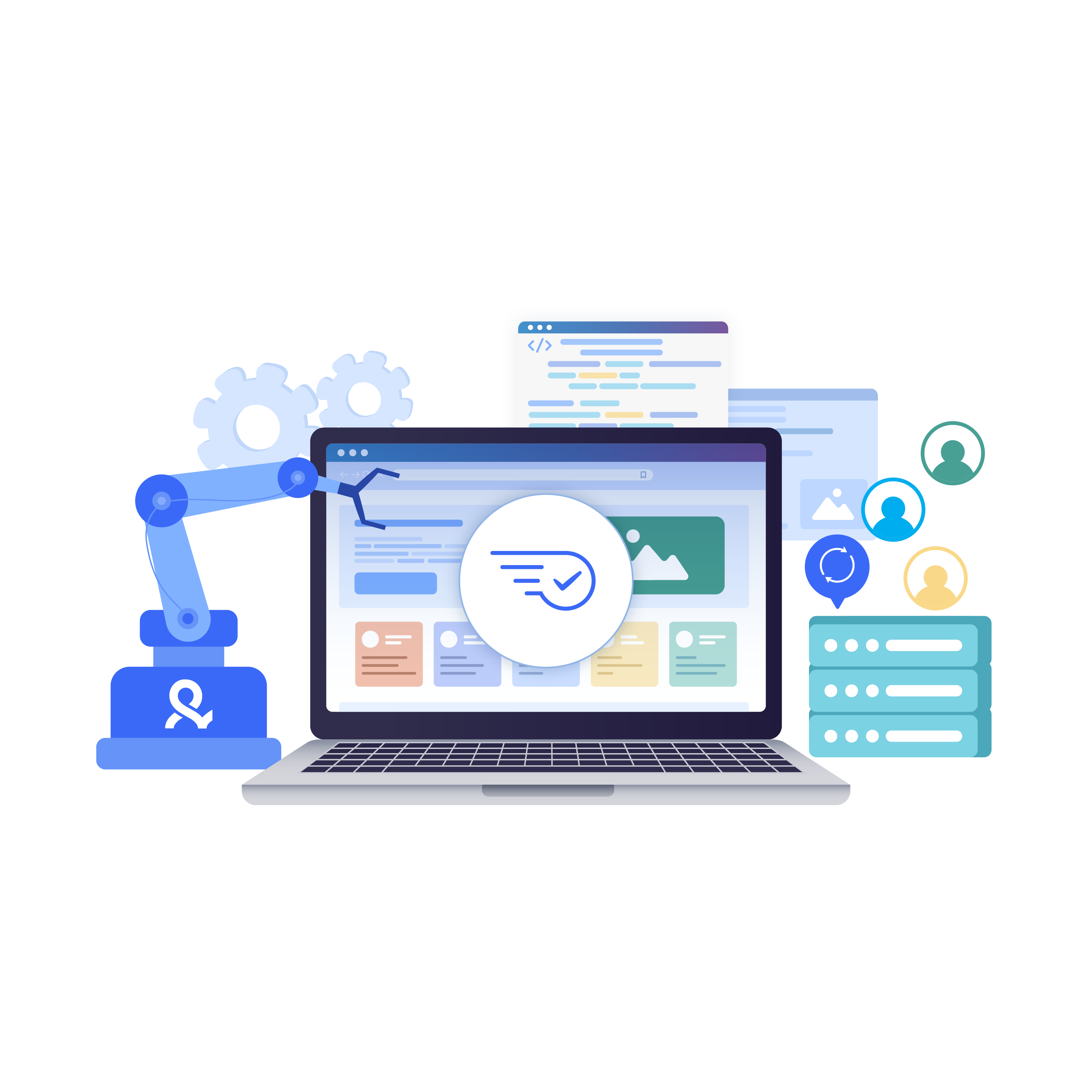
Scale background tasks across real browser profiles, not a single default instance.
Run more profiles on the same resources
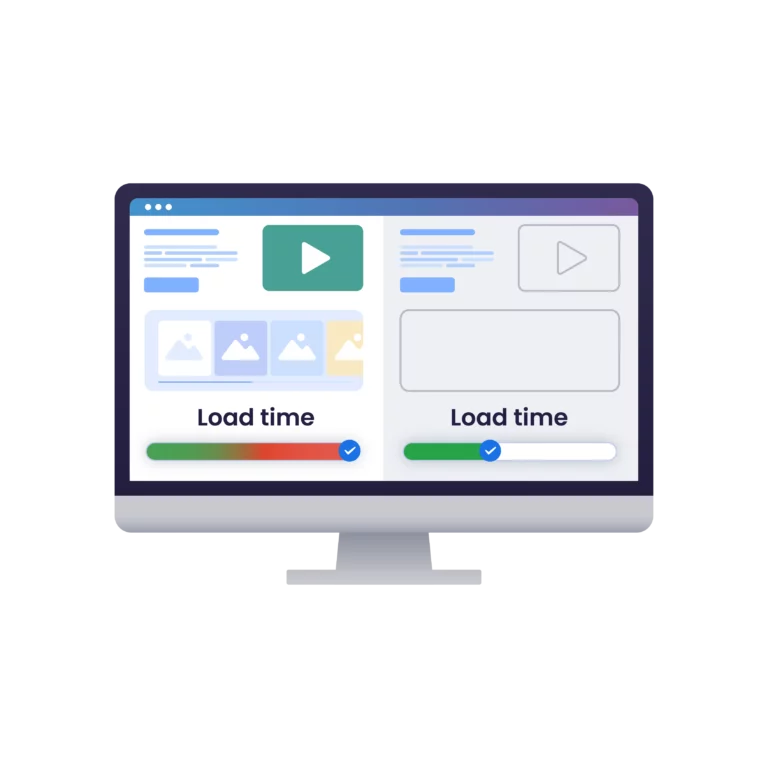
Skip loading images and ads to fit more accounts on the same machine.
Give your team a shared automated workflow
Share headless profiles and scripts across your team without handing out passwords.
Connect to more than 150 locations
Post from real browser profiles with built-in proxies across 150+ locations.
Grow your social media accounts with Multilogin cloud phones
-
Unlimited time
-
Mobile and browser profiles included
-
Free built-in proxies & mobile minutes
-
Unlimited time
-
Mobile and browser profiles included
-
Free built-in proxies & mobile minutes
What is a headless browser?
A browser that runs with no visible window, loading pages and running scripts the same as a normal one.
Why use Multilogin for headless automation?
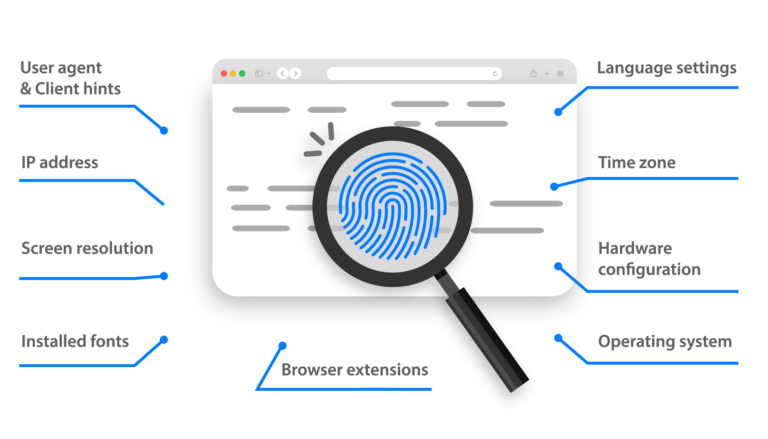
Multilogin provides isolated browser profiles with headless automation for web-first platforms like Reddit, YouTube, LinkedIn, and X. For mobile-first platforms like TikTok, Instagram, Facebook, and WhatsApp, Multilogin offers Android cloud phones that can also be automated to reduce manual work and scale social profile workflows.
Multilogin features for Cloud Phone management
Multilogin 2-in-1
Anti-detect browser profiles and cloud phones in one ecosystem. One app, one dashboard, full control.
Built-in proxy integration
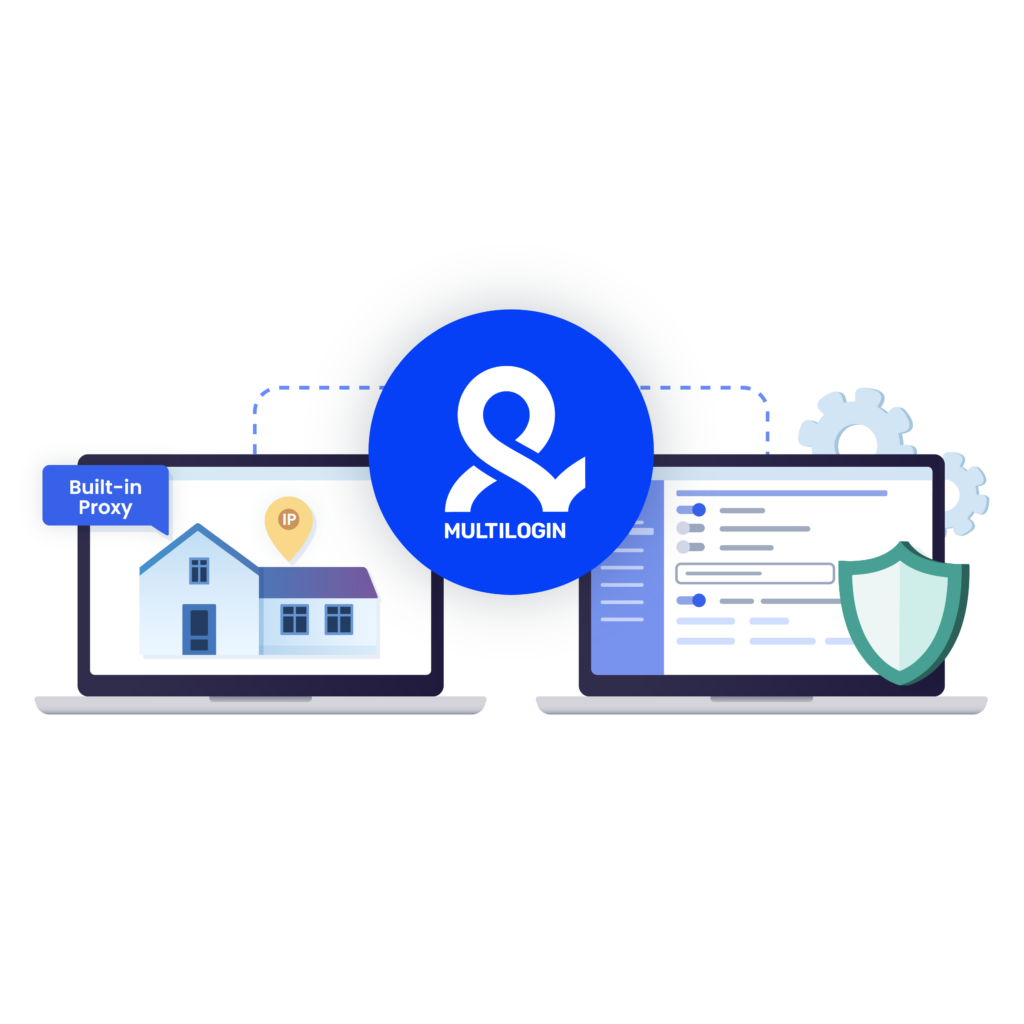
Residential IPs are included by default. 150+ countries and 1,400+ cities with daily quality testing.
Up-to-date Android versions
Stable Android versions 10–16, fully compatible with modern mobile apps.
Real brands and devices
Support for 12 real Android device brands with unique IMEI and system-level digital fingerprints.
App repository
Install TikTok, Instagram, Reddit, and other popular apps without Google Play. APK uploads are also supported.
Folders, tags and access control
Organize profiles using folders, tags, and role-based access. Manage team workflows with ease.
Enterprise-grade security
Profile encryption, 2FA, access control, and compliance-ready security for safe operations.
The most awarded multi accounting platform















How to start using Multilogin
Simple steps to get started with Multilogin

Sign up
Register using a verified email address

Choose your plan
Select from various subscription plans tailored to your business needs

Download Multilogin
Available for Windows, Mac, and Linux.

Set up headless profiles
Access the dashboard to create and configure headless browser profiles with custom fingerprints.

Launch your scripts
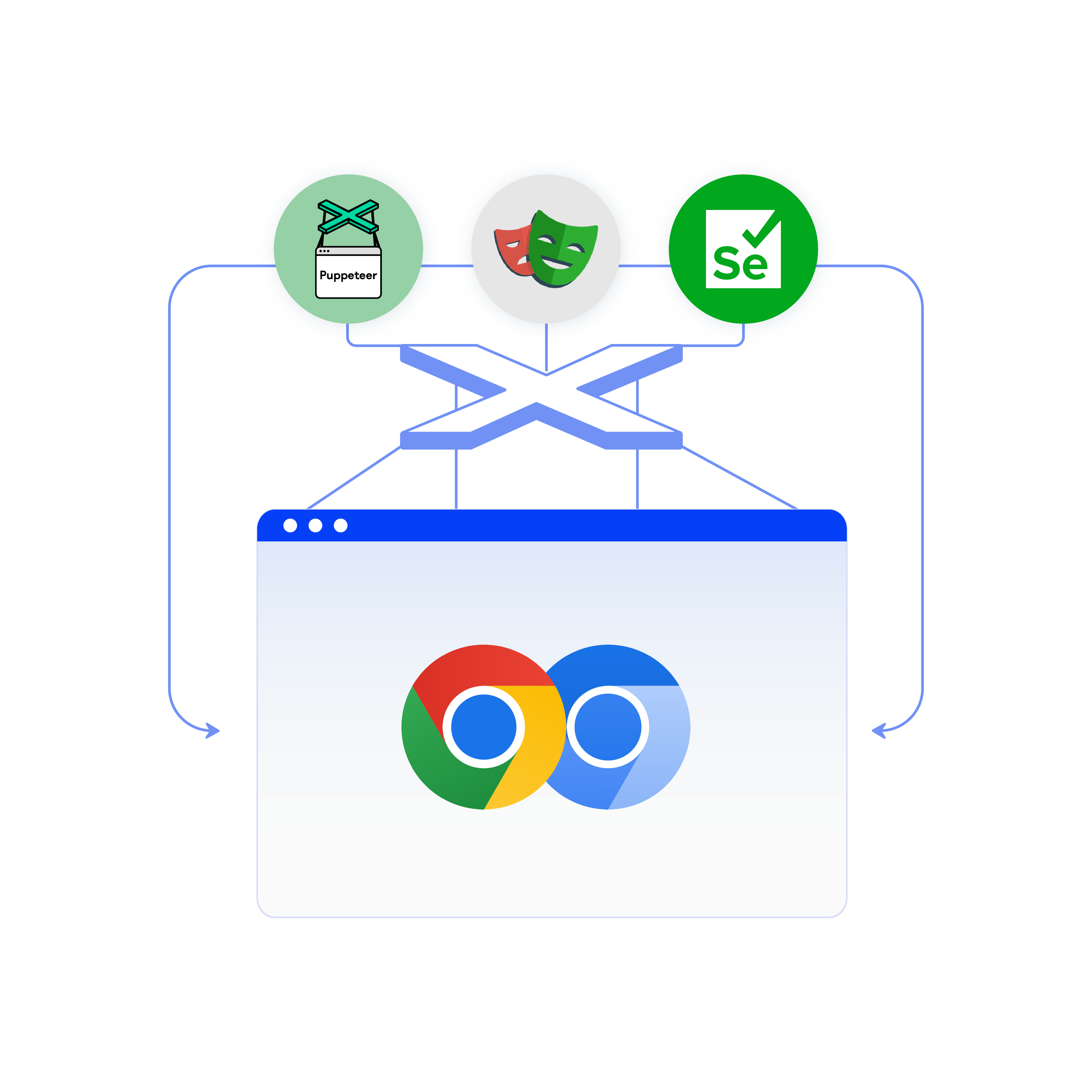
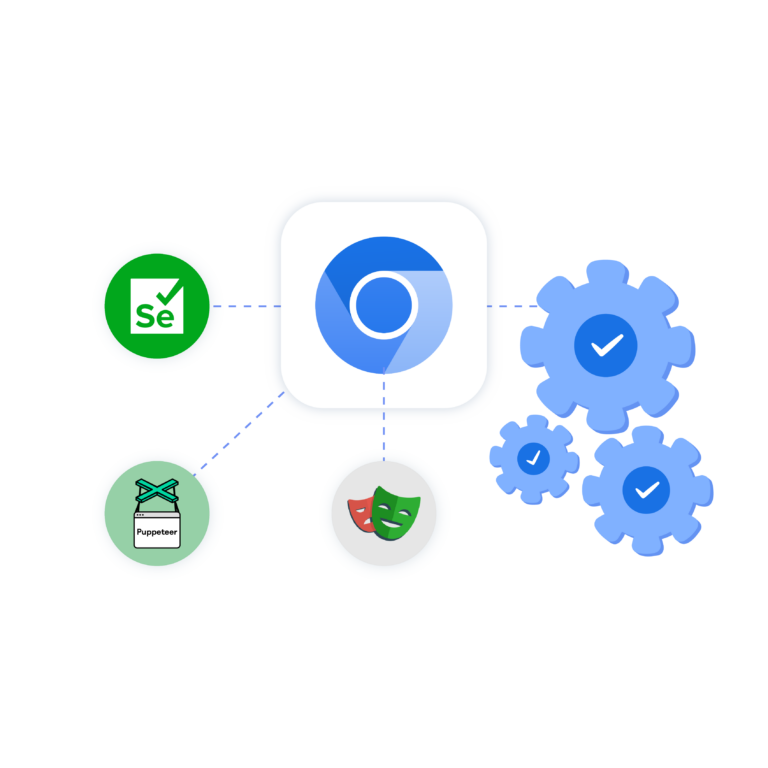
Run Puppeteer, Playwright, Selenium or Postman scripts in Multilogin’s headless environment
Watch the Multilogin Demo
Headless browser and cloud phone automation with Multilogin
Headless browsers are widely used for web automation, scraping, and testing, while mobile-first social platforms require a different environment. Multilogin brings both workflows together with isolated browser profiles for web-based tasks and Android cloud phones for native mobile apps. This guide covers how headless browser automation works, where it fits, and how Multilogin helps people and AI agents automate multiple social profiles from one dashboard.
What a headless browser is
A headless browser works like a full browser engine. It loads HTML, runs JavaScript, manages cookies, and processes dynamic content, just without displaying a browser window. That makes it lightweight and well suited to cloud environments, virtual machines, CI/CD pipelines, and automated workflows.
Headless mode is supported by modern browser tools including Chrome, Firefox, HtmlUnit, Splash, and chromedp. These are commonly paired with frameworks like Selenium, Puppeteer, or Playwright to automate interactions with complex websites, from logging in and maintaining sessions to reading JavaScript-rendered content.
For workflows involving multiple accounts, however, running everything through one default browser environment can become difficult to manage. Each account needs its own persistent cookies, sessions, network settings, and profile identity. Multilogin solves this by giving each web-based social profile its own isolated browser environment.
Automating social media accounts in the background
Background automation can handle repetitive social media workflows such as maintaining sessions, checking account activity, collecting data, and running scheduled tasks. As the number of accounts grows, keeping every social profile in its own environment becomes increasingly important for organization and consistent account history.
Multilogin provides a separate browser profile for each web-based account, with its own cookies, session, profile identity, and built-in proxy. This makes browser automation especially useful for web-first platforms like Reddit, YouTube, LinkedIn, and X. People and AI agents can automate multiple profiles while keeping each account in its own persistent environment.
Mobile-first platforms work differently, since a browser profile can’t run a native app the way a cloud phone does. Multilogin Android cloud phones provide real Android environments for mobile-first workflows on platforms such as TikTok, Instagram, Facebook, and WhatsApp. These cloud phones can also be automated, helping teams and AI agents reduce repetitive manual work.
Automating something like running multiple Instagram accounts follows the same profile-based approach, but each mobile profile runs in its own Android cloud phone with persistent app data, login history, network settings, and device identity.
Common tools for running a browser without a UI
Popular options for running a headless browser include Headless Chrome, Headless Firefox, HtmlUnit, Splash, and chromedp, commonly paired with Selenium, Playwright, or Puppeteer for automation, scraping, and testing. Chrome headless with Selenium is one of the most widely used combinations.
Multilogin extends these workflows with isolated browser profiles instead of relying on one shared browser environment. Each profile keeps its own session, cookies, identity, and proxy settings, making it easier to build persistent automation workflows across multiple web profiles. Multilogin also provides API access and integrations for teams building automated or AI-driven workflows at scale.
Scraping data at scale
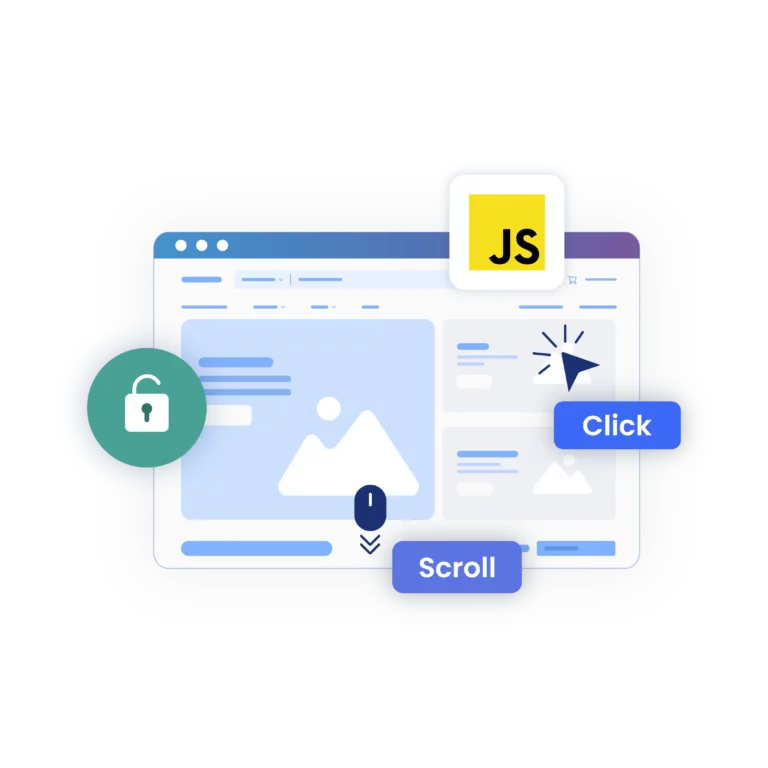
Automated browsing is widely used for scraping because it can load and interact with JavaScript-heavy pages, click elements, scroll through content, and wait for dynamic information to load before extracting data. Developers commonly combine headless browsers with Python, Selenium, Puppeteer, Playwright, and other automation frameworks for these workflows.
Multilogin runs these sessions through isolated browser profiles with built-in proxies, allowing teams to organize multiple scraping environments from one dashboard. The same setup can support general scraping workflows built with Puppeteer or dedicated LinkedIn scraper tools designed for a specific platform.
Automated testing without a visible browser window
In CI/CD pipelines, running a browser without a UI can make automated testing more efficient by removing the need to display a browser window. Headless automation can be used to test navigation, login flows, dynamic content, and other browser-based interactions automatically.
Multilogin’s browser profiles provide persistent, isolated environments for these workflows. Each profile can maintain its own browser configuration and fingerprint customization, helping teams keep automated test environments organized and consistent across repeated runs.
Choosing between browser profiles and cloud phones for automation
The right automation environment depends on where the workflow runs. For web-first platforms, scraping, testing, and browser-based account management, isolated browser profiles provide persistent sessions and separate environments. Multilogin also includes built-in residential proxies, reducing the need to source them separately from one of the many residential proxy providers on the market.
For mobile-first platforms such as TikTok, Instagram, and Facebook, Android cloud phones provide the native mobile environment that browser automation cannot. Each social profile can run on its own cloud phone with persistent app data, location, and device identity. Both browser profiles and cloud phones can be managed from the same Multilogin dashboard and connected to automated or AI-driven workflows.
In summary
Headless browsers remain an important part of web automation, but social profile workflows increasingly span both web and mobile platforms. Multilogin combines isolated browser profiles for web-first platforms with Android cloud phones for mobile-first apps, plus built-in proxies and automation support in one platform. People and AI agents can manage and automate multiple social profiles from one dashboard while choosing the right environment for each platform. Paired with a team’s social media management tools, Multilogin provides the profile infrastructure behind scalable social media workflows.
FAQ
A headless browser runs without a graphical interface, loading and interacting with web pages programmatically, which makes it well suited to automation and scraping. Multilogin runs headless sessions through its own browser profiles, so each automated session keeps a separate identity instead of sharing one browser instance.
Headless browsers automate repetitive tasks, use fewer resources than a full browser, extract data in a structured format, skip loading unnecessary resources to save bandwidth, and handle dynamic, JavaScript-heavy pages. Multilogin runs each account on its own browser profile, with its own fingerprint and proxy.
A headless browser runs without a graphical interface, loading and interacting with web pages programmatically. It’s the same browser engine underneath, just without a window to display anything in, which makes it well suited to automation and scraping.
Headless browser testing automates UI checks without launching a visible browser, which is common in CI/CD pipelines. It’s faster than testing with a full browser window open, though debugging without a visible interface takes more reliance on logs. Multilogin lets the same test run across many separate profiles at once, useful for checking how a page behaves under different device or location settings in parallel.
Yes, Selenium works with headless Chrome or Firefox. A default setup runs everything through one shared browser instance regardless of how many sessions are automated at once, which is where Multilogin differs: it connects Selenium to separate browser profiles instead, one per account.
Yes, Selenium and Playwright are both commonly controlled from Python for headless automation, and both work the same way whether the controlling script is written in Python, JavaScript, or another language.
In practice, it means using a headless browser to handle tasks like form submissions, crawling, or scraping without a visible interface, usually triggered by a script rather than a person clicking through pages manually.
A standard headless browser is fast, but runs as a single instance with no profile separation. Multilogin adds separate browser profiles, each with its own fingerprint and proxy, which is what makes headless automation practical across many accounts instead of just one
Yes. Multilogin is built for people and AI agents alike, so an agent can trigger headless sessions the same way a script would, running tasks across separate browser profiles without a person manually starting each one.
