


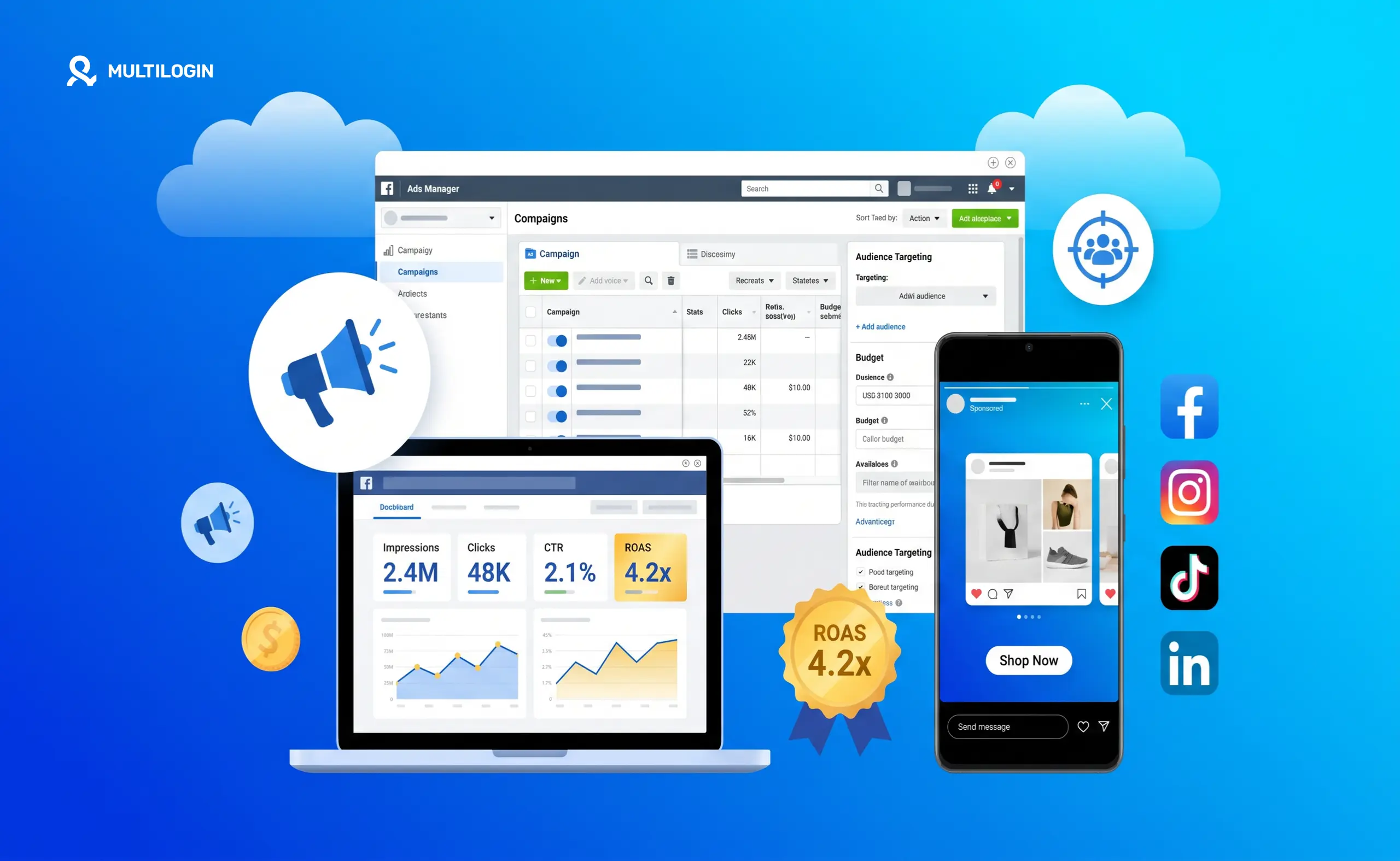



Social media advertising is one of the most cost-effective ways to reach targeted audiences in 2026. But “just run some ads” is not a strategy. Platform algorithms, ad policies, account health, audience targeting, and budget allocation all affect whether your spend actually turns into results.
This guide covers everything you need to know: what social media advertising actually is, which platforms make sense for different goals, how much it costs, and how to set up campaigns that work. We’ll also get into the side of social media ads that most guides skip entirely: managing multiple ad accounts without getting flagged.
What Is Social Media Advertising?
Social media advertising is paid promotion on platforms like Facebook, Instagram, TikTok, LinkedIn, X (Twitter), Pinterest, and YouTube. Unlike organic posts that reach only your existing followers, paid ads let you put content in front of people who have never heard of you, based on their demographics, interests, behaviors, and more.
It’s different from search engine advertising in an important way. Search ads reach people who are actively looking for something. Social ads reach people while they’re scrolling, which means your creative needs to stop them mid-feed. The targeting is interest and behavior-based rather than intent-based.
Social media advertising is also different from influencer marketing or organic content. You’re paying the platform directly for guaranteed placement, not hoping an algorithm picks up your post.
Why Advertise on Social Media?
The case for social media advertising in 2026 is straightforward:
- Reach at scale. Facebook alone has over 3 billion monthly active users. TikTok passed 1.5 billion. Instagram, YouTube, LinkedIn, and Pinterest each have massive, engaged audiences.
- Precise targeting. You can target by age, location, interests, job title, income bracket, purchase behavior, and even custom audiences built from your own customer lists. No other advertising channel offers this level of granularity at accessible price points.
- Measurable results. Every impression, click, conversion, and cost is tracked. You know exactly what your ads are doing in real time and can adjust accordingly.
- Flexible budgets. You can start with as little as five dollars a day. Social media advertising is not just for companies with large budgets, which is one reason small businesses have adopted it so heavily.
- Speed. An organic SEO strategy takes months. A paid social campaign can be live in hours and generating results the same day.
How Much Does Social Media Advertising Cost?
This is one of the most searched questions around social media ads, and the honest answer is: it varies a lot.
Here’s a rough breakdown of average costs by platform in 2026:
- Facebook and Instagram: Average cost per click (CPC) ranges from around $0.50 to $3.00 depending on your industry and targeting. Cost per thousand impressions (CPM) averages $7 to $15. Competitive niches like finance, insurance, and legal push those numbers much higher.
- LinkedIn: The most expensive platform for advertising. CPC can run $5 to $15 or more, and CPM is typically $30 to $50. The cost is justified when you’re targeting B2B decision-makers by job title or company size.
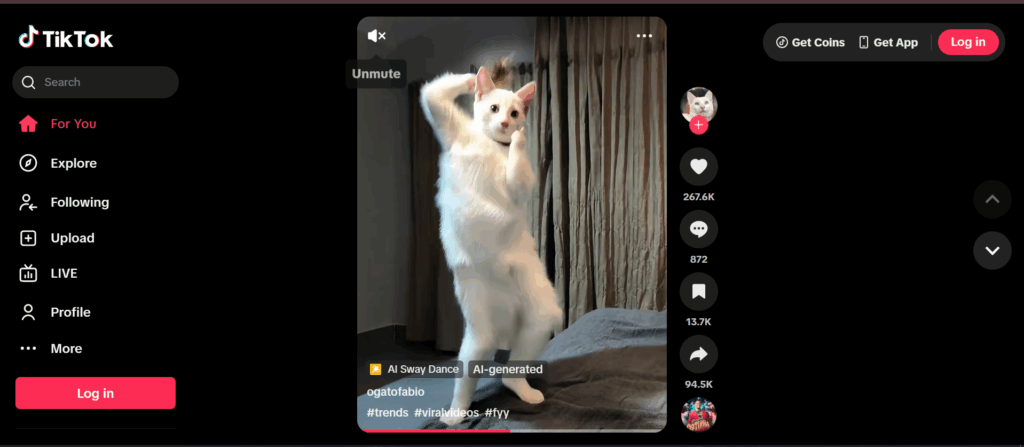
- TikTok: CPMs are currently lower than Meta, often in the $5 to $10 range, which makes it attractive for brands trying to build awareness efficiently. TikTok’s minimum campaign budget is $50 per day at the campaign level, which is a barrier for very small advertisers.
- X (Twitter): Variable. CPCs can range from $0.50 to $2.00 depending on objectives.
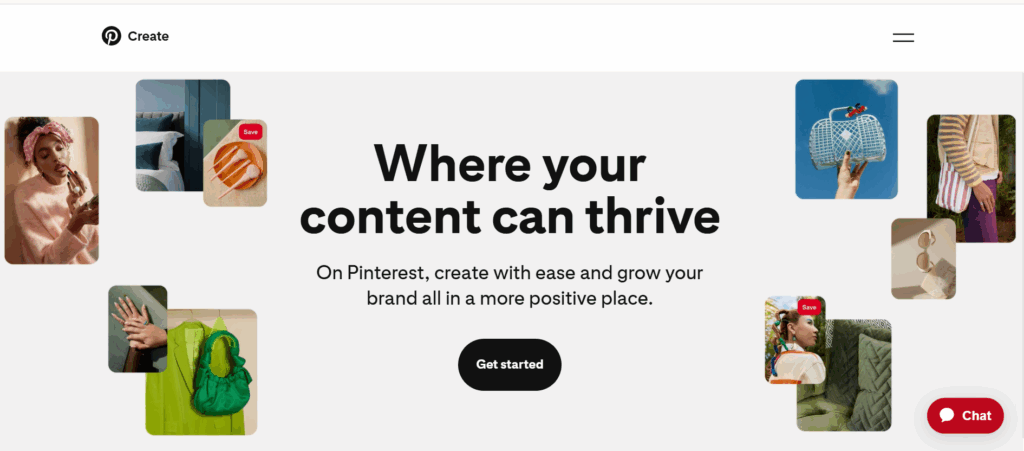
- Pinterest: CPCs average around $0.10 to $1.50. Strong for e-commerce, especially fashion, home, beauty, and food. Often underutilized by advertisers, which keeps costs lower.
- YouTube: Video ads are typically priced on a cost per view basis, usually $0.01 to $0.30 per view. Non-skippable ads cost more.
Social media advertising cost also depends heavily on your bidding strategy, ad quality score, audience competition, and time of year. Q4 is consistently the most expensive period due to holiday advertiser demand.
Which Social Media Platform Is Best for Advertising?
There’s no universal answer, but here’s a practical framework:
- Facebook and Instagram are the most versatile. They work for B2C, local businesses, e-commerce, app installs, lead generation, and brand awareness. The Meta Ads Manager gives you access to both platforms with sophisticated targeting and retargeting tools. If you’re only going to advertise on one platform, Meta is usually the safest starting point.
- TikTok is the platform for reaching younger audiences (18 to 34) with video-first content. Organic-feeling content outperforms polished brand creative here. It’s strong for product discovery, especially consumer goods, fashion, and food. The platform rewards creativity over production value.
- LinkedIn is the B2B standard. If you’re selling to businesses and need to reach people by industry, job function, seniority, or company size, LinkedIn is unmatched. The cost is high but the lead quality tends to justify it for high-ticket B2B products and services.
- Pinterest works well for visual product categories where people are actively planning purchases. Home decor, weddings, recipes, fashion, and travel all perform strongly. Pins also have a longer shelf life than posts on other platforms.
- YouTube makes sense for longer-form video content, product demonstrations, tutorials, and brand storytelling. It’s particularly effective for high-consideration purchases where video can genuinely influence decisions.
How to Advertise on Social Media: Step by Step
1. Define Your Goal
Every campaign should start with a clear objective. Are you trying to build brand awareness, drive website traffic, generate leads, get app installs, or drive direct sales? The objective you choose determines how the platform optimizes your campaign and how you measure success.
2. Know Your Audience
Good targeting is what separates profitable social ads from wasted spend. Build a clear picture of who you’re trying to reach: age, location, interests, job, income, platform habits, and what problems they’re trying to solve. The more specific you can get, the better.
Most platforms let you upload custom audiences from your own customer data and build lookalike audiences based on your best customers. Use both.
3. Choose Your Platform
Based on your goal, budget, and audience, pick one or two platforms to start. Spreading budget across five platforms simultaneously usually means underperforming on all of them. Start focused, prove what works, then expand.
4. Set Your Budget
Decide on a daily or lifetime budget. Start conservatively, especially if you’re still testing creative and audiences. A common approach is to run small tests ($20 to $50 per day) across multiple ad sets to find what works before scaling the winners.
5. Create Your Ad Content
Your ad creative is the single biggest variable in performance. On platforms like TikTok and Instagram, content that looks and feels native to the platform consistently outperforms traditional brand advertising. Short video, user-generated style content, and direct response hooks tend to work well.
On LinkedIn, professional and value-forward content performs better than aggressive sales pitches.
Write a hook that stops the scroll in the first two seconds. The rest of the ad exists to support that hook.
6. Set Up Tracking
Install the relevant pixel or tracking tag on your website before you run any ads. Without this, you’re flying blind on conversions. Facebook Pixel, TikTok Pixel, LinkedIn Insight Tag, and Pinterest Tag each take about 15 minutes to set up and make a huge difference in what you can measure and optimize.
7. Launch and Monitor
Once your campaign is live, monitor it daily for the first week. Look at click-through rates, cost per result, and conversion rates. Turn off underperforming ads early and shift budget to what’s working.
8. Test and Scale
Scaling social media ads is about systematically testing variables: audiences, creative, copy, and placements. Change one thing at a time so you know what’s driving results. When you find a winning combination, increase the budget gradually rather than all at once.
How to Advertise on Social Media for Free
Paid advertising is the fastest way to reach new audiences, but free social media promotion is still valuable.
Organic content builds long-term audience relationships that paid ads can’t replicate. Strong organic presence also makes paid ads more effective because people who see your ads and then check your profile find an active, credible account.
Strategies for free social media promotion include consistent posting, engaging with your community, using relevant hashtags, collaborating with other creators, and optimizing your profile for discoverability.
That said, organic reach on most platforms has declined significantly. Using paid ads to amplify your best organic content is one of the most efficient approaches in 2026.
Managing Multiple Ad Accounts at Scale
Here’s something most social media advertising guides don’t cover: what happens when you need to run ads across multiple ad accounts.
This is common for agencies managing campaigns for multiple clients, affiliate marketers running offers across different accounts, e-commerce operators with multiple brands or storefronts, and advertisers who have had accounts restricted and need operational continuity.
Platforms like Facebook and TikTok actively detect when multiple ad accounts are being managed from the same device or browser. They flag this as suspicious activity, which can lead to account restrictions or bans, even when the underlying advertising is completely legitimate.
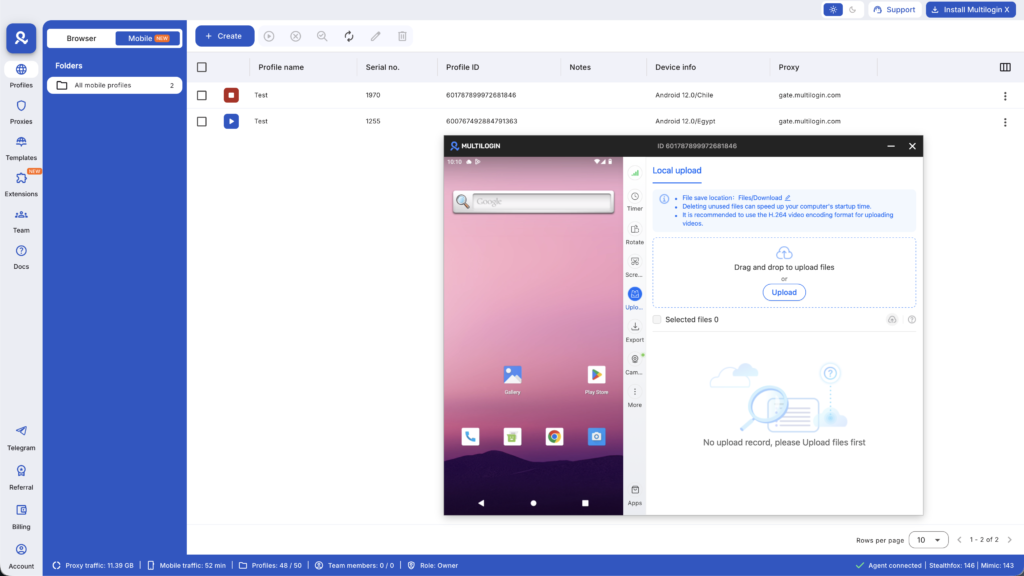
This is where Multilogin Cloud Phones make a real difference. Each Cloud Phone is a real Android device hosted in the cloud, with its own unique hardware identifiers, IMEI, Android ID, and residential proxy. When you manage different ad accounts from separate Cloud Phones, each account looks like it’s being operated from a completely different physical device in a different location.
For agencies managing multiple Facebook ad accounts or multiple Meta Business Suite accounts, this kind of isolation is the difference between scaling smoothly and constantly dealing with flagged accounts.
You can also use Cloud Phones to manage TikTok Ads Manager accounts across multiple clients or campaigns, with each account operating from its own isolated device environment.
Is Social Media Advertising Worth It?
For most businesses, yes, but only if you approach it strategically.
Social media ads are not a vending machine where you put money in and sales come out. They require testing, iteration, and ongoing management. The businesses that see the best results treat social advertising as a system to optimize over time, not a one-time campaign to set and forget.
The ROI varies widely by industry, offer, and execution. E-commerce brands often see strong returns from Meta and TikTok when they nail their creative and targeting. B2B companies frequently find LinkedIn worth the premium cost for qualified lead generation. Local service businesses often do well with Facebook’s local targeting features.
If you’ve tried social ads before and they didn’t work, the problem is almost always the creative, the targeting, or the offer, not the platform itself.
Social Media Advertising: Common Mistakes to Avoid
- Targeting too broadly. More reach is not always better. Tighter targeting almost always outperforms broad audiences in cost per result.
- Ignoring mobile. The vast majority of social media ad impressions are on mobile. Design your creative for a phone screen first.
- Running ads without tracking. If you can’t measure conversions, you can’t optimize. Set up your pixel before you spend a dollar.
- Giving up too early. Most campaigns need at least one to two weeks and meaningful spend before the data is reliable enough to draw conclusions.
- Not testing creative. Your first ad concept is rarely your best. Test multiple hooks, formats, and messages before scaling.
- Managing multiple accounts from the same device. If you’re running ads across multiple accounts without proper isolation, you’re risking restrictions that could shut down your entire operation. Use proper account separation tools from the start.
Want to manage multiple social media accounts? Try Multilogin Cloud Phones.
Frequently asked questions About How to Advertise on Social Media
It depends on the platform and your targeting. Facebook and Instagram typically run $0.50 to $3.00 per click. LinkedIn is the most expensive at $5 to $15+ per click. TikTok CPMs tend to run $5 to $10. Pinterest is often the most affordable, with CPCs as low as $0.10. You can start on most platforms with as little as $5 to $10 per day, though $20 to $50 per day gives you enough data to make meaningful decisions.
Facebook and Instagram through Meta Ads Manager are the most versatile and work for almost any business type. TikTok is best for reaching younger audiences with video content. LinkedIn is the go-to for B2B. Pinterest performs well for visual product categories like home, fashion, and food. The best platform is the one where your target audience spends the most time.
Yes, when done strategically. Social media ads give small businesses access to the same targeting tools as large brands, with flexible budgets that scale with results. The key is starting with a clear goal, testing creative before scaling spend, and tracking conversions properly. Many small businesses see strong returns from local Facebook and Instagram campaigns.
Yes. Create pins that link to your Instagram profile or link-in-bio page. Use Pinterest to drive traffic to Instagram-exclusive content. Cross-promote: tell Pinterest users to follow you on Instagram for more.
Optimize your profile bio and pinned posts. Post 5 Reels per week in a consistent niche. Reply to every comment within 3 hours of posting. Leave substantive comments daily on posts in your niche from engaged accounts. Use Stories daily to maintain existing follower relationships. The combination typically reaches 1,000 followers within 4 to 8 weeks for accounts in commercial niches with good content quality.
Social media marketing is the broader practice of building a presence and audience on social platforms, including both organic content and paid ads. Social media advertising specifically refers to the paid component, where you pay the platform directly for guaranteed placement to audiences beyond your existing followers.
Final Thoughts
Social media advertising in 2026 is more competitive than ever, but it’s also more accessible. The platforms have gotten better at helping advertisers reach the right people, and the tools for tracking and optimization have improved significantly.
Start with one platform, define a clear goal, test your creative aggressively, and track everything. If you’re managing multiple accounts or clients, make sure you have the right infrastructure to keep accounts isolated and healthy.
For the multi-account side of things, check out how Multilogin Cloud Phones keep ad accounts safe and separate at scale.


