


Create multiple Meta Business Suite accounts
Manage multiple Meta Business Suite accounts using isolated cloud phones and browser profiles. Schedule posts on Facebook and Instagram, respond to messages from one dashboard, and monitor ad campaigns.
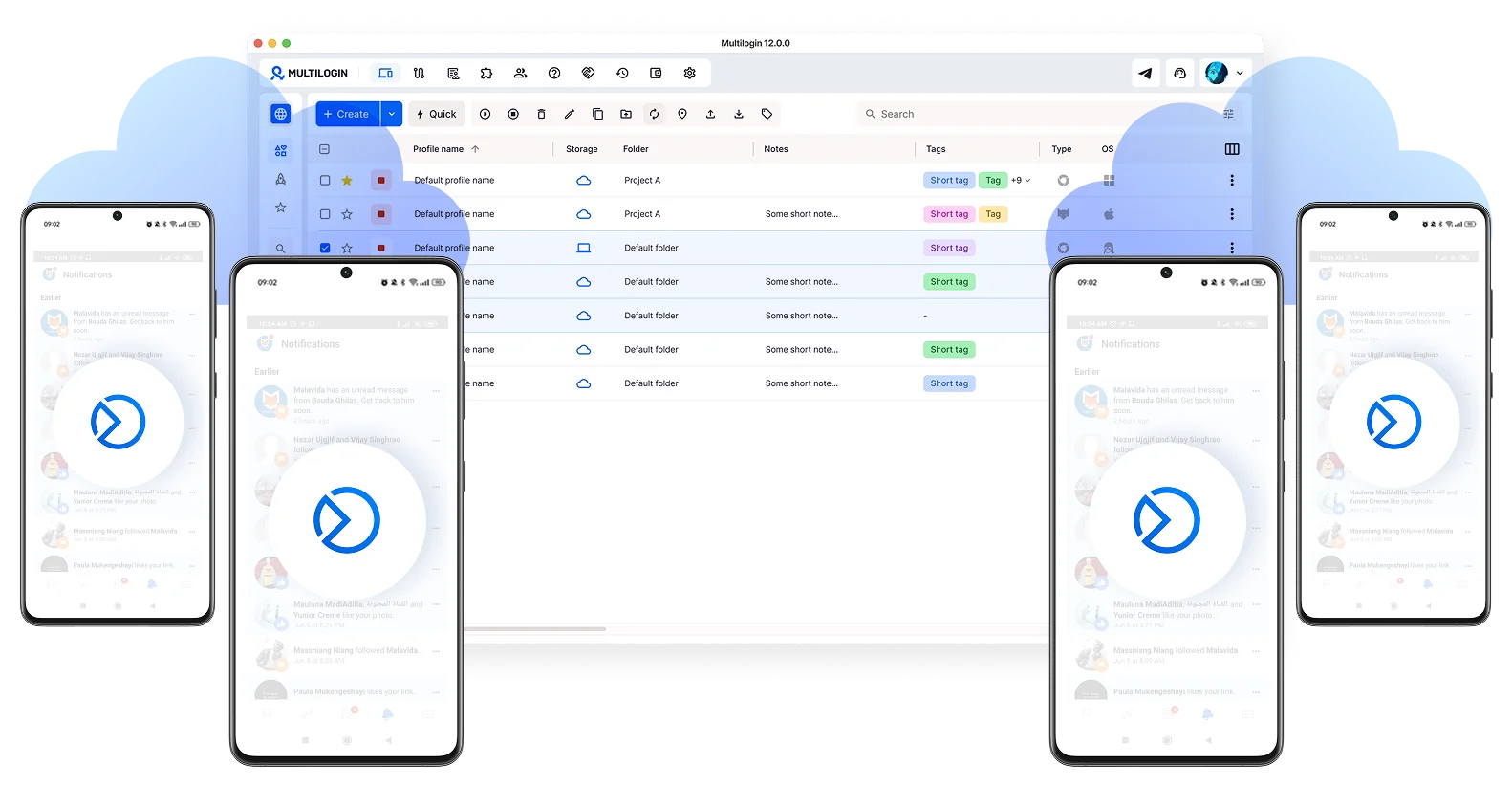
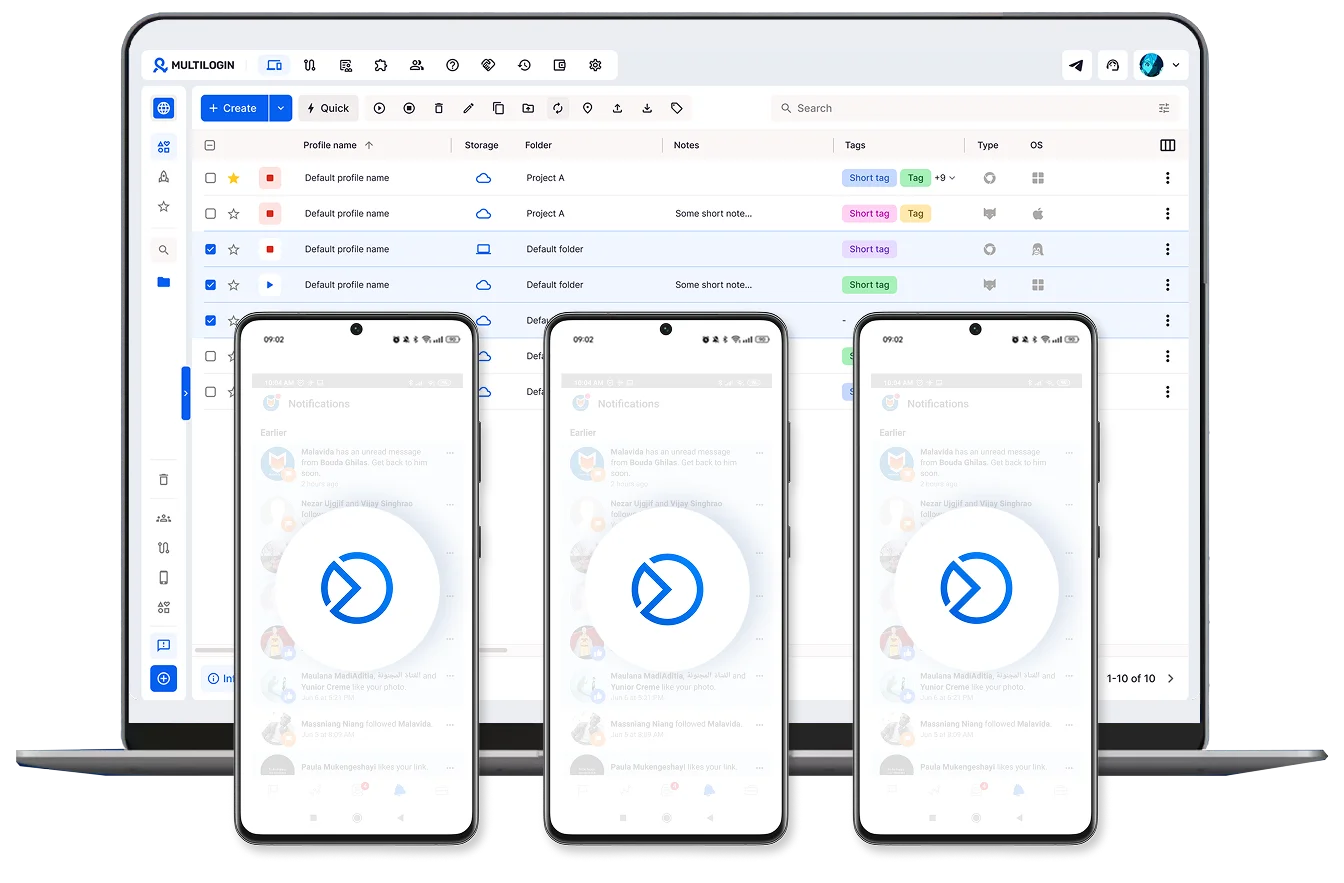
Run multiple Meta Business Suite accounts in parallel
Operate multiple Business Suite accounts at the same time using separate cloud phone and browser profiles. Keep each client or brand fully isolated without mixing Pages, ads, or Instagram accounts.
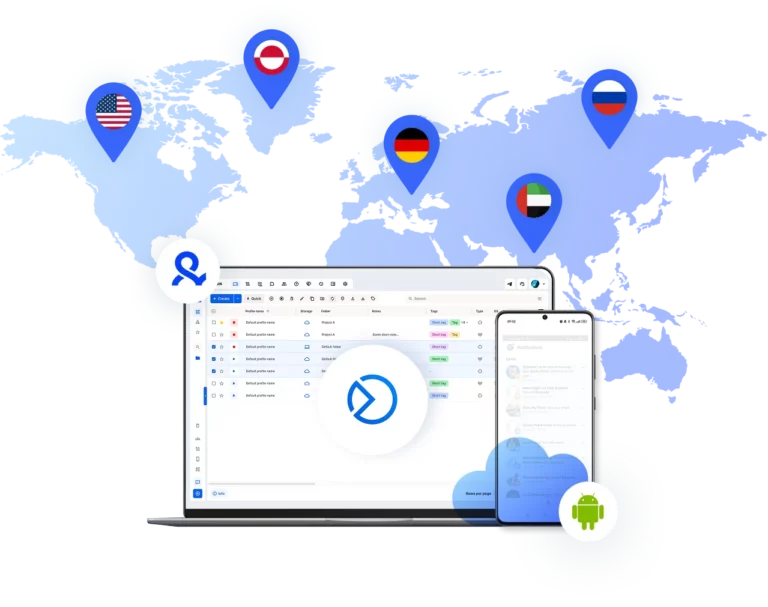
Build your business without borders
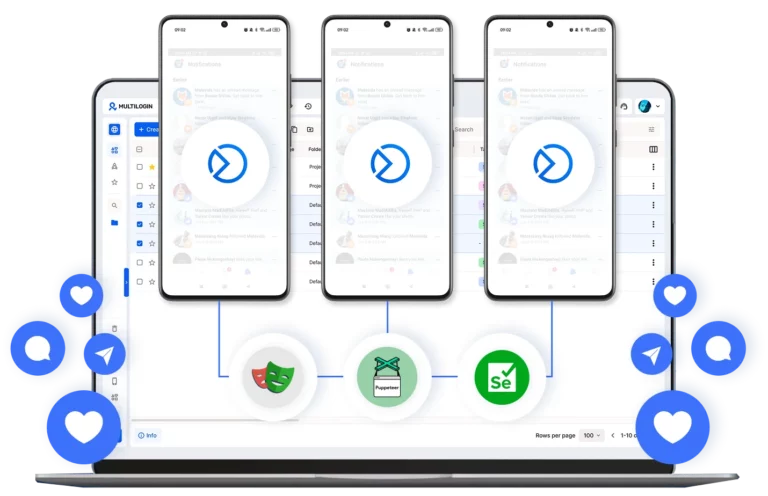
Automate Meta Business Suite workflows
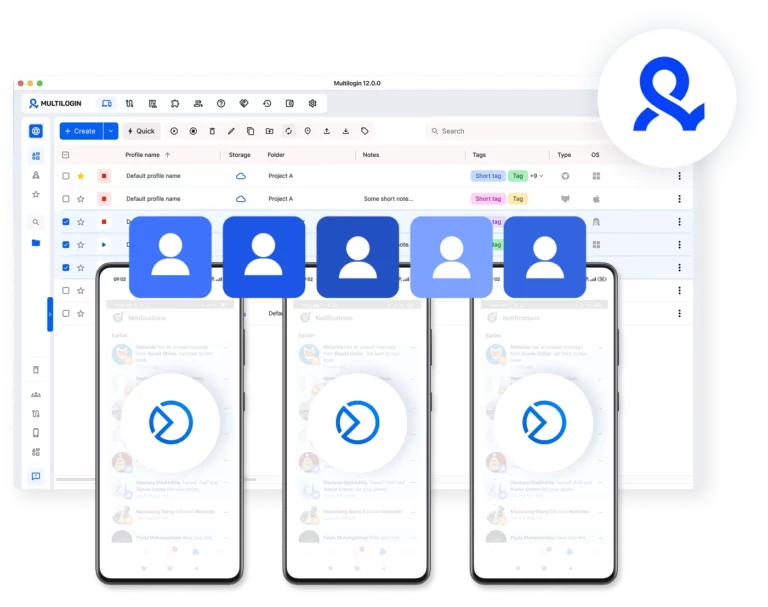
Share mobile and browser profiles with your team
Give your team access, assign roles, and manage all Business Suite accounts from one unified dashboard with full separation between clients and brands.
Grow your social media accounts with Multilogin cloud phones
-
Unlimited time
-
Mobile and browser profiles included
-
Free built-in proxies & mobile minutes
-
Unlimited time
-
Mobile and browser profiles included
-
Free built-in proxies & mobile minutes
What are cloud phones for Meta Business Suite accounts?
Cloud phones are real Android devices that run online instead of physical hardware. They let you access and manage Meta Business Suite accounts through mobile apps without using real phones or emulators.

Why use Multilogin for Meta Business Suite accounts?
Multilogin gives every Meta Business Suite account the tools it needs: cloud phones, browser profiles, and built-in proxies, all in one platform with no extra setup.

The most awarded multi accounting platform















Watch the Multilogin Demo
How to start using Multilogin
Get started with Meta Business Suite accounts in minutes

Sign up
Register using a verified email address to create your Multilogin account.

Choose your plan
Select from various subscription plans tailored to your business needs.

Download Multilogin
Install Multilogin on Windows, macOS, or Linux to access browser profiles and cloud phone management from one place.

Access the Multilogin dashboard
Create browser profiles or launch cloud phones to manage Meta Business Suite accounts in isolated environments.

Run multiple Facebook Ad Accounts
Set up and Meta Business Suite accounts using separate browser profiles, all from one secure platform.
Managing a Meta Business Suite account for social media marketing
Running a successful social media marketing strategy often means handling several brands or client profiles at once. Meta Business Suite is a great tool for this, but using it for many different businesses from one place can be difficult. If you manage multiple accounts from the same browser, you might face issues like account linking or sudden restrictions that slow down your work.
To keep your operations smooth, you need a way to keep each business identity separate and stable.
Using Multilogin for posting on Instagram and Facebook at scale
Multilogin makes it easy to manage many Meta accounts from one dashboard. Instead of using different laptops or clearing your browser data every day, you can run all your accounts in separate, stable environments.
With Multilogin, you can:
- Schedule and post content: Manage your reels, stories, and posts across multiple pages without switching devices.
- Handle customer messages: Keep your inboxes organized and respond to comments quickly from one place.
- Collaborate with your team: Share access to specific accounts with your team members without sharing passwords.
- Use residential IPs: Match your account’s location with a pool of 30 million IPs to keep your presence natural.
Each account stays in its own bubble, so your work is always organized and secure.
Strategic advantages for affiliate marketing and paid ads
If you are involved in affiliate marketing or running paid ads, stability is even more important. Meta’s ad systems are very sensitive to device signals and IP consistency. Using a shared environment for multiple ad accounts can lead to restricted ad delivery or account bans.
Multilogin helps you:
- Run multiple ad accounts: Keep your Ads Manager, pixels, and audiences completely separate for every campaign.
- Monitor performance: Track your ad spend and results across different brands without any data leakage.
- Scale your campaigns: Add new ad accounts as your business grows without needing more hardware.
This is essential for marketers who need to run high-volume ad campaigns across different niches or regions.
Using cloud phones for mobile-first social media tasks
Many tasks, like posting certain types of reels or stories, are easier to do from a mobile app. Cloud phones are real Android devices that run in the cloud, giving you a genuine mobile environment for every account.
With cloud phones, you can:
- Run the native Meta apps: Use the real Facebook and Instagram apps on Android versions 10 to 15.
- Keep your sessions active: Your login data and app cache are saved, so you can pick up where you left off.
- Use unique hardware signals: Each cloud phone has its own IMEI and MAC address, making it look like a real physical phone.
This is perfect for social media managers who need to be active on mobile to keep their engagement rates high.
Why you need a dedicated Meta Business Suite account for each brand
Meta tracks how you access your pages and ad accounts. If you use the same device and browser for many different businesses, the platform can link them together. This is a common problem for agencies and freelancers who handle a large portfolio of clients. When accounts are linked, a problem with one can affect all the others.
Common issues include:
- Ad accounts getting restricted because they share the same digital footprint.
- Frequent login challenges that interrupt your posting schedule.
- Difficulty managing different pixels, catalogs, and audiences without overlap.
By giving each brand its own isolated environment, you can avoid these risks and keep your client data safe.
Better ways to manage your business suite account and content
A good setup for social media marketing involves more than just logging in and out. You need a system that keeps your cookies, history, and device signals completely apart for every account you manage.
A reliable workflow includes:
- Isolated browser profiles: This ensures that your work for one client never mixes with another.
- Persistent sessions: You stay logged in to your pages and ad accounts, so you can work faster.
- Unique device identities: Each profile looks like a different computer to Meta, which helps prevent account linking.
This allows you to focus on creating great content and engaging with your audience instead of dealing with technical blocks.
Keeping your marketing operations stable for the long term
The world of social media marketing is always changing, and platforms are constantly updating their security. The marketers who succeed are the ones who build their business on a foundation of technical consistency and organization.
Multilogin provides the tools you need to keep your Meta Business Suite accounts stable and your work organized. It is the best way to scale your agency or marketing business with less stress and more control.
Multiple Meta Business Suite accounts FAQ
Meta Business Suite is the central dashboard where businesses manage their Facebook and Instagram presence. It brings together posting, messaging, analytics, and ad management into one place, making it practical for agencies and freelancers handling multiple brands at once.
The challenge is that running several client accounts from the same device creates overlapping signals that Meta’s systems detect and flag. Multilogin solves this by giving each business its own dedicated Android cloud phone for mobile tasks and an isolated browser profile for desktop work, all managed from one dashboard. Each account looks like a completely separate person to Meta, which keeps your entire portfolio safe and organized.
Most restrictions at agency level have nothing to do with content violations. Meta tracks device signals, IP addresses, and browser fingerprints across every login. When multiple client accounts share the same device or connection, the platform links them together and flags the activity automatically. Common consequences include:
- Ad accounts restricted because they share the same digital footprint
- Frequent login challenges that interrupt posting schedules
- Pixels, catalogs, and audiences overlapping between clients
Multilogin prevents this by keeping each business account on its own dedicated Android cloud phone with genuine hardware identifiers and a matched residential IP. A problem with one client’s account stays completely isolated from the rest.
The key is making sure each client’s account has its own device identity, connection, and session history. When these overlap, Meta links the accounts together and any issue with one can bring down the others.
With Multilogin, each client runs on its own Android cloud phone with unique hardware identifiers including IMEI, Android ID, and MAC address. Built-in residential proxies match each account to its target location automatically. Session data and login states are saved between sessions, so you can jump straight into managing a client’s pages without going through verification every time.
Posting reels, managing stories, and staying active on Instagram all work better through the native mobile app. Doing this across multiple client accounts on one physical phone creates the same detection risks as sharing a browser on desktop.
Multilogin’s Android cloud phones give each client account its own real Android device running in the cloud. Each cloud phone runs the native Facebook and Instagram apps on genuine Android versions 10 to 15, maintains persistent app data and login states between sessions, and comes with unique hardware identifiers that make it indistinguishable from a real physical phone. You get full mobile functionality for every client without managing any actual hardware.
Meta’s ad systems are particularly sensitive to device signals and IP consistency. Running multiple ad accounts from the same environment is one of the fastest ways to trigger restrictions across an entire campaign portfolio.
Each ad account needs its own completely isolated environment. With Multilogin, every client’s Ads Manager, pixel, and audience data runs on its own dedicated Android cloud phone with a unique hardware identity and matched residential IP. There is no data leakage between campaigns, no shared signals between clients, and no risk of one restricted account pulling down the others.
Yes, and doing it properly is essential for both security and account stability. Sharing login credentials or devices between team members creates overlapping signals that get accounts linked and flagged.
Multilogin lets you assign specific Android cloud phones and browser profiles to individual team members with controlled permissions. No passwords are shared and no devices are shared. App data and session history are stored in the cloud, so any team member can pick up exactly where the last person left off without disrupting the account’s history or triggering any flags from Meta.
Growing an agency means adding new client accounts regularly, and every new account is a risk if it is not properly isolated from the start. The common mistake is rushing the setup and letting new accounts share signals with existing ones.
With Multilogin, adding a new client is straightforward. You launch a new dedicated Android cloud phone, assign it a residential proxy matched to the client’s market, and set up the Meta Business Suite account entirely within that isolated environment. The cloud phone builds a natural session history from day one, and because it is completely separate from every other client environment, it poses no risk to your existing portfolio. The same process works whether you are managing ten clients or a hundred.
