


The best LinkedIn scraper tools in 2026 vary widely, from lightweight browser extensions for individual recruiters to advanced automation platforms for sales teams and agencies.
👉 In this guide, you’ll compare the top 10 tools by data coverage, automation, pricing, export options, ease of use, and suitability for extracting LinkedIn profiles, emails, companies, and lead data.
The right choice depends on your workflow. For example:
- Solo recruiters may prefer simple tools for small profile lists
- Sales teams may need verified emails, CRM integrations, and bulk exports
- Agencies may prioritize automation, team access, and multi-account scalability
Tools such as PhantomBuster, Dux-Soup, Linked Helper, Apollo, and Wiza serve different use cases, so the best option is not always the one with the longest feature list. It is the one that matches your extraction volume, data requirements, and account-management setup.
For teams operating multiple LinkedIn accounts, Multilogin Cloud Phone adds isolated Android environments, centralized access, and more structured account workflows.
👉 Compare the top LinkedIn scraper tools below and explore Multilogin Cloud Phone for a more scalable multi-account workflow.
What Counts as a LinkedIn Scraper Tool, Really?
A LinkedIn scraper tool is any software that pulls data off LinkedIn profiles, company pages, or search results automatically, instead of you copying and pasting it by hand.
That’s the short version. In practice, though, the category covers a surprisingly wide range of tools. Some run inside your browser as an extension and mimic normal clicking behavior. Others operate in the cloud, meaning you don’t even need your laptop open for a scrape to run. A few plug directly into your CRM so the data lands exactly where your sales team needs it, no exporting, no cleanup.
What ties them together is the goal: turning LinkedIn’s messy, scroll-heavy interface into a clean spreadsheet or database you can actually use.
How We Evaluated These Tools
Not every scraper is built for the same job, so comparing them on a single axis wouldn’t tell you much. We looked at:
- Data types supported — profiles, companies, job listings, emails, phone numbers
- Extraction method — browser extension, cloud-based, or API
- Export formats — CSV, Excel, direct CRM sync
- Automation depth — can it run campaigns, not just scrape?
- Pricing and free trials — is there a real way to test before buying?
- Account safety — does it respect rate limits, or does it push your account toward a ban?
That last point matters more than most buyers realize. A tool that scrapes fast but gets your LinkedIn account restricted isn’t saving you time. It’s costing you a network you might have spent years building.
Quick Comparison Table
| Tool | Best For | Data Focus | Automation | Free Trial |
|---|---|---|---|---|
| PhantomBuster | Cloud automation, no browser needed | Profiles, companies, posts | High | Yes, limited |
| Dux-Soup | Recruiters and solo users | Profiles, connection tracking | Medium | Yes |
| Linked Helper | Multi-account agencies | Profiles, messaging sequences | High | Yes |
| Waalaxy | Sales prospecting on a budget | Profiles, emails | Medium | Yes, free tier |
| Octopus CRM | LinkedIn-only outreach teams | Profiles, campaign stats | Medium | Yes |
| Evaboot | Sales Navigator exports | Emails, company data | Low | Limited |
| Skrapp.io | Email enrichment | Verified emails | Low | Yes, small quota |
| Wiza | Clean list-building for sales | Emails, phone numbers | Low | Yes |
| Apollo.io | All-in-one prospecting platform | Profiles, emails, company data | High | Yes, generous |
| TexAu | Custom workflow builders | Profiles, posts, engagement data | High | Yes |
PhantomBuster: The Cloud-First Option
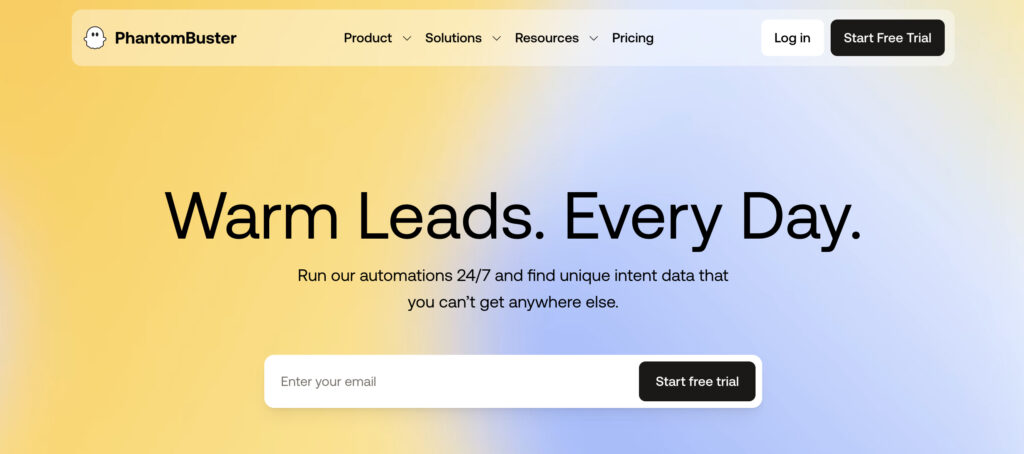
PhantomBuster runs your scrapes in the cloud, which means you close your laptop and it keeps working. That alone makes it one of the Best LinkedIn scraper tools for anyone juggling more than one project at a time.
It works through pre-built “Phantoms,” small automation scripts you configure without touching code. You want to scrape profiles from a search result page? There’s a Phantom for that. Want to auto-connect with a filtered list? Also covered. The learning curve is a little steeper than a simple browser extension, not gonna lie, but the payoff is real flexibility once you get past week one.
| Pros | Cons |
|---|---|
| Runs in the cloud, no browser dependency | Setup takes longer than plug-and-play tools |
| Huge library of pre-built automations | Pricing scales quickly with volume |
| Works across multiple platforms, not just LinkedIn | Some Phantoms overlap in function, a bit confusing at first |
Dux-Soup: Simple, Reliable, Browser-Based
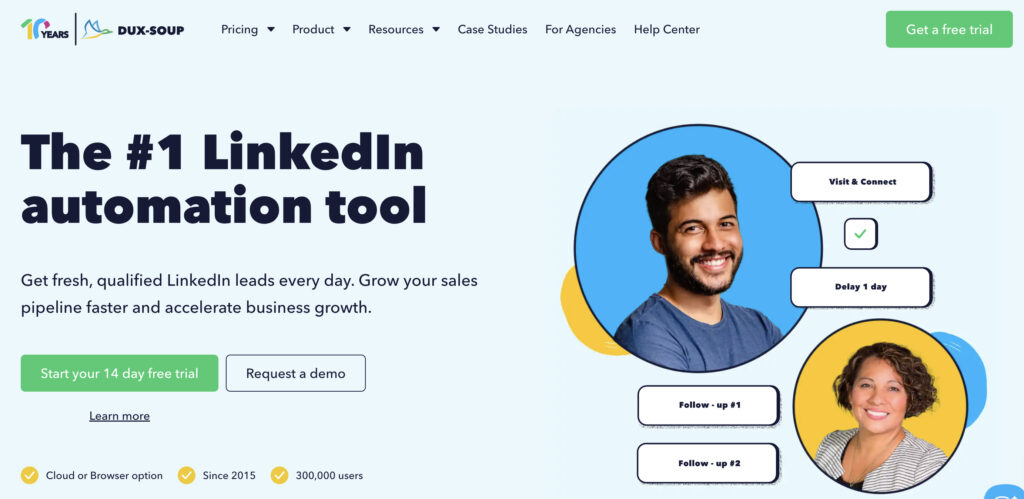
Dux-Soup answers a straightforward need: automate the boring parts of LinkedIn prospecting without a huge learning curve.
It’s a Chrome extension, which means it runs alongside your normal browsing. You visit profiles, it tags and tracks them. Set it to auto-visit a list of leads, and it’ll quietly work through them while you do other things. Recruiters tend to like it because it’s less “sales automation platform” and more “assistant that remembers who you talked to.”
| Pros | Cons |
|---|---|
| Very easy setup, no code or complex config | Runs through your own browser, so speed is tied to your machine |
| Good for tracking who you’ve viewed or messaged | Less suited to very large-scale scraping |
| Reasonable pricing for solo users | Limited export formatting options |
Linked Helper: Built for Agencies Managing Multiple Accounts
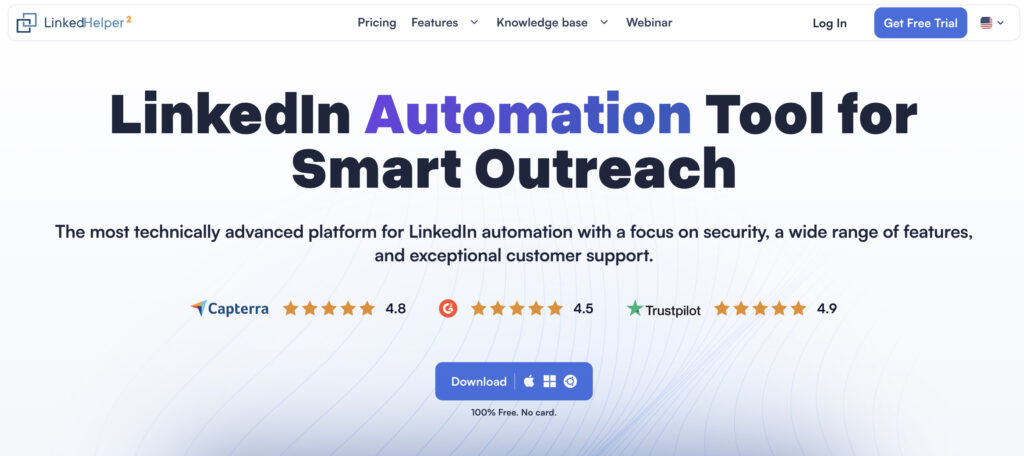
Linked Helper leans into multi-account, multi-campaign use. If you’re an agency running outreach for several clients, this is where things get interesting.
It supports messaging sequences, connection automation, and profile scraping in one dashboard, and it’s designed with the expectation that you’re not managing just one LinkedIn account. Naturally, this brings up the account safety question again. Agencies handling several profiles typically pair a tool like this with dedicated browser profiles and clean IPs per account, otherwise LinkedIn’s detection systems start noticing patterns fast.
Pro tip: Never run multiple LinkedIn accounts from the same browser session with the same IP. It’s one of the fastest ways to get several accounts flagged at once instead of just one.
| Pros | Cons |
|---|---|
| Strong support for managing multiple accounts | Interface feels dense for first-time users |
| Combines scraping and outreach in one tool | Requires careful setup to avoid detection |
| Good messaging automation features | Pricing tiers can get complicated |
Waalaxy: The Budget-Friendly Prospecting Tool
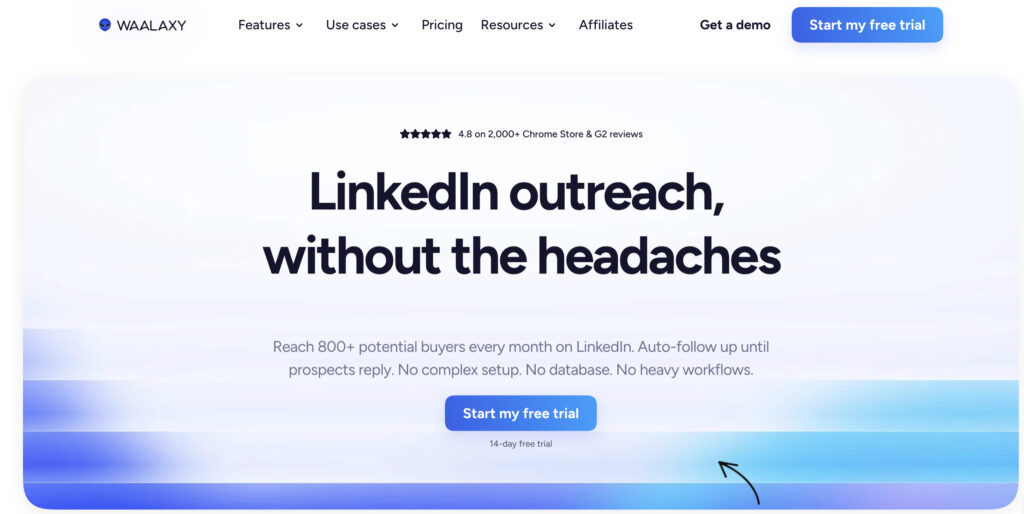
Waalaxy is aimed squarely at small teams and solo founders who want prospecting automation without an enterprise price tag.
It combines LinkedIn actions (connection requests, follow-ups) with email discovery, so you’re not stuck choosing between platforms. The free tier is genuinely usable for testing, which is more than you can say for a lot of tools on this list.
Octopus CRM: LinkedIn-Only, and Proud of It
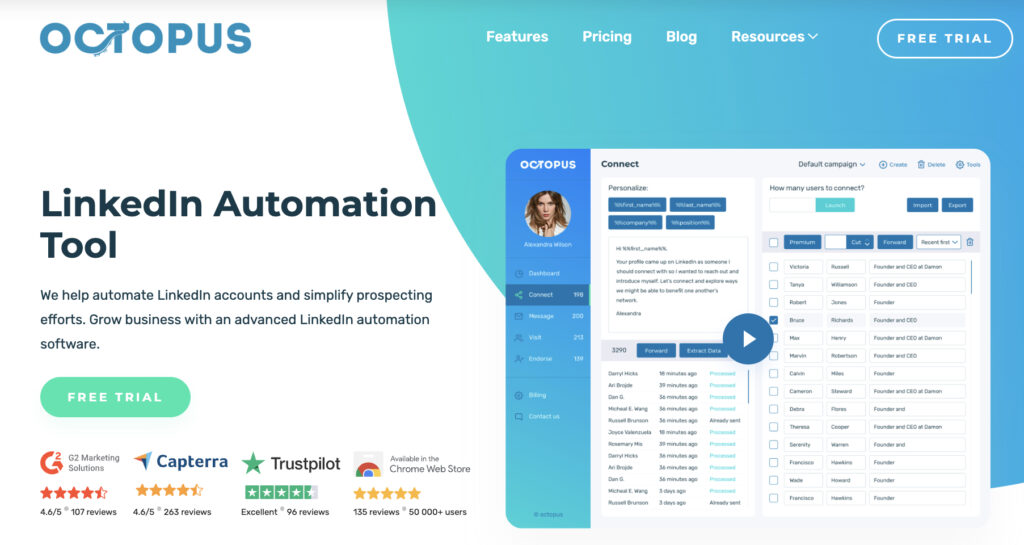
Octopus CRM doesn’t try to be everything. It’s built specifically for LinkedIn outreach campaigns, and that focus shows in how clean the workflow feels.
Where it earns its spot among the Best LinkedIn scraper tools is campaign visibility. You can see response rates, connection acceptance, and messaging performance without exporting data into a separate analytics tool.
Evaboot: The Sales Navigator Specialist
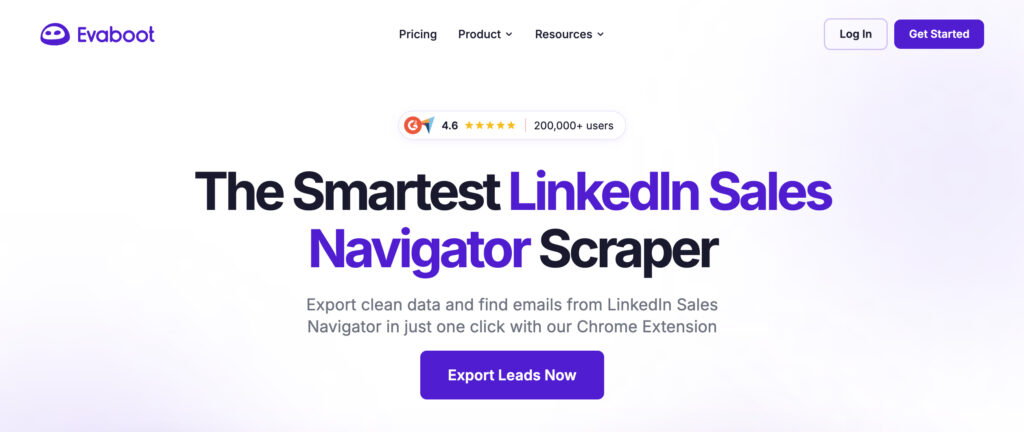
Evaboot exists for one job: cleaning up and exporting Sales Navigator search results. If your team already lives in Sales Navigator, this tool removes the manual copy-paste step entirely.
It’s narrower in scope than platforms like PhantomBuster or Apollo, but that narrowness is the point. Teams that need exactly this one thing tend to prefer a tool that does it well over a bloated all-in-one suite.
Skrapp.io and Wiza: The Email-Focused Duo
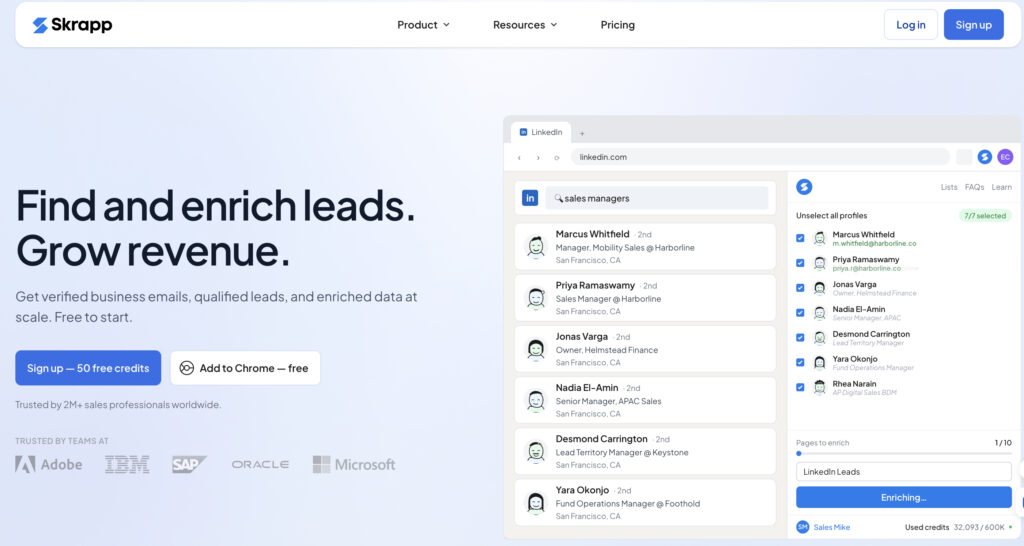
Both Skrapp.io and Wiza focus on turning LinkedIn profiles into verified contact details, mainly emails and sometimes phone numbers.
Neither tries to automate connection requests or messaging. Instead, they slot into a workflow where scraping profiles and reaching out are handled separately, often through a CRM or outreach platform. If your bottleneck is bad or missing email data rather than the scraping itself, these two are worth a look before anything heavier.
Apollo.io: The All-in-One Contender
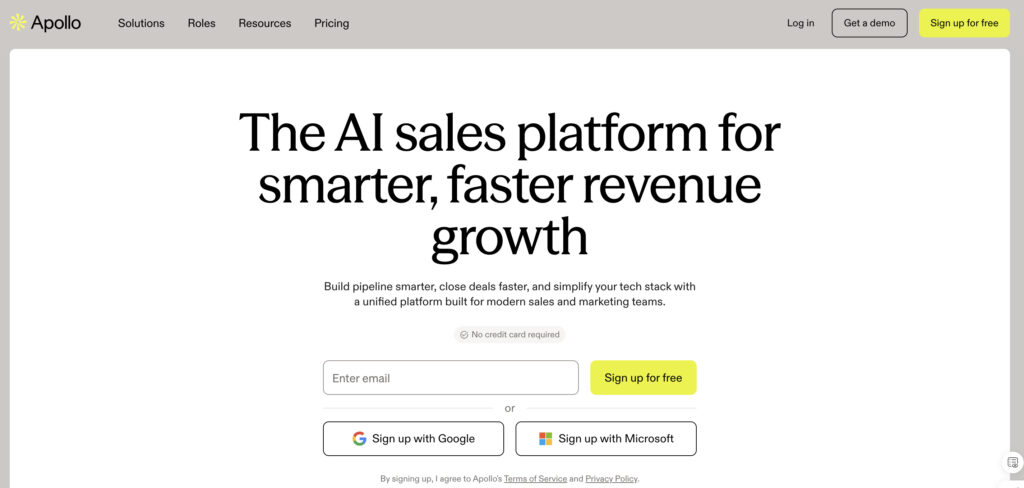
Apollo tries to be a full prospecting platform rather than just a scraper, and for a lot of sales teams, that’s exactly the appeal.
It combines a large contact database with LinkedIn-based enrichment, email sequencing, and CRM integrations. The free plan is generous enough that smaller teams can genuinely run outreach on it before ever paying, which isn’t something every tool on this list can claim.
| Pros | Cons |
|---|---|
| Combines database search with LinkedIn enrichment | Can feel overwhelming with so many features |
| Strong CRM integrations | Contact accuracy varies by industry |
| Generous free tier for testing | Advanced features locked behind higher plans |
TexAu: For Teams Who Want to Build Custom Workflows
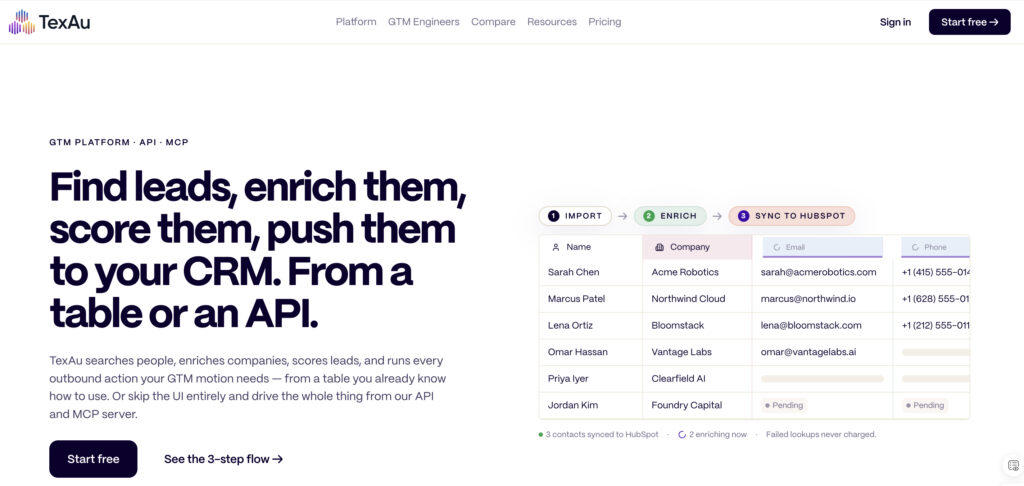
TexAu is the tool for people who’ve outgrown simple scrapers and want to chain automations together. Scrape a search result, feed it into an email finder, then push it into an outreach sequence, all without manual handoffs between steps.
It has a steeper learning curve than most tools here, honestly. But for teams with the patience to build it out, the flexibility pays off.
How to Choose the Right One for You
Ask yourself what you’re actually optimizing for before picking anything off this list.
Need raw volume and don’t mind a setup curve? PhantomBuster or TexAu. Want something dead simple that just works out of the box? Dux-Soup. Running an agency with several client accounts? Linked Helper, paired with real account safety measures. Mostly need clean emails, not full automation? Skrapp.io or Wiza will get you there faster than the bigger platforms.
Budget matters too, obviously. Waalaxy and Apollo both offer usable free tiers, which makes them a smart starting point if you’re not ready to commit to a paid plan yet.
What If Scraper-Specific Tools Aren’t Enough?
LinkedIn scraper tools can extract profiles, company details, emails, or lead lists, but they do not always solve the operational challenges behind larger workflows. Teams managing multiple accounts may still need separate environments, stable sessions, location control, proxy management, automation, and shared access.
Multilogin addresses that gap as an all-in-one multi-account management platform. It combines browser profiles and real Android cloud phones in one dashboard, allowing teams to separate LinkedIn accounts across persistent environments instead of relying on multiple physical devices or disconnected tools.
With Multilogin Cloud Phone, teams can:
- Run each LinkedIn account in its own Android environment with separate apps, files, logins, and session data
- Assign proxies and align device location with network settings
- Manage mobile and desktop LinkedIn workflows from one workspace
- Share access with team members while controlling permissions
- Support automation, research, lead collection, and data-export workflows at scale
This makes Multilogin especially relevant for agencies, recruiters, sales teams, and data operations that have outgrown standalone scraper extensions. The scraper handles extraction; Multilogin provides the account infrastructure needed to keep environments organized, isolated, and easier to scale.
Use LinkedIn data only when you have a lawful basis and appropriate authorization, and follow applicable privacy rules and platform requirements.
👉 Want to export your LinkedIn connections quickly and efficiently? Read this step-by-step guide on how to download LinkedIn contacts.