


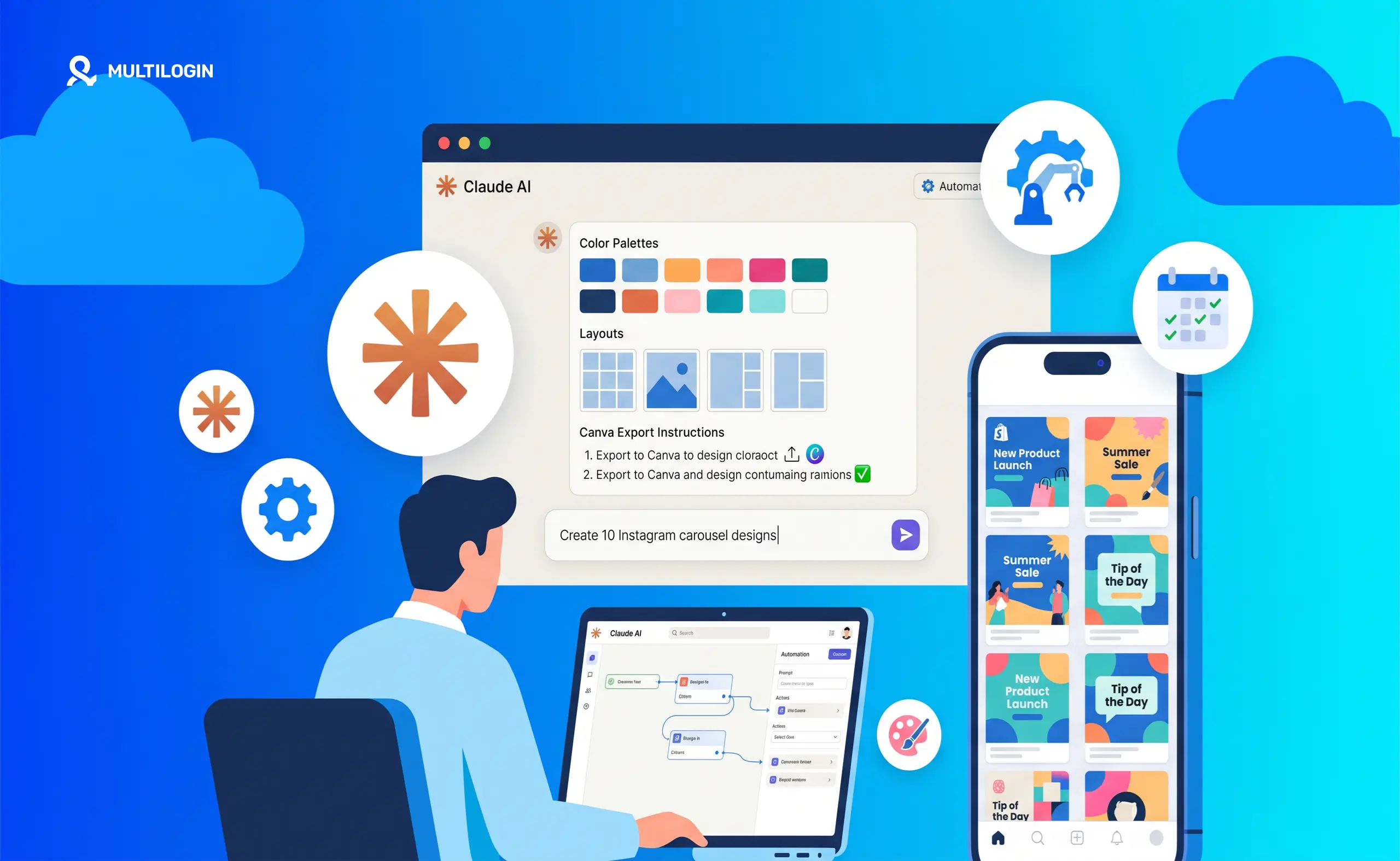



The fastest social media content producers in 2026 are not working harder: theyare running a system. Claude handles strategy, copy, ideas, and structure. Canva handles design. Scheduling tools handle distribution. The human role shifts from execution to direction, quality control, and the genuinely irreplaceable elements: personal voice, authentic stories, and real judgment calls.
This guide shows you exactly how to build that system, from the master brief that trains Claude on your brand to the weekly batch production workflow that generates a full week of content in two hours or less.
For the full context, see Claude AI for social media managers, Claude AI workflow for managing multiple social media accounts, and how to use Claude and Canva together.
Why Claude and Canva Work Together Better Than Either Tool Alone
Claude produces language. Canva produces visuals. Social media content requires both. The two tools combined cover the complete production workflow through Claude’s Canva connector — Claude writes the caption, the script, the hook, and the strategic brief for the visual; Canva executes the visual based on that brief.
The practical advantage is speed and volume. Writing captions manually and designing each graphic from scratch caps out fast, most people hit a wall well before they’ve covered a full week of content. Using Claude for copy and Canva for templated execution removes most of that ceiling: the writing and design happen in parallel instead of in sequence, so a batch that used to take a full day can realistically get done in an afternoon.
The quality advantage is consistency. Claude maintains brand voice guidelines across every caption it generates once those guidelines are established in the master brief. Canva brand kits ensure every visual stays on-brand regardless of who creates it or how quickly. The system produces consistency at volume that manual production cannot sustain.
Step 1: Build Your Master Brief
The master brief is the document you paste at the start of every Claude session to set the context for everything that follows. Without it, Claude produces generic output. With it, Claude produces content that sounds specifically like your brand or your client’s brand.
Your master brief should include the following elements:
- Brand identity. The brand name, what the business does, the primary product or service, and the unique value proposition in one sentence.
- Audience description. The specific job title or life situation of the ideal follower, their primary pain points, their goals, and what they search for on each platform.
- Brand voice guide. Three to five adjectives that describe the tone. Specific phrases that are always used. Specific phrases that are never used. Examples of content that sounds right — paste 2 to 3 actual posts that capture the voice perfectly. Examples of content that sounds wrong — paste 2 to 3 examples of what to avoid.
- Content pillars. The 3 to 5 recurring themes the account posts about. For each pillar: the core topic, the audience benefit, and 3 example post ideas.
- Platform rules. For each platform you post on: maximum length, format preferences, hashtag approach, and CTA style.
- Hard rules. Specific things Claude must always do (end every Instagram caption with a question) or never do (use em dashes, start posts with “I”, use the phrase “dive into”).
Spend 30 minutes building this brief once per brand or client. Every session that follows costs a fraction of the time it would without it.
Step 2: The Weekly Batch Production Workflow
Batch production is the core operating principle of efficient social media content creation. Rather than creating content daily — which fragments attention, causes decision fatigue, and produces inconsistent quality — batch production consolidates all creative work into one focused weekly session.
The workflow has five stages that take approximately 90 to 120 minutes per brand per week for a typical 5-posts-per-week output:
Stage 1: Weekly brief (10 minutes). Open Claude, paste your master brief, and add the week’s context: any upcoming events, seasonal moments, product announcements, trending topics in the niche, or specific audience insights from last week’s analytics. Give Claude the raw material it needs to produce relevant content.
Stage 2: Content generation (30 minutes). Run the following prompt: “Based on my brand brief above, generate this week’s content. I need: 2 Instagram Reels scripts with hooks and CTAs, 2 Instagram captions (one save-driving educational, one engagement-driving opinion), 1 carousel outline with 8 slide titles, 1 LinkedIn post, 3 TikTok hooks to test, and 5 caption options for the following visual I am creating: [describe visual or paste image].”
Review and select the strongest outputs. Request rewrites for anything that does not match the brand voice perfectly. Add your personal details — the specific number from your own experience, the real client story, the genuine opinion — to any content that needs a human layer.
Stage 3: Visual production in Canva (40 minutes). Open Canva with your brand kit active. Using Claude’s outputs as the copy brief for each visual, produce the week’s graphics and video covers from your templates. The copy is already written — Canva execution becomes a fill-in process rather than a creative process.
Stage 4: Quality review (15 minutes). Review every piece of content against your brand brief. Check that voice is consistent, that facts are accurate, that CTAs are appropriate, and that no AI-generated tells remain — overused phrases, em dashes, “delve into,” generic observations that could apply to any brand.
Stage 5: Schedule (10 minutes). Load everything into your scheduling tool. Done.
Step 3: Automate Platform-Specific Variations
One piece of content rarely works across all platforms without adaptation. The message can be the same but the format, length, tone, and CTA need to match each platform’s culture and algorithm requirements.
Claude handles this efficiently. Once you have a core piece of content, run this prompt: “Take this core message: [paste]. Adapt it for: Instagram caption (1,200 characters, save-driving, question CTA), LinkedIn post (300 words, professional but personal, comment-driving CTA), TikTok hook set (5 different 5-word hooks that would work as video openers), X/Twitter post (under 250 characters, bold standalone claim), and Pinterest pin description (keyword-rich, 100 words, answer a search query).”
In under 60 seconds you have platform-specific versions of one core idea. This is the repurposing system that multiplies the value of every piece of original thinking you produce.
Step 4: Use Claude for Design Briefs
Beyond writing captions and scripts, Claude can generate the creative brief that tells Canva what to build. This is particularly useful when working with a team where different people handle copy and design — Claude produces a clear brief that the designer can execute without a briefing call.
Prompt for design briefs: “Write a visual design brief for an Instagram carousel about [topic] for [brand]. Include: headline for each slide, visual direction (color mood, image style, text hierarchy), font size recommendations, and one design principle to prioritize for each slide.”
The output is a document that any designer — including one using Canva’s template system — can execute without creative ambiguity. Copy and design brief in one session. The Canva execution becomes mechanical rather than interpretive.
Step 5: Build a Prompt Library for Recurring Content
Certain content types recur every week for most social media accounts. Product features. Client testimonials. Educational posts. Behind-the-scenes content. Weekly roundups. For each recurring format, build a saved prompt template that you fill in with the week’s specific details.
Example recurring prompt: “Write an Instagram caption for this week’s [industry tip]. This week’s tip is: [one sentence]. Use the brand voice from my brief. Format: bold hook sentence, 2 to 3 short paragraphs, question CTA. Under 1,200 characters.”
A library of 10 to 15 such prompts covers most of what a typical social media account needs each week. The prompts become the briefing system. Claude generates the content. The human edits and adds the personal layer. The output is consistent, on-brand, and produced in a fraction of manual time.
Step 6: Claude for Analytics Interpretation
Claude accelerates not just content creation but performance analysis — the feedback loop that makes the system improve over time.
Paste your weekly analytics data directly into Claude: impressions, reach, saves, shares, comments, and follower change for each post. Then prompt: “Here is my performance data for the past week: [paste]. Identify the patterns. What drove the highest saves? What generated the most shares? What content type had the lowest engagement rate? Give me 3 specific content adjustments for next week based on this data.”
This turns raw analytics into strategic direction in under 2 minutes — a process that typically takes an experienced social media manager 20 to 30 minutes to complete manually with less systematic rigor.
150+ Claude Prompts for Social Media Growth
Click any prompt to copy it instantly. Fill in the [brackets] with your details. Or use the prompt builder to generate a custom prompt from scratch.
Managing Multiple Claude-Powered Accounts Safely
For agencies running Claude-assisted content workflows for multiple clients, the account management infrastructure becomes the critical layer underneath the content system.
The efficiency of Claude and Canva working together to produce high-quality content at scale only delivers value if the accounts that distribute that content operate safely and independently. Multiple client accounts posting through the same device or IP address create linked account signals that Instagram, TikTok, LinkedIn, and other platforms detect and can restrict simultaneously.
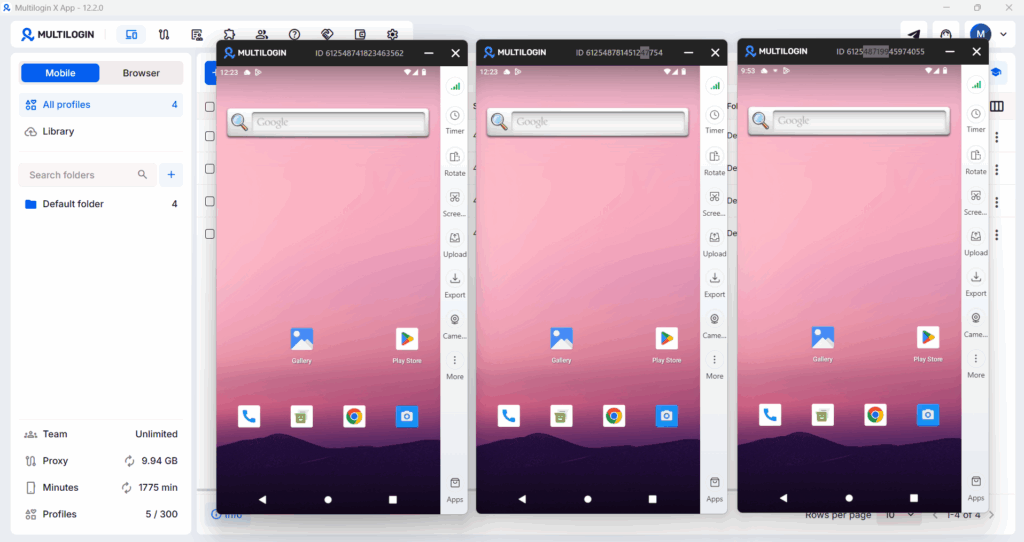
Multilogin’s Cloud Phone provides completely isolated environments for each client account — separate device fingerprints, built-in separate residential IPs, separate operating environments. The Claude and Canva system handles the content layer. Multilogin handles the account safety layer. Combined, they form the full-stack infrastructure for professional social media management at scale.
For the complete agency setup, see how to manage multiple social media accounts, how to manage social media accounts for multiple clients, and best cloud phones for social media marketing.


Manage multiple accounts with Android cloud phones
Build account trust, reach new locations, and grow faster from one dashboard
Frequently asked questions About How to Automate Claude Design for Social Media
No. Claude can write the copy, generate design briefs, and connect to Canva to produce the visuals, but it doesn’t post or schedule content on its own. Getting content live still requires a scheduling tool like Buffer or Hootsuite, or a platform’s native scheduler, to handle the actual publishing and timing.
Not directly. Claude doesn’t have a built-in connection to Instagram, TikTok, Facebook, or other platforms that lets it publish a post on your behalf. It can write the caption, generate the design brief, and hand off a finished visual through the Canva connector, but the actual publishing step still needs to happen through a scheduling tool, a platform’s native composer, or an API-based automation you or your team set up separately.
Claude writes the copy, captions, scripts, hooks, and design briefs for social media posts. It does not generate images directly. The automation workflow pairs Claude’s text output with Canva’s visual design to cover both sides of content production — Claude handles the language layer, Canva handles the visual layer.
Build a master brief that establishes your brand voice, audience, content pillars, and platform rules. Paste it at the start of every Claude session. Use the batch production workflow to generate a full week of content in one focused session. Edit for personal details and quality. Schedule through your preferred tool.
Yes, with Magic Resize. Once a design is finished, you can resize it to any platform format, such as square post, Story, landscape, LinkedIn, YouTube thumbnail, in one step. This is one of the biggest time-savers in the workflow for multi-platform content.
Connecting Claude to Canva is available on Claude’s free plan. The Canva connector itself is free to use. Some Canva features used in this workflow (Brand Kit, Magic Resize) require a Canva Pro subscription.
Teams using AI-assisted content creation report a 60 to 70 percent reduction in first-draft creation time. For social media managers producing 20 to 30 pieces of content weekly, this typically translates to 8 to 15 hours saved per week — time that can be redirected to strategy, client relationships, and the human judgment elements that AI cannot replicate.


